
2 to 4 photos · One natural picture
Image Combiner: Combine Two Photos into One
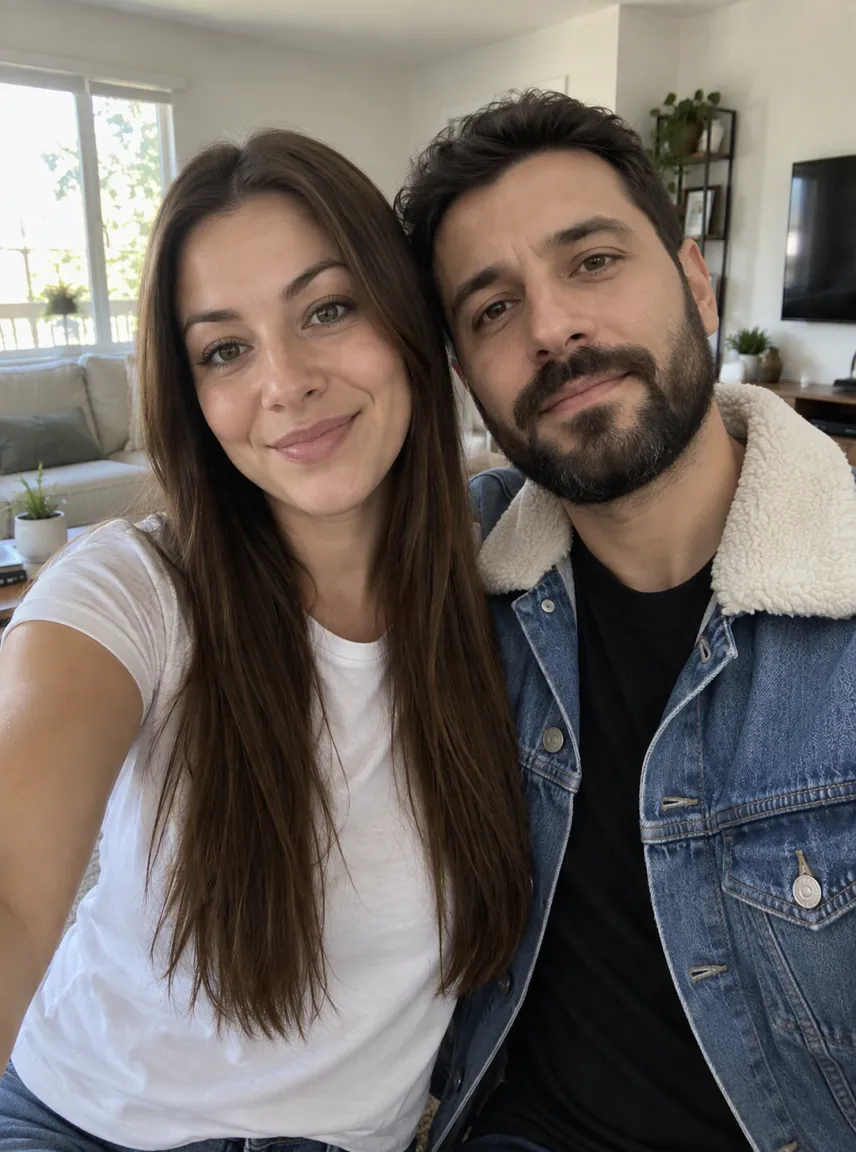
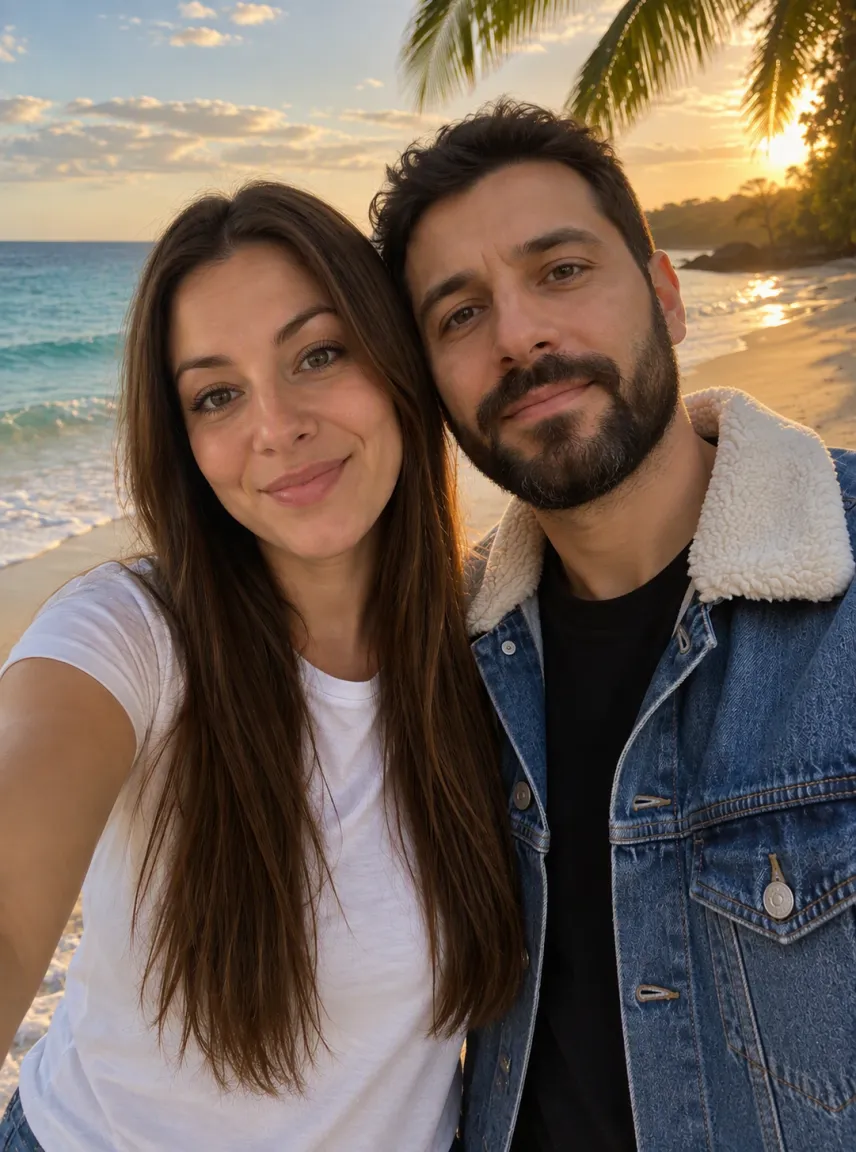
This image combiner puts people, pets and places from separate photos into one picture that looks like it was taken together. Upload two to four photos, say who goes where, and get one image with matching light, scale and color.
Your photos, 2 to 4
0/4
Photo 1 sets the scene unless you say otherwise · JPG, PNG or WebP · up to 10 MB each · 2 photos, in order
Model
Sign up free to create images, with 30 free credits · GPT Image 2.5 · 1K · Auto
Input 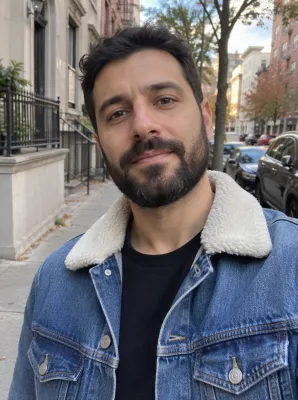
Input GPT Image 2.5
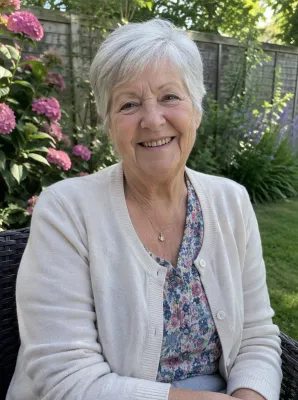
Input 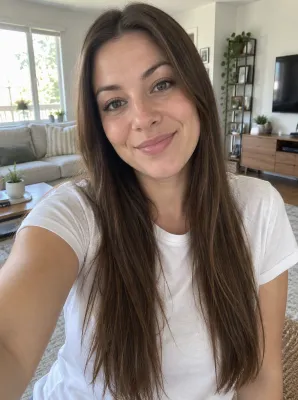
Input GPT Image 2.5
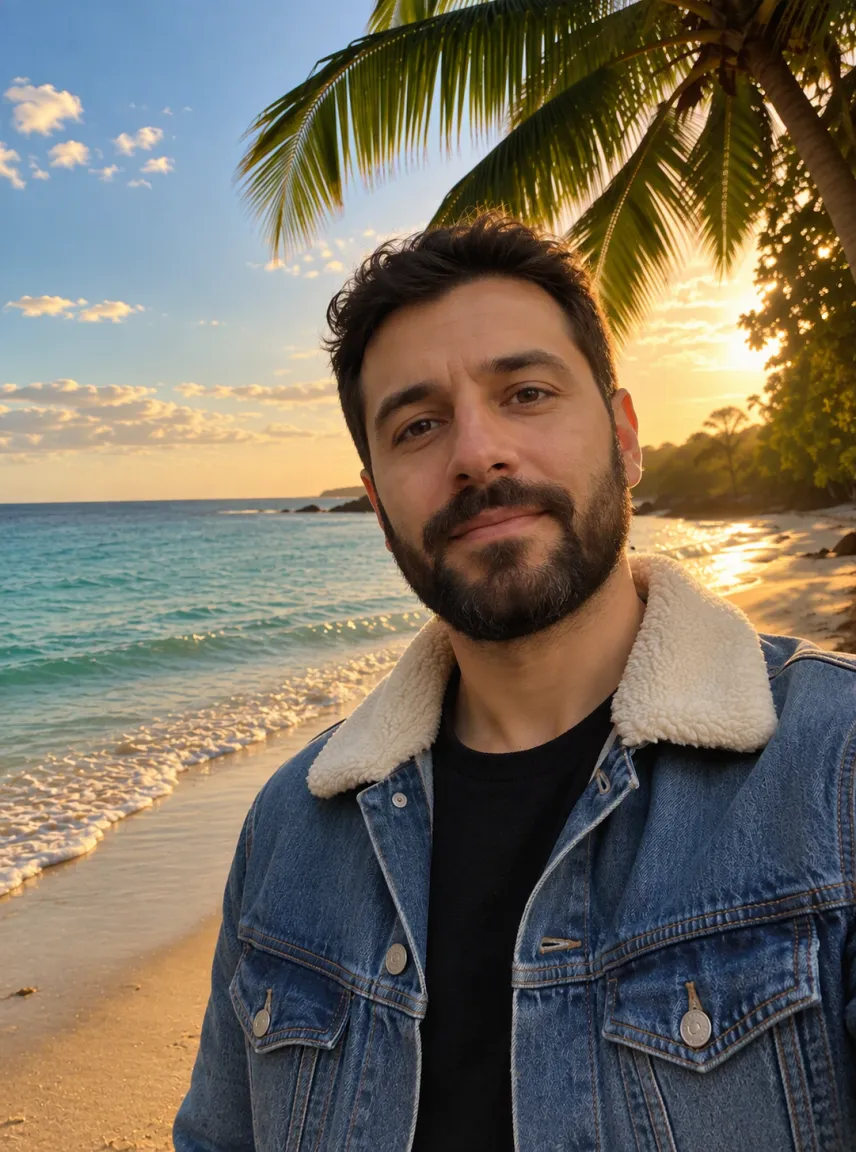
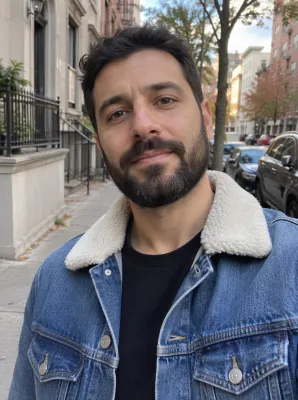
Input 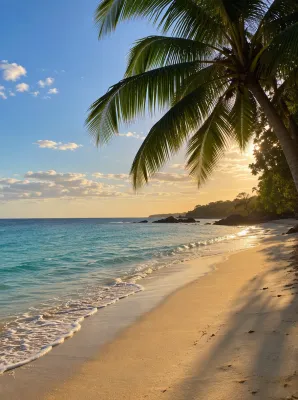
Input GPT Image 2.5
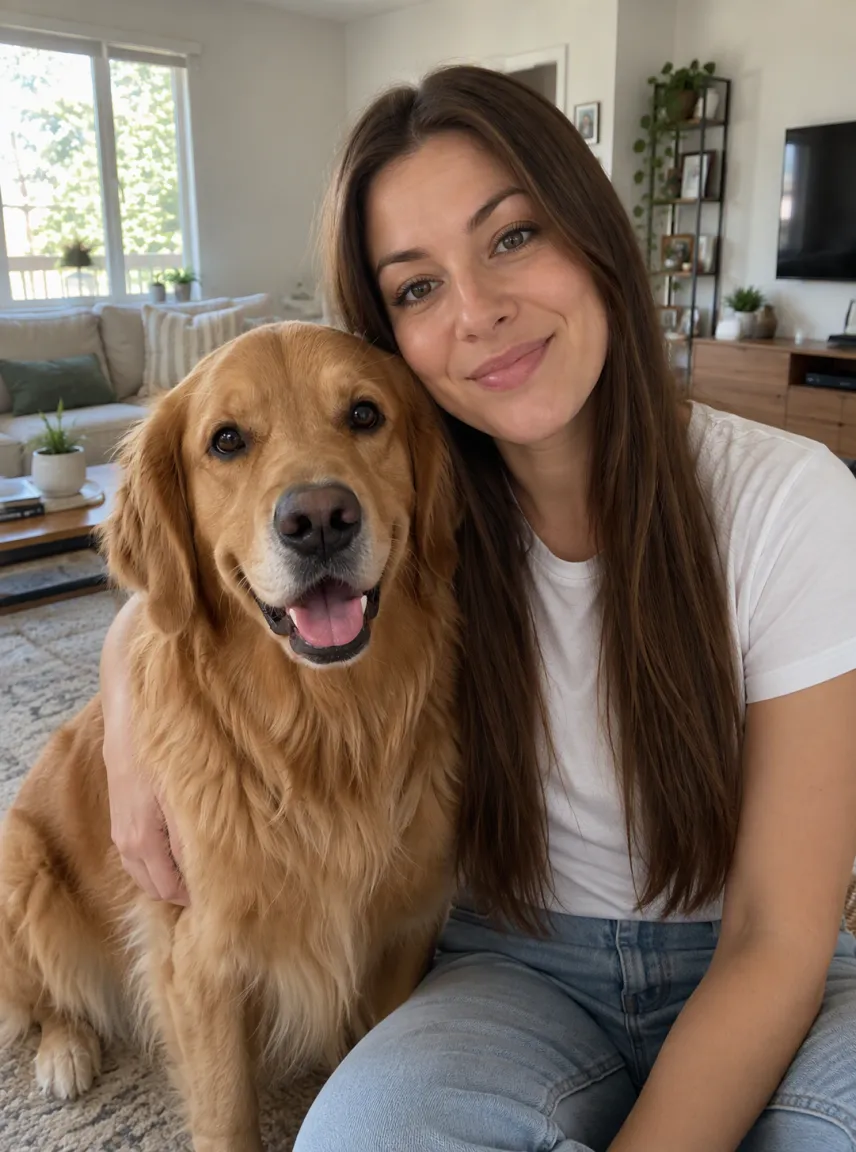
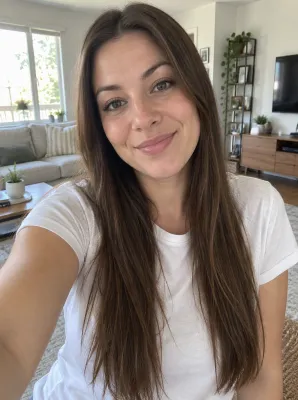
Input 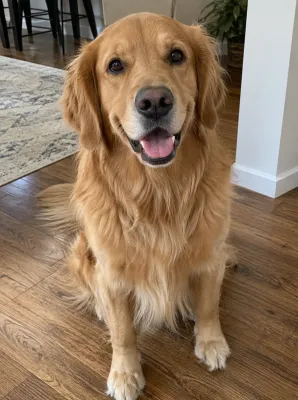
Input GPT Image 2.5
Input 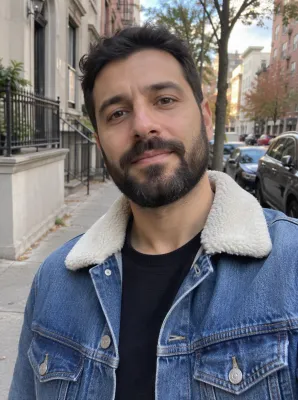
Input 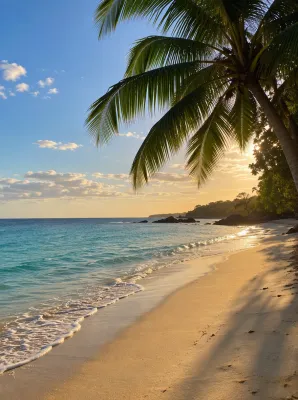
Input GPT Image 2.5
 GPT Image 2.5
How to combine two photos with AI
Upload two to four photos
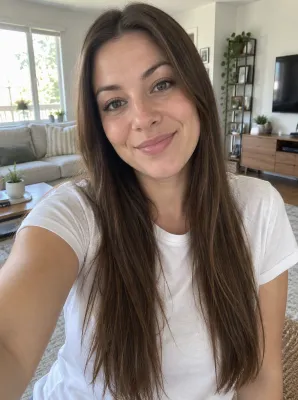
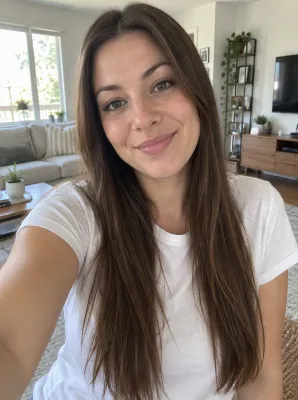
Photo 1 is the base: unless you say otherwise, its room, garden or street becomes the setting. Add the other people, pets or objects as photos 2 to 4. Clear, well-lit photos with each subject fully in frame give the most faithful faces and outfits.
Say how they should appear, or keep the default
Left empty, everyone stands side by side, close together, in the setting of photo 1. To change that, write one short line naming who is where and what they do, for example "the two of us hugging on the beach from photo 3" or "she sits on the sofa with the dog on her lap".
Check the price, then generate
Combining runs on a free account, which opens with 30 credits for the first month and gains 5 more each day. Whatever the selected model and size will cost appears over the button before you commit. Free merges stay at 2K or below with a watermark, and a broken run hands its credits back by itself.
What the image combiner is good for
A photo together when you couldn't be together
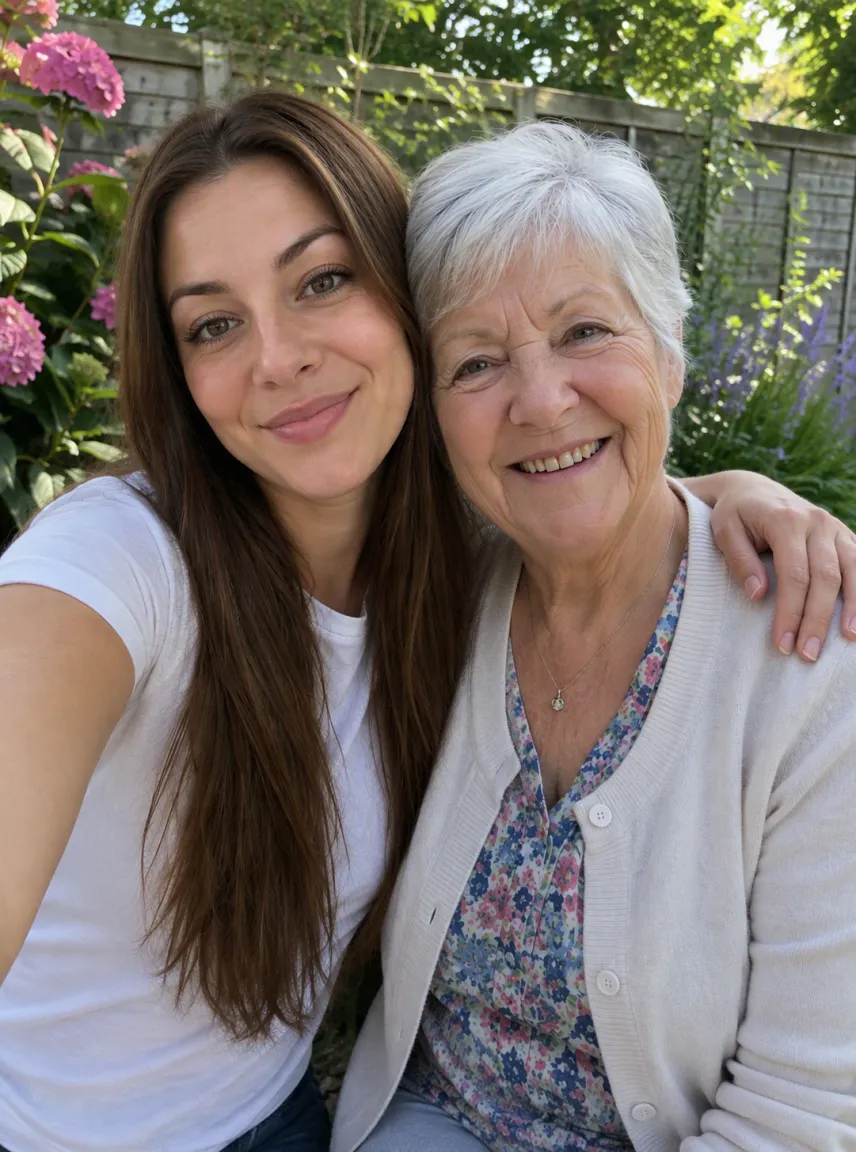
Combine photos of family who live far apart, a friend who missed the trip, or a grandparent and a new baby into one natural shot. The instruction keeps each person's face, body and clothes as they are in their own picture, and matches the light and perspective so it doesn't look like a collage.
A new place behind you
Upload a photo of yourself and a photo of a place, then ask to be put there: on a beach, in front of a landmark, in a café. Photo 2 can be a scene with no people at all.
People, pets and products in one frame
Pets join people the same way, and so do objects: a product next to its owner, two items side by side for a listing, or a dog in the family photo it was missing from. Up to four photos per run.
Which model to use when you merge photos
Merging begins at 1K on GPT Image 2.5 from OpenAI, a low-cost setting, and across our fictional samples it matched each face to its own source most faithfully. Nano Banana 2 followed actions such as hugging or sitting on the floor more literally, at a higher price per image, so it is worth a try when the pose matters more than a perfect likeness.
| Model | Output sizes | When merging |
|---|---|---|
| GPT Image 2.5, the default | 1K, 2K, 4K | Most faithful faces |
| Nano Banana 2 | From 0.5K to 4K | Poses and actions followed literally |
| Nano Banana 2.1 | 1K, 2K, 4K | Newer Nano release |
| Seedream 5 Lite, Seedream 5 Flash | 2K | Single size |
| Qwen Image 2.1 | 1K / 2K | At 2K it accepts three photos at most |
Set the model and size, and the cost of the merge appears above the button. For other edits, such as changing a background without adding anyone, use the image to image tool.
Free to start, then bring the picture to life
The credits a new account starts with stretch to several merged pictures. For downloads without a watermark, any subscription or one-off pack listed on our pricing page will do, and it also licenses commercial use of what you create during it.
Want the group to move? The Animate this image button hands the merged image to our image to video AI tool as a starting frame. If both people in it have agreed, the AI hug video generator can turn the shared photo into a hug as well.
Questions about the image combiner
How do I combine two photos into one?
Upload both photos, with the one whose setting you want as photo 1, and press the button. Without any details, the people or pets from both stand side by side in that setting. To control it, write one line such as "the two of us on the beach from photo 2, holding hands" before you generate.
Can AI put two people in one photo?
Yes. Upload one photo of each person and the combiner places them together in a single scene, keeping each face and outfit from their own picture and matching the light so it reads as one shot. Results vary between runs, so generate again or try another model if a face drifts.
Is this image combiner free?
Yes, to begin with. Opening an account costs nothing and gives 30 credits (they expire after 30 days) plus 5 each morning, which pays for several merges on the default model. Those free merges come watermarked and no larger than 2K; buying a plan or pack removes the mark and allows 4K.
How many photos can I combine at once?
Two to four in one run. The first sets the scene by default, and photos 3 and 4 are optional. With more than four, combine them in two rounds: merge the first group, then upload that result with the rest.
Can I combine photos of other people?
Only when they agree. A merged picture can pass for a real moment, so stick to yourself, relatives and friends who said yes, or your own pets and products, and leave out public figures and anyone who hasn't consented. Explicit or adult requests are refused.
What happens to my photos?
Your photos travel to the model provider only so it can build the merged picture, and none of them train a model. We hold free merges for a week and paid ones for roughly six months, and either kind can be removed from your history whenever you like.
Related tools
Image to Image AI
Upload a photo and describe the change. This image to image AI restyles, swaps a background, or combines reference pictures. The credit price shows before you start.
AI Hairstyle Changer
Try a new haircut or hair color on your own photo: buzz cut, bob, curls, blonde or bald. Your face stays the same. Free account to start, price shown first.
AI Kissing Video Generator
Kissing AI that turns one photo of you both into a short kiss clip with sound. Try it free online each day and see the credit cost before you generate.
Image to Video AI
Turn any photo into a short AI video. Upload an image, describe the motion and pick a model, from Kling and Veo to Grok Imagine and Vidu. Start free with 30 credits.
Put your photos together in one picture
Upload two to four photos, say who goes where, and check the price before you generate. Keep the version that looks most like the moment you missed.