
One photo · Glasses gone, face kept
AI Remove Glasses from Photo: Same Face, No Frames
Remove glasses from a photo in one step. Upload a portrait, press the button, and the AI takes off the frames, lenses and glare, then fills in the eyes, brows and skin they were hiding. The person, their expression and the background stay as they were.
Your photo
0/1
One person wearing glasses or sunglasses · JPG, PNG or WebP · up to 10 MB
Model
Sign up free to create images, with 30 free credits · GPT Image 2.5 · 1K · Auto


Input GPT Image 2.5
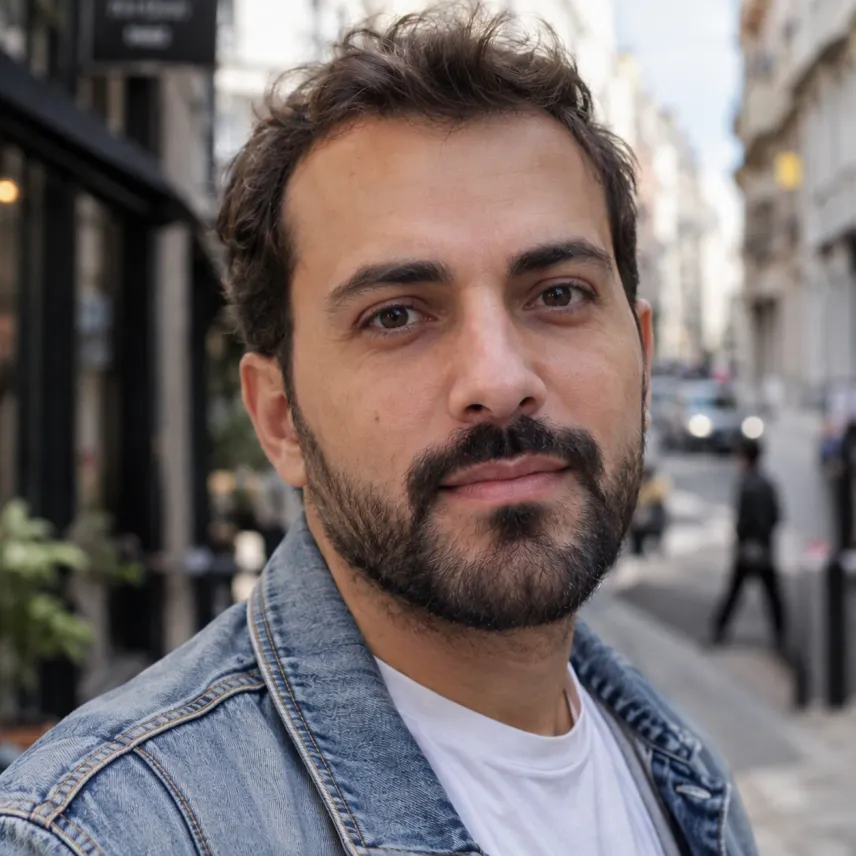
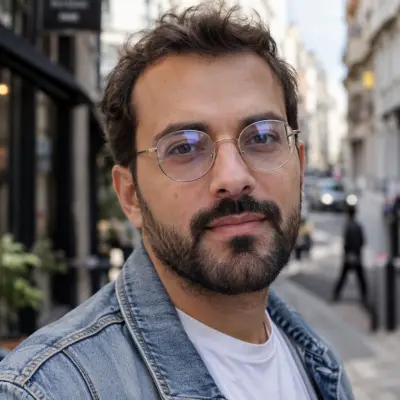
Input GPT Image 2.5
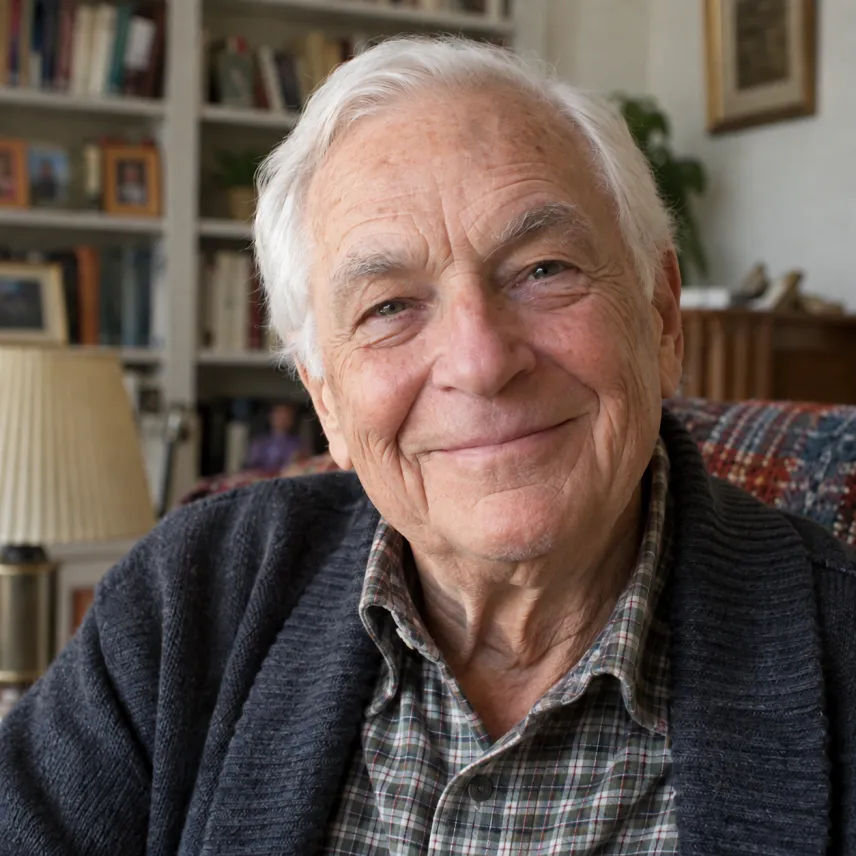

Input GPT Image 2.5
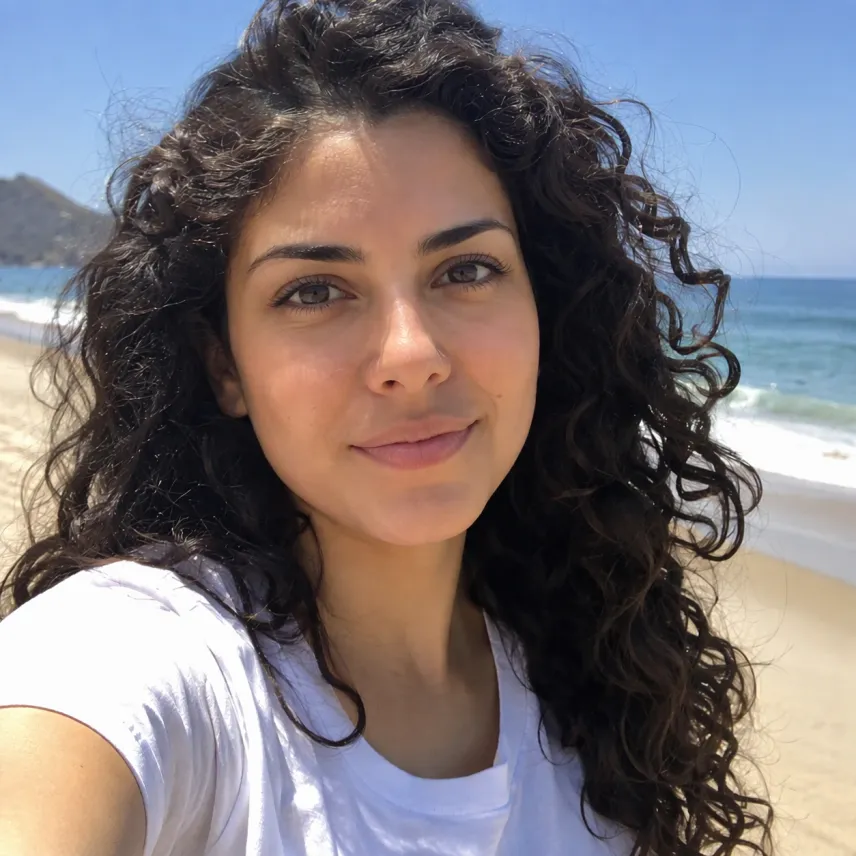
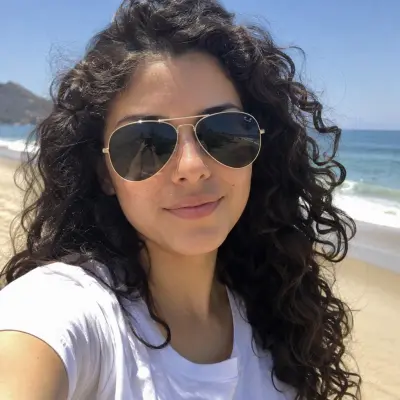
Input GPT Image 2.5
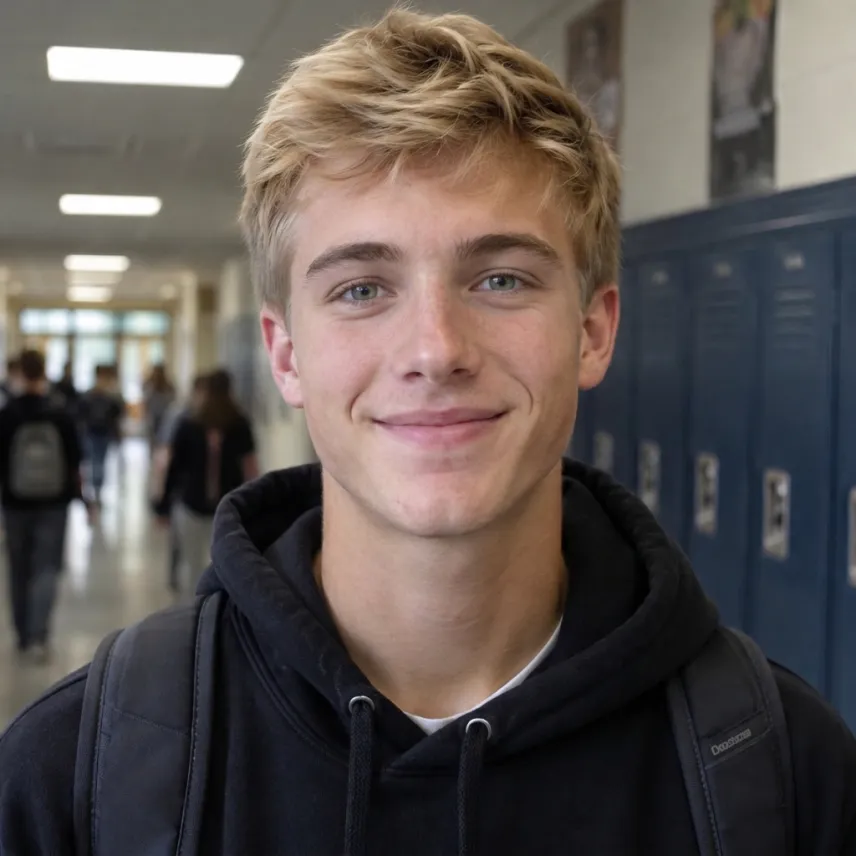
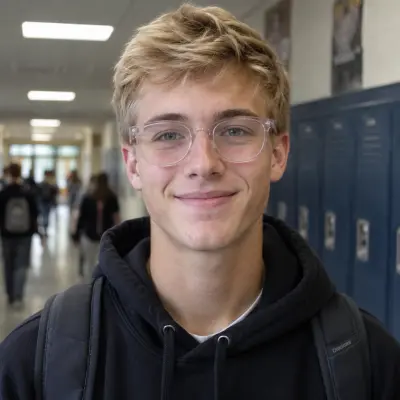
Input Nano Banana 2
 GPT Image 2.5
 Nano Banana 2
How to remove glasses from a photo with AI
Upload a portrait with the glasses on
Any clear photo of one person works: a selfie, a passport-style shot, a family picture or an old print you scanned. Regular glasses, reading glasses, clear frames and sunglasses are all fine. The sharper the face, the closer the rebuilt eyes will match the real ones.
Add a detail, or leave the box empty
Leave it empty and the glasses simply disappear while everything else is kept. If the lenses hid something the AI cannot see, say it: "brown eyes" behind dark sunglasses, or "keep the eyeliner" if makeup sat under the frames. One short line is enough.
Check the price, then generate
Edits are made from a free account: signing up brings 30 starter credits for a month, topped up by 5 every day. The figure above the button is what this edit costs on the chosen model and size. Free pictures go up to 2K and carry a watermark, and a failed run is refunded.
What the glasses remover takes away, and what it keeps
Frames, lenses, glare and marks
The built-in instruction removes the whole pair: frames, lenses, nose pads and the arms over the ears. It also clears what glasses leave behind, such as lens reflections, tinted shadows on the cheeks and red pressure marks on the nose.
Eyes rebuilt to match the face
Whatever the frames covered is drawn back in: the eyes with the same color, shape and gaze, the eyelids, brows and lashes, the bridge of the nose and the skin at the temples. Strong lenses make eyes look bigger or smaller; the result shows them at their natural size. Behind dark sunglasses the eyes are invented to fit the face, so add the eye color if you know it.
The rest of the photo stays the same
The person keeps their identity, age, expression, hair, makeup and clothes, and the pose, light, framing and background are left alone. It is a photo edit, not a new portrait, so you can drop the result into an album, a profile or a print next to the original.
Which model to use for removing glasses
Glasses removal opens on OpenAI's GPT Image 2.5 at 1K, which costs very little per picture. On our five fictional test portraits, from thick black frames and gold wire glasses with glare to dark aviators, it removed every pair and kept the faces. Nano Banana 2 did just as well at a higher price per image, so it is a good second try if a result looks off.
| Model | Sizes | For removing glasses |
|---|---|---|
| GPT Image 2.5 (default) | 1K / 2K / 4K | Clean removal, steady faces, low cost |
| Nano Banana 2 | 0.5K up to 4K | A strong second opinion |
| Nano Banana 2.1 | 1K up to 4K | The newer Nano |
| MiniMax H3 Image | 2K / 4K | Larger pictures only |
| Seedream 5 Lite, Seedream 5 Flash | 2K | One size each |
| Qwen Image 2.1 | 1K / 2K | Two sizes |
Choose the model and size; the cost for that pairing shows up right above the button. If the photo itself is soft or blurry, sharpen it first with our unblur image tool.
Free to start, and a short clip from the new photo
Starter credits from signing up cover several edits before you spend money. If you want clean files, compare monthly plans and one-off packs on our pricing page: buying either drops the watermark and covers commercial use of pictures created while it lasts.
Under each result sits an Animate this image button; press it to open the picture in our image to video AI tool and turn the portrait into a short clip.
Remove glasses from photo FAQ
Is it free to remove glasses from a photo?
It costs nothing to begin. Register for free and you receive 30 credits to spend within 30 days, plus 5 a day, which covers several edits at the default setting. Free pictures are watermarked with a 2K ceiling, while any plan or pack lifts the watermark and opens 4K.
Can it remove sunglasses?
Yes. Dark sunglasses hide the eyes completely, so the AI draws eyes that fit the rest of the face. They look natural, but they are a best guess; add the real eye color in the box to get closer.
Will the person still look like themselves?
The instruction keeps the face, features, expression and hair, and on our test portraits everyone stayed the same person. Results still vary between runs. If the eyes look off, run it once more or try Nano Banana 2; every attempt is billed on its own.
Can I remove only the glare from my glasses?
This tool takes the glasses off. To keep the glasses and lose the reflections, use our image to image editor and ask for exactly that: "keep the glasses, remove the glare on the lenses".
Does it work on old or group photos?
Old scans work if the face is reasonably sharp. For group photos, crop to the one person first, since the tool is built for one face per picture and may treat everyone in the frame differently.
Where does my photo go?
We send the photo to the model provider only to make the edit, and neither the upload nor the result trains any model. History keeps free pictures a week and paid ones about six months, with a delete button for anything earlier. Use your own photo, or one its subject approved, and don't use the result to misrepresent a real person.
Related tools
AI Headshot Generator
Turn one selfie into a professional headshot for LinkedIn, a resume or a team page. Free AI headshot generator to start: sign up for 30 credits, pay per photo.
Unblur Image
Unblur an image online: upload one blurry photo, pick Sharpen, Face fix or 4× Upscale and get a sharper PNG. Start free with 30 sign-up credits.
Skin Color Changer
Change the skin tone in a photo: a golden tan, porcelain, deep bronze or a fantasy blue. Face, hair, light and background stay the same. Free account to start.
Image to Video AI
Turn any photo into a short AI video. Upload an image, describe the motion and pick a model, from Kling and Veo to Grok Imagine and Vidu. Start free with 30 credits.
See the photo without the glasses
Upload one clear portrait, add a detail if the lenses hid the eyes, and check the price before you generate. Keep the original next to the new one and choose the version you like.