
Text to villain · Story, game and concept art
Villain Generator: Create Original Villain Characters with AI
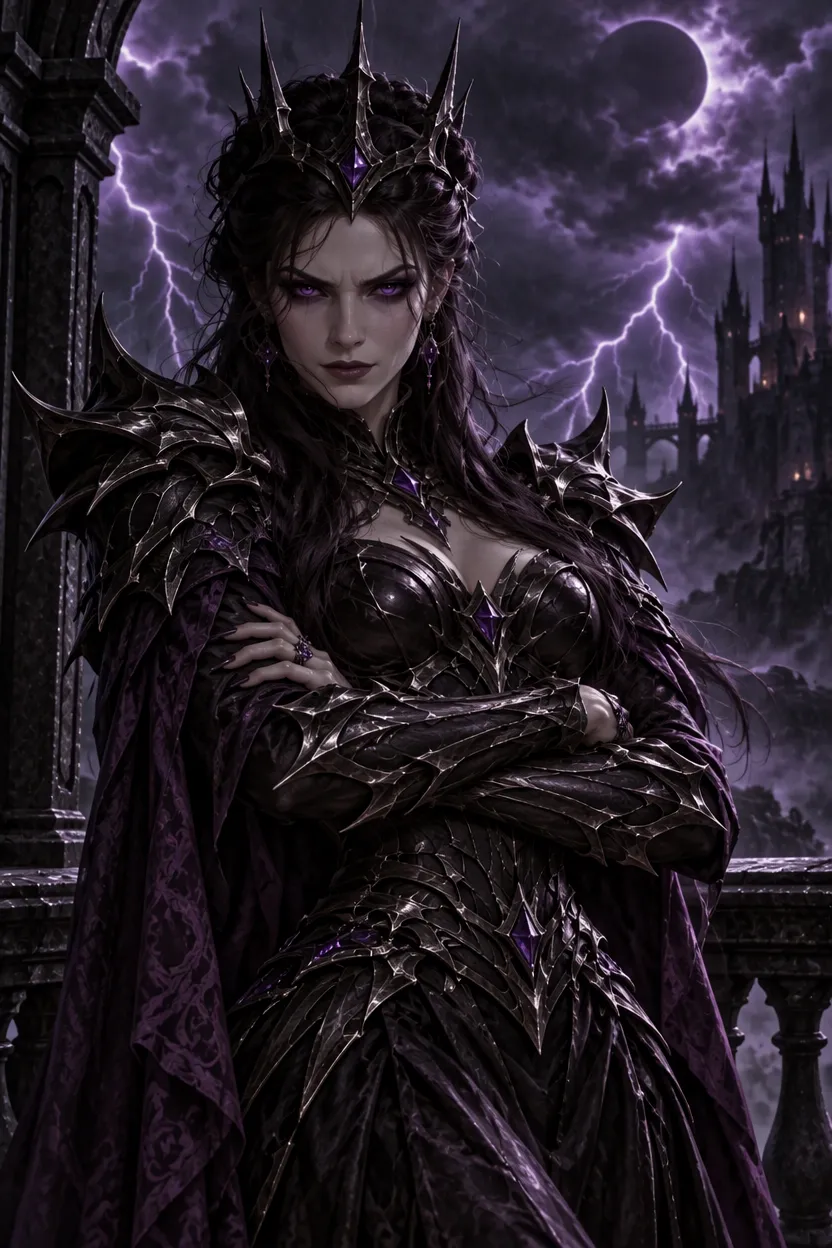
This villain generator turns a short description into an original antagonist with a face, costume and presence of their own. Describe the look, outfit, expression and setting, pick a style from dark fantasy to cyberpunk, and get polished character art you can build a story, a game or a concept sheet around.
Reference image · Optional
0/1
Optional: your villain art to keep consistent, a sketch, or a photo to turn into a villain · JPG, PNG or WebP · up to 10 MB
Model
Sign up free to create images, with 30 free credits · GPT Image 2.5 · 1K · 2:3
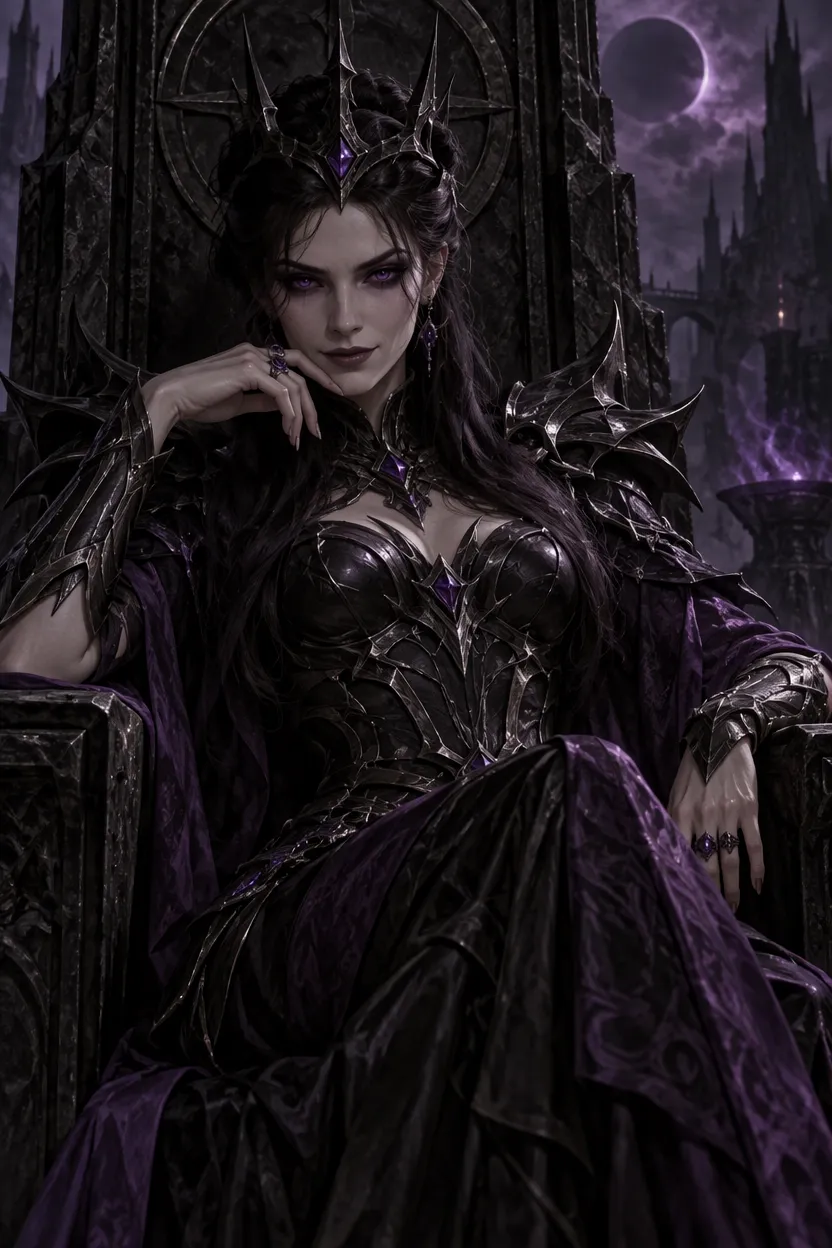
GPT Image 2.5
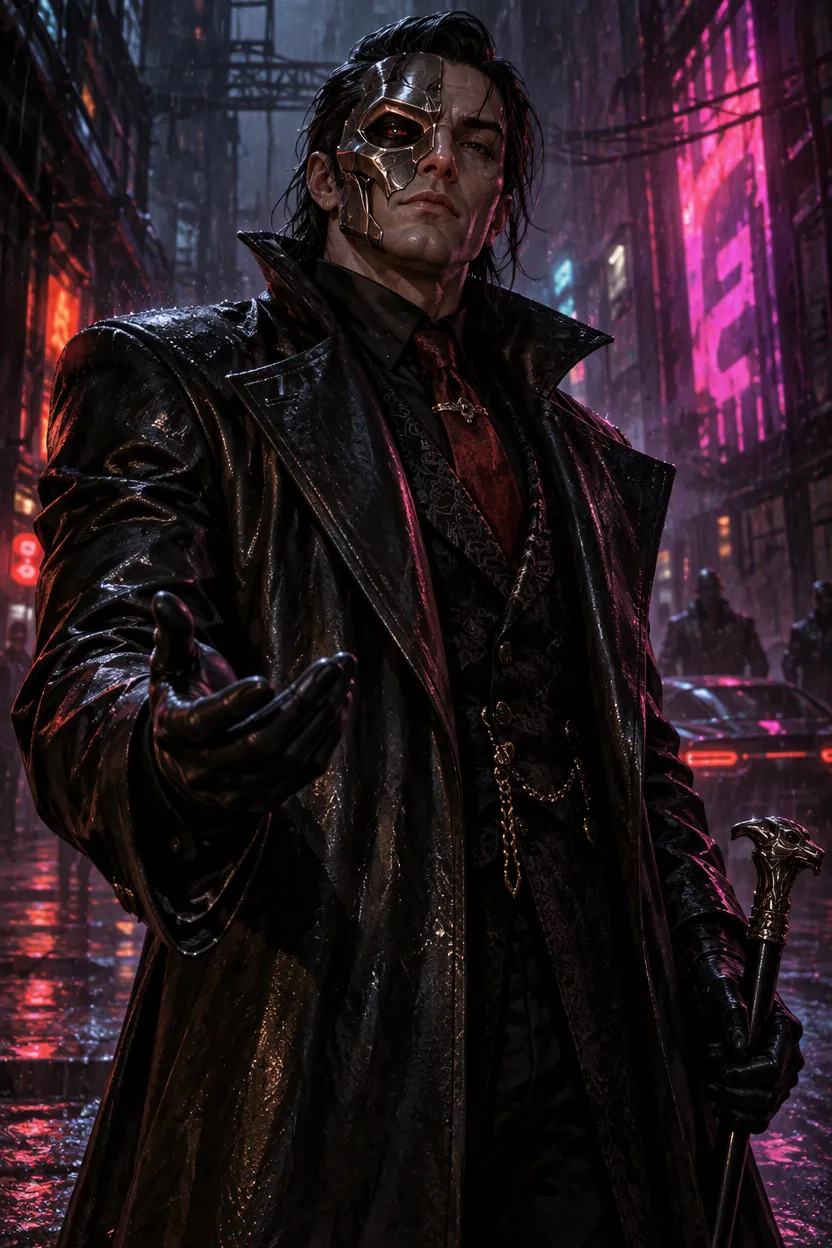
GPT Image 2.5
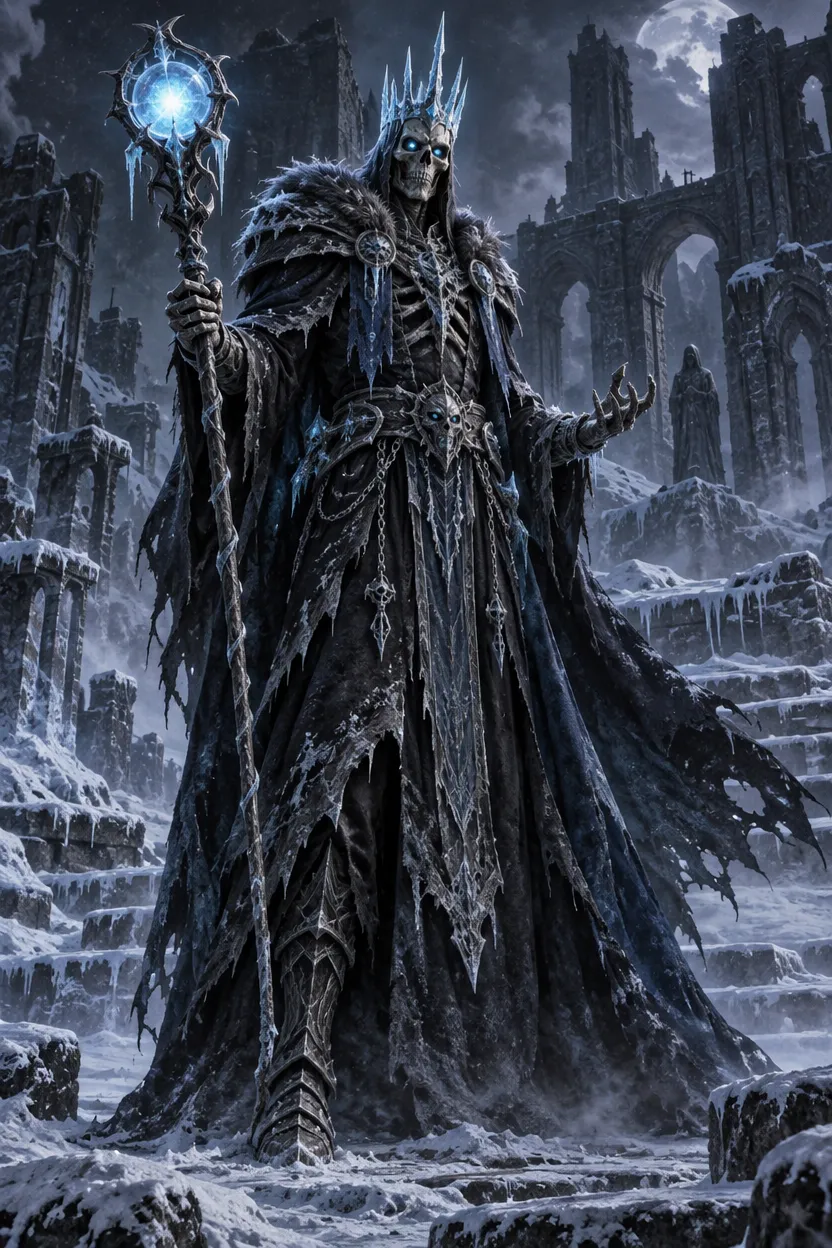
GPT Image 2.5
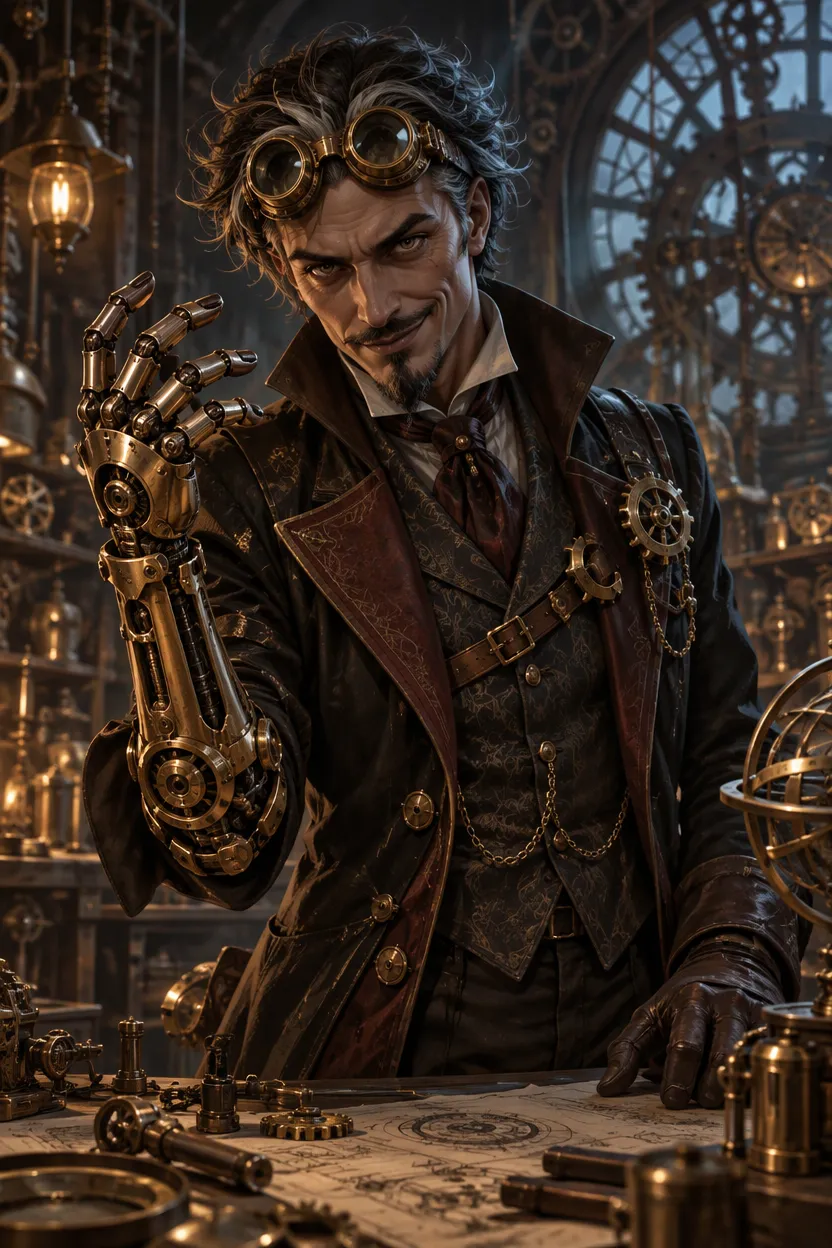
GPT Image 2.5
Input GPT Image 2.5
 GPT Image 2.5
How to make a villain character with AI
Describe your villain
Start with who they are and how they look: "a frost lich with a crown of ice and a staff topped with a pale blue orb". Name one or two traits that make them memorable, such as a scar, a mask or glowing eyes, and say what kind of villain they are: a sorcerer, a crime boss, a mad inventor or a fallen knight. If you leave out the framing, you get a waist-up portrait facing the viewer.
Set the costume, expression and scene
Add what they wear and carry, how they look at the viewer and where they stand: "long black leather coat, cold smirk, neon-lit alley in the rain". Write "close-up", "half body" or "full body from head to toe" to choose the framing, and name a style such as gothic oil painting, anime or 3D render. To keep a villain you already have, upload their image and describe only the new pose, expression or scene.
Check the price, then generate
Villains are created from a free account: signing up brings 30 starter credits for a month, plus 5 every day. The number above the button is what this image costs on the chosen model and size; free pictures go up to 2K with a watermark, and a failed run is refunded.
What the AI villain generator can make
Original villain characters, not copies
Every result is a new, fictional character drawn from your words. The built-in instruction asks for an original design rather than a famous villain from a film, comic or game, with a clear silhouette and a costume, palette and props that belong together. That makes the art safe to treat as your own starting point for a story, a campaign or a pitch.
Super villains, dark lords and everyday menace
Go big with a super villain in armor above a burning skyline, or keep it quiet with a soft-spoken crime boss in a tailored suit. Dark fantasy, gothic horror, cyberpunk, sci-fi, steampunk and anime styles all work; the mood stays menacing without gore, so the images suit covers, thumbnails and all-ages games.
One design across many images
A villain needs more than one picture. Upload the character you made and ask for a new pose, a different expression or another scene: the tool keeps the face, hair, costume, colours and props close so it reads as the same villain. You can also start from a rough sketch and get finished concept art, or turn a photo into a villain version of that person.
Which model to use for villain art
Villains open on OpenAI's GPT Image 2.5 at 1K in a tall 2:3 frame, which costs very little per picture and handles dramatic lighting, detailed armor and stylised looks well. Switch models when you want a different take on the same description.
| Model | Sizes | For villains |
|---|---|---|
| GPT Image 2.5 (default) | 1K / 2K / 4K | Detailed costumes and dramatic light |
| Nano Banana 2 | 0.5K up to 4K | Follows long, detailed scenes closely |
| Nano Banana 2.1 | 1K up to 4K | The newer Nano |
| Seedream 5 Lite, Seedream 5 Flash | 2K | One size each |
| Qwen Image 2.1 | 1K / 2K | Two sizes |
Choose the model and size; the cost for that pairing shows up right above the button. For a heroine or a cast of anime characters to face your villain, try the AI waifu generator.
Free to start, and a short clip from your villain
Starter credits from signing up cover several villains before you spend money. If you want clean files, compare monthly plans and one-off packs on our pricing page: buying either drops the watermark and covers commercial use of pictures created while it lasts.
Under each result sits an Animate this image button; press it to open the picture in our image to video AI tool and watch your villain turn, laugh or raise a hand.
Villain generator FAQ
Is this villain generator free?
It costs nothing to begin. Register for free and you receive 30 credits to spend within 30 days, plus 5 a day, which covers several villains at the default setting. Those free pictures are watermarked with a 2K ceiling, while any plan or pack lifts the watermark and opens 4K.
What should I write in a villain prompt?
Say what kind of villain it is, one or two signature features, the costume and props, the expression and the place: "a clockwork mastermind with brass goggles and a mechanical arm, sly grin, in a workshop full of gears, steampunk". Specific details make a villain memorable; words like "evil" or "scary" on their own tend to give a generic result.
Can I copy a famous villain?
No. The tool is built for original characters: the built-in instruction asks for a new design rather than a known villain from a film, comic, game or book, or a real person. You can still borrow a genre or mood, like "a space tyrant" or "a gothic vampire count", and make the details your own.
Can I keep the same villain in different images?
Yes. Upload an image of your villain and describe only what should change, such as "now on a throne, arms crossed" or "angry, in a burning castle". The face, hair, costume and colours stay close to the reference. Results can still vary in small details, so keep the version that matches your design best.
Can I use the villains for stories and games?
Yes. People use them for novel and comic antagonists, tabletop and video game bosses, roleplay profiles, thumbnails and pitch decks. A paid plan or pack removes the watermark and covers commercial use of images created while it is active. Check your own project's rules before you publish.
Where does my reference image go?
We send the reference to the model provider purely to create your image, and neither the upload nor the result trains any model. History keeps free pictures a week and paid ones about six months, with a delete button for anything earlier. Only upload images you have the right to use.
Related tools
AI Waifu Generator
Describe your dream anime girl and get an original waifu portrait: choose her hair, outfit, colours, expression and background, or keep one character across new scenes. Start free with 30 credits.
AI Human Generator
Describe a person and get an original, natural-looking human portrait or full body image. Set the look, outfit, pose and background. Start free with 30 credits.
AI Image Generator
Type a prompt and get a still. This AI image generator opens on Seedream 5 Flash. Text to image AI, optional reference photos, and a credit price shown first.
Animate Photos with AI and Make Pictures Move
Animate a photo with AI: add natural motion, blinking, hair and camera movement to any picture, then download a short video. Free credits to try.
Create your own original villain
Describe a villain in a few lines, set the costume, expression and scene, and check the price before you generate. Make a few versions, then keep the one your story needs.