
Upload a photo · Describe the edit
Image to Image AI: Edit a Photo and Keep the Rest
This image to image AI changes a photo you already have. Upload one or more pictures, say what should change, and leave the rest alone. GPT Image 2.5 is selected to start, and you see the credit cost before anything is spent.
Photos to edit
0/16
JPG, PNG or WebP · up to 10 MB · Add up to 16 photos to edit or combine. Leave empty to create from text.
Model
Sign up free to create images, with 30 free credits · GPT Image 2.5 · 1K · Auto
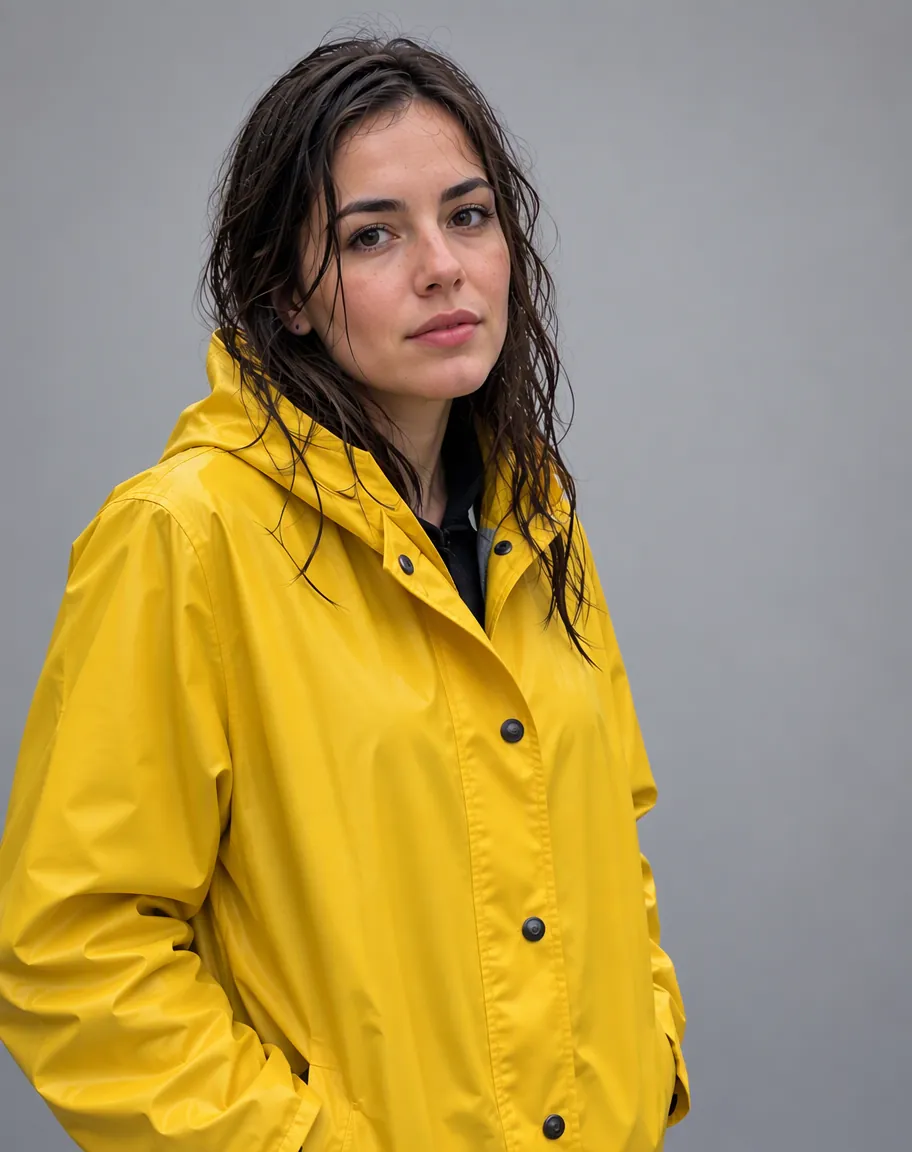
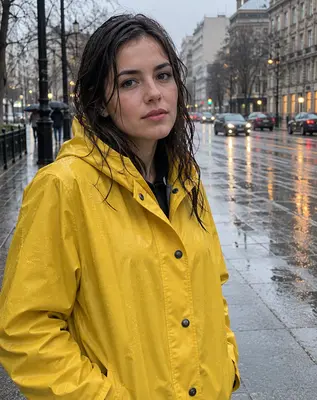
Input GPT Image 2.5
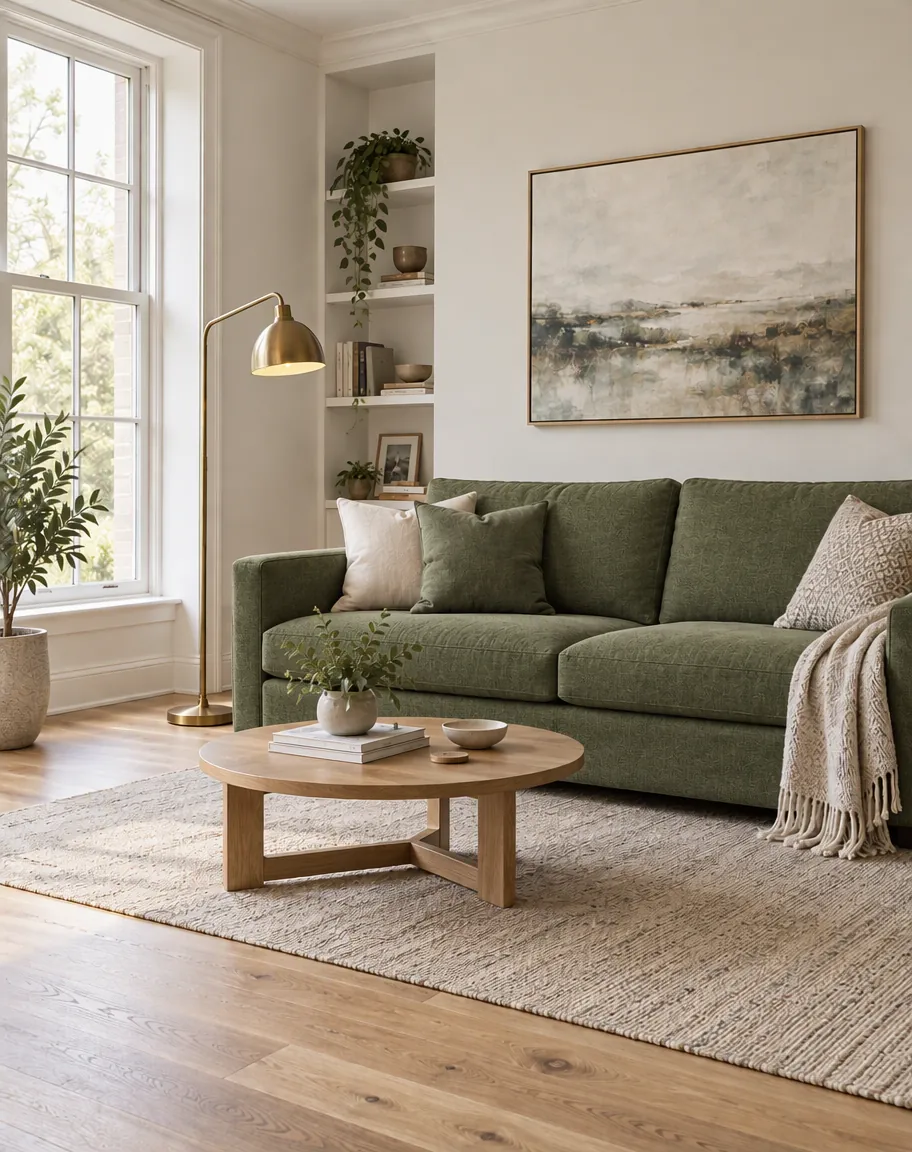
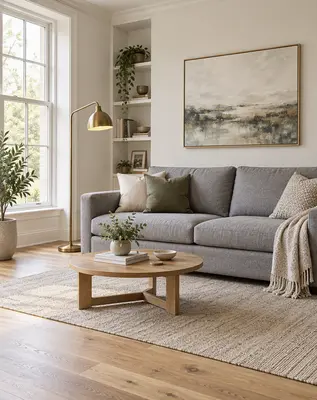
Input GPT Image 2.5
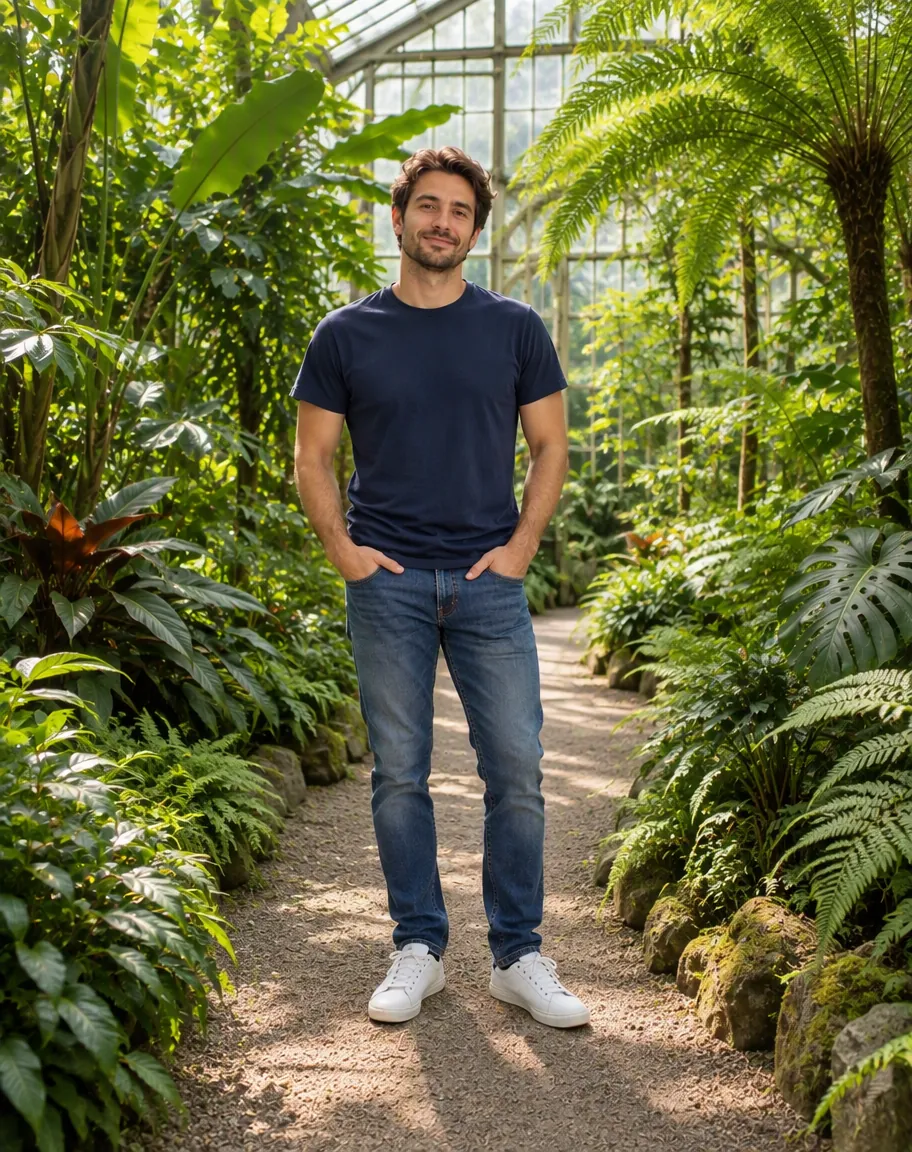
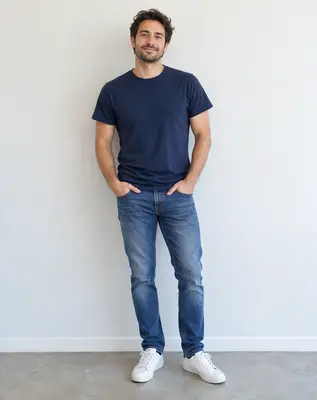
Input 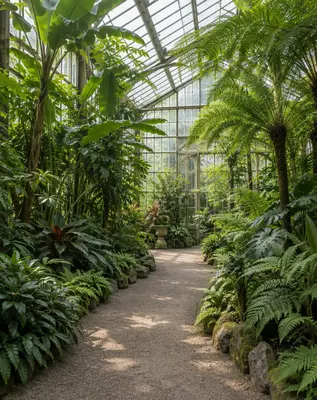
Input GPT Image 2.5
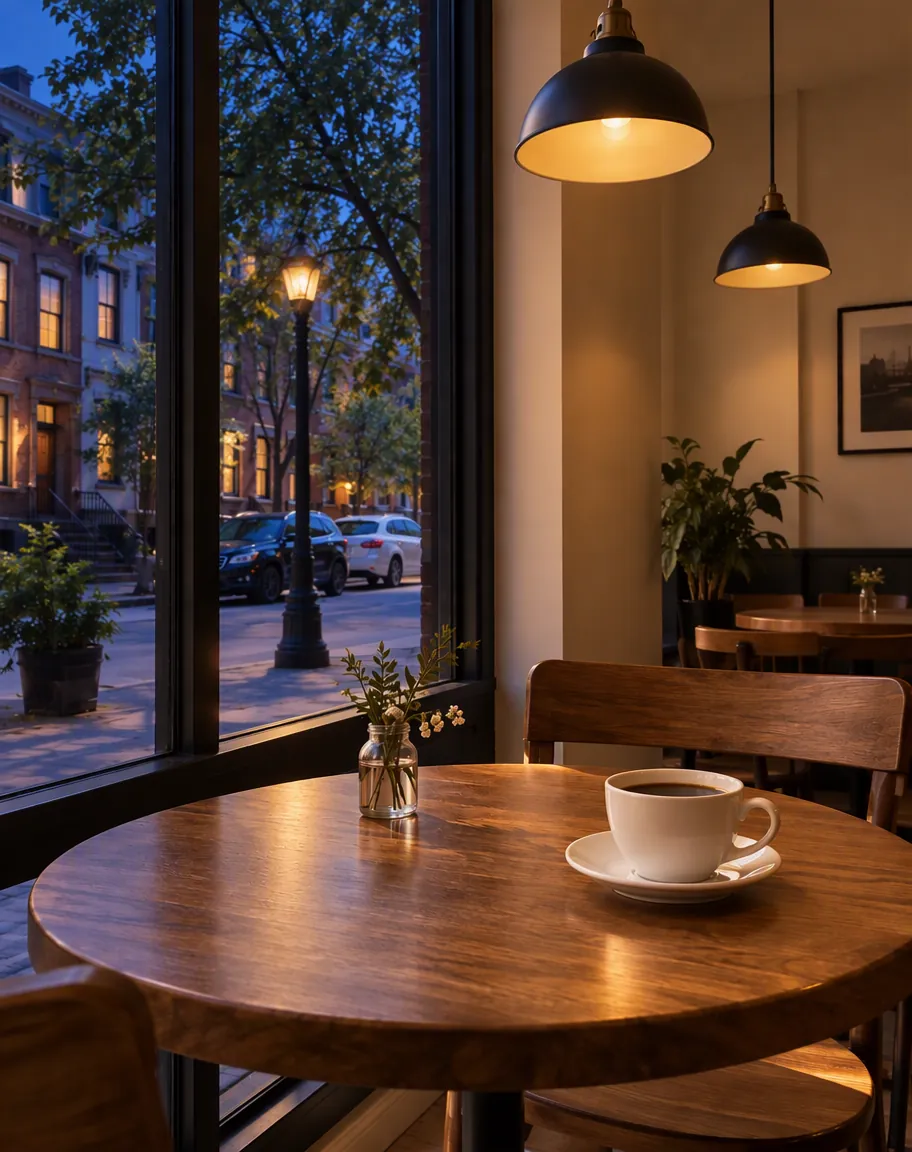
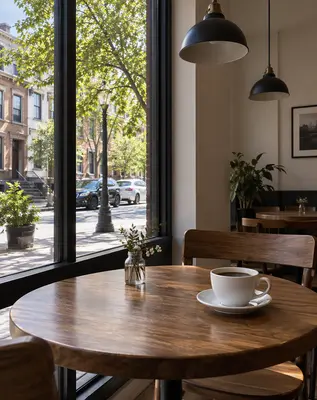
Input GPT Image 2.5
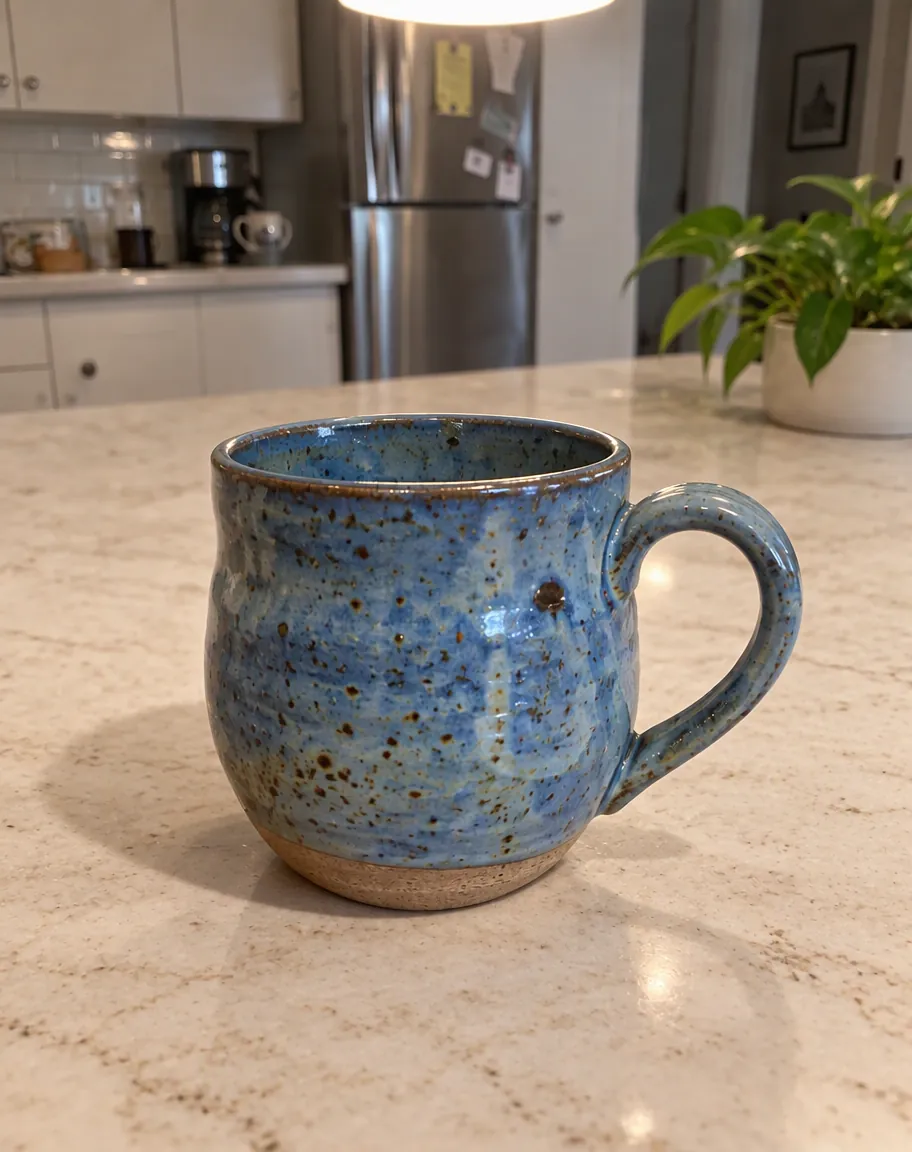
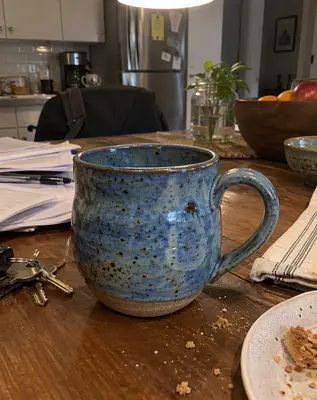
Input GPT Image 2.5
 GPT Image 2.5
How an edit runs, from the upload to the download
Add the photos that should survive the edit
Drop JPG, PNG or WebP files into the reference grid. One picture is enough when you only want a new look. Add a second or a third when a person, a product and a place have to meet. The grid stops at the cap for the model and the size you picked, and extra files are set aside with a short note.
Name the change, and name what must stay
A useful sentence names one alteration and one thing to protect. "Swap the grey wall for white tile, and keep the face and the jacket" beats a vague request to improve the shot. Chips under the box can fill an empty field or tack a short instruction onto words you already typed.
Read the quote, then start
Guests are asked to open an account before any still is made. A new account is given 30 credits that last 30 days, and another 5 credits arrive each day. Free accounts can run every image model up to 2K, and the file carries a corner mark. 4K is a paid size. If that job fails, the credits spent on it come back in full.
What you can ask this editor to change
Restyle without rebuilding the person
Ask for watercolor, a film still, or a flat illustration, and say that the face stays. The model repaints the surface. It does not hand you layers, a brush, or a mask. If the sentence is loose, it guesses, so spell out the part that must not move.
Replace a background or a surface
Point at the region in words: the street behind the coat, the cloth on the sofa, the table under a mug. Leave the subject clause explicit. This is the practical work of an AI photo editor here: one described swap, not a stack of adjustment sliders.
Combine reference pictures
Put a person in one frame and a room in another, then say who goes where. Order in the grid is the order the model reads. GPT Image 2.5 accepts the most reference photos. Other models take fewer, and the grid shows the limit for the one you picked.
Six image models, and why edits start on GPT Image 2.5
OpenAI's GPT Image 2.5 is the default because an edit is the job of this page, and that model takes the most reference photos (up to 16) at 1K, 2K or 4K. You can switch. The same panel lists the other image models on the site:
| Model | What the panel lets you set |
|---|---|
| GPT Image 2.5 | 1K, 2K and 4K. Up to 16 reference photos. Selected by default. |
| Nano Banana 2 | 0.5K, 1K, 2K and 4K. Up to 9 reference photos. |
| Nano Banana 2.1 | 1K, 2K and 4K. Up to 9 reference photos. |
| Seedream 5 Lite | 2K only. Up to 14 reference photos. |
| Seedream 5 Flash | 2K only. Up to 10 reference photos. |
| Qwen Image 2.1 | 1K and 2K. Fewer reference photos once you pick 2K. |
Prices depend on the model and the size, so they are not in this table. Pick a model and a size, and the line above the button shows exactly what that image costs.
The Nano Banana family has its own page if you want those two versions and no other family.
If you would rather start from words with no photo, use the AI image generator.
When the still should move
A finished edit has a button labeled Animate this image. It copies the file into the video tool as the opening frame, so you do not upload it a second time. A free account sends the watermarked file. A plan or a credit pack sends the clean file. From there you are on the image to video AI flow, where you describe motion and pick a video model.
The same handoff is the animate a photo path.
If the idea never had a source photo, text to video AI starts from a sentence instead.
Plans, the 30-credit sign-up gift and the packs are on the pricing page. The image quote itself stays in the panel, because it depends on the size you pick.
Questions about image to image AI
What is image to image AI?
It takes pictures you supply plus a written change and returns a new still. The useful case on this page is an edit: restyle, replace a background, or combine reference photos. The same models can also start from text alone, with an empty grid, but that job is what the AI image generator page is written for. You still describe the result in words. There is no brush.
How is an AI photo editor here different from a one-click look?
An AI photo editor on this page follows a sentence, so two people with the same photo can ask for different changes. A one-click look applies one treatment to the whole frame. You still cannot paint a region. If you need a specific corner left alone, say so in the sentence. Vague praise ("make it nicer") gives the model room to invent.
Can I upload more than one photo?
Yes. The grid takes several images, and the cap depends on the model and the size. GPT Image 2.5 accepts the most. Switching to a model that allows fewer drops the extras from the end and tells you. Qwen Image 2.1 in particular allows fewer photos at 2K than at 1K. An empty grid is allowed, and the request is then a text-to-image job rather than an edit.
Why does the button ask me to sign up?
Guests can make one watermarked video a day with no account: Seedance 1.0 Pro Fast, 480p, 5 seconds. Images are a separate rule. The button asks for an account first. Sign-up includes 30 credits that last 30 days, plus 5 credits on a rolling day. The quote bar tells you whether the current still fits that balance. Daily credits do not pile up.
Will the edited image carry a watermark?
Free accounts get a watermark, and 4K stays locked. A paid plan or a credit pack removes the watermark and includes a commercial license for images created while that paid access is active. The license is fixed when the image is made, so it remains after the plan ends. Downloading later does not rewrite it.
Can I turn the edit into a video?
Yes. Animate this image prepares the still as the opening frame of the image to video AI tool. You land with that frame already filled in, on the same path as animate a photo. Pick a video model there and read that quote separately. The image credits and the video credits are two charges.
What if the edit fails or the prompt is refused?
A failed job returns its credits in full. A prompt or a photo turned down by review is not charged either. The panel says so. Uploads and results are not used for training. They go to the model provider only to make the image. Questions can go to [email protected]. This page does not state how long a successful edit takes.
Related tools
Image to Video AI
Turn any photo into a short AI video. Upload an image, describe the motion and pick a model, from Kling and Veo to Grok Imagine and Vidu. Start free with 30 credits.
AI Image Generator
Type a prompt and get a still. This AI image generator opens on Seedream 5 Flash. Text to image AI, optional reference photos, and a credit price shown first.
Nano Banana
Use Nano Banana in the browser. This page locks the generator to Nano Banana 2 and Nano Banana 2.1 for text prompts and photo edits. The quote shows the credits.
AI Headshot Generator
Turn one selfie into a professional headshot for LinkedIn, a resume or a team page. Free AI headshot generator to start: sign up for 30 credits, pay per photo.
Edit a photo you already have
Upload a photo, describe the change, and check the credit price before you spend anything. Adult or explicit edits are not available, and another person's photo should not be used for an intimate result unless they have agreed.