
Two parent photos · One baby portrait per run
AI Baby Generator: See What Your Future Baby Could Look Like
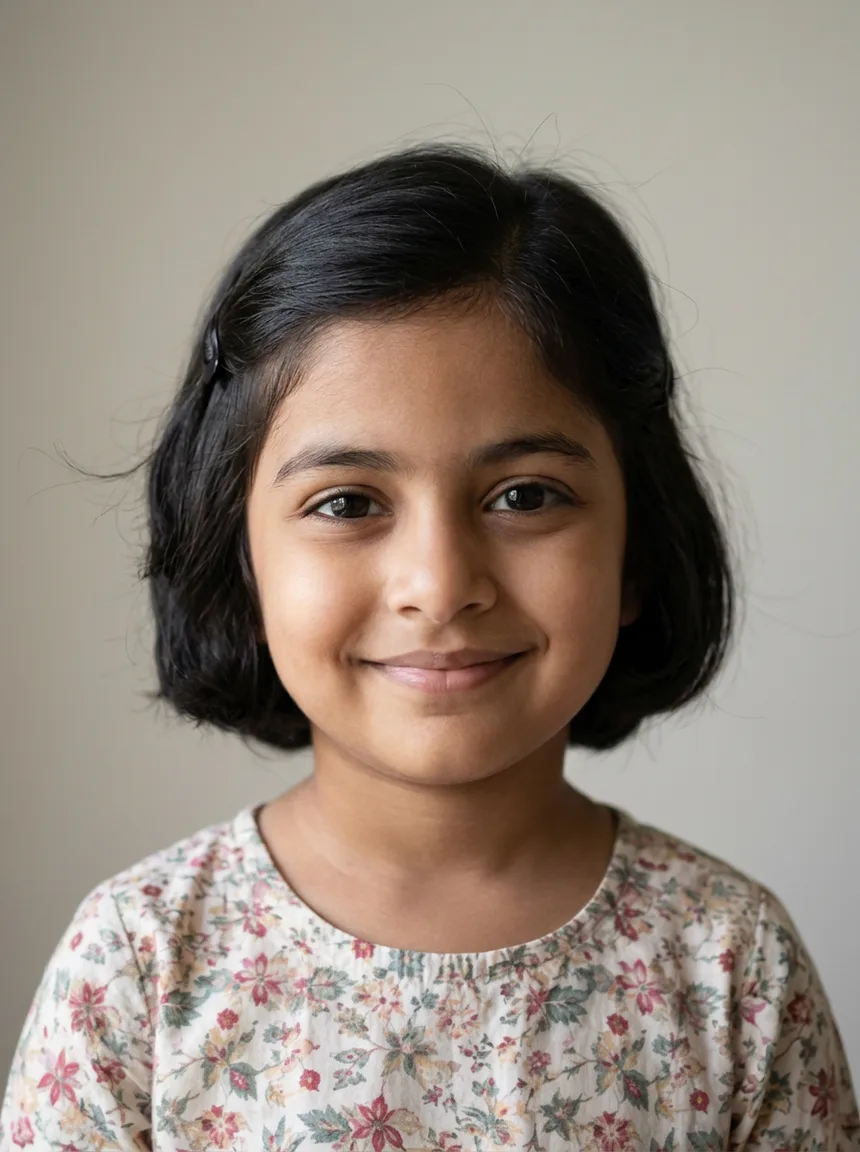
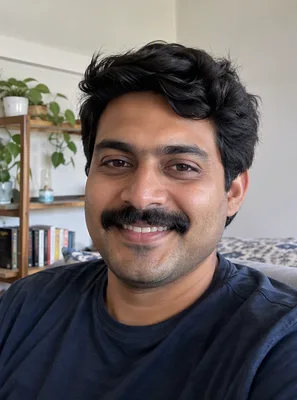
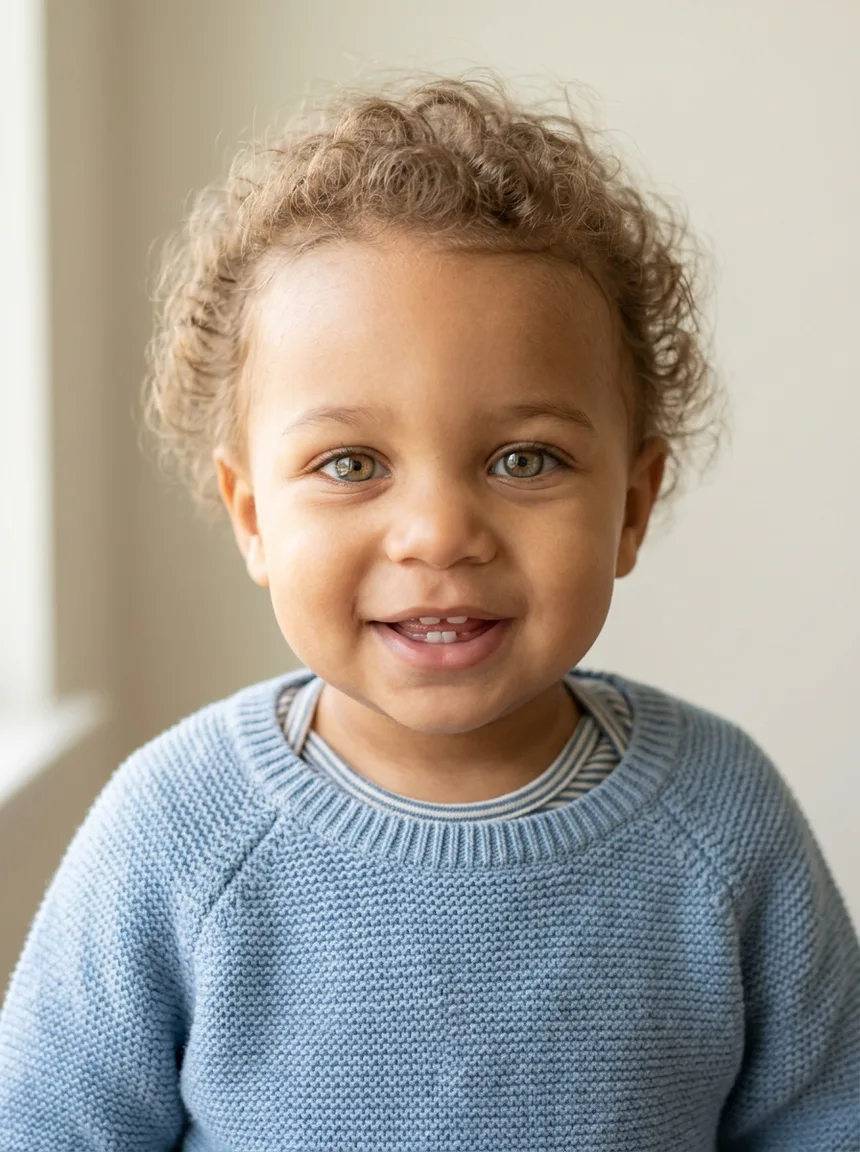
This AI baby generator blends two parents' faces into a portrait of a baby who could be theirs. Upload one clear photo of each parent, add an age or other details if you like, and see the credit cost before you generate. It is for fun, not a genetic prediction.
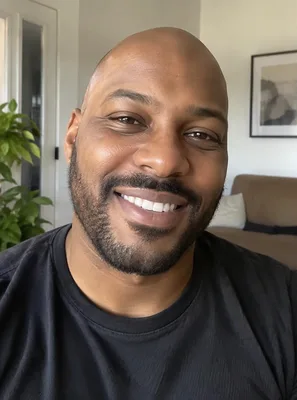
Parent photos: photo 1, then photo 2
0/2
One face per photo · JPG, PNG or WebP · up to 10 MB · 2 photos, in order
Model
Sign up free to create images, with 30 free credits · Nano Banana 2 · 1K · 3:4
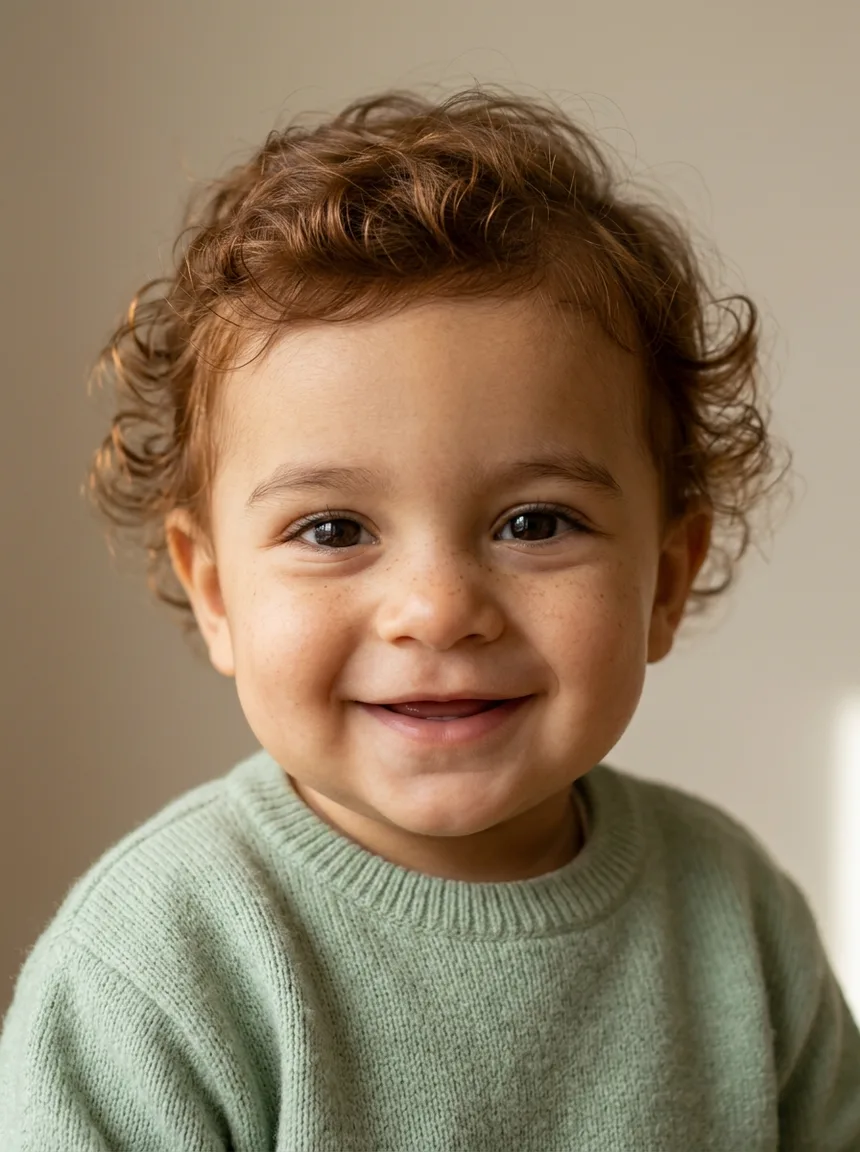
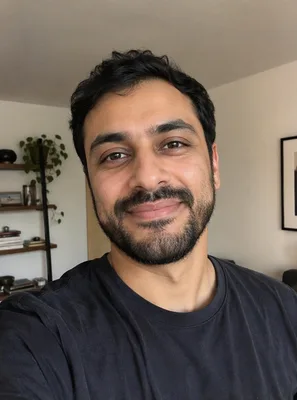
Input 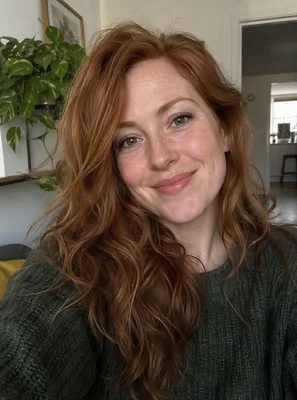
Input Nano Banana 2
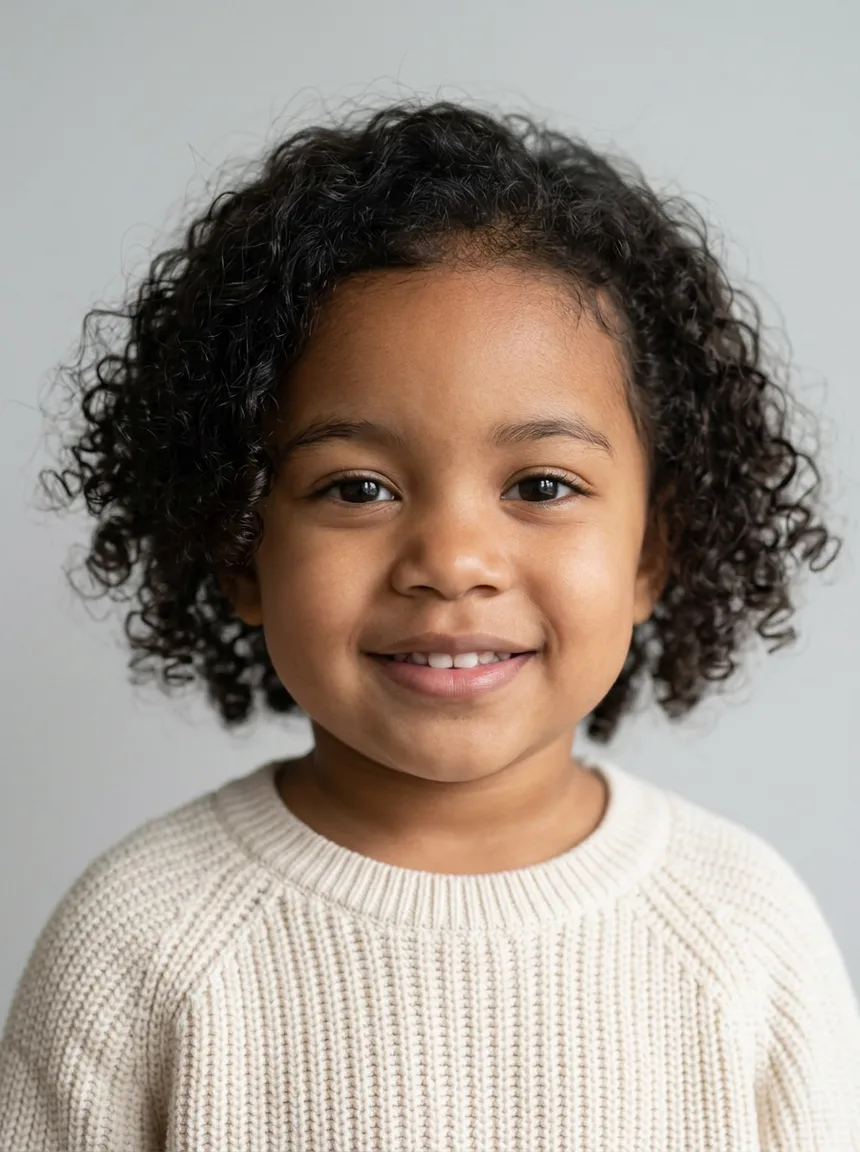
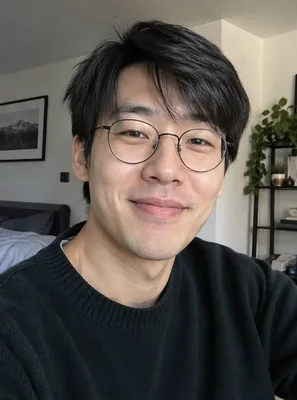
Input 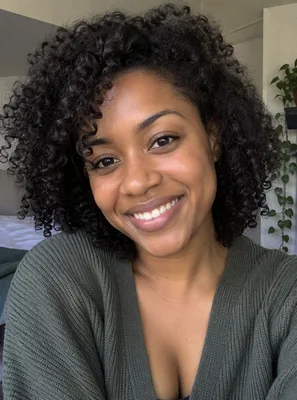
Input Nano Banana 2
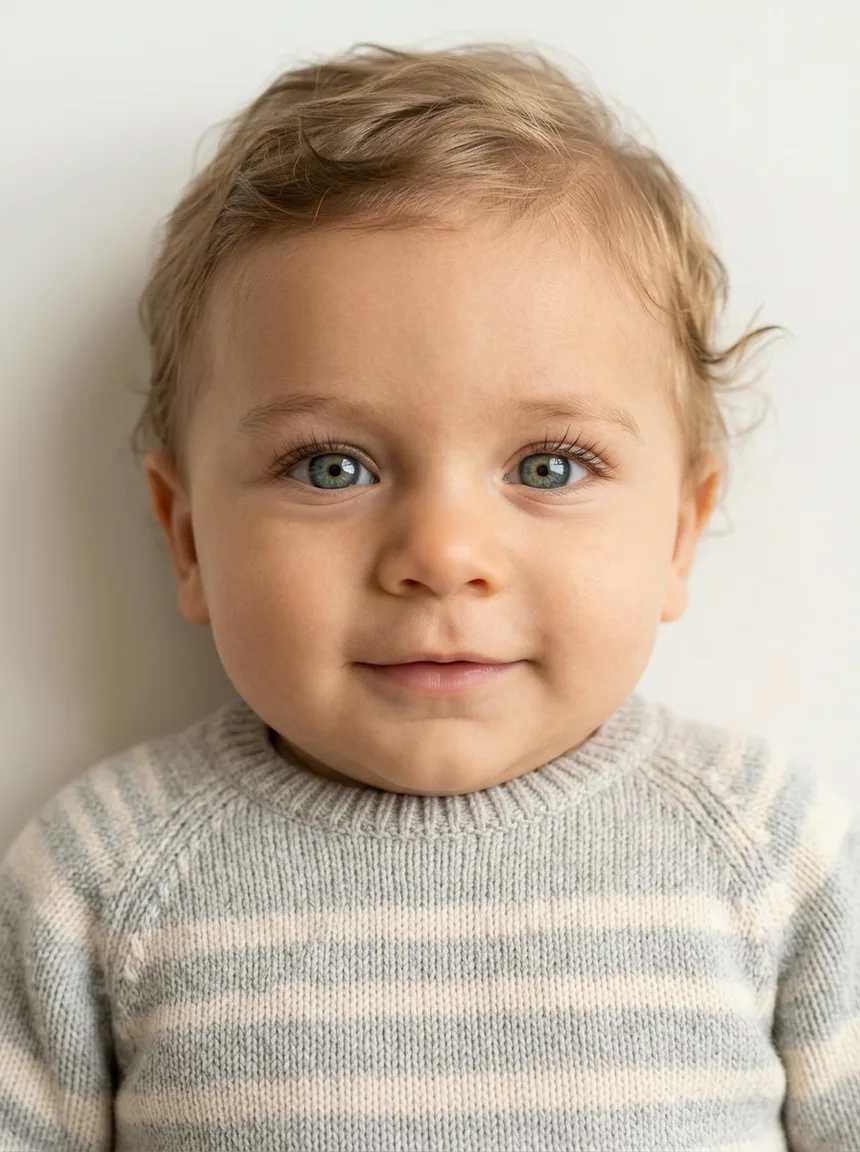
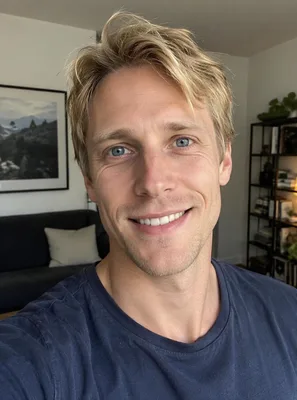
Input 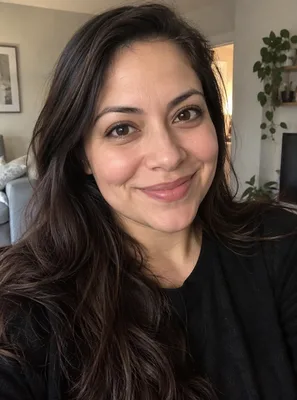
Input Nano Banana 2
Input 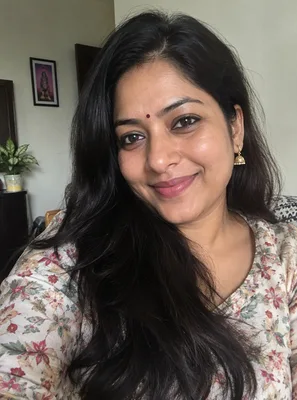
Input Nano Banana 2
Input 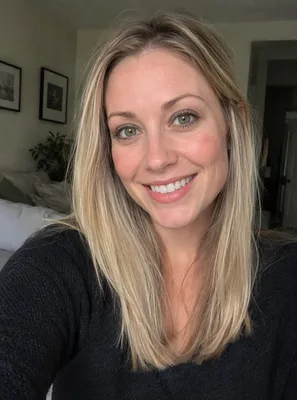
Input Nano Banana 2
 Nano Banana 2
How to see what your baby might look like
Upload one photo of each parent
Add two photos: parent 1 first, then parent 2. Each should show one face, looking roughly at the camera, in good light, with no sunglasses or heavy filters. Ordinary phone photos work. The clearer the faces, the more of each parent shows up in the baby.
Add baby details, or leave the box empty
Left empty, you get a portrait of a baby about one year old with features from both parents. To change it, write a short line or tap a chip: "a girl, about 2 years old", "a boy, about 6 months old", "toddler, laughing". One look per run works best.
Check the price, then generate
You need a free account to make a baby photo. Sign-up gives you 30 credits that last 30 days, plus 5 more each day. The price for the model and size you picked is shown above the button. Free accounts go up to 2K and the file carries a watermark; 4K comes with a paid plan or a credit pack. If a run fails, the credits come back.
What the baby face generator does with two photos
A blend of both parents
The built-in instruction asks the model to combine the face shape, eyes, nose, hair colour and skin tone of both parents into one realistic baby. The result is one possible face, not the only one: run it again and you will see a different mix, the way siblings differ.
Pick an age, a girl or a boy, and a mood
Write the age you want to see, from a newborn to a four-year-old, and say girl or boy if you have a preference. A mood such as "laughing" or "sleeping" changes the expression. Everything else, from the soft light to the plain background, stays the same, so portraits are easy to compare.
For fun, gender reveals and family chats
Couples use a future baby generator to make each other laugh, to add a picture to a pregnancy or gender reveal, or to share in a family chat. Treat it as entertainment. Real babies get their looks from genes that no photo can show.
Why baby photos start on Nano Banana 2
We tested the baby instruction with the same pair of fictional parents on Nano Banana 2 and GPT Image 2.5. Google's Nano Banana 2 blended the two parents more evenly, while GPT Image 2.5 leaned toward one parent. That is why Nano Banana 2 is selected by default. You can switch and compare:
| Model | Good to know for baby photos |
|---|---|
| Nano Banana 2 | Selected by default. 0.5K, 1K, 2K and 4K. Blended both parents more evenly in our test. |
| GPT Image 2.5 | 1K, 2K and 4K. Cheaper per photo; leaned toward one parent in our test. |
| Nano Banana 2.1 | 1K, 2K and 4K. |
| Seedream 5 Lite | 2K only. |
| Seedream 5 Flash | 2K only. |
| Qwen Image 2.1 | 1K and 2K. |
Prices depend on the model and the size, so they are not in this table. Pick both, and the exact price appears above the button.
Looking for a dancing baby clip instead of a portrait? That is the AI baby video page.
A free AI baby generator to start, and a video next
Every new account gets enough sign-up credits to try the baby generator for free, so you can see a few faces before paying anything. Plans and credit packs are on the pricing page.
A finished portrait has an Animate this image button. It sends the picture to the video tool as the first frame, so the baby can smile, blink and look around in a short clip made with image to video AI.
The same handoff is the animate a photo path.
Questions about the AI baby generator
Is this AI baby generator free?
You can start for free. Making a baby photo needs a free account, and sign-up gives you 30 credits that last 30 days, plus 5 credits each day. That covers a few baby photos on the default model. Free results carry a watermark and stop at 2K. A paid plan or credit pack removes the watermark and unlocks 4K.
How accurate is it?
It is not a prediction. The model invents one plausible face that mixes features it can see in the two photos. A real child's looks come from genes that photos cannot show, so treat every result as a fun "what if", not a forecast. Running it again gives another possible face.
What photos should I upload?
One photo per parent, each with a single face that is easy to see, looking roughly at the camera, in even light. Avoid sunglasses, hats that hide the face, heavy filters and group photos. Upload parent 1 first and parent 2 second.
Can I choose a girl or a boy, or the baby's age?
Yes. Write it in the details box, for example "a girl, about 2 years old" or "a boy, newborn". Left empty, you get a baby about one year old. You can make several versions, one per run, and keep the one you like.
How many photos do I get per run?
One portrait per run, at the size you picked, with the price shown before you start. Run it again for another face; each run is charged separately.
Can I use photos of other people?
Only with their permission. Use photos of yourself and your partner, or of people who agreed to it. Do not upload photos of children as the parents, and do not use the tool to make fun of or harass anyone. Adult or explicit content is not available.
What happens to our photos?
The two photos are used only to make your baby portrait and are sent to the model provider for that purpose. Uploads and results are not used for training. Free results are kept for 7 days and results made with paid access for 180 days, and you can delete them from your history at any time. Questions can go to [email protected].
Related tools
AI Baby Video Generator
Turn a photo of your baby or toddler into a short dance clip with sound. Use your own child's photo, add a setting if you like and see the cost first.
Image to Image AI
Upload a photo and describe the change. This image to image AI restyles, swaps a background, or combines reference pictures. The credit price shows before you start.
Animate Photos with AI and Make Pictures Move
Animate a photo with AI: add natural motion, blinking, hair and camera movement to any picture, then download a short video. Free credits to try.
Image to Video AI
Turn any photo into a short AI video. Upload an image, describe the motion and pick a model, from Kling and Veo to Grok Imagine and Vidu. Start free with 30 credits.
See your future baby now
Upload a photo of each parent, add an age or leave it empty, and check the price before you generate. Remember it is one fun possibility, not a prediction.