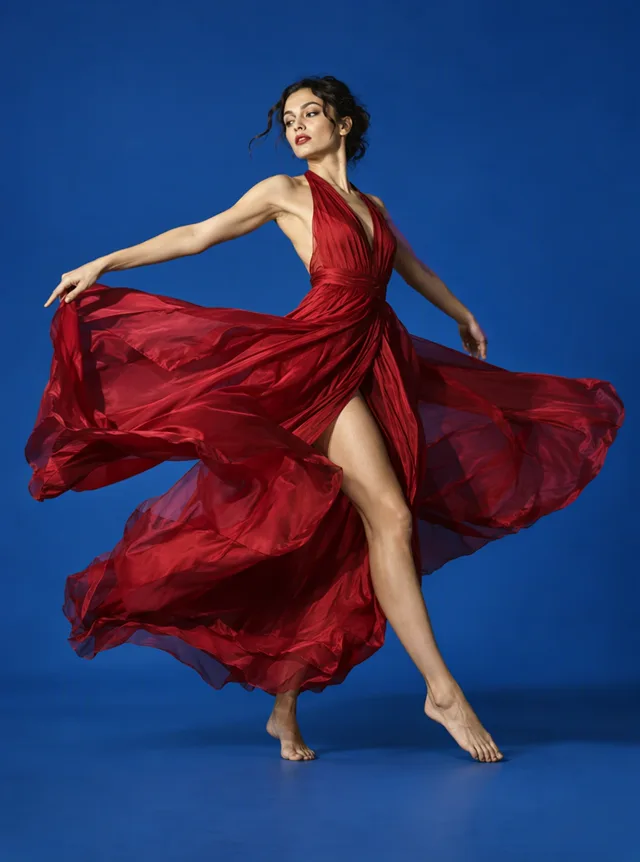
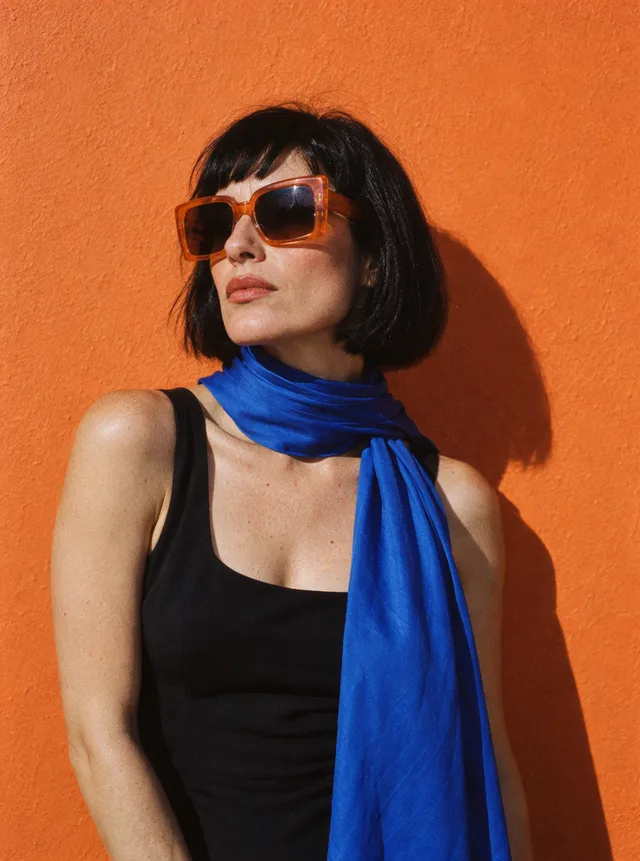
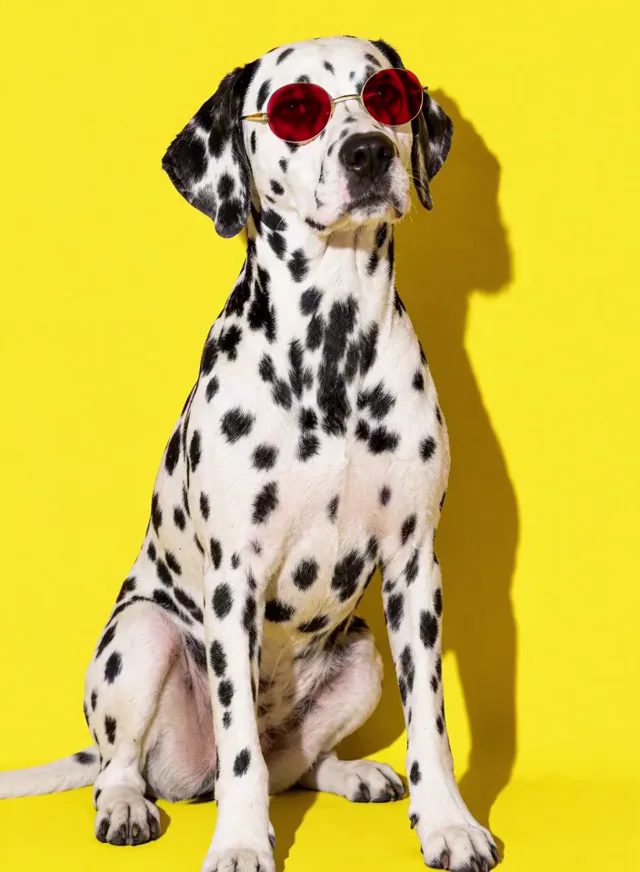
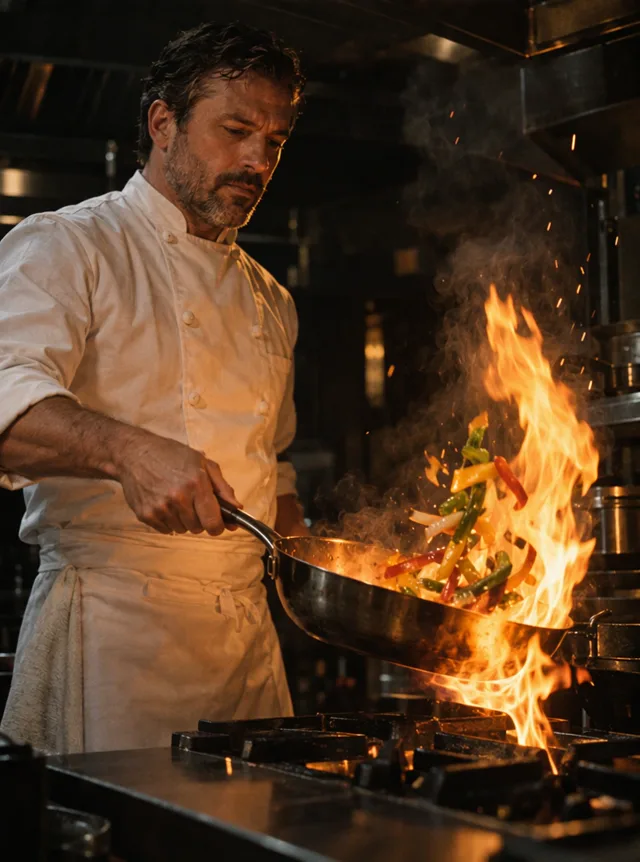
Free video daily · No sign-up · 5 models


Image to Video AI: Turn Any Photo into a Video
ImageVideoAI is image to video AI with five model families behind one upload box. Add a photo, describe the motion, and render it with Kling, Veo, Hailuo, Seedance or Wan, with the exact credit cost shown before you start.
Free video, one a day without an account · Seedance 1.0 Pro Fast · 480p · 5s
1 left today
- One free video a day, no sign-up
- Exact credits shown before you generate
- Failed videos are refunded
Featured
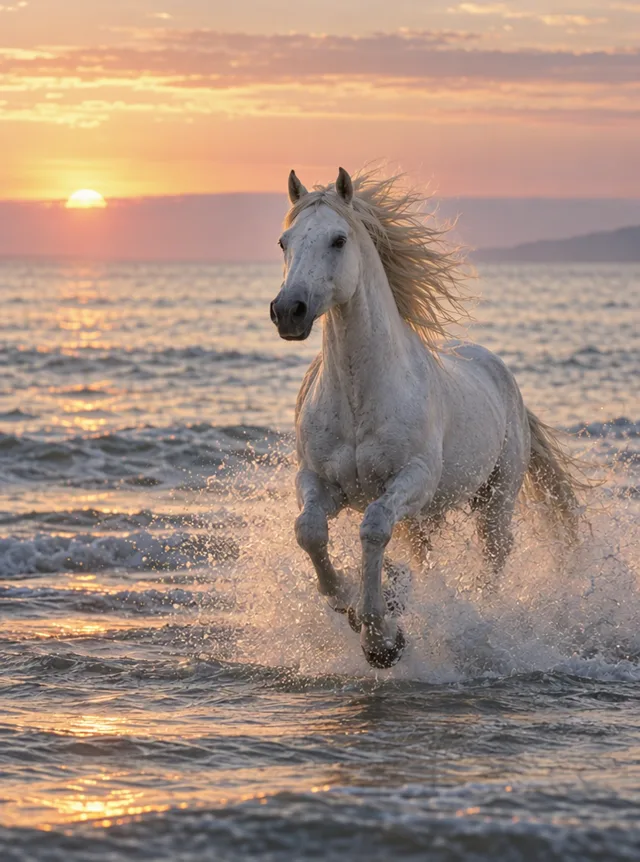
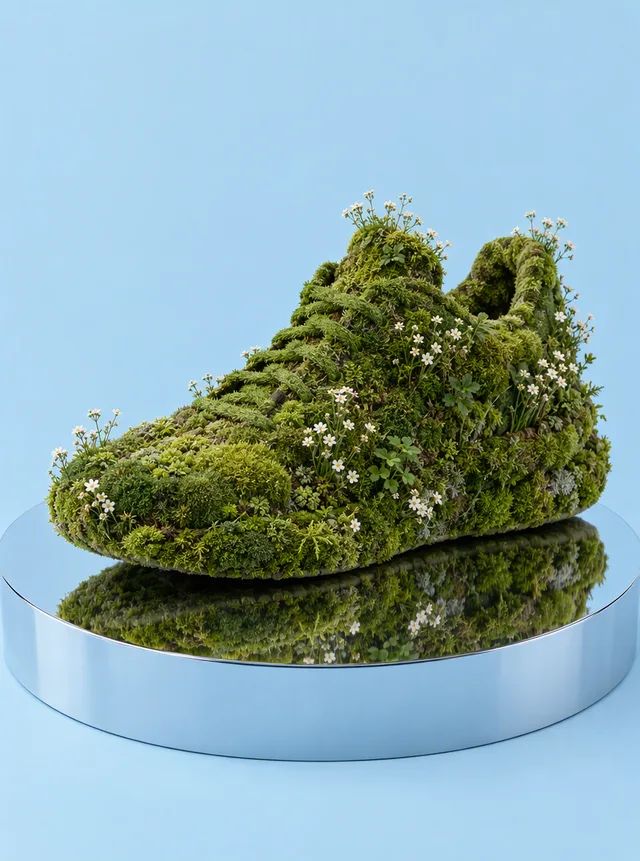
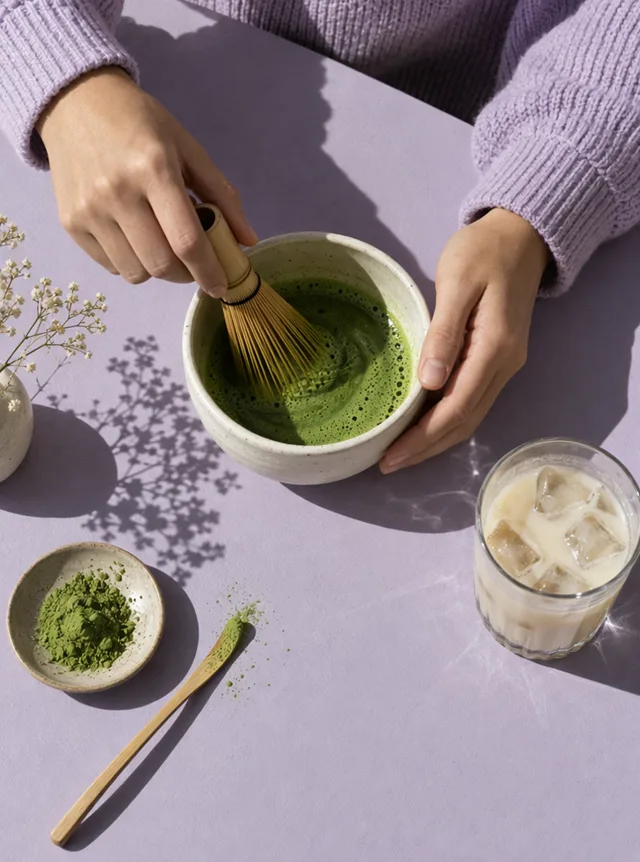
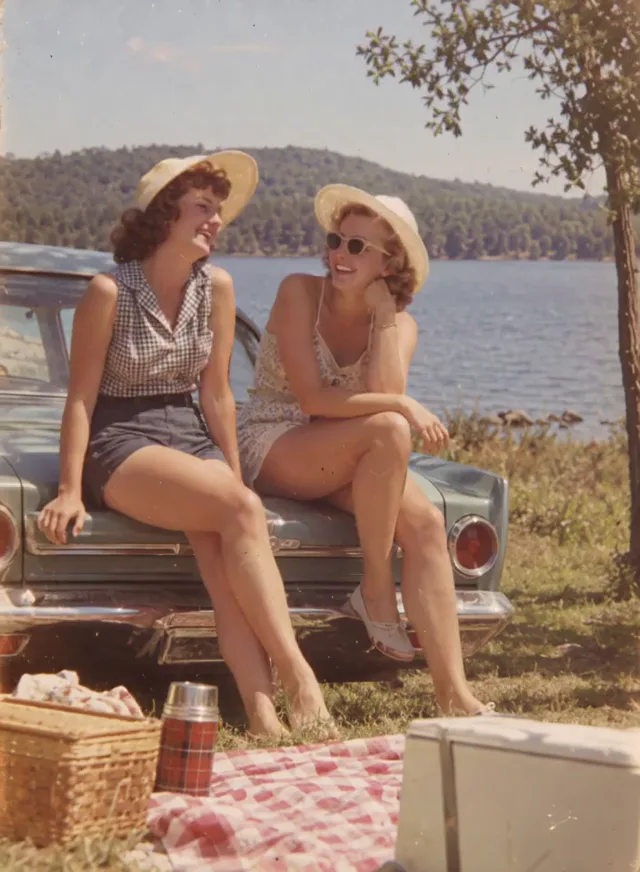
Turn Photo into Video in 3 Steps
You don't need an editing timeline or a graphics card. Everything runs in the browser, and the whole job is three steps.
Upload a photo
Use a JPG, PNG or WebP file of up to 10 MB. Portraits, product shots, pets, drawings and scanned prints all work. A clear subject that fills a good part of the frame gives the model more to animate.
Describe the motion
Write one or two sentences about what should move and what the camera does, for example "she turns toward the window and smiles, slow push-in". The photo already fixes the look, so the prompt only has to explain the action.
Pick a model and generate
Choose a model, a clip length and a resolution. The button shows the exact number of credits before you click, and if a render fails, those credits return to your balance in full. When the video is ready, preview it and download.
Choose a Model: Kling, Veo 3.1, Hailuo, Seedance or Wan
Every family in this image to video generator animates a still, but they differ in clip length, top resolution and price. The From column is the lowest per-video price for that family; longer clips and higher resolutions cost more. Free accounts render at up to 720p (Hailuo 2.3 and 2.3 Fast run at their base 768p), and paid plans unlock higher resolutions where a model supports them.
| Model family | Best for | Max length | Max resolution | From |
|---|---|---|---|---|
| Kling 3.0, 2.6, 2.5 Turbo | Multi-shot scenes, first and last frames, optional sound on 3.0 | 15 s | 4K | 19 credits |
| Veo 3.1 Quality, Fast, Lite | Google's model with sound in every clip, first and last frames, 4K on Quality and Fast | 8 s | 4K | 65 credits |
| Hailuo 2.3, 2.3 Fast, MiniMax H3 | H3 clips of 5 to 15 s with sound and first and last frames; silent 6 s shots on 2.3 Fast | 15 s | 2K | 15 credits |
| Seedance 2.5, 2.0, 2.0 Fast, 2.0 Mini, 1.0 Pro Fast | The widest price range, from 6-credit drafts to 30 s clips with sound on 2.5 | 30 s | 4K | 6 credits |
| Wan 3.0 | Clips of 2 to 30 s, sound on by default, first and last frames | 30 s | 1080p | 59 credits |
A quick way to narrow it down:
- Testing a prompt: Seedance 1.0 Pro Fast at 480p costs 6 credits, the cheapest render on the site, so the signup gift alone pays for five silent test shots.
- You want sound in the clip: Veo 3.1, MiniMax H3, Kling 3.0 with sound, Seedance 2.0 and 2.5, or Wan 3.0. Hailuo 2.3 and 2.3 Fast, Kling 2.5 Turbo and Seedance 1.0 Pro Fast have no audio.
- You need a long shot: Seedance 2.5 and Wan 3.0 both reach 30 seconds.
- You need 4K on a paid plan: Kling 3.0, Veo 3.1 Quality or Fast, or Seedance 2.0.
- You want to set the final frame too: Kling 3.0, Veo 3.1, Seedance 2.0, MiniMax H3 and Wan 3.0 accept a first and a last frame.
Each family has its own page with versions, settings and prompt advice:
- For the three Kling versions, the Kling AI video generator guide breaks down length, sound and price.
- Google's Quality, Fast and Lite tiers are compared in our Veo 3.1 AI video generator overview, 4K included.
- MiniMax H3 sits next to Hailuo 2.3 and 2.3 Fast in the Hailuo AI video generator breakdown.
- Every release from 1.0 Pro Fast to 2.5 appears in the Seedance AI video generator rundown, with audio notes.
- Durations from 2 to 30 seconds are covered in the Wan AI video generator walkthrough.
Kling AI Video Generator
Multi-shot scenes, first and last frames, optional sound on 3.0.
- Top resolution
- 4K
- Longest clip
- 15 s
- Sound
- Optional on 3.0
from 19 credits
Google Veo 3.1 AI Video Generator
Google's model, first and last frames, 4K on Quality and Fast.
- Top resolution
- 4K
- Longest clip
- 8 s
- Sound
- Always on
from 65 credits
Hailuo AI Video Generator
MiniMax H3 up to 15 s with first and last frames; 2.3 Fast for cheaper shots.
- Top resolution
- 2K
- Longest clip
- 15 s
- Sound
- On MiniMax H3
from 15 credits
Seedance AI Video Generator
The widest price range, from 6-credit drafts to 30 s clips with sound.
- Top resolution
- 4K
- Longest clip
- 30 s
- Sound
- Included on 2.x
from 6 credits
Wan 3.0 AI Video Generator Online
Clips of 2 to 30 s, sound on by default, first and last frames.
- Top resolution
- 1080p
- Longest clip
- 30 s
- Sound
- On by default
from 59 credits
What You Can Make from One Photo
ImageVideoAI puts five AI image to video model families to work on the same kinds of pictures. Here is what people usually start with.
Portraits and selfies
The most common photo to video AI request is a face that comes alive: a glance, a smile, a head turn, wind in the hair. Keep the motion small for a natural result, and ask for a slow camera move if you want the shot to feel cinematic.
Product photos
Turn a packshot into a short clip for a listing or an ad: the product rotates, light sweeps across it, or the camera orbits slowly. A paid plan adds a commercial license and removes the watermark.
Anime, art and illustrations
Picture to video AI isn't limited to photographs. Drawings, anime stills and digital paintings can blink, breathe and move through their scene, and the model keeps the original art style.
Old family photos
Scanned prints and old portraits can get a gentle blink or a slight smile. For subtle motion like this, see our guide to animate a photo.
Kissing, hug and dance videos
Couples, friends and dance moves each have a dedicated page with a ready-made preset: one photo in, a 5-second clip at 480p on MiniMax H3 out, with sound, for 15 credits. You can add your own details or switch models. Only use photos of people who have agreed to it.
- Romantic clips start with the AI kissing video generator and two consenting people.
- Warm reunions and family moments go through the AI hug video generator in the same way.
- Party moves and trends belong in the AI dance video generator section of the site.
AI Kissing Video Generator
Kissing AI that turns one photo of you both into a short kiss clip with sound. Try it free online each day and see the credit cost before you generate.
AI Hug Video Generator
Make an AI hug video from one photo of two people, from family snapshots to an embrace with a loved one. Check the cost first and start with free credits.
AI Dance Video Generator
Make a photo dance with AI. Upload one full-body picture of a person, set the scene if you like, and get an upbeat dance clip with sound for TikTok or Reels.
Animate Photos with AI and Make Pictures Move
Animate a photo with AI: add natural motion, blinking, hair and camera movement to any picture, then download a short video. Free credits to try.
Prompt Tips: Describe Motion, Camera and Mood
An AI video generator from image input already knows who is in the shot and what it looks like. Your prompt should cover what the picture can't: what happens next. A simple order works well:
- Subject: who or what moves, in a few words.
- Action: one clear movement that fits the clip length.
- Camera: push-in, pull-back, pan, orbit or a locked-off shot.
- Mood: light, pace and atmosphere, such as calm, dreamy or energetic.
Example prompts:
The woman looks up from her book and smiles, a breeze moves the curtains, slow push-in, warm afternoon light.
The sneaker turns slowly on a white table, soft studio light sweeps across it, camera orbits halfway around, clean and premium.
The dog tilts its head and wags its tail, leaves drift down behind it, handheld camera, playful autumn mood.
Ask for one main action per clip, since a 5-second video has room for a single beat. Avoid describing the outfit or background again unless you want them to change. If nothing moves the way you hoped, change one part of the prompt at a time. Starting from words alone? Write the whole scene on the text to video AI page.
Free Credits, Resolution and Watermark
You can start without paying anything, and you can start without an account. Here is exactly what each level includes.
| Guest | Free account | Paid plan or credit pack | |
|---|---|---|---|
| What you get | 1 free video a day | 30 credits on joining (30-day expiry) and 5 more each day | 500 to 4,000 credits a month, or a pack |
| Models | Seedance 1.0 Pro Fast | Every model except Veo 3.1 Quality | Every model |
| Max resolution | 480p, 5 s | 720p (768p on Hailuo 2.3) | 1080p, 2K or 4K where the model supports it |
| Watermark | Yes | Yes | No |
Those signup credits are meant for a first look at the lower-priced models: five Seedance 1.0 Pro Fast clips at 480p, two MiniMax H3 clips at 480p, or a Kling 2.5 Turbo clip with a Fast draft on the side. A single Kling 3.0, Wan 3.0 or Veo 3.1 Lite clip costs more than the whole gift. The 5 daily credits refill on a rolling 24-hour clock and don't stack up, and since no video costs less than 6, they only count toward a render once your balance holds other credits too. Paying also adds a commercial license that stays with every video made during your plan, 3 jobs running at once and 180 days of file storage instead of 7. Subscriptions are Starter at $9.99 a month for 500 credits, Pro at $29.99 for 1,500 and Max at $79.99 for 4,000, or 20% less when billed yearly. Counted in Kling 3.0 clips at 720p and 5 seconds, that is about 11, 35 or 95 videos a month. Credit packs of 400, 1,200 or 2,800 credits last 12 months and give you paid features while a balance remains. Compare every option on the plans and credits page, and read the refund policy before you buy.
Image to Video AI FAQ
Is image to video AI free?
Yes, within limits. Guests get one free video a day, and a free account adds a one-time 30 credits, usable for 30 days, plus 5 credits every day. Free videos carry a watermark and stop at 720p, and Veo 3.1 Quality needs a paid plan. A subscription or credit pack removes the watermark and unlocks 1080p, 2K and 4K where the model supports them.
Can I try image to video AI free no sign up needed?
Yes. Every day you get one free video without making an account: upload a photo and write a prompt, and the free clip runs 5 seconds at 480p, carries a watermark and uses Seedance 1.0 Pro Fast. Create a free account when you want more, since it gives you 30 credits right away, 5 more each day and access to the other models at up to 720p.
Which AI model is best for image to video?
No single model wins every shot, so pick by the job. Seedance 1.0 Pro Fast is the cheapest way to test a prompt. Kling 3.0 handles multi-shot scenes and optional sound, Veo 3.1 adds sound to every clip and reaches 4K on its Quality and Fast tiers, and Seedance 2.5 and Wan 3.0 go up to 30 seconds. The table above shows length, resolution and price side by side.
Do failed videos still cost credits?
No. If a generation fails, every credit it used goes back to your balance automatically, so you only pay for videos you receive. The exact cost is also shown before you start, so the number on the button is the number that leaves your balance when a render succeeds.
What photos work best?
Sharp, well-lit photos with one clear subject give the most reliable motion. Faces should be visible and not cut off at the frame edge, and products look best on a clean background. Very small, blurry or heavily filtered images leave the model guessing, which tends to produce warped details. Upload JPG, PNG or WebP files of up to 10 MB.
Is NSFW content allowed?
No. ImageVideoAI does not support adult or explicit content, and prompts or photos aimed at it are not allowed. You also can't use someone else's photo to make an intimate video, such as a kiss, unless that person has clearly agreed. Keep uploads to pictures you own or have permission to use.
Are my photos used to train AI models?
No. Your uploads and generated videos are not used for training. Each file goes to the model provider you selected only so it can generate your clip. Free accounts keep files for 7 days and paid accounts for 180 days. Questions about your data can go to [email protected].
Compare AI video tools
AI Video Generator
One AI video generator with Kling, Veo, Seedance, Hailuo and Wan. Create videos from text or images, compare models and pay only for what you use.
Best Image to Video AI Tools in 2026
Ten image to video AI tools compared on models, price per clip and free plans as of October 2026, from Kling and Veo to Luma, Pika and our own site.
The Best AI Video Generators in 2026
Runway, Google Flow, Kling, Luma, Pika and more compared for text to video, editing and sound, with prices as of October 2026 and honest pros and cons.
The Best Sora Alternatives in 2026
Sora is closed. Compare Sora alternatives for text and image to video, including Kling 3.0, Veo 3.1 and Seedance 2.5, and make one free video a day.
Your Photo, Now in Motion
Upload a picture, describe one movement and see how each model handles it. Every new day brings another free video, and failed renders never cost you credits.