
ByteDance Seedance · 5 versions
Seedance AI Video Generator: Seedance 2.0 and 2.5
Animate a photo with Seedance 2.0 from ByteDance, or step up to the newer model for takes of up to 30 seconds with native audio. Cheaper Fast, Mini and Pro Fast versions sit alongside them for drafts.
Free video, one a day without an account · Seedance 1.0 Pro Fast · 480p · 5s
1 left today
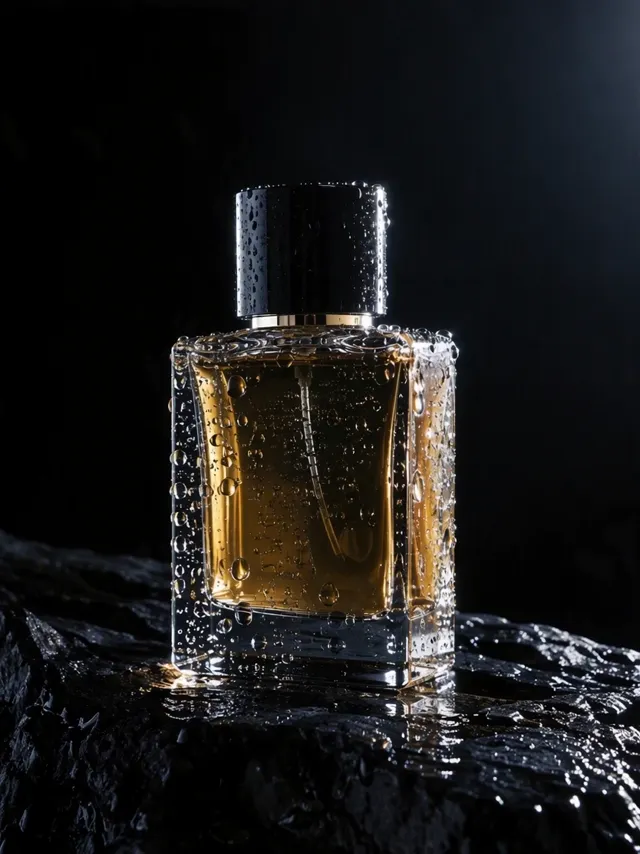 Still
StillSeedance 2.0130 credits
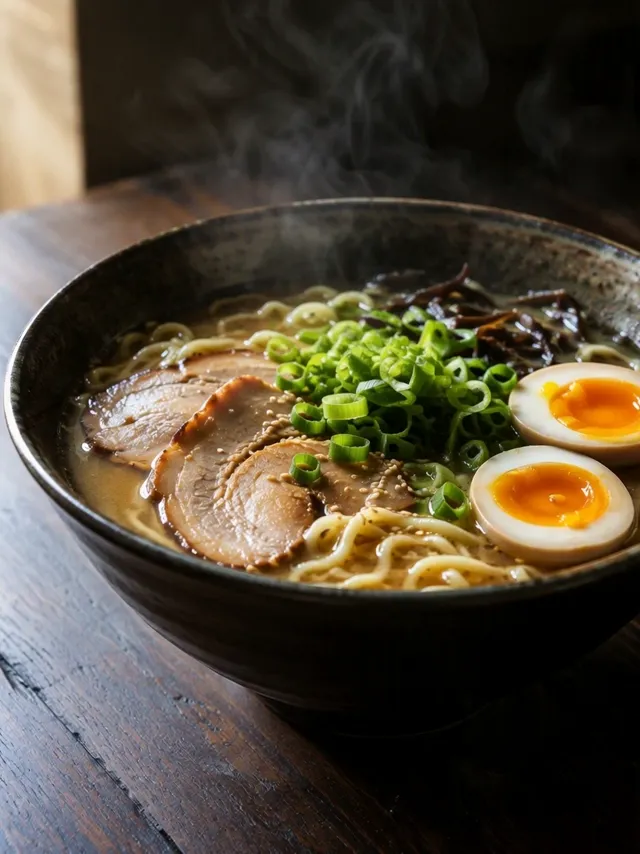 Still
StillSeedance 2.0 Mini65 credits
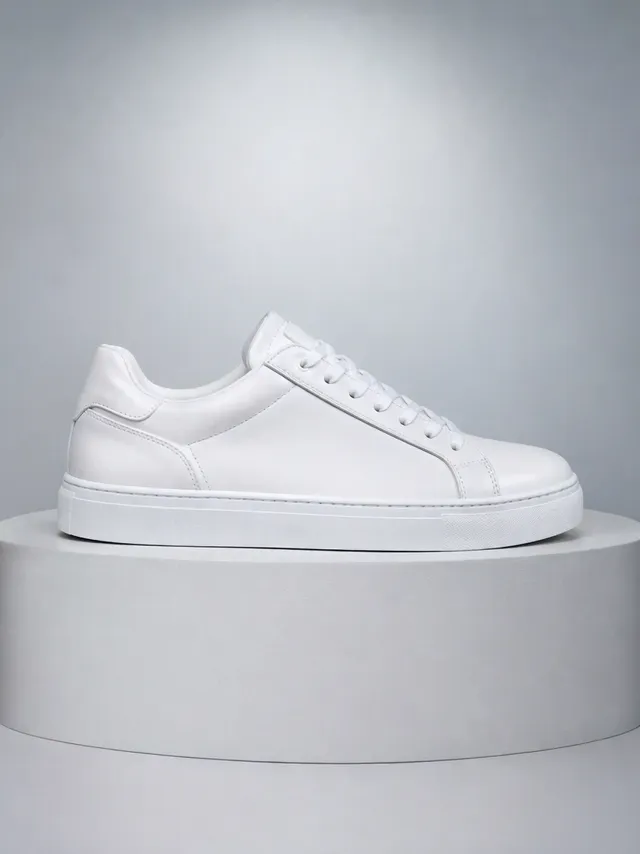 Still
StillSeedance 2.0 Mini65 credits
 Seedance 2.0
Seedance 2.5 vs 2.0 vs Fast vs Mini
ByteDance launched 2.0 on February 12, 2026, describing it as a model for 15-second multi-shot clips with sound, and followed with Seedance 2.5 on July 31, 2026. In ByteDance's own apps the models appear in Dreamina and Jimeng. ImageVideoAI offers five versions through an API, priced so you can move up the ladder as a project firms up.
| Version | Resolution here | Credits, 720p, 5 s | Use it for |
|---|---|---|---|
| 2.5 | 480p or 720p | 183 | Long takes of 4 to 30 seconds with native audio |
| 2.0 | Up to 4K | 130 | 4 to 15 seconds with sound, first and last frame, 4K masters |
| 2.0 Fast | 480p or 720p | 105 | A lower price on the 2.0 family, 4 to 15 seconds, still with sound |
| 2.0 Mini | 480p or 720p | 65 | The cheapest way into the 2.0 family, 4 to 15 seconds, sound included |
| 1.0 Pro Fast | 480p, 720p or 1080p | 14 | Silent drafts; it also powers the free daily video |
The two flagships split the work by length and resolution. The newer model holds one continuous shot for up to half a minute but stops at 720p. Version 2.0 is shorter, at 15 seconds at most, yet it is the one to choose for 1080p or 4K with sound.
Where Seedance Stands Out
ByteDance Seedance has the lowest entry price of any family on this site, with single clips priced from 6 credits up to 323. Beyond price, three things make it worth choosing:
- Length. Version 2.5 generates up to 30 seconds in one pass, long enough for a full product demo or a short scene that plays out without a cut.
- Sound in the clip. Both 2.5 and 2.0 produce audio together with the picture, so footsteps, crowd noise or speech come out in sync instead of being added later.
- Two-image control. A Seedance 2.0 AI video can start from one image or two, so the second can act as the final frame and steer where the motion ends.
The trade-off is that 2.5 tops out at 720p here. ByteDance's Dreamina app advertises 4K for that model, but it isn't a setting this site offers; for 4K, render on 2.0.
Seedance Credits Per Clip
Seedance prices are fixed per clip, and the number shows up in the tool before you start. Renders that fail don't keep your credits; they are added back automatically.
| Output, 5-second clip | Seedance model | Credits |
|---|---|---|
| 480p | 1.0 Pro Fast | 6 |
| 720p | 1.0 Pro Fast | 14 |
| 720p | 2.0 Mini | 65 |
| 720p | 2.0 Fast | 105 |
| 720p | 2.0 | 130 |
| 720p | 2.5 | 183 |
| 1080p | 2.0 | 323 |
Guests get a single watermarked clip every day with no account needed; it renders on the 1.0 Pro Fast model, 5 seconds long at 480p. Signing up adds 30 credits once, valid for 30 days, plus 5 each day that don't accumulate, at up to 720p with a watermark. Every 2.0 and 2.5 version costs more than that, so free credits on this page go to 1.0 Pro Fast: five 480p drafts or two at 720p from the signup grant, with the daily 5 only useful on top of what remains. Paid plans remove the watermark and unlock 1080p and 4K, and the plans and credits page compares them.
Seedance Prompt Tips and Examples
Seedance clips can run long and carry sound, so the prompt has more to describe than a single camera move.
- Write the action as a timeline. For a 20- or 30-second take on 2.5, use "first", "then" and "finally" so the beats arrive in order.
- Describe the sound you want. Name the voices, music or ambient noise, and Seedance generates them with the picture on 2.5 and 2.0.
- Keep one subject throughout. Long takes hold together better when the prompt doesn't introduce new main characters halfway.
- Use the second image on 2.0 for endings. When the last moment matters, upload it as the closing frame rather than describing it.
- Draft cheaply first. Test the wording on 1.0 Pro Fast or 2.0 Mini before spending 183 credits on a long take.
Example prompts that suit Seedance:
First, the street musician in the photo tunes his guitar under a lamppost. Then he starts to play as passers-by slow down. Finally a small crowd claps. Warm evening light, handheld camera, guitar and crowd noise.
Opening image: a closed flower bud on a balcony. Closing image: the same flower fully open in sunlight. Time-lapse bloom, gentle breeze, birdsong in the background.
A chef in a busy kitchen plates a dish, wipes the rim and slides it under the heat lamp, medium shot, clatter of pans and an order called out.
Seedance vs Wan vs Kling
Seedance shares the 30-second ceiling with one other family here and overlaps with a third on price. To put one photo through several of them, start from the image to video AI tool on the homepage and switch models between renders.
| Seedance | Wan | Kling | |
|---|---|---|---|
| Longest single clip | 30 s (2.5) | 30 s | 15 s |
| Highest resolution | 4K (2.0) | 1080p | 4K (3.0) |
| Sound | Native audio on 2.5 and every 2.0 version | Audio on by default | Optional on 3.0 |
| Cheapest 720p, 5 s clip | 14 credits | 59 credits | 19 credits |
Alibaba's Wan 3.0 reaches 30 seconds as well, and does it at up to 1080p, which Seedance 2.5 can't. On our Wan AI video generator you can set lengths from 2 to 30 seconds and add a first and last frame.
Kuaishou's Kling is shorter, at 15 seconds, but adds multi-shot scenes and 4K on 3.0, with a 720p Turbo clip at 19 credits. The Kling AI video generator page explains each version and its sound option.
Seedance stays the better pick when you want sound and length together at 720p, or the lowest price for a test clip. For sound above 720p, though, 2.0 is the only Seedance route.
Seedance FAQ
Is Seedance 2.0 free?
Not on 2.0 itself. A new account receives 30 credits, below the 65 that even 2.0 Mini costs for a 5-second 720p clip, and Fast at 105 and the full 2.0 model at 130 are further away, so every 2.0 version needs a plan or pack. What free credits can pay for is the older 1.0 Pro Fast, and guests get a daily 480p clip with a watermark from that model without registering.
How to use Seedance 2.0 on ImageVideoAI?
Upload a JPG, PNG or WebP image, choose 2.0 in the model menu, and set the resolution and length. Add a second image if you want a fixed last frame. Write the action and the sound you want, check the credit price shown on the button, then generate. Download the clip once it is ready.
What is the difference between Seedance 2.5 and 2.0?
Version 2.5, released by ByteDance on July 31, 2026, runs from 4 to 30 seconds at 480p or 720p with native audio. 2.0 runs from 4 to 15 seconds, goes up to 4K, includes sound, and takes one or two images for first and last frame control. Pick 2.5 for length and 2.0 for resolution.
Can Seedance 2.5 make 4K video here?
No. On this site, the newest Seedance renders at 480p or 720p. ByteDance's Dreamina app promotes 4K output for it, but that is a feature of Dreamina, not something ImageVideoAI offers. If you need 4K from Seedance, use 2.0, which costs 323 credits for 5 seconds at 1080p and 658 at 4K.
Which Seedance AI version is cheapest?
1.0 Pro Fast, at 6 credits for 5 seconds at 480p and 14 at 720p. It has no audio, so use it for drafts and motion tests. Within the 2.0 family, Mini is the cheapest at 65 credits for a 720p, 5-second clip, followed by Fast at 105.
Compare other models
Image to Video AI
Turn any photo into a short AI video. Upload an image, describe the motion and pick Kling, Veo, Hailuo, Seedance or Wan. Start free with 30 credits.
AI Video Generator
One AI video generator with Kling, Veo, Seedance, Hailuo and Wan. Create videos from text or images, compare models and pay only for what you use.
Kling AI Video Generator
Use Kling AI to turn images and prompts into cinematic videos. Compare Kling 3.0, 2.6 and 2.5 Turbo, read prompt tips and try Kling image to video online.
Hailuo AI Video Generator
Turn photos into videos with Hailuo AI by MiniMax. Compare MiniMax H3, Hailuo 2.3 and 2.3 Fast, read the prompt guide and try Hailuo image to video online.
The Best Luma Dream Machine Alternative
Luma's Ray3.2 next to the Kling, Veo, Seedance, Hailuo and Wan models on ImageVideoAI: plans, cost per clip, sound and length, as of October 2026.
Bring a Photo to Seedance
Pick a version, describe the action and the sound, and check the credit price before you render. The free daily clip needs no account.