
Halloween 2026 · Ghost · Demon · Zombie
AI Halloween Video Maker: Three Scares from One Photo
Upload one photo and get a short, spooky clip with sound for October 31. The generator here starts with the ghost prank; the demon summoning and the zombie transformation each have their own page below.
Only use photos of people who agreed to appear in a Halloween clip. No celebrities.
Free video, one a day without an account · Seedance 1.0 Pro Fast · 480p · 5s
1 left today
 Still
StillWan 3.030 credits
 Still
StillWan 3.030 credits
 Still
StillWan 3.047 credits
 Still
StillWan 3.047 credits
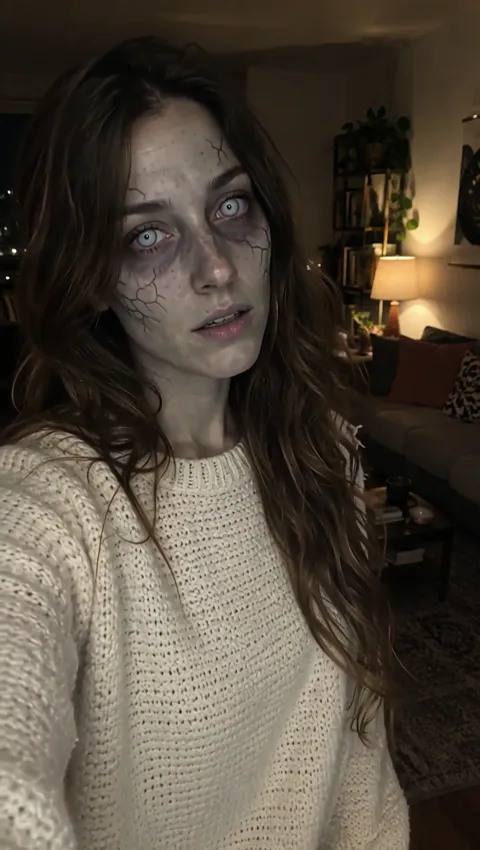 Still
StillWan 3.030 credits
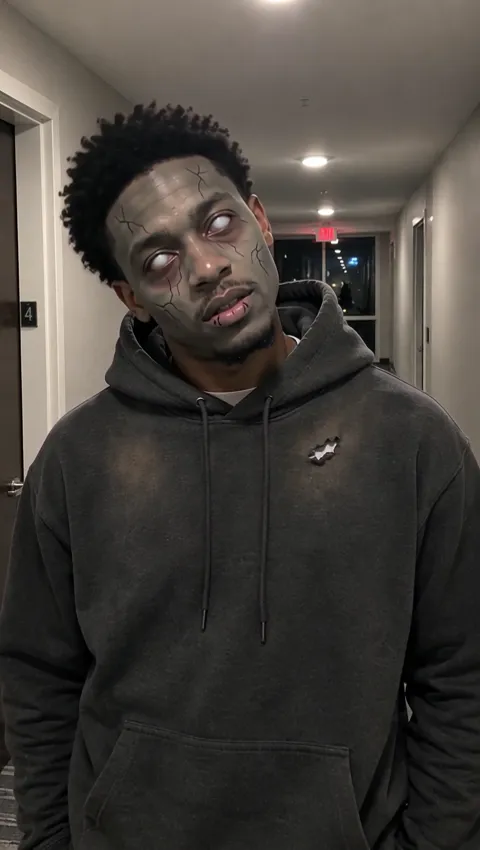 Still
StillWan 3.030 credits
 Wan 3.0
Three Halloween AI Effects
Each effect is a ready-made scene. You bring a picture of a single person whose face is easy to see, and the preset writes the action, the camera move and the sound. The three differ in who the monster is: something behind the person, or the person themselves.
Ghost prank: something is standing behind you
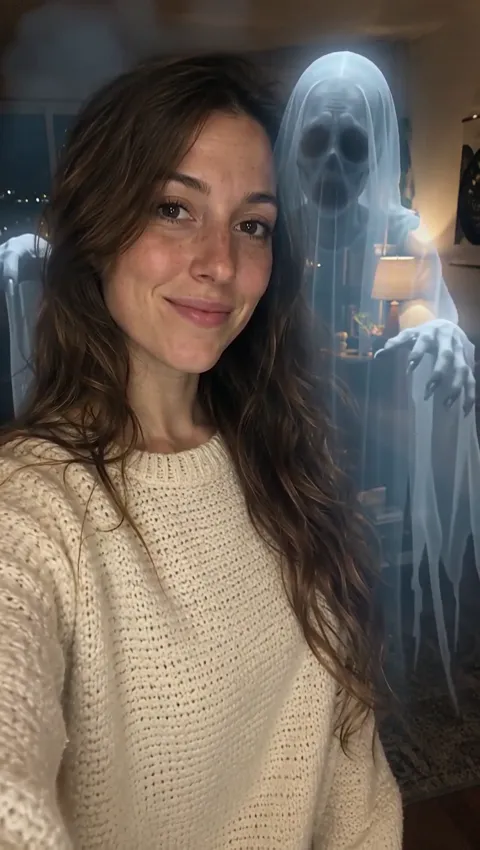
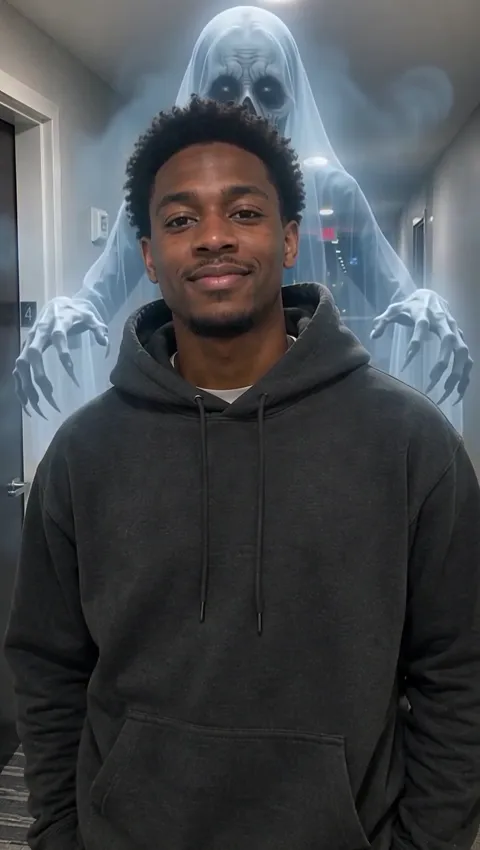
The person in the photo keeps smiling at the camera, completely unaware, while a tall, translucent ghost fades in out of mist behind them and swings its long arms above their shoulders. An eerie whoosh plays underneath. It's the "ghost behind me" idea from TikTok, built from a still image, and it is the effect loaded in the generator on this page. Full tips are on the AI ghost prank page.
Demon summoning: a ritual that goes to plan
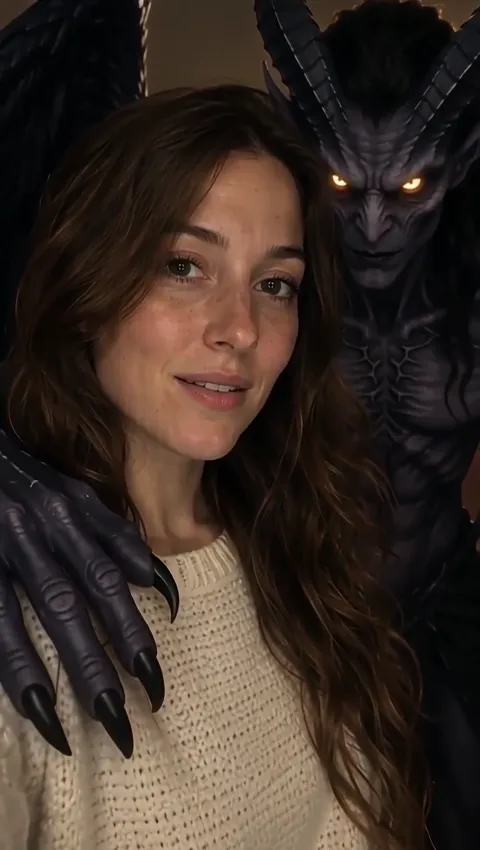
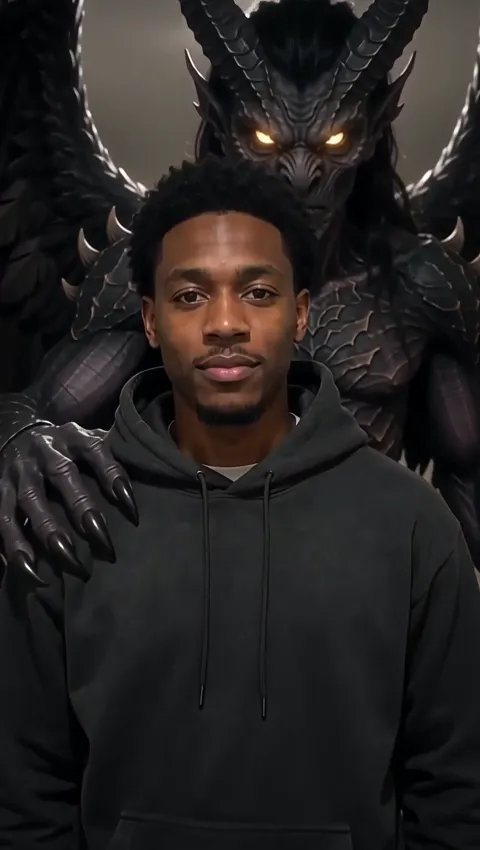
A glowing golden magic circle ignites at the person's feet, and a horned, winged demon takes shape behind them from golden smoke, resting a clawed hand on their shoulder. The camera pushes in as their calm face turns into a knowing smile. At 8 seconds, it is the longest of the three. Make one on the AI demon page.
Zombie transformation: the person becomes the monster
Here nothing appears behind anyone. The person slowly turns into a zombie while staying recognizable: ashen grey-green skin, dark veins, milky eyes, dusty torn clothes. Then they growl and lurch toward the camera. It is creepy rather than gory, with no blood. Try it on the AI zombie video page.
| Effect | What happens | Length | Default cost | Best for |
|---|---|---|---|---|
| Ghost prank | Ghost rises behind a smiling, unaware person | 5 s | About 30 credits | Pranks, reaction videos, selfies |
| Demon summoning | Magic circle, winged demon, knowing smile | 8 s | About 47 credits | Villain reveals, costume photos |
| Zombie | Person turns undead, then lurches at the camera | 5 s | About 30 credits | Before-and-after posts, group series |
How to Make Your Halloween Clip
There is nothing to film and no editing timeline. The whole process is three decisions.
Choose the scare
Use the generator on this page for the ghost, or open the demon or zombie page for those effects. Each preset already contains the full scene, so you don't need to write a prompt.
Upload one clear photo
One person, face clearly visible, no sunglasses or masks. For the ghost and the demon, leave some space behind and above the person; for the zombie, a well-lit, front-facing face matters most. The optional details field (up to 500 characters) never overrides the effect; use it for a small touch such as a slower build-up or a colder light, since objects or places missing from your photo may not appear.
Check the credits and generate
All three run on Wan 3.0 at 480p by default, with sound effects included. The button shows the exact credit cost before you press it, and you can pick another model from the menu if you want a different price or look. Credits for a failed clip are refunded.
Ride the AI Halloween Trend Before October 31
Halloween content peaks in the last week of October, and the AI Halloween trend moves fast on TikTok, Reels and Shorts. A little planning helps your clip land on time.
- Make it early. Generate a few days ahead, so you have time to try a second photo or a different detail if the first version isn't quite right.
- Think vertical. Short-form apps favor tall video, so choose a portrait-orientation photo.
- Lead with the still. Post the original photo as the first frame or slide, then the clip. The surprise is the point.
- Add your own sound on top if you like. The clip already has its sound effects; music can be layered inside the app.
- Make a series. One ghost, one demon, one zombie, posted over three days, keeps a Halloween theme going all week.
- Label it. Turn on the platform's AI label, or mention it in the caption.
Free clips carry a watermark and stay at free-tier resolution. A plan or credit pack removes the watermark, opens higher resolutions on models that support them, and allows commercial use, say in a shop's or a venue's Halloween promotion. Compare tiers on the pricing page.
Prefer to write your own spooky scene, such as a haunted house, a witch's kitchen or a full moon over a graveyard? Start from any photo with the image to video AI generator and describe it in your own words. The default model behind these effects is Wan 3.0; see what else it does in our Wan AI video generator guide. All of these routes show the credit price up front.
Spooky, Not Hurtful
Halloween clips are meant to be fun for the person in them too. Before uploading:
- Only people who agreed. Use photos of yourself, or of friends and family who said yes. Children need a parent's or guardian's permission.
- No celebrities or public figures. Keep famous faces out of it.
- No harassment. Don't use the effects to frighten someone vulnerable, to fake a real event, or to target a person.
- Be open that it's AI. Say so when you share it publicly.
Your uploads and results aren't used to train AI models; they are passed to the video model provider only to create the clip.
Halloween Video FAQ
What is the Halloween AI trend?
It's the wave of short clips where people use AI to put themselves into a Halloween scene: a ghost appearing behind them, a demon they've summoned, or their own face turning into a zombie. Most are posted on TikTok, Reels and Shorts in the weeks before October 31. Here you can make all three from a single photo, with sound.
Can I make an AI Halloween video for free?
Yes, up to a limit. Guests get one free video a day without signing up, made with Seedance 1.0 Pro Fast at 480p, 5 seconds long, without sound and with a watermark. Registering brings a one-time 30 credits, good for 30 days, which is about one ghost or zombie clip with sound, plus 5 credits daily. The 8-second demon costs more than a free account holds.
Which Halloween effect should I choose?
Pick by the joke you want. The ghost prank suits reactions and pranks with friends, since the person stays unaware. The demon fits dramatic "villain" posts and costume photos, and it ends on a knowing smile. The zombie is best for before-and-after posts, because the person turns into the monster themselves.
Is this an AI monster generator for any creature?
Each effect makes one creature: a ghost, a demon or a zombie. That keeps the results consistent and means you don't have to write a prompt. For an AI monster of your own design, use the image to video tool and describe the creature yourself, then pick the model you want.
Do the Halloween clips have sound?
They do when Wan 3.0, the default, renders them, because each effect's sound is generated together with the picture: the ghost's whoosh, the demon's summoning, the zombie's growl. The free guest video uses Seedance 1.0 Pro Fast, which is silent, and so are some other models in the menu.
Can I use the clips for my business?
Yes, with a plan or credit pack. Videos created while you have paid access can be used commercially, even after the plan ends, and they download without a watermark. Clips made on a free account are watermarked and meant for personal use. Every clip still needs consent from the person in the photo.
More ways to animate a photo
Image to Video AI
Turn any photo into a short AI video. Upload an image, describe the motion and pick Kling, Veo, Hailuo, Seedance or Wan. Start free with 30 credits.
Animate Photos with AI and Make Pictures Move
Animate a photo with AI: add natural motion, blinking, hair and camera movement to any picture, then download a short video. Free credits to try.
AI Ghost Prank Video
Turn one photo into an AI ghost prank: a pale ghost rises from the mist behind a smiling person, with an eerie whoosh. Free to try online for Halloween.
AI Demon Summoning
AI demon effect for Halloween: a golden magic circle ignites, and a horned, winged demon rises behind the person in your photo. 8-second clip with sound.
Your Halloween Clip Starts with One Photo
Upload a picture, start with the ghost, then try the demon and the zombie. Your AI Halloween video is ready to post before October 31.