
Google DeepMind · Quality · Fast · Lite
Google Veo 3.1 AI Video Generator
This Veo 3 AI video generator brings Google's model to your own photos: upload an image, describe the shot, and choose Quality, Fast or Lite. Add a closing frame too when the clip has to end on a specific picture.
Sign in to use these settings, with 30 free credits · Veo 3.1 Lite · 720p · 8s
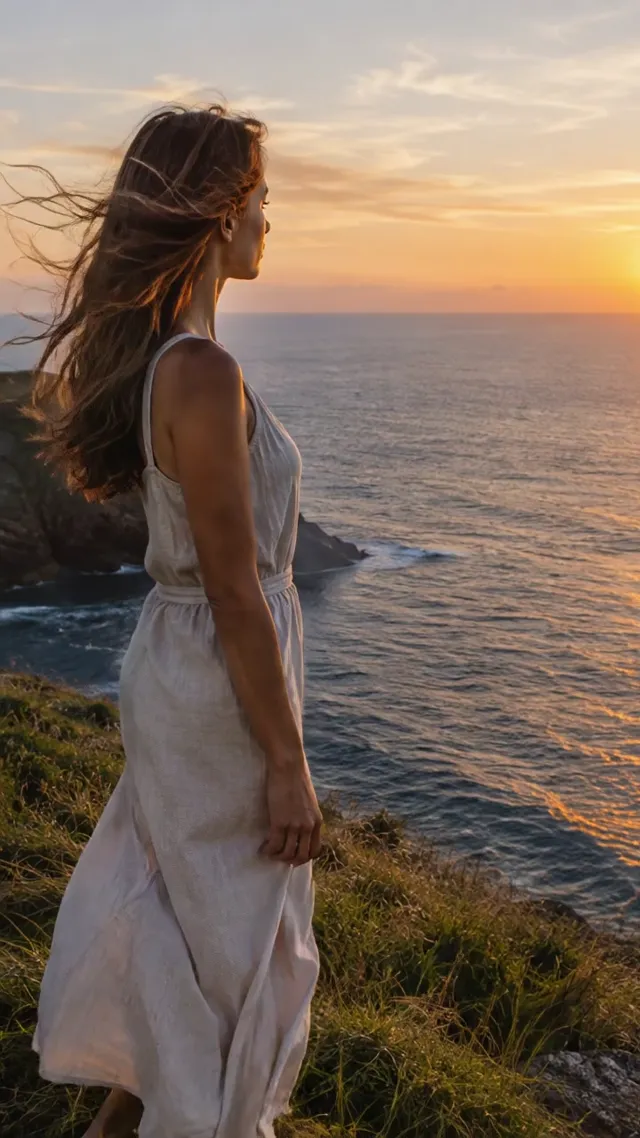 Still
StillVeo 3.1 Fast129 credits
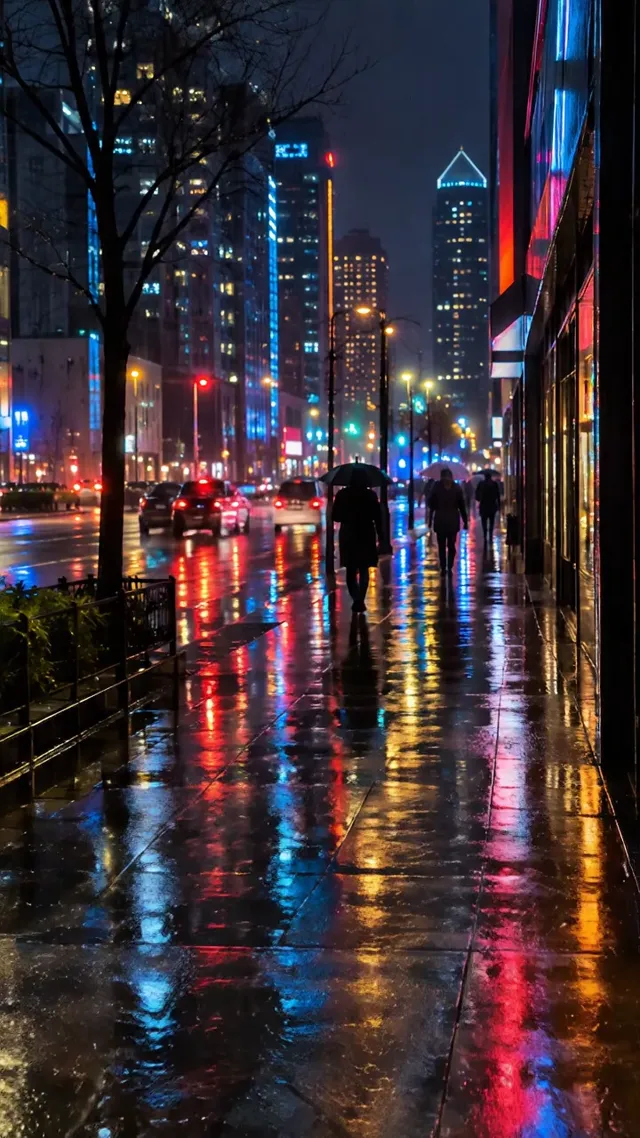 Still
StillVeo 3.1 Lite65 credits
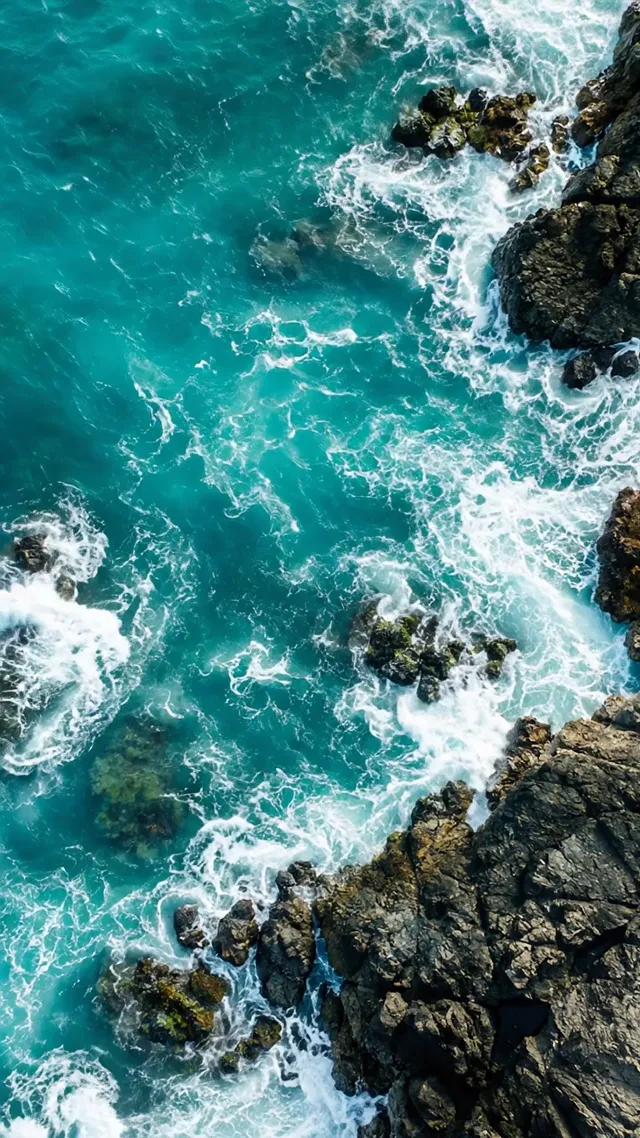 Still
StillVeo 3.1 Lite65 credits
 Veo 3.1 Fast
Veo 3.1 Quality vs Fast vs Lite
Veo is Google DeepMind's video model, and Google ships the current release in three tiers. All three accept a starting image or a text prompt, generate sound along with the picture, and support first and last frame control. What changes is resolution and price.
| Tier | Durations | Resolutions | Free account | Credits for an 8 s clip |
|---|---|---|---|---|
| Quality | 4, 6 or 8 s at 720p; 8 s at 1080p and 4K | 720p, 1080p, 4K | Not included | 538 at 1080p |
| Fast | 4, 6 or 8 s at 720p; 8 s at 1080p and 4K | 720p, 1080p, 4K | Yes, at 720p | 129 at 1080p |
| Lite | 4, 6 or 8 s at 720p; 8 s at 1080p | 720p, 1080p | Yes, at 720p | 65 at 720p |
At 1080p, a Quality clip costs a little over four times as much as a Fast one, so treat Quality as the tier for the final render of a shot you have already worked out. Fast is the everyday choice when you want 1080p or 4K. Lite is where to rough out composition and motion, since it has no 4K option and the lowest credit price of the three.
What Google Veo Does Well
Veo is designed around the single, composed shot. Eight seconds is the ceiling, which makes it a poor fit for a story with several scenes and a good one for moments like these:
- Product and brand shots. A bottle catching light, a sneaker rotating on a plinth, a logo reveal at the end of an ad.
- Planned transitions. With a first and a last frame, you decide where the shot begins and where it lands, and Veo builds the movement between them.
- Short loops. A 4-second clip at 720p is long enough for steam rising, waves rolling or a cursor blinking on a screen.
- Shots with ambient sound. Every Veo clip comes with audio, so the hiss of a coffee machine or waves on a beach arrive in the same file.
- High-resolution delivery. Quality and Fast both render 4K for screens where 1080p looks soft.
Google's own way to use Veo is Google Flow, which has its own credits and subscription tiers. Running a Google Veo AI video generator here instead means paying per clip in ImageVideoAI credits, with no Google subscription. Google also states that it embeds an invisible SynthID watermark in Veo output to mark it as AI-generated.
Veo Credits on ImageVideoAI
Each Veo render has a set price that appears beside the generate button before you commit. A clip that fails is refunded to your balance in full, so a broken render never costs anything.
| Veo tier and setting | Credits | Typical job |
|---|---|---|
| Lite, 720p, 8 seconds | 65 | Drafts, social clips, testing a frame pair |
| Fast, 1080p, 8 seconds | 129 | Finished shots for web and ads |
| Quality, 1080p, 8 seconds | 538 | Hero shots where detail matters most |
New accounts receive 30 credits once, to be used within 30 days, and 5 a day that expire rather than pile up, with output capped at 720p and watermarked. An 8-second Lite clip at 720p costs 65, more than that free balance ever reaches, so the Veo renders in this table need a plan or credit pack. The Quality tier is reserved for paid plans, and so are the 1080p and 4K settings of Fast. Our pricing page lists every subscription and pack.
Veo Prompt Tips and Example Prompts
Because a Veo clip is one shot of eight seconds or less, write the prompt like a line on a shot list rather than a paragraph of story.
- Order it as shot, subject, action, setting, light. "Close-up, a ceramic mug, steam curling upward, on a windowsill, soft morning light."
- Choose the length on purpose. Four seconds at 720p suits a loop, eight seconds suits a reveal with a beginning and an end.
- For frame pairs, describe the change, not the frames. Veo already sees both images; tell it how to get from one to the other.
- Name the lens feel. Words like macro, wide angle or shallow depth of field steer framing more than adjectives like stunning.
- Add one line about sound. Veo generates audio with every clip, so name what should be heard, such as rain on glass or a quiet café murmur.
- Frame the photo the way you want the clip. The video follows the shape of your image: a vertical photo gives a vertical clip, a wide one gives a wide clip.
Three prompts written for Veo:
Macro shot of a perfume bottle on black stone, a single beam of light sweeps across the glass from left to right, slow push-in, shallow depth of field.
First frame: a quiet city street at noon. Last frame: the same street at night with neon signs lit. Time-lapse feel, clouds race overhead, the camera stays locked off.
Medium shot of the woman in the photo standing on a pier, her scarf lifting in the wind, the camera arcs slowly to her right, overcast seaside light.
Veo vs Kling vs Wan
If eight seconds is too short or the credit price too high, two other families on this site are worth comparing, and a single upload to our image to video AI homepage can be sent through any of them.
| Veo | Kling | Wan | |
|---|---|---|---|
| Clip length | 4, 6 or 8 s | 3 to 15 s | 2 to 30 s |
| Sound | Always generated | Optional on 3.0 | On by default |
| Highest resolution | 4K (Quality, Fast) | 4K (3.0) | 1080p |
| Lowest listed price | 65 credits | 19 credits | 59 credits |
Kuaishou's Kling runs from 3 to 15 seconds, adds optional native audio and multi-shot scenes on its 3.0 version, and costs 19 credits for a short Turbo clip, so it is the cheaper way to experiment. Each version is broken down on our Kling AI video generator, with its own credit table and prompt examples.
Alibaba's Wan 3.0 stretches a single generation to 30 seconds at up to 1080p, with audio switched on by default. For a long, continuous take, our Wan AI video generator is the better starting point.
Veo keeps the edge for short shots at 4K with a fixed start and end, which is why it stays the choice for closing frames in ads and product reveals.
Veo FAQ
Is Veo 3 free on ImageVideoAI?
Only in a limited sense. Free accounts are allowed Veo Lite and Fast at 720p with a watermark, but the 30 signup credits plus 5 a day add up to less than the 65 that an 8-second Lite clip costs. Quality needs a paid plan, as do higher resolutions on every tier. Starter plans and credit packs both unlock 1080p, 4K on Quality and Fast, and clean downloads.
Veo 3.1 vs Veo 3: which one runs here?
Only the newer release. Every Veo clip on this site is made with Veo 3.1, in its Quality, Fast or Lite tier. The original Google Veo 3 isn't offered, so there is nothing to choose between. If you searched for veo3 and landed here, the tiers above are what you can use.
Does Veo generate audio on this site?
Yes. Veo 3.1 generates sound together with the video on all three tiers, so ambient noise and effects come in the same file as the picture. Say in the prompt which sounds you expect. If you want a specific song or voiceover instead, add it in an editor afterward. Kling 3.0, Seedance 2.x and Wan 3.0 also make clips with sound.
How do I use first and last frame with Veo?
Upload the opening image, then add a second image as the closing frame. In the prompt, describe what happens between the two, such as the lights coming on or the camera moving closer. Pick 8 seconds if the change is large, so the motion has room to unfold.
Is this Google's own Veo product?
No. Google offers Veo in its own tools, such as Google Flow, with separate subscriptions. ImageVideoAI is a separate service that calls Veo through an API, next to Kling, Seedance, Hailuo and Wan, and charges only for the clips you make, in ImageVideoAI credits.
Which Veo tier should I choose?
Lite for drafts and tests at 720p, Fast for most finished 1080p or 4K clips, and Quality when a single shot carries the whole piece and the 538-credit price is justified. Free accounts can't select Quality.
Compare other models
Image to Video AI
Turn any photo into a short AI video. Upload an image, describe the motion and pick Kling, Veo, Hailuo, Seedance or Wan. Start free with 30 credits.
AI Video Generator
One AI video generator with Kling, Veo, Seedance, Hailuo and Wan. Create videos from text or images, compare models and pay only for what you use.
Kling AI Video Generator
Use Kling AI to turn images and prompts into cinematic videos. Compare Kling 3.0, 2.6 and 2.5 Turbo, read prompt tips and try Kling image to video online.
Wan 3.0 AI Video Generator Online
Run Alibaba Wan 3.0 online without a local GPU. Turn a photo or prompt into a video up to 30 seconds, with first and last frame control, right in your browser.
The Best Sora Alternatives in 2026
Sora is closed. Compare Sora alternatives for text and image to video, including Kling 3.0, Veo 3.1 and Seedance 2.5, and make one free video a day.
Turn One Photo into a Veo Shot
Choose a tier, set your frames, and see the credit price before you render. Start with Lite while you get the prompt right.