
Version 2 · Version 2.1 · Locked family
Nano Banana: Version 2 and Version 2.1
Nano Banana on this page means two models and nothing else. The chips are Nano Banana 2, selected when you arrive, and Nano Banana 2.1. Both take a written prompt, and both accept reference photos when you add them. Other families stay off this panel.
Reference photos · Optional
0/9
JPG, PNG or WebP · up to 10 MB · Add up to 9 photos to edit or combine. Leave empty to create from text.
Model
Sign up free to create images, with 30 free credits · Nano Banana 2 · 1K · Auto
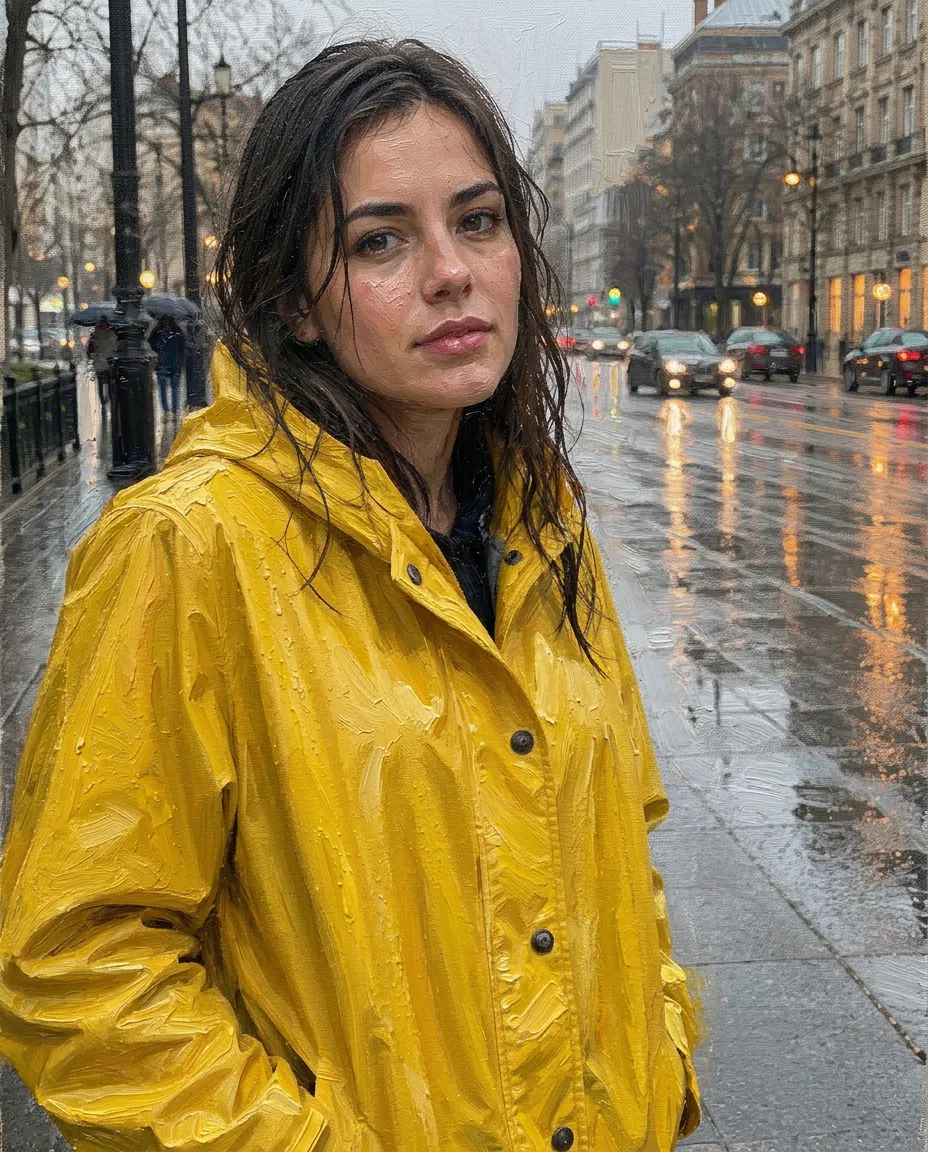
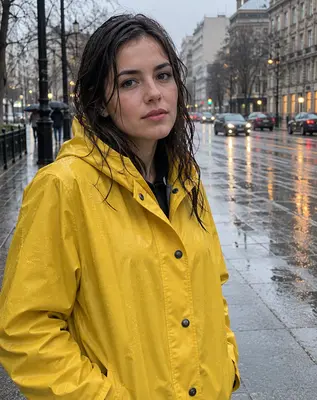
Input Nano Banana 2
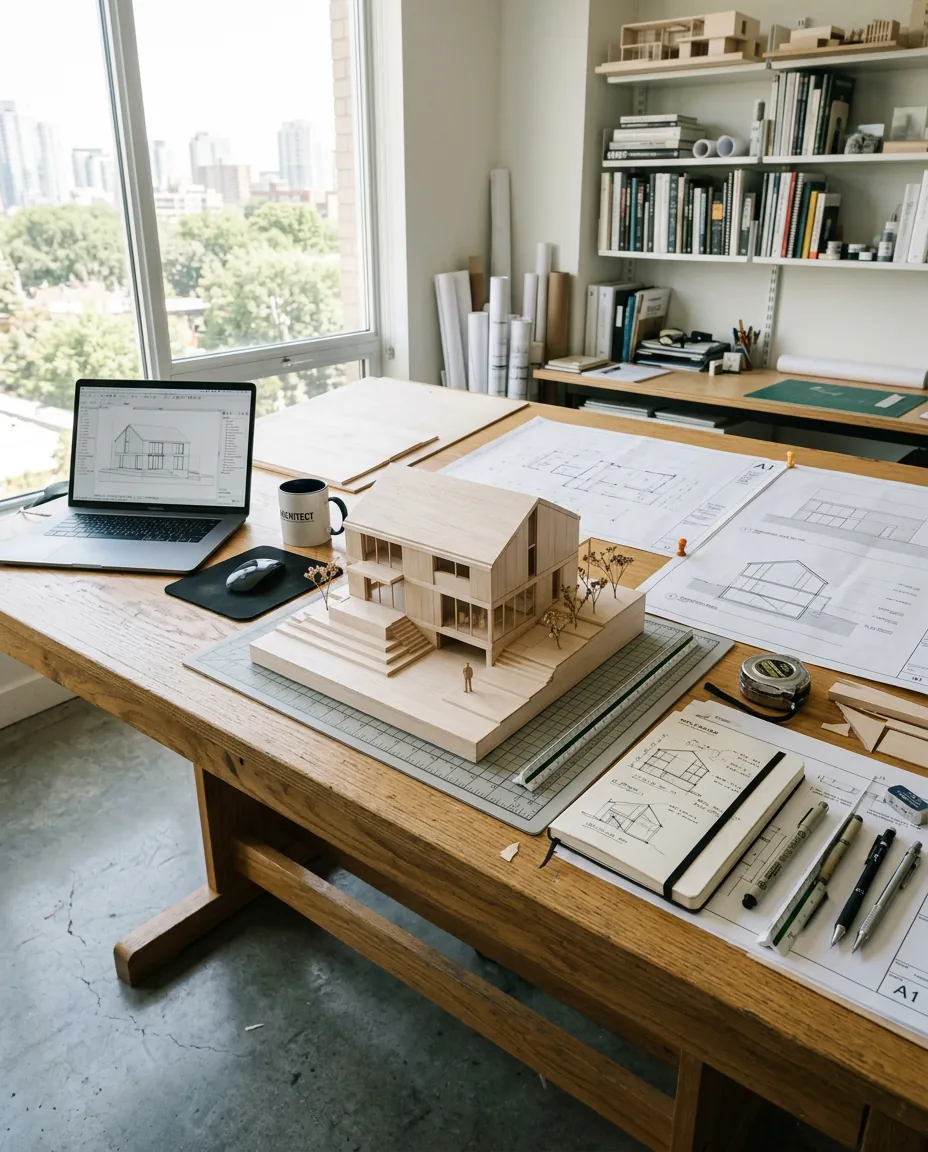
Nano Banana 2
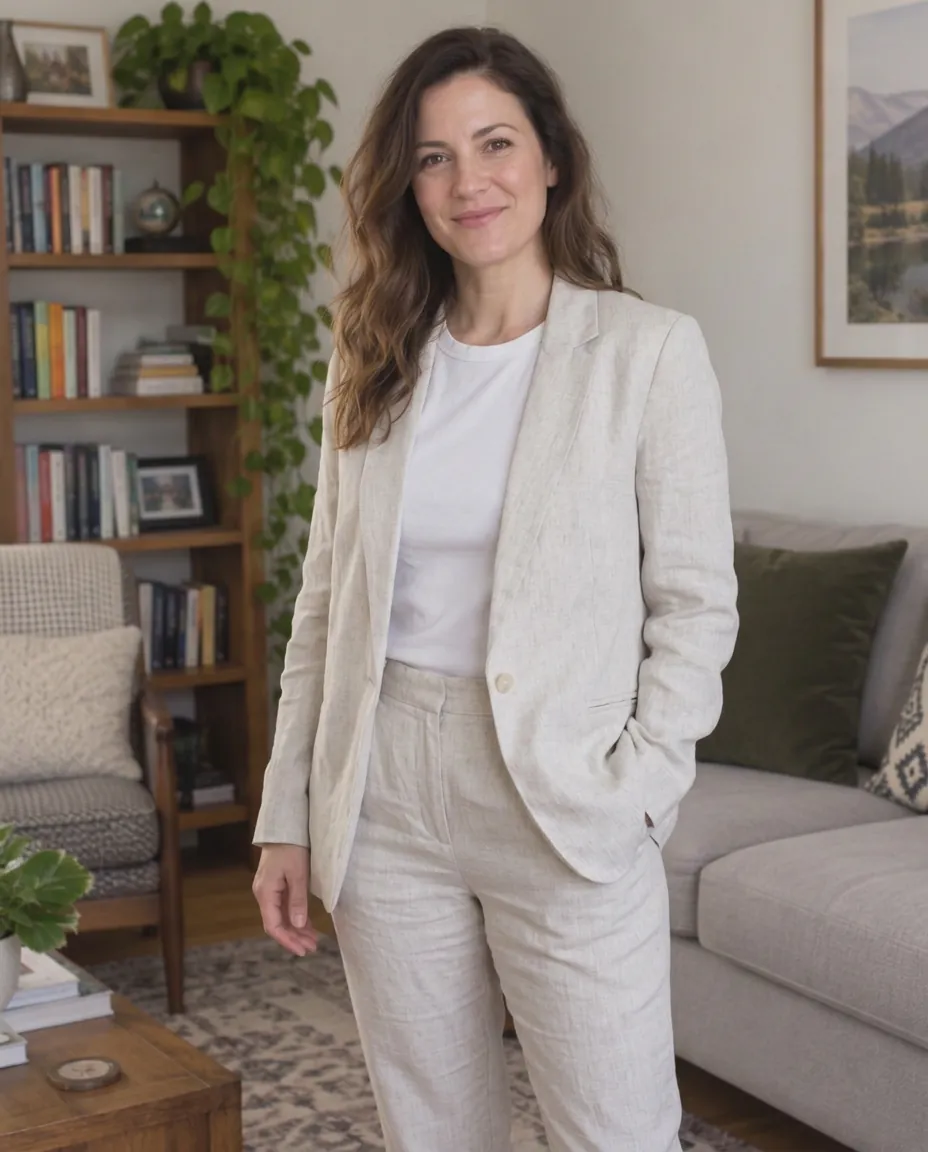
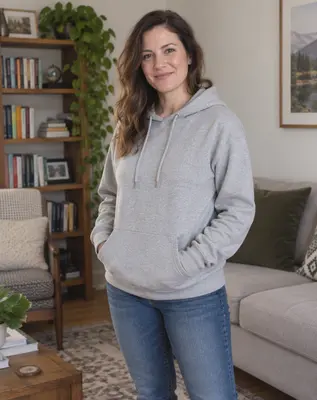
Input Nano Banana 2.1
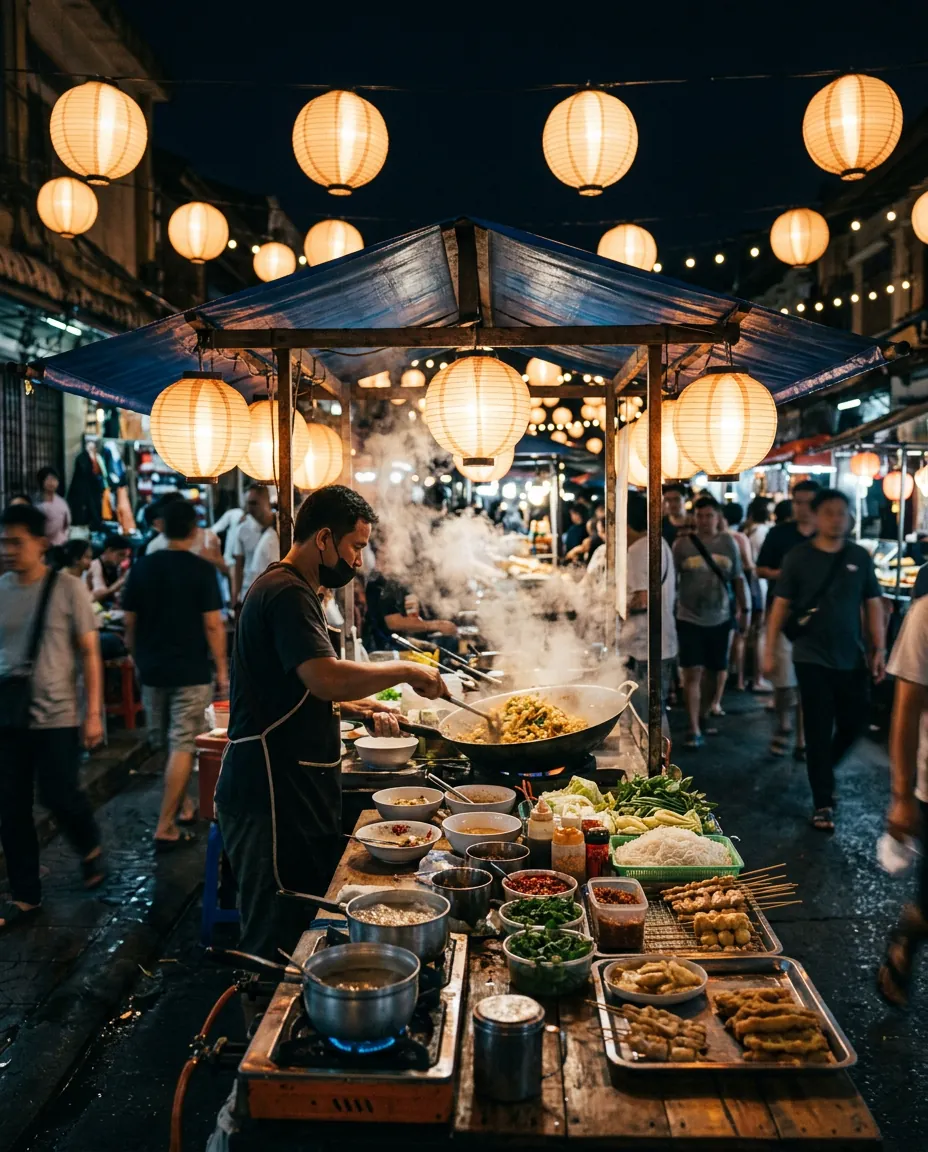
Nano Banana 2
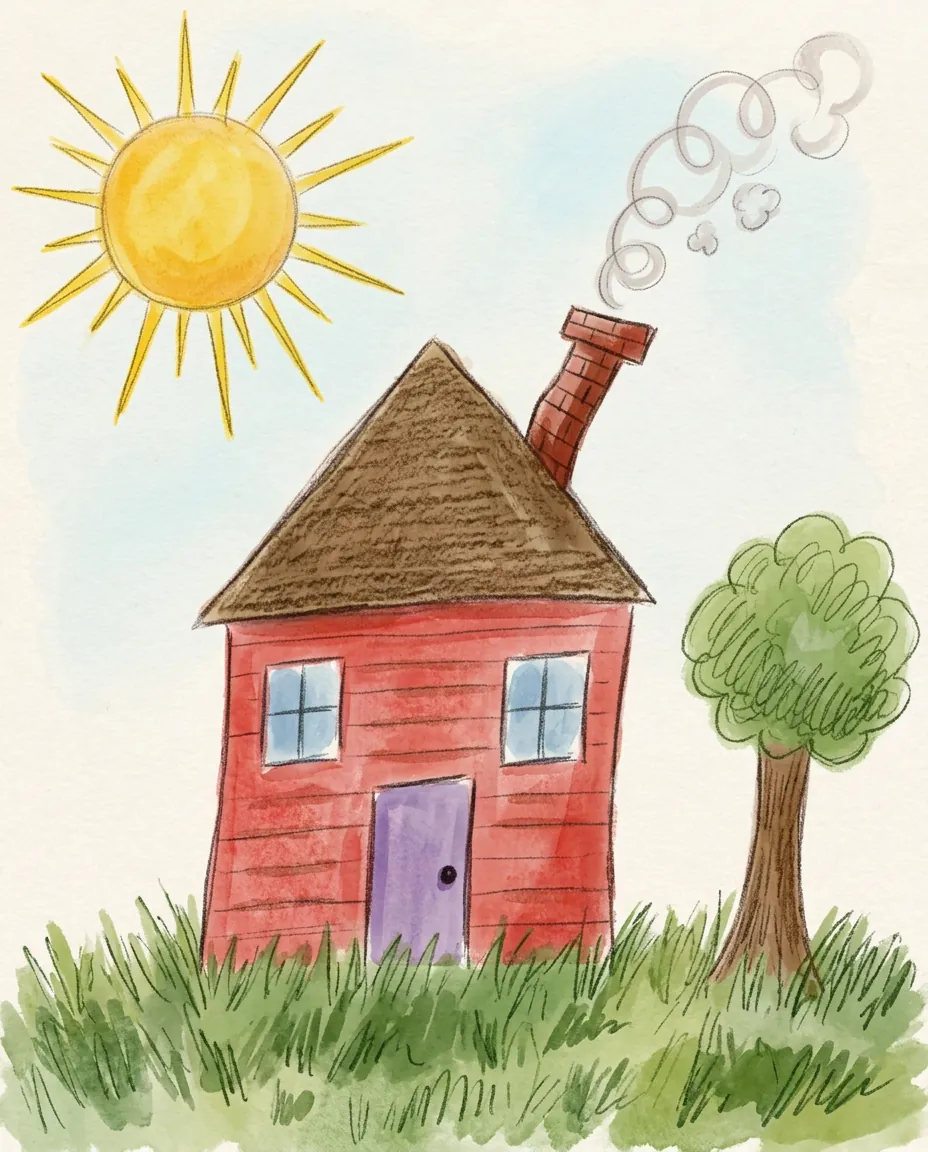
Input Nano Banana 2.1
 Nano Banana 2
A run that stays inside this family
Stay on version 2, or move to 2.1
Version 2 is the opener. It lists 0.5K, 1K, 2K and 4K. Version 2.1 lists 1K, 2K and 4K, so the half-K step disappears if you switch. Each version accepts up to 9 reference photos. The prompt you typed remains when the chip changes. Ratio and size jump to a legal pair if the new version lacks the old one.
Describe a new still, or describe an edit
With an empty grid the words are the whole request. With photos in the grid, say what those photos should become. "Keep the face and the pose. Change the outfit to a light linen suit." is an edit. "An architect's desk, wide frame, no people." is a fresh still. The button label does not change between those two. The presence of photos does.
Let the quote name the cost
Opening an account adds 30 credits, usable for 30 days, with 5 further credits landing every day. The day credits reset on a 24-hour clock and do not bank up. Guests never start an image run. They get the sign-up prompt instead. The no-account daily video is unchanged and is not an image. A run that errors gives the credits back.
What the two versions actually expose
Sizes you can pick
Version 2 is the only one of the pair with a 0.5K step. Both reach 4K. A free account is stopped at 2K on either chip, so 4K and, on version 2, anything the gate marks as paid will ask for a plan or a pack. Every image model on the site follows the same rule.
Ratios and reference photos
Both versions share a long ratio list, including a square, tall and wide frames, and an Auto choice that follows the input when you uploaded one. Nine photos is the ceiling on both, at every size. That is tighter than GPT Image 2.5 and looser than Qwen Image 2.1 at 2K. The grid shows the live ceiling as "n / 9".
What this page will not switch to
Seedream, GPT Image and Qwen are left out here so the page stays on one family. To compare all six models, use the AI image generator. For edits that start on GPT Image 2.5, use the image to image page.
A still from this family can become a clip
The result panel offers Animate this image. That action stores the still as an upload and opens the video side with the frame in place. Free runs store the watermarked file. Paid runs store the clean file. Motion, duration and the video model are chosen over there, on the image to video AI page, and they have their own quote.
The landing screen is the same animate a photo tool the rest of the site uses.
A clip that should never pass through a still belongs on text to video AI.
Plans and credit packs are on the pricing page.
Watermark, license, storage, and the line we will not cross
Until you pay, the file is stamped in the corner and the license is personal. A plan or a pack lifts the stamp and attaches a commercial license to images created during that paid window. Ending the plan does not strip the license from those earlier files. Storage follows the same split as video: a week without paid access, 180 days with it.
Your uploads and the stills we return are not training material. The provider of the model receives them only to produce the file. Adult requests are refused. Someone else's photo is off limits for an intimate edit unless that person has agreed. Mail [email protected] if a file or a charge looks wrong. Purchased credits that were never spent can be refunded inside seven days, under the refund policy.
Questions about Nano Banana
What is Nano Banana on ImageVideoAI?
It is the image family locked to this URL: version 2 and version 2.1. You write a prompt, you may attach up to nine photos, and you pick a size and a ratio. No other image family appears in the chips. Video models are a different menu. The lock exists so a search for this name lands on a page that does not mix in the rest of the catalog.
How do version 2 and version 2.1 differ?
Version 2 adds a 0.5K size and is the chip selected on arrival. Version 2.1 starts at 1K. Both offer 2K and 4K, both take nine reference photos, and both share the ratio list. This page does not rank them. Pick 2 when you want the smaller size. Pick 2.1 when you do not. The quote updates either way.
Can I select GPT Image or Seedream here?
No. Those chips live on the AI image generator, which is also where text-first work across every family starts. This URL keeps the family fixed so a bookmark returns you to the same two versions. If a setting is missing after you switch between 2 and 2.1, the panel snaps it and tells you what moved.
Does this family only create, or can it edit too?
Both. Zero photos means the prompt creates the still. One or more photos means the prompt edits or combines them. Nine is the maximum on either version, at every size. The image to image page is the one that opens already talking about edits, on a different default model.
What can a free account do with these versions?
Sign in first. Guests are not given an image run. A free account may use both versions at 2K and below, and the download is watermarked. 4K asks for a paid plan or a credit pack. The sign-up balance is 30 credits for 30 days, with 5 more each day that do not roll into a pile. Whether that covers a given size is what the quote bar is for.
Are the pictures on this page real output?
Yes. Each of the five frames under the generator is a file returned by the version named under it: three by version 2 and two by version 2.1, at 1K. The three edits show the photo they started from as a small inset. Your own result will differ with your photo and your wording.
Can a result from this page become a video?
Yes. Animate this image sends the still across as the first frame. You finish on the image to video AI tool, or equivalently on animate a photo, and you pay the video price shown there. The image charge, if the run succeeded, has already happened. A failed image run does not keep the credits.
Related tools
Image to Video AI
Turn any photo into a short AI video. Upload an image, describe the motion and pick a model, from Kling and Veo to Grok Imagine and Vidu. Start free with 30 credits.
AI Image Generator
Type a prompt and get a still. This AI image generator opens on Seedream 5 Flash. Text to image AI, optional reference photos, and a credit price shown first.
Image to Image AI
Upload a photo and describe the change. This image to image AI restyles, swaps a background, or combines reference pictures. The credit price shows before you start.
Animate Photos with AI and Make Pictures Move
Animate a photo with AI: add natural motion, blinking, hair and camera movement to any picture, then download a short video. Free credits to try.
Run version 2, or switch to 2.1
The panel is limited to this family. Write the still, attach photos only if the job is an edit, and read the quote before you spend credits.