
One selfie · One headshot per run
AI Headshot Generator: A Professional Headshot from One Selfie
This AI headshot generator turns one ordinary photo of you into a clean, professional headshot for LinkedIn, a resume or a team page. Upload a selfie, keep the default style or describe your own, and see the credit cost before you generate.
Your photo
0/1
One person, face clearly visible · JPG, PNG or WebP · up to 10 MB · One photo
Model
Sign up free to create images, with 30 free credits · GPT Image 2.5 · 1K · 3:4
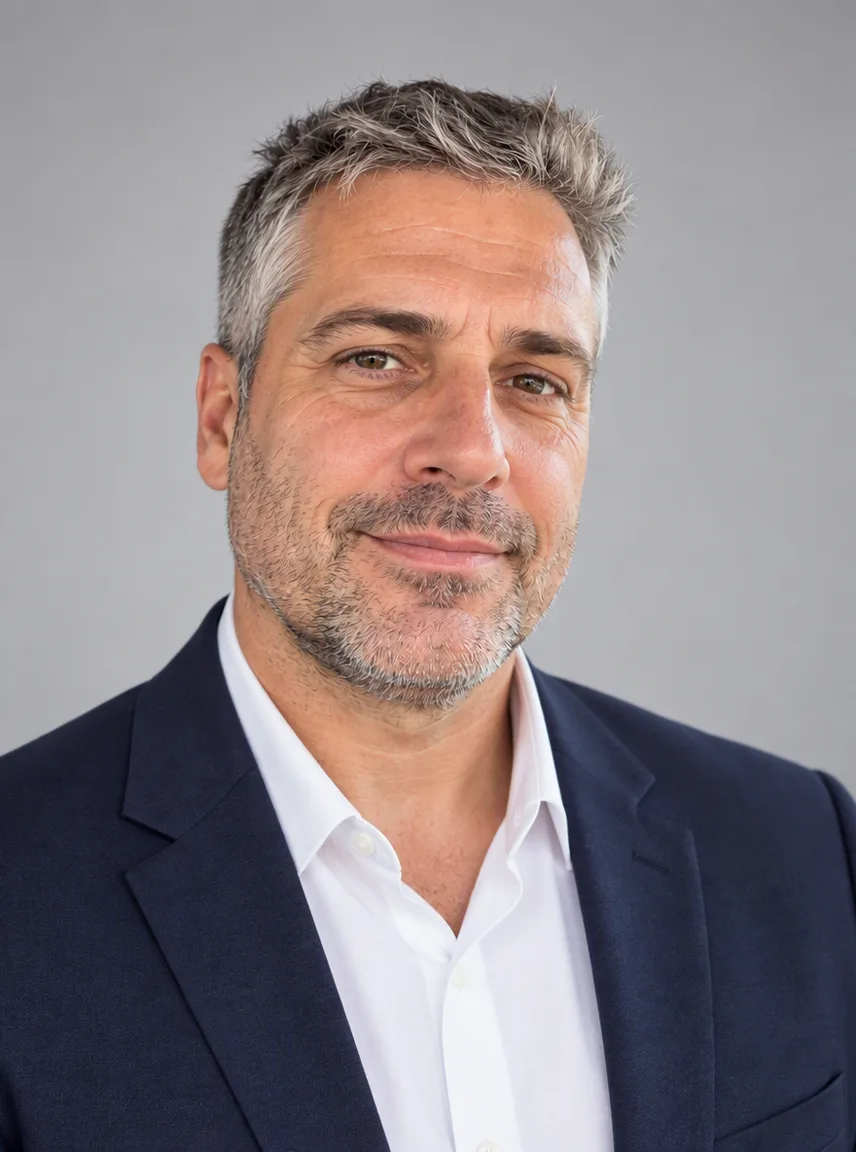
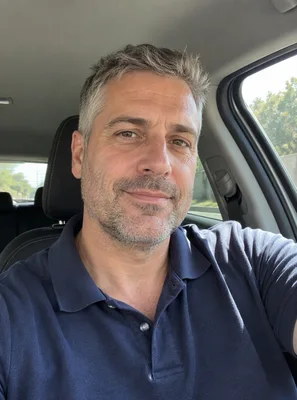
Input GPT Image 2.5
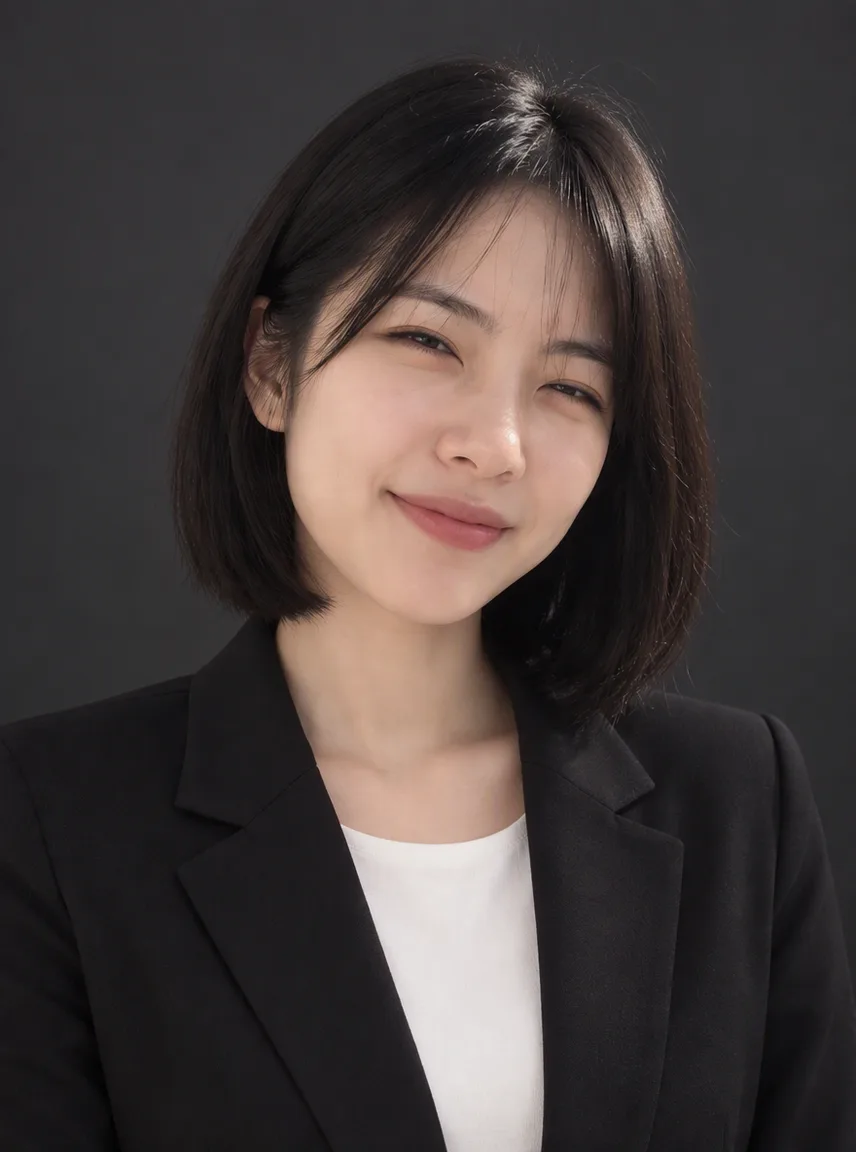
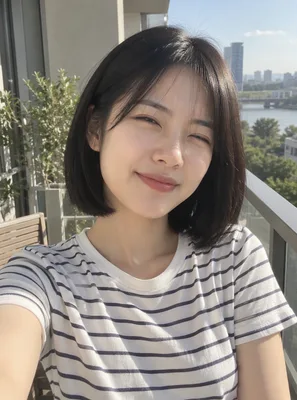
Input GPT Image 2.5
Input GPT Image 2.5
Input GPT Image 2.5
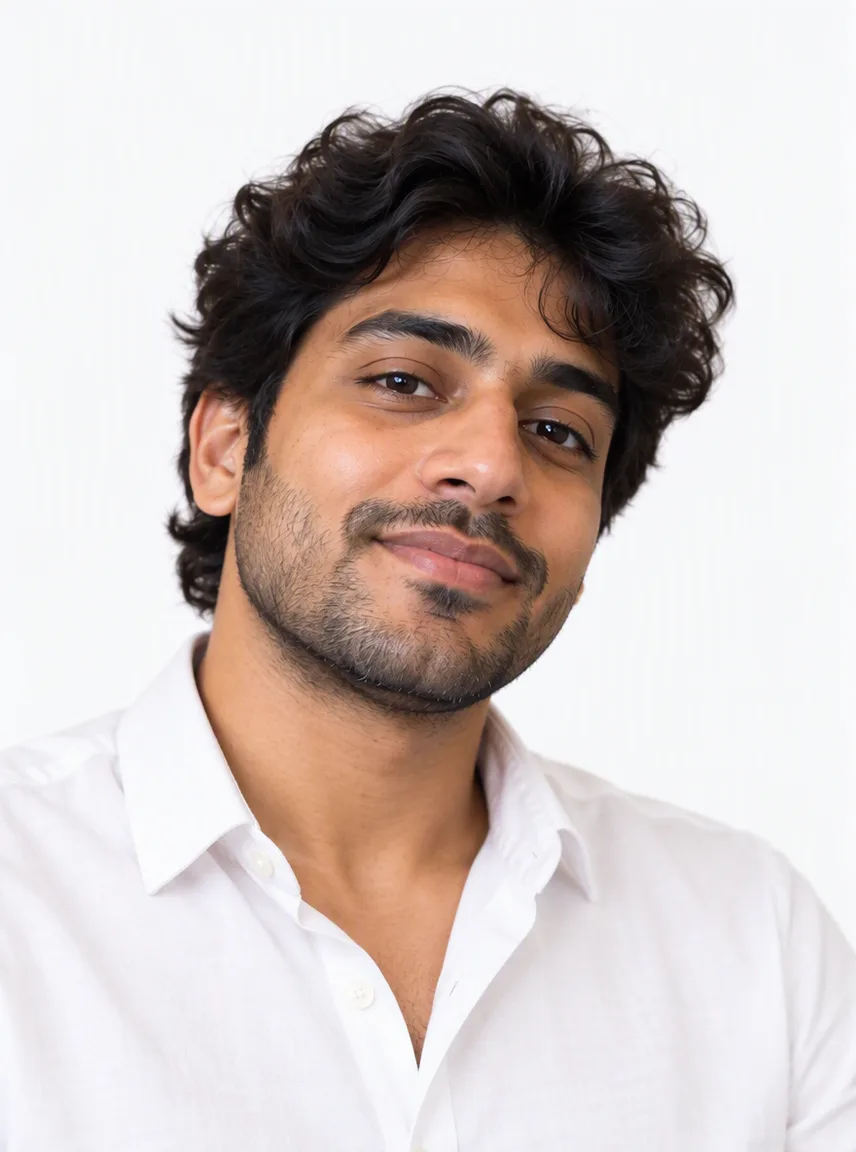
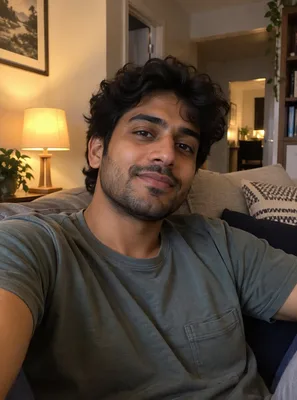
Input GPT Image 2.5
 GPT Image 2.5
How to make an AI headshot from a selfie
Upload one clear photo of yourself
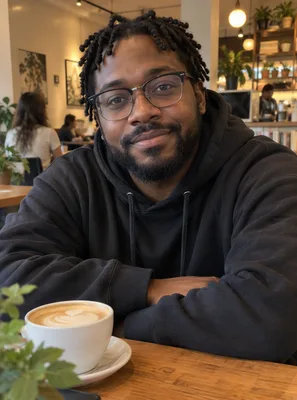
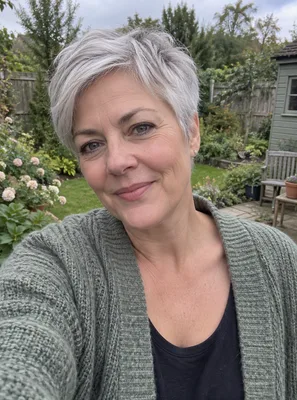
Use a photo where your face is easy to see: you look roughly toward the camera, nothing covers your eyes, and you are the only person in the frame. A phone selfie is fine. Even, soft light gives the model more detail to keep; a dark room or a heavy filter gives it less.
Keep the default style or describe your own
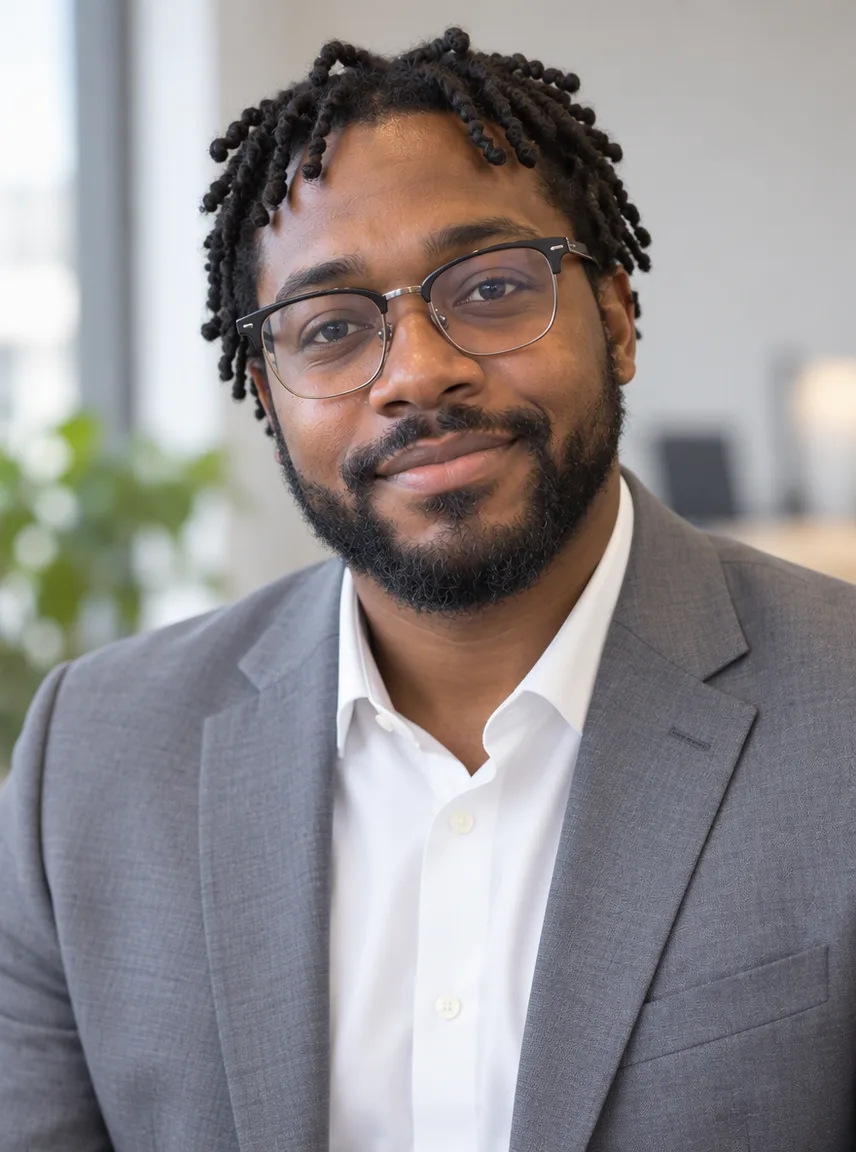
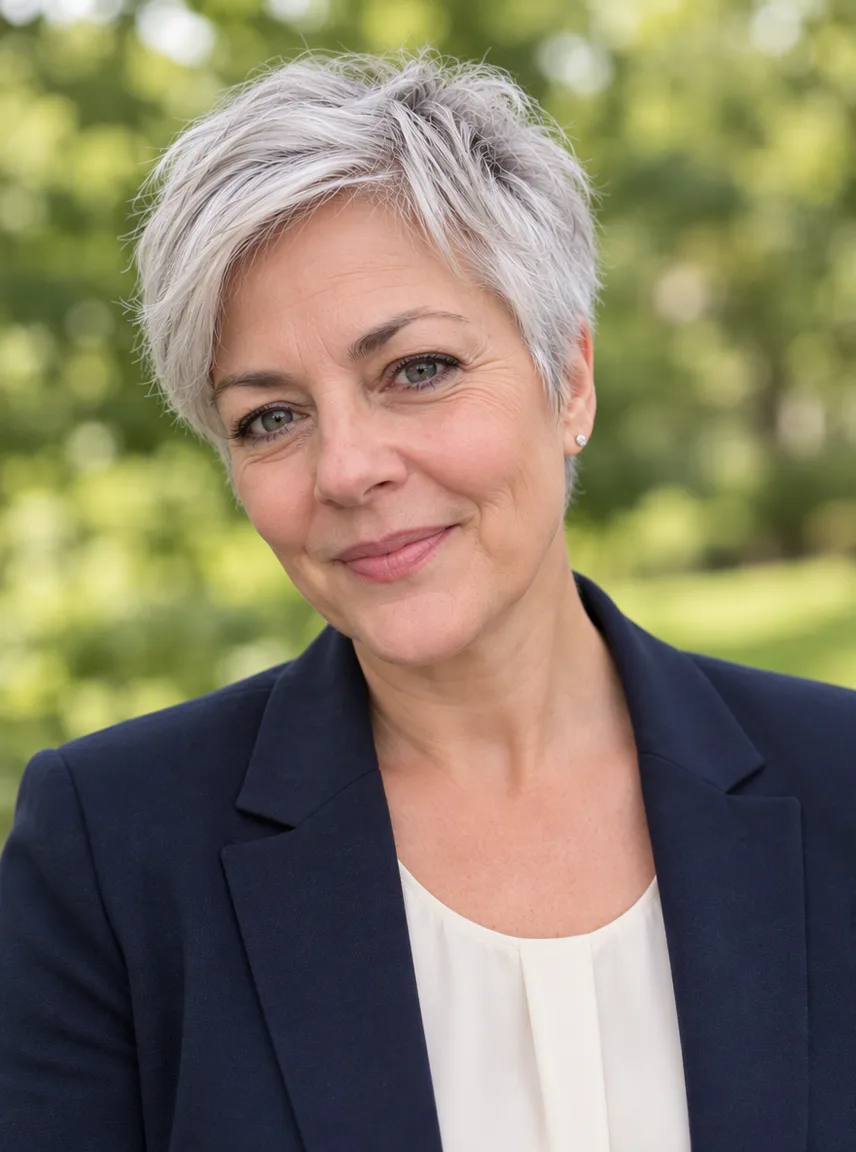
Left empty, the result is a navy blazer over a light shirt, soft studio light and a light grey background, cropped head and shoulders. To change it, type a short line in the details box or tap a chip: a black blazer on a dark background, an outdoor shot in natural light, or a white shirt for a startup team page.
Check the price, then generate
You need a free account to make a headshot. Sign-up gives you 30 credits that last 30 days, plus 5 more each day. The price for the model and size you picked is shown above the button. Free accounts go up to 2K and the file carries a watermark; 4K comes with a paid plan or a credit pack. If a run fails, the credits come back.
What an AI headshot can change, and what it keeps
Your face stays yours
The built-in instruction asks the model to keep your face, skin tone, hair and age as they are in the photo. What changes is everything around you: the clothes, the light, the background and the crop. If something drifts, generate again or try another model; each run is a new photo and a new charge.
Clothes, background and light, in your words
Name the outfit and the setting in plain words: "dark green sweater, bookshelf behind me, warm light" or "light grey suit, office softly blurred". Keep it to one look per run. Asking for five styles in one line makes the result hard to predict.
Made for the places a headshot goes
The default 3:4 portrait crop suits LinkedIn, resumes, speaker bios and team pages. You can switch to a square or another ratio before you generate, and pick 2K for a sharper file. Want a different expression? Add "warm smile" or "serious expression" to the details.
Why headshots start on GPT Image 2.5
We tested the headshot instruction on GPT Image 2.5 and Nano Banana 2 with the same fictional selfie. OpenAI's GPT Image 2.5 kept the face closer to the original photo, and it is also one of the cheapest models at 1K, so it is selected by default. The other image models stay on the panel if you want to compare:
| Model | Good to know for headshots |
|---|---|
| GPT Image 2.5 | Selected by default. 1K, 2K and 4K. Kept the face closer in our test. |
| Nano Banana 2 | 0.5K, 1K, 2K and 4K. A polished, corporate look in our test. |
| Nano Banana 2.1 | 1K, 2K and 4K. |
| Seedream 5 Lite | 2K only. |
| Seedream 5 Flash | 2K only. |
| Qwen Image 2.1 | 1K and 2K. |
Prices depend on the model and the size, so they are not in this table. Pick both, and the exact price appears above the button.
For any other edit, from a new background to combining several photos, use the image to image page.
A free AI headshot to start, and a short video from it
Every new account gets enough sign-up credits to try several headshots, so you can test the look before paying anything. Plans and credit packs are on the pricing page; a paid plan also removes the watermark and adds a commercial license for images made while it is active.
A finished headshot has an Animate this image button. It sends the picture to the video tool as the first frame, so you can turn it into a short clip of you blinking and smiling with image to video AI.
The same handoff is the animate a photo path.
Questions about the AI headshot generator
Is this AI headshot generator free?
You can start for free. Creating a headshot needs a free account, and sign-up gives you 30 credits that last 30 days, plus 5 credits each day. That covers several headshots on the default model. Free results carry a watermark and stop at 2K. A paid plan or credit pack removes the watermark and unlocks 4K.
What kind of photo works best?
One person, face clearly visible, looking roughly at the camera, in even light. A normal phone selfie is enough. Avoid sunglasses, hands over the face, heavy filters and group photos. The model keeps what it can see, so a sharper photo gives a more faithful headshot.
Will it still look like me?
The instruction tells the model to keep your face, skin tone, hair and age, and our default model was chosen because it kept the face closer in testing. Results still vary from run to run. If one does not look right, generate again or switch models; each run is charged separately.
How many headshots do I get per run?
One. Each run makes one headshot at the size you picked, and you see the price before you start. That keeps it cheap to try a few styles and keep the one you like, instead of buying a pack of a hundred.
Can I choose the outfit and background?
Yes. Leave the details box empty for a navy blazer on light grey, or describe your own look in a short line, such as "black blazer, dark background" or "outdoor, natural light". The chips under the box fill in a few common styles.
Can I use the headshot on LinkedIn or for work?
Yes, for your own profile and materials. Images made on a paid plan or credit pack come without a watermark and with a commercial license that stays with the image after the plan ends. Free images carry a watermark and are for personal use.
What happens to my photo?
Your upload is used only to make your headshot and is sent to the model provider for that purpose. Uploads and results are not used for training. Free results are kept for 7 days and results made with paid access for 180 days, and you can delete them from your history at any time. Questions can go to [email protected].
Related tools
Image to Image AI
Upload a photo and describe the change. This image to image AI restyles, swaps a background, or combines reference pictures. The credit price shows before you start.
AI Image Generator
Type a prompt and get a still. This AI image generator opens on Seedream 5 Flash. Text to image AI, optional reference photos, and a credit price shown first.
Animate Photos with AI and Make Pictures Move
Animate a photo with AI: add natural motion, blinking, hair and camera movement to any picture, then download a short video. Free credits to try.
Image to Video AI
Turn any photo into a short AI video. Upload an image, describe the motion and pick a model, from Kling and Veo to Grok Imagine and Vidu. Start free with 30 credits.
Make your professional headshot now
Upload one clear photo, keep the default style or describe your own, and check the price before you generate. Use only photos of yourself or of people who agreed to it. Adult or explicit content is not available.