
Text to person · Portrait or full body
AI Human Generator: Create Original, Realistic People from a Description
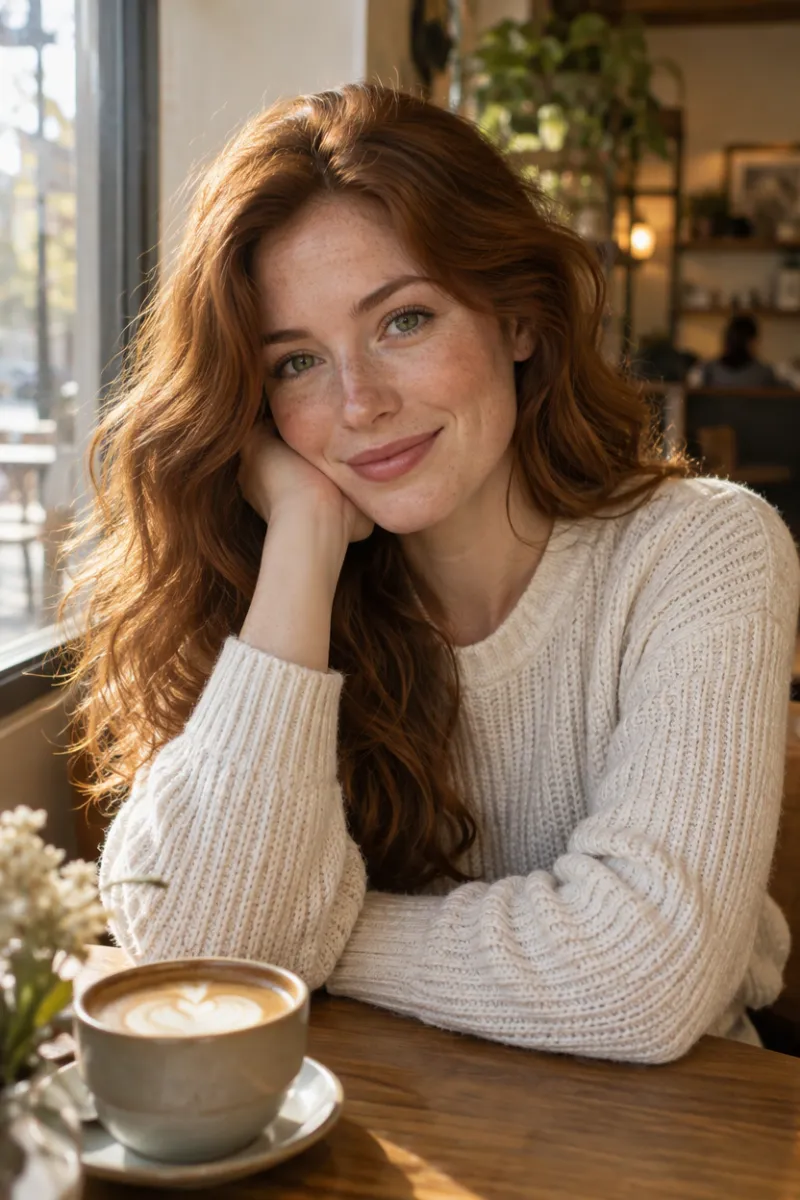
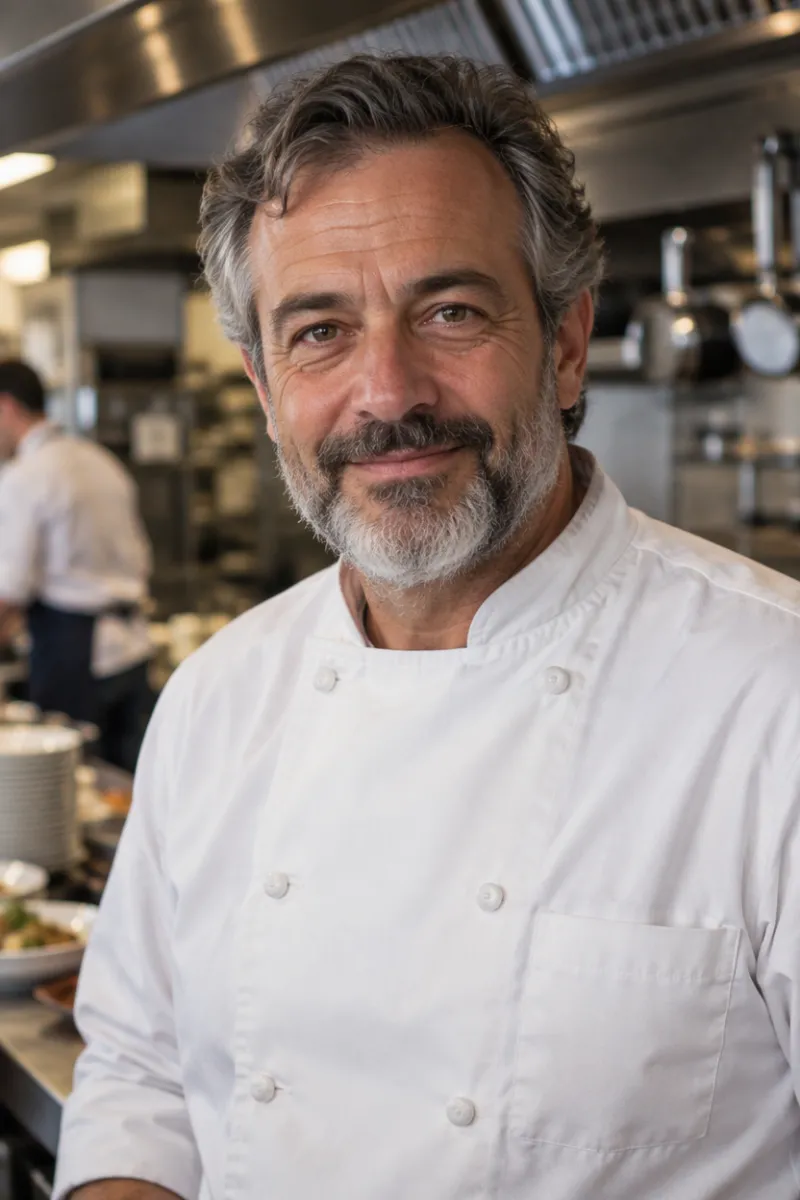
This AI human generator turns a few lines of text into a natural-looking person who doesn't exist. Describe their age, face, hair, clothes, pose and surroundings, and get a portrait or a full body image where every part of the picture fits together, ready for characters, stories and creative projects.
Reference image · Optional
0/1
Optional: one image for the pose, outfit or style; the face will be new · JPG, PNG or WebP · up to 10 MB
Model
Sign up free to create images, with 30 free credits · GPT Image 2.5 · 1K · 2:3
GPT Image 2.5
GPT Image 2.5
GPT Image 2.5
GPT Image 2.5
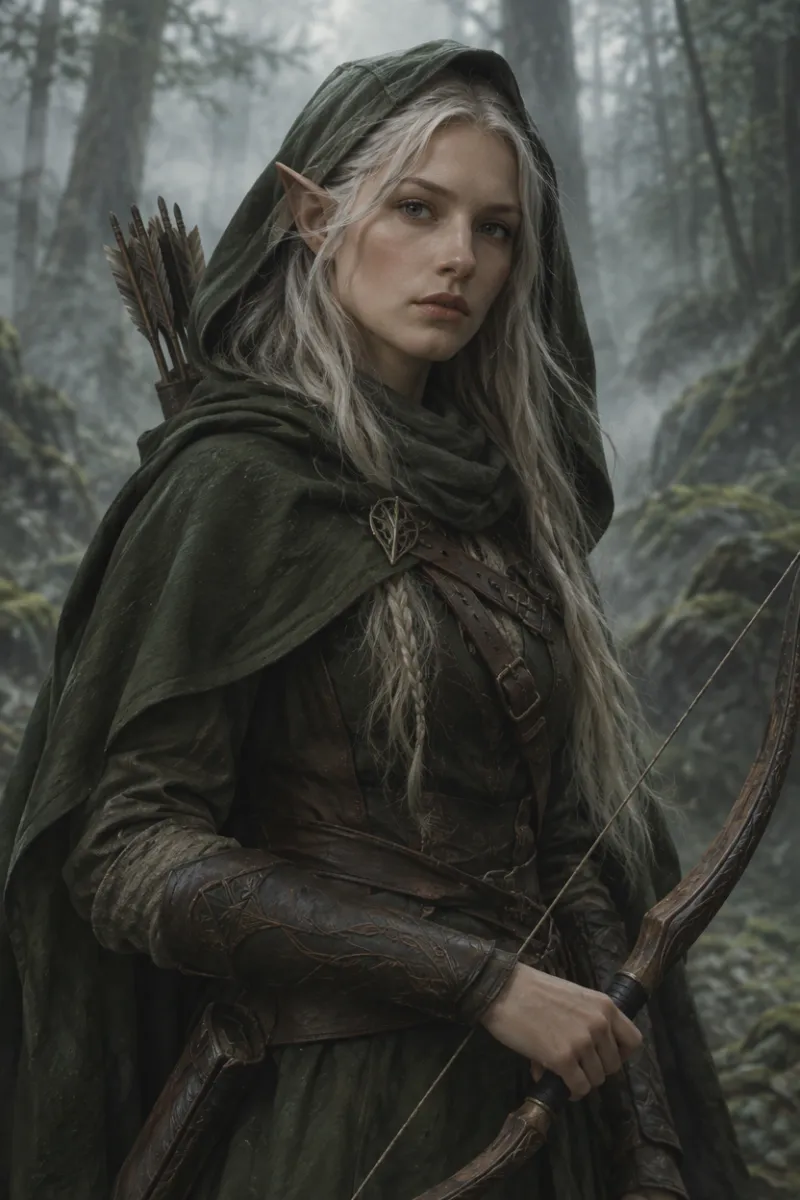
GPT Image 2.5
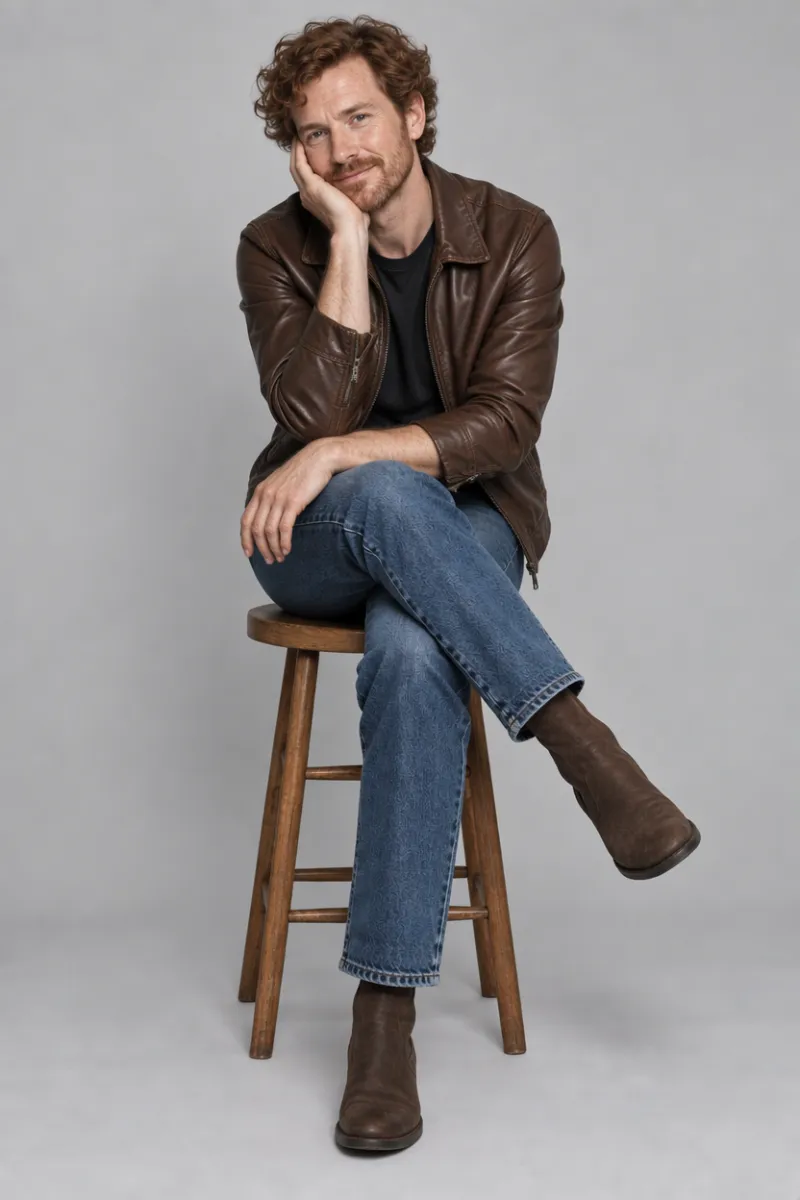
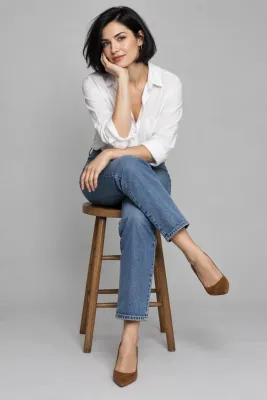
Input GPT Image 2.5
 GPT Image 2.5
How to generate a realistic human with AI
Describe who you want to see
Start with the basics: age, gender or presentation, hair, skin tone, face and expression, such as "a man in his 50s with a salt-and-pepper beard and kind eyes". A short, concrete description works better than a long list of adjectives. If you leave out the framing, you get a waist-up portrait facing the camera.
Set the outfit, pose and background
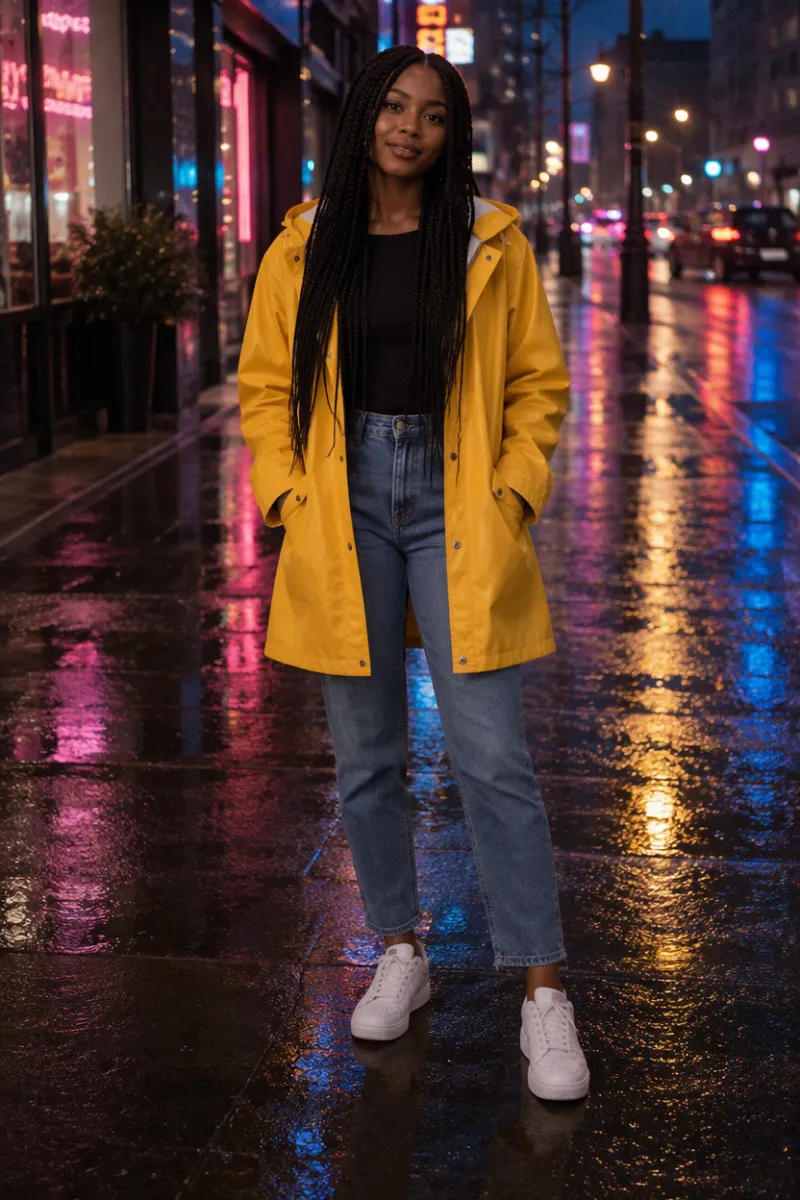
Add what they wear, how they stand or sit and where they are: "yellow raincoat and white sneakers, standing on a wet city street at night". Write "close-up", "half body" or "full body from head to toe" to choose the framing, and name a style such as painterly or 3D render if you don't want a photo look. You can also add one reference image to borrow its pose, outfit or style; the face is always drawn new.
Check the price, then generate
People are created from a free account: signing up brings 30 starter credits for a month, plus 5 every day. The number above the button is what this image costs on the chosen model and size; free pictures go up to 2K with a watermark, and a failed run is refunded.
What the AI person generator can make
Portraits and full body images that look natural
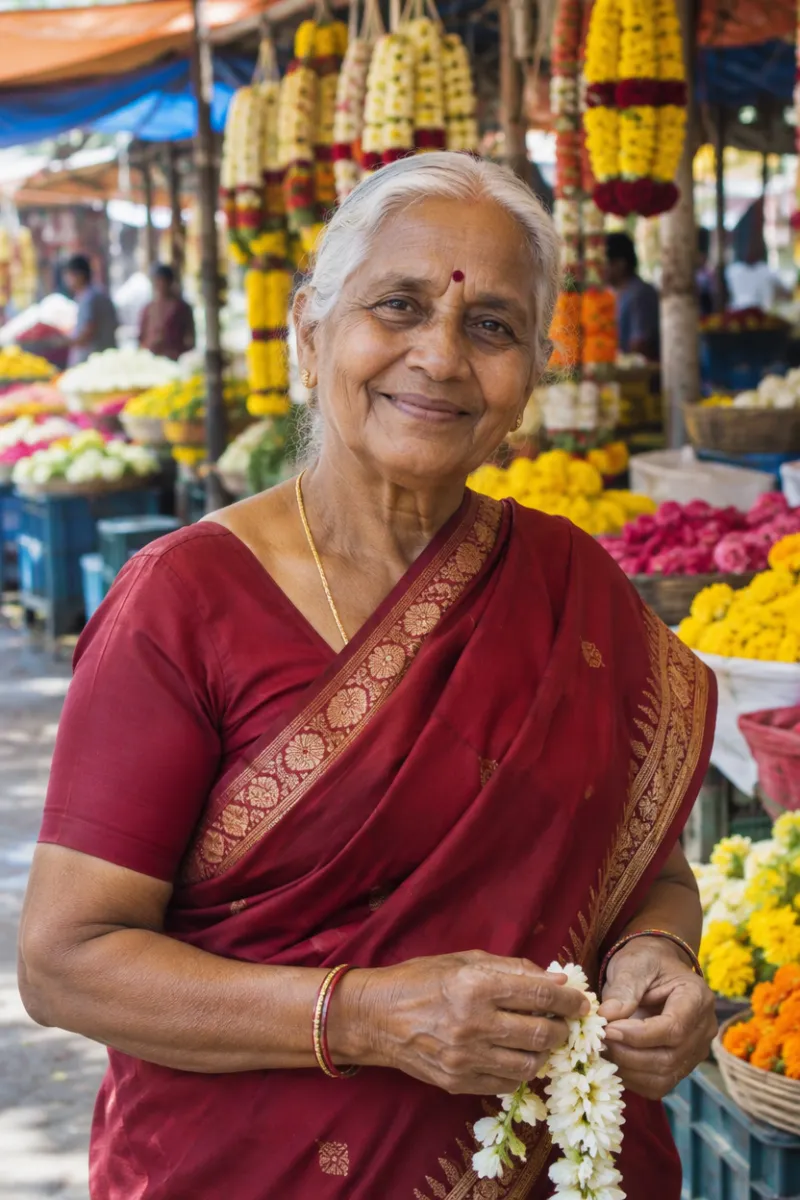
The default frame is a tall 2:3 that works for a head-and-shoulders portrait, a half-body shot or a full figure from head to toe. The built-in instruction asks for realistic anatomy, natural skin and hands, and lighting, shadows and perspective that match between the person and the background, so the result reads as one photo rather than a face pasted onto a scene.
Full control over looks, clothes and setting
Everything comes from your words: age from twenties to seventies, any hairstyle and skin tone, glasses, freckles or a beard, a chef's jacket, a sari or a tailored suit, and a cafe, a market or a misty forest behind them. Change one detail per run, like the outfit or the light, and keep the rest of the description the same to build a small set of variations.
Original characters for creative work
Each person is an original, fictional adult, not a celebrity or someone you know, which makes the tool handy for story characters, game and comic concepts, mood boards, mock-ups and placeholder people in designs. Ask for a painterly, anime or 3D style when you need an illustration instead of a photo.
Which model to use for realistic people
People open on OpenAI's GPT Image 2.5 at 1K in a 2:3 frame, which costs very little per picture. In our tests it gave the most natural skin, hands and light across portraits, full body shots and a painterly character. Nano Banana 2 followed the same descriptions well but added made-up lettering to street signs in the background, at a higher price per image.
| Model | Sizes | For people |
|---|---|---|
| GPT Image 2.5 (default) | 1K / 2K / 4K | Natural skin, hands and lighting |
| Nano Banana 2 | 0.5K up to 4K | Follows long, detailed scenes closely |
| Nano Banana 2.1 | 1K up to 4K | The newer Nano |
| Seedream 5 Lite, Seedream 5 Flash | 2K | One size each |
| Qwen Image 2.1 | 1K / 2K | Two sizes |
Choose the model and size; the cost for that pairing shows up right above the button. To keep a real person's face instead of creating a new one, use the AI body generator with their photo.
Free to start, and a short clip from your character
Starter credits from signing up cover several people before you spend money. If you want clean files, compare monthly plans and one-off packs on our pricing page: buying either drops the watermark and covers commercial use of pictures created while it lasts.
Under each result sits an Animate this image button; press it to open the picture in our image to video AI tool and watch your character smile, turn or walk.
AI human generator FAQ
Is this AI human generator free?
It costs nothing to begin. Register for free and you receive 30 credits to spend within 30 days, plus 5 a day, which covers several people at the default setting. Those free pictures are watermarked with a 2K ceiling, while any plan or pack lifts the watermark and opens 4K.
Are the people real?
No. Every image shows a new, fictional person drawn from your description; the built-in instruction asks for someone who is not a celebrity or any real, identifiable person. Results can still resemble someone by chance, as with any generated face, so check the picture before you use it for something public.
Can I control the pose, outfit and background?
Yes. Write them in plain words, for example "full body, leaning on a railing, beige trench coat, Paris street at dusk". You can also upload one reference image: the tool borrows its pose, framing, outfit or style and draws a new face, which is useful when a description alone doesn't get the pose right.
Can I make a portrait or a full body image?
Both. Without a framing word you get a waist-up portrait. Write "close-up portrait" for the face and shoulders, "half body" for a waist-up shot with more of the scene, or "full body from head to toe" for the whole figure. The 2:3 frame suits all three; pick 1:1 or 16:9 in the settings for other uses.
Can I create men, women and older people?
Yes. Say who the person is, whether a man, a woman or a non-binary character, and give an age, build and background. Every character must be an adult, and the built-in instruction keeps everyone fully clothed: the tool is made for characters, portraits and creative pictures, not for revealing or sexual images.
Where does my reference image go?
We send the reference to the model provider purely to create your image, and neither the upload nor the result trains any model. History keeps free pictures a week and paid ones about six months, with a delete button for anything earlier. Only upload images you have the right to use.
Related tools
AI Body Generator
Set the body type, pose, outfit and scene and get a natural full body image, from a description or a photo that keeps your face. Start free with 30 credits.
AI Headshot Generator
Turn one selfie into a professional headshot for LinkedIn, a resume or a team page. Free AI headshot generator to start: sign up for 30 credits, pay per photo.
Villain Generator
Describe a villain and get original character art for stories, games and concept work. Set the look, costume, expression and scene, and keep one design across images. Start free with 30 credits.
Animate Photos with AI and Make Pictures Move
Animate a photo with AI: add natural motion, blinking, hair and camera movement to any picture, then download a short video. Free credits to try.
Create your own original person
Describe someone in a few lines, set the outfit, pose and background, and check the price before you generate. Try a few versions and keep the one that fits your story.