
4 dance templates · 5 s · Loops smoothly
Cartoon Character Dancing: Make Any Character Dance in One Click
Upload one clear, full-body image of a cartoon character and pick a dance: K-pop, shuffle, a groove loop or a funny meme dance. The AI keeps the art style, colors, outfit and signature details of your character, so the five-second clip looks like it came from the same cartoon and loops cleanly for stickers, stories, Reels and Shorts.
Use characters you drew, own or have the rights to share.
Free video, one a day without an account · Seedance 1.0 Pro Fast · 480p · 5s
1 left today
Start from a template
See all templates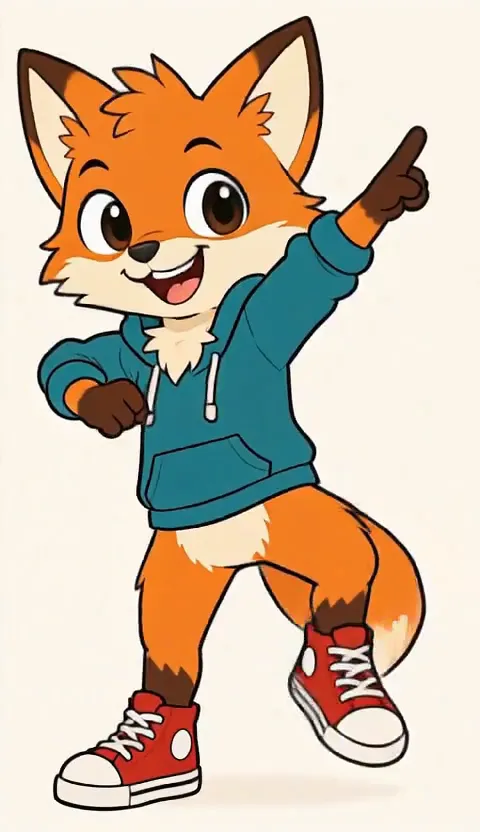 StillCartoon K-PopUse template
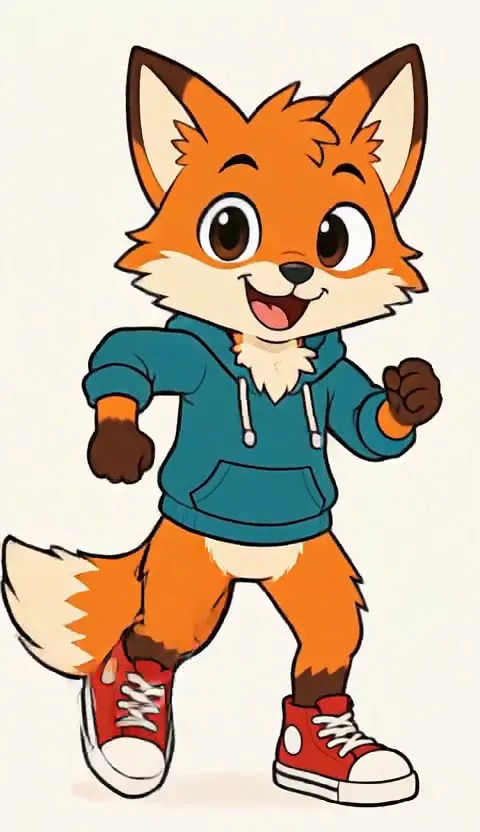 StillCartoon ShuffleUse template
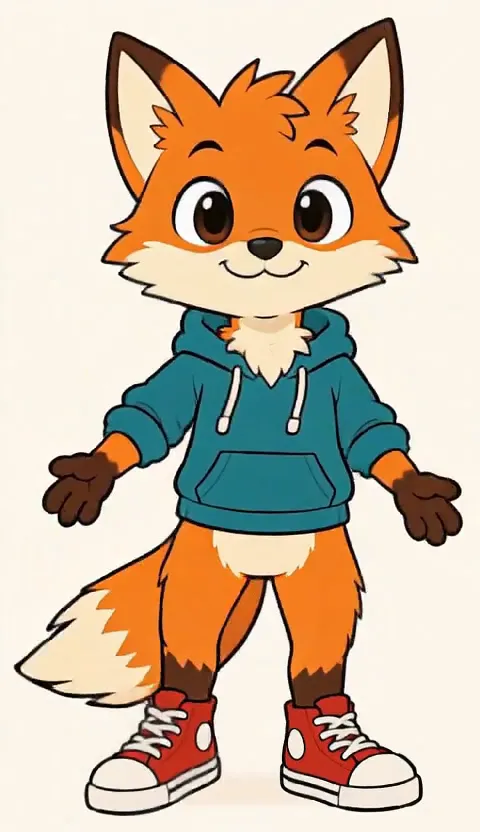 StillCartoon Groove LoopUse template
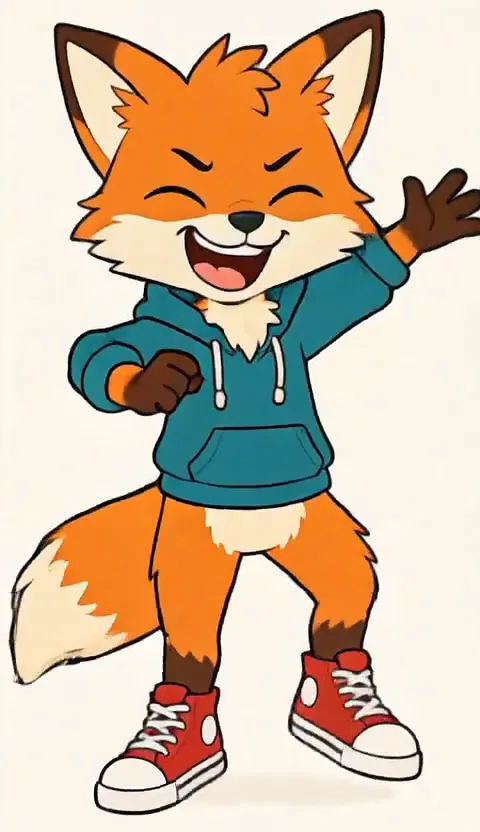 StillCartoon Meme DanceUse template
- Still
MiniMax H315 credits
- Still
MiniMax H315 credits
- Still
MiniMax H315 credits
- Still
MiniMax H315 credits
 MiniMax H3
How to make a cartoon character dance
Upload one full-body character
Use a sharp image of a single character standing upright, head to feet in frame, with a clear outline and a little space around it. Flat 2D art, anime, chibi, mascots and 3D cartoon renders all work. A plain or simple background keeps the edges clean; a crowded scene or a cropped character gives the model more to guess.
Pick a dance template
K-Pop adds crisp arm hits, a body wave and a pose on the beat. Shuffle does running-man steps and heel-toe slides on the spot. Groove Loop is a relaxed side-to-side bounce that repeats on a steady beat. Meme Dance goes goofy with wiggles, an arm flail and a cheeky shimmy. Switch between them in the template row under the generator; extra details only change effects or the mood, not the moves.
Generate and loop it
Out of the box, MiniMax H3 renders a five-second take at 480p for 15 credits, sound included. The button shows the exact credits before you start, and a failed render refunds them. Pick another model in the menu for a sharper or longer file.
What each cartoon dance template does
Every template tells the model to keep the character exactly as drawn: the same line work, colors, outfit and proportions, a clean outline, eyes and mouth that stay in place, and arms and legs that do not stretch or melt. The camera stays still and the dance ends back in the starting pose, so the last frame meets the first. Before release we ran an original flat-cartoon fox in a teal hoodie and red sneakers through all four templates: in every clip the line work, colors and outfit stayed as drawn, the face kept its shape and the dance came back to the starting pose.
| Template | The move | Best for |
|---|---|---|
| K-Pop | Arm hits, body wave, hip sway, a pose on the beat | Idol-style edits and fan content |
| Shuffle | Running-man steps and heel-toe slides on the spot | High-energy Reels and Shorts |
| Groove Loop | Small side-to-side bounce, head nod, shoulder roll | Stickers and seamless loops |
| Meme Dance | Wiggles, arm flail, a hop and a shimmy | Reaction memes and jokes |
Want a person in the photo instead of a character? The AI Sway Dance keeps the moves small for real faces.
Where a dancing cartoon fits
- Reaction memes. A character doing a silly dance says more than an emoji.
- Animated stickers. The groove loop repeats without a visible jump, ready to cut into a sticker or GIF.
- Story and webcomic promos. Give your original character a moment on the beat before a new chapter drops.
- Reels and Shorts. A five-second dancing mascot is an easy hook for a brand or channel.
- Fan edits. Set your own drawing to a K-pop routine and add the song in the app you post from.
Prefer a real trend move for move? The K-pop dance effect turns a photo of a person into a full routine.
Price, free tries and fair use
You can try it free once a day: without logging in you get one daily clip from the starter model, mute and stamped with our mark. Signing up hands you 30 credits for the first month, which is two full cartoon dances, and drips in 5 more credits daily. Buy a plan or credit pack for clean files you can use in sponsored or brand posts.
Animate characters you created, own or have permission to use. Famous characters belong to their studios, so keep fan clips personal and never make suggestive dances of any character.
Cartoon character dancing FAQ
Which image gives the best dancing character?
A sharp, full-body image of one character, head to feet in frame, arms away from the body and a clear outline against a simple background. Close-up portraits do not show enough body to dance, and group scenes make the result unpredictable.
Will my character keep its art style?
Each template tells the model to keep the line work, colors, outfit, proportions and signature features, and to stay a cartoon rather than turn into a real person. Clean, high-contrast art holds its look best; very detailed or blurry art may soften in fast moves.
Will the clip loop smoothly?
The camera stays fixed and every template ends back in the starting pose, so the last frame sits close to the first. Groove Loop repeats the smallest move and loops most cleanly; if a clip jumps, generate again, and remember each run is charged.
Does the clip come with music?
It comes with sound made by the model, not a chosen song. To use a specific track, add it in TikTok, Instagram or YouTube, where the music is licensed.
More ways to animate a photo
AI Dance Meme
Turn one photo into a funny AI dance meme: goofy, exaggerated moves on the beat, a short clip that loops, your face, outfit and background kept. Try it free.
AI Sway Dance
Turn one photo into a smooth AI sway dance: gentle sway, shoulder groove or light bounce, on a steady beat that loops. Same face, outfit and background. Try it free.
Animate Photos with AI and Make Pictures Move
Animate a photo with AI: add natural motion, blinking, hair and camera movement to any picture, then download a short video. Free credits to try.
Image to Video AI
Turn any photo into a short AI video. Upload an image, describe the motion and pick a model, from Kling and Veo to Grok Imagine and Vidu. Start free with 30 credits.
Pick a dance, watch your character move
Choose a clear full-body character, pick K-Pop, Shuffle, Groove Loop or Meme Dance, and let it loop.