
Dance songs · Effects · Photo and text templates
AI Video Templates: Make a Video Without Writing a Prompt
Pick one of these AI video templates and the generator on this page fills in everything for you: the prompt, the model, the length and the sound, or the effect itself. Add your photo when the template needs one, check the price on the button, and generate.
Free video, one a day without an account · Seedance 1.0 Pro Fast · 480p · 5s
1 left today
All templates
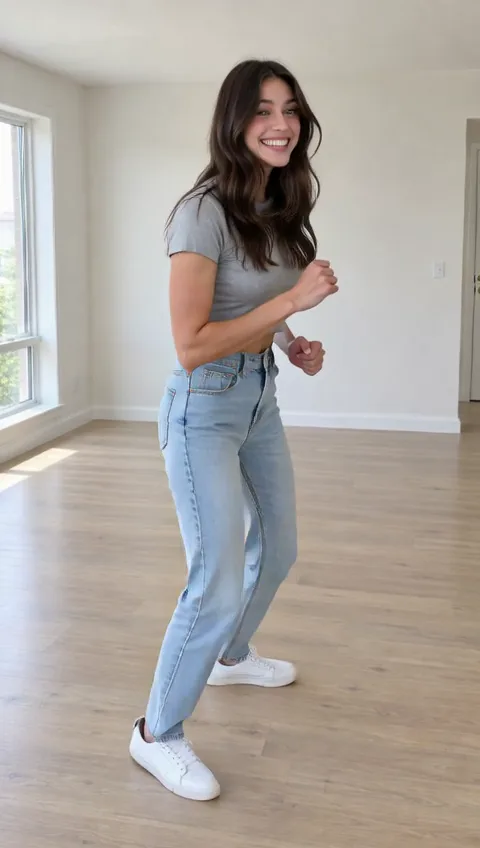 StillKing Nasir DanceUse template
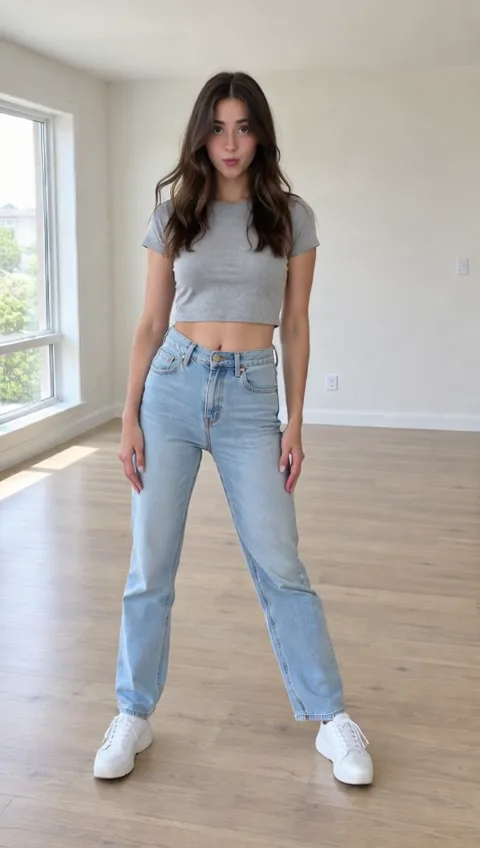 StillGnarly DanceUse template
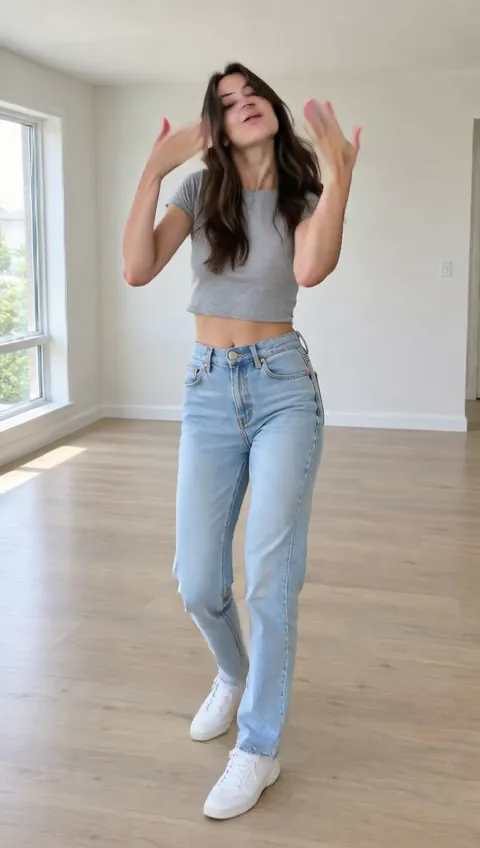 StillCoco Chanel DanceUse template
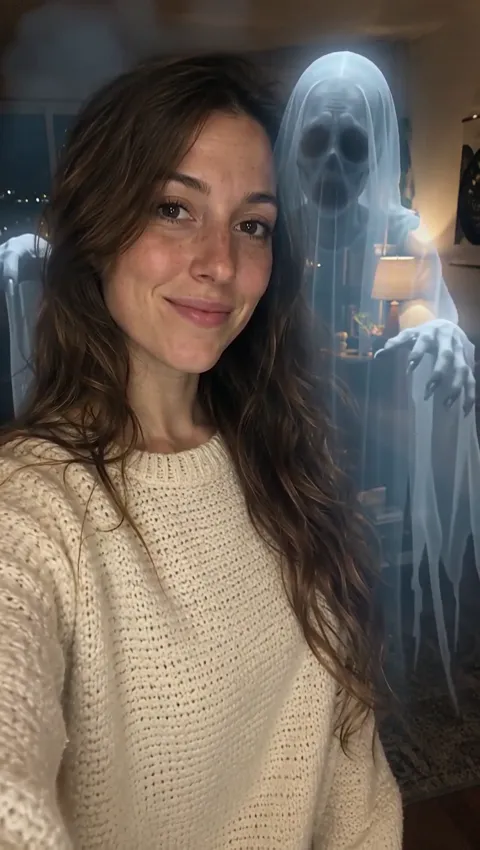 StillGhost PrankUse template
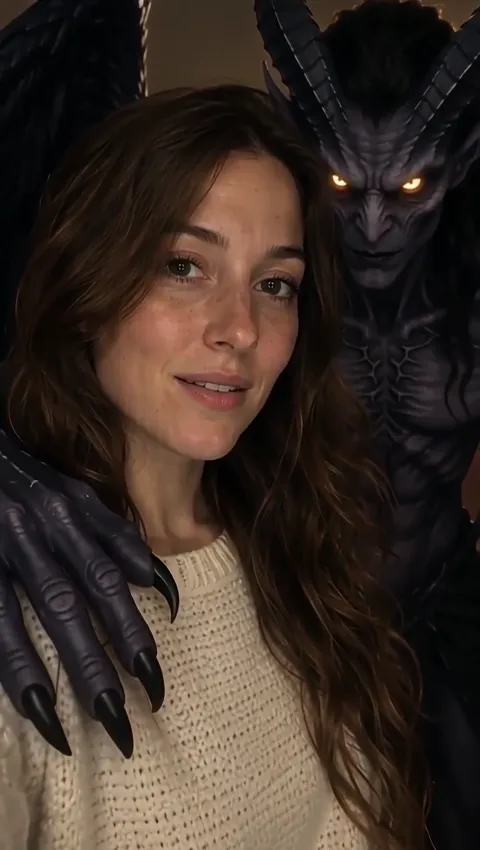 StillSummon a DemonUse template
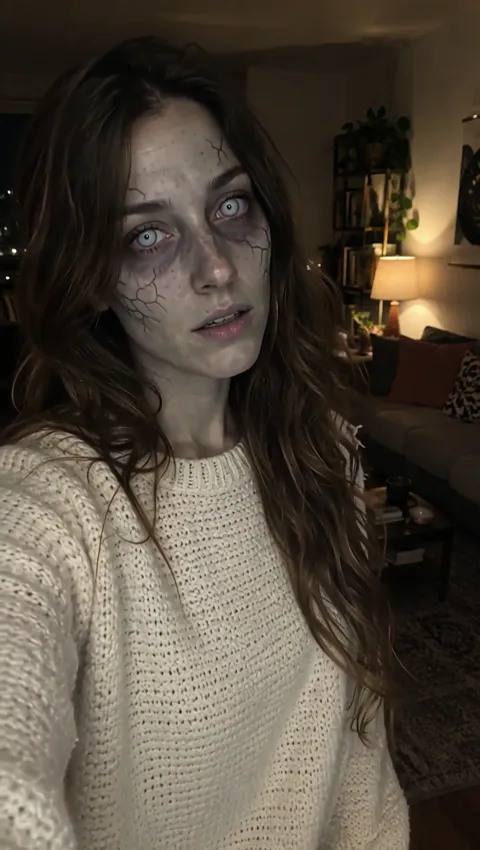 StillZombie TransformationUse template
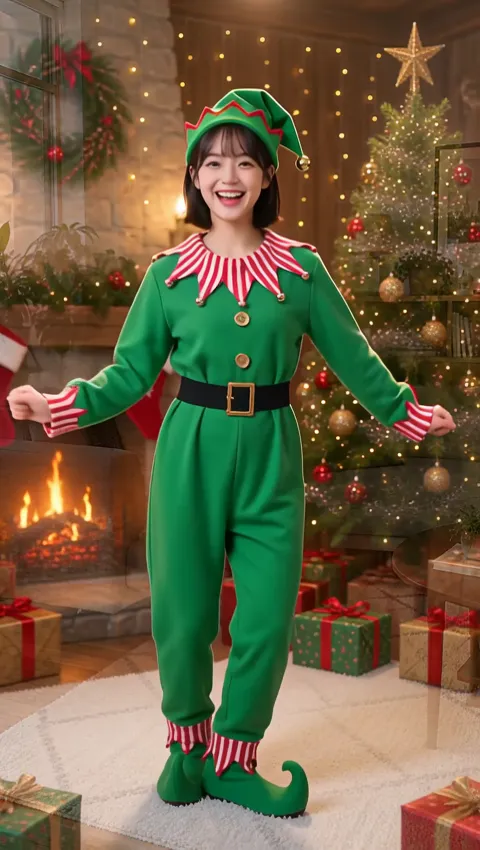 StillElf DanceUse template
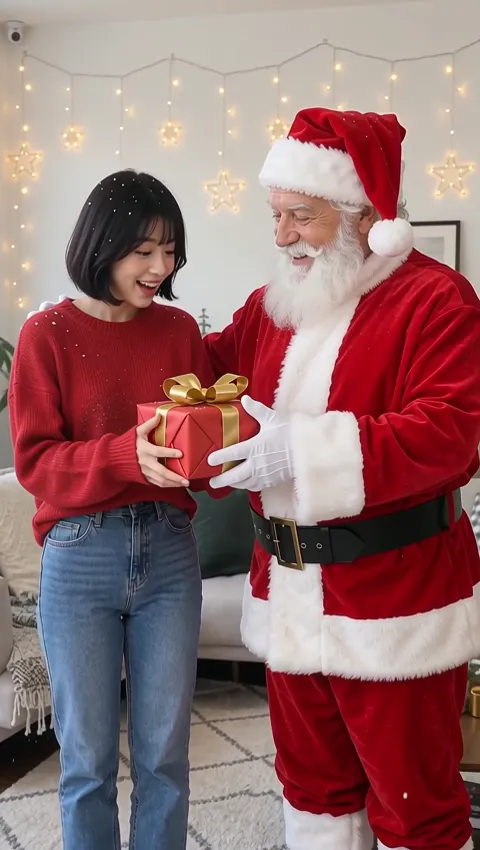 StillSanta VisitUse template
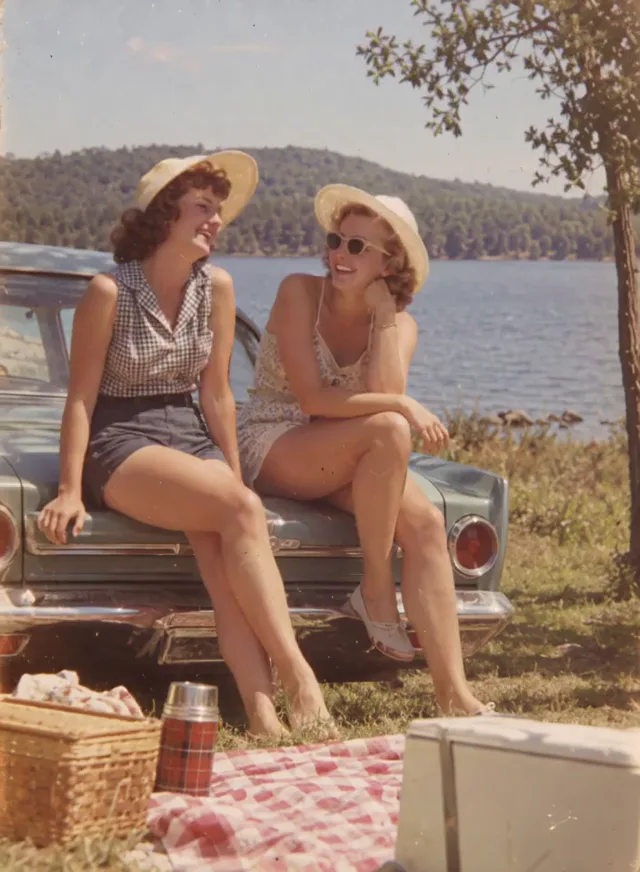 StillBring an Old Photo to LifeUse template
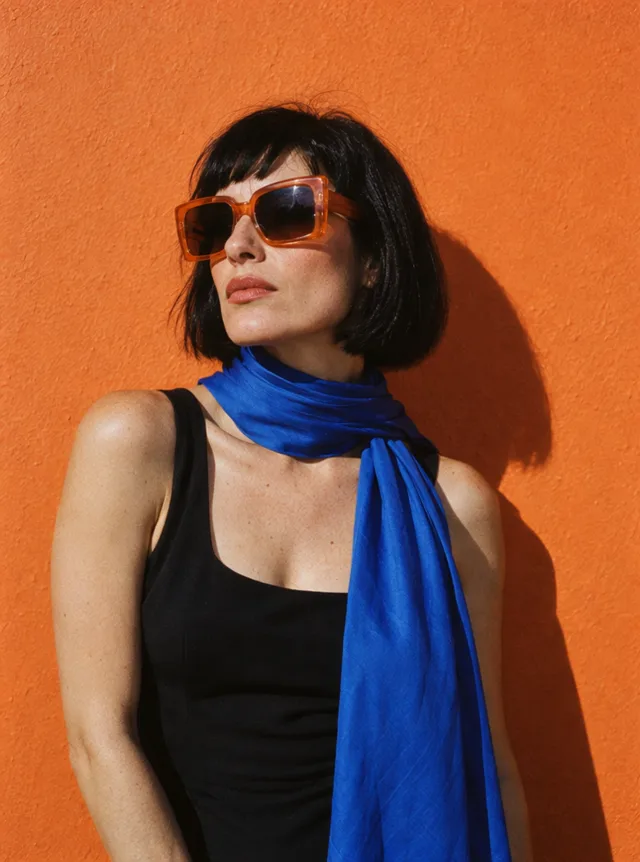 StillWindswept PortraitUse template
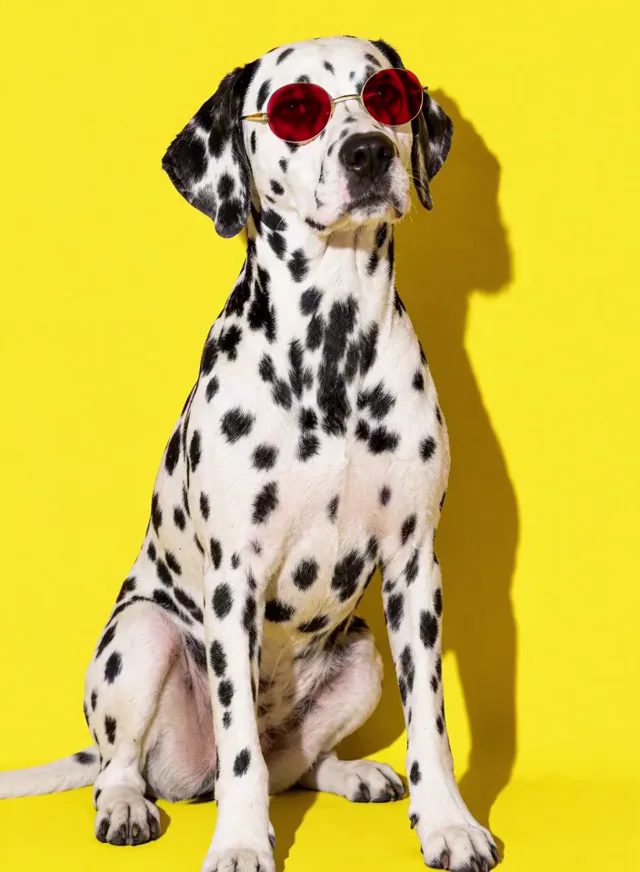 StillCurious PetUse template
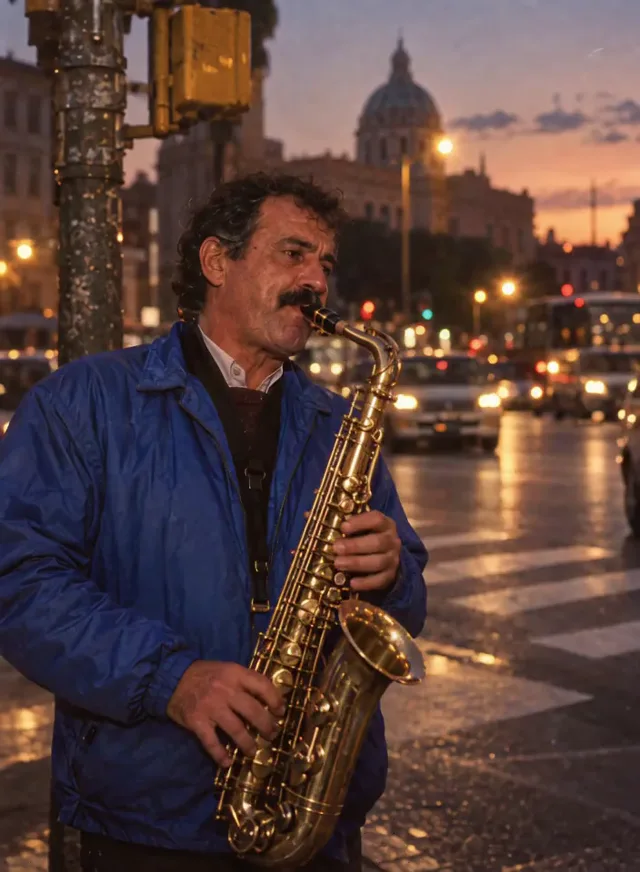 StillLive Music MomentUse template
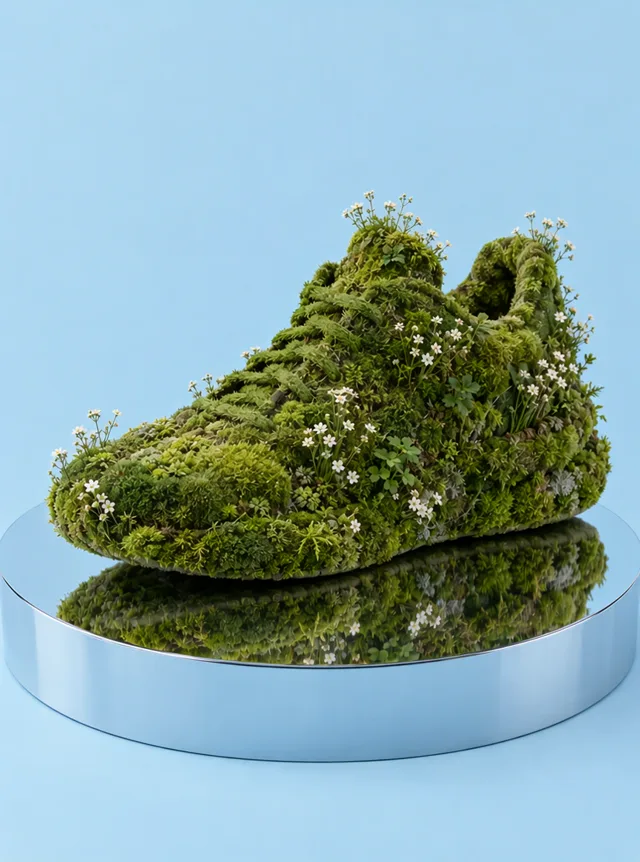 StillProduct TurntableUse template
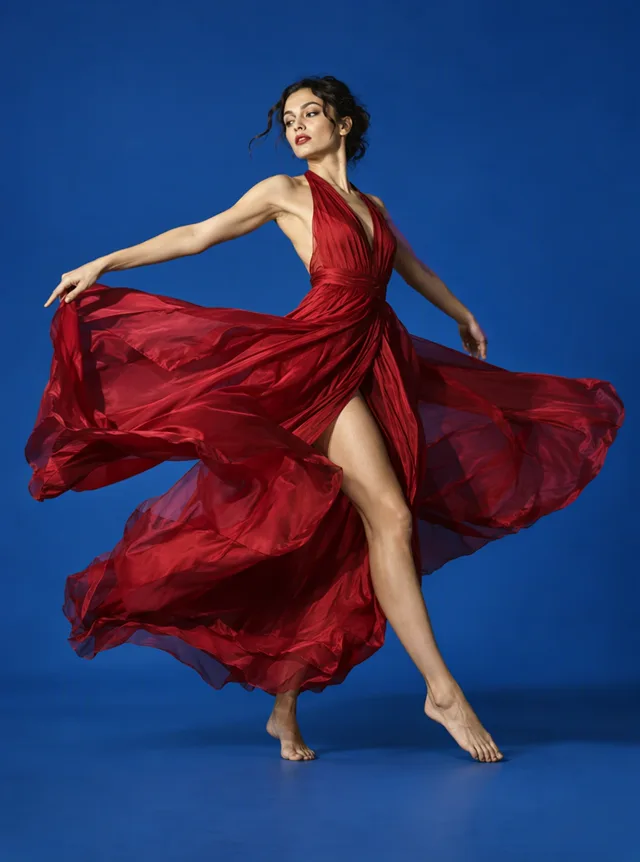 StillDancer in CrimsonUse template
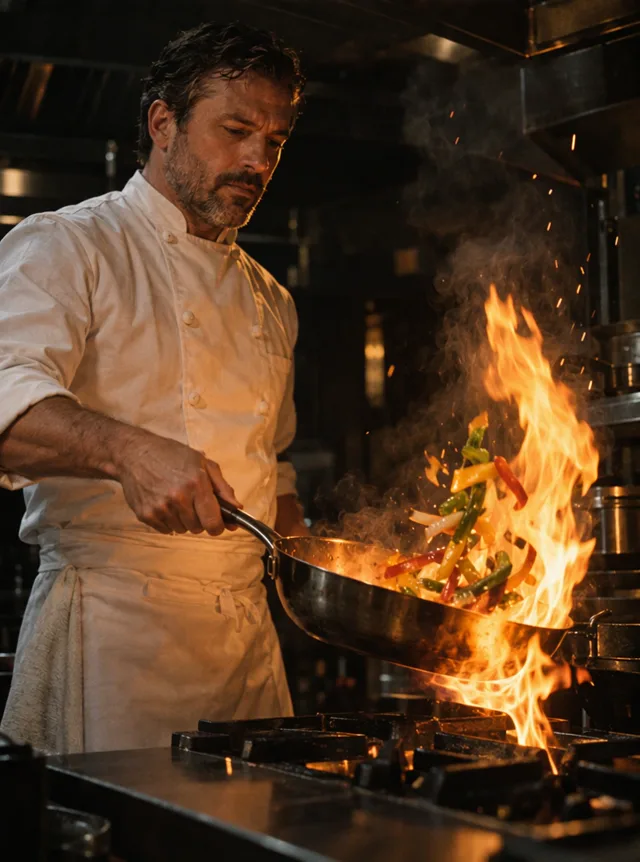 StillChef's Flame TossUse template
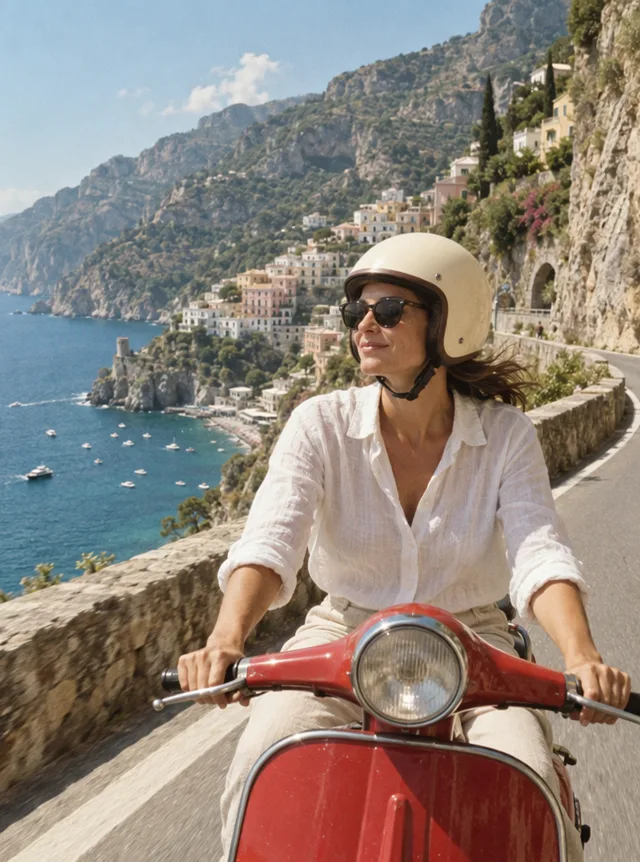 StillCoastal Scooter RideUse template
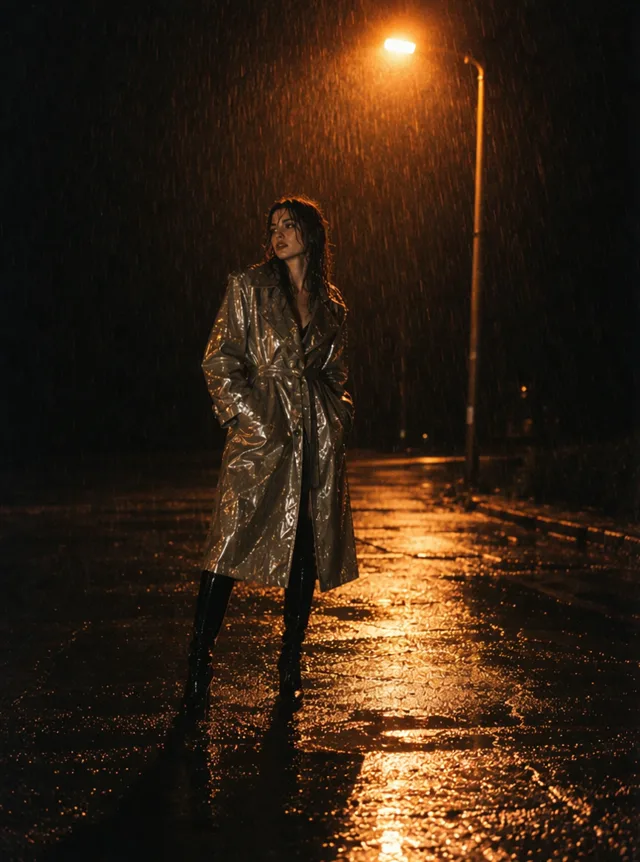 StillRain Under a StreetlightUse template
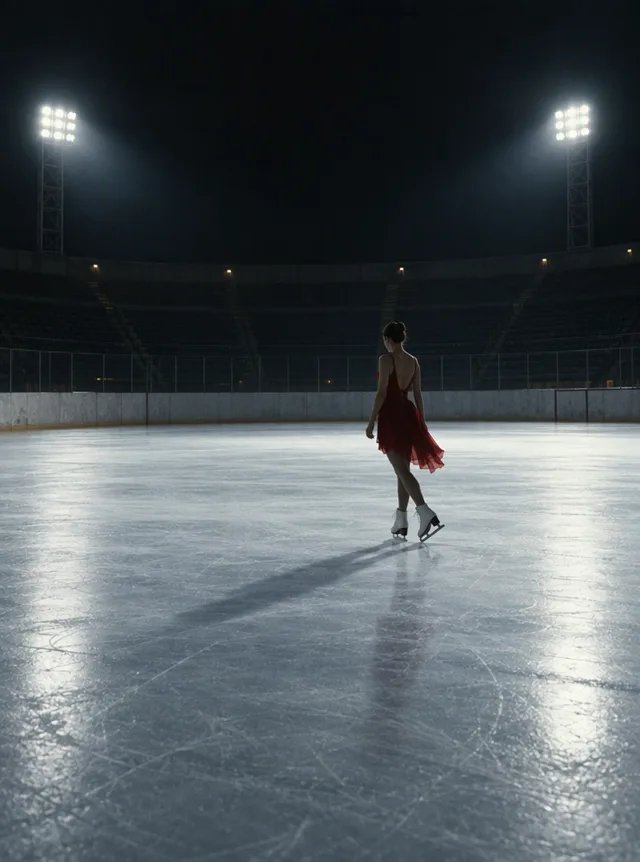 StillIce Skater SpinUse template
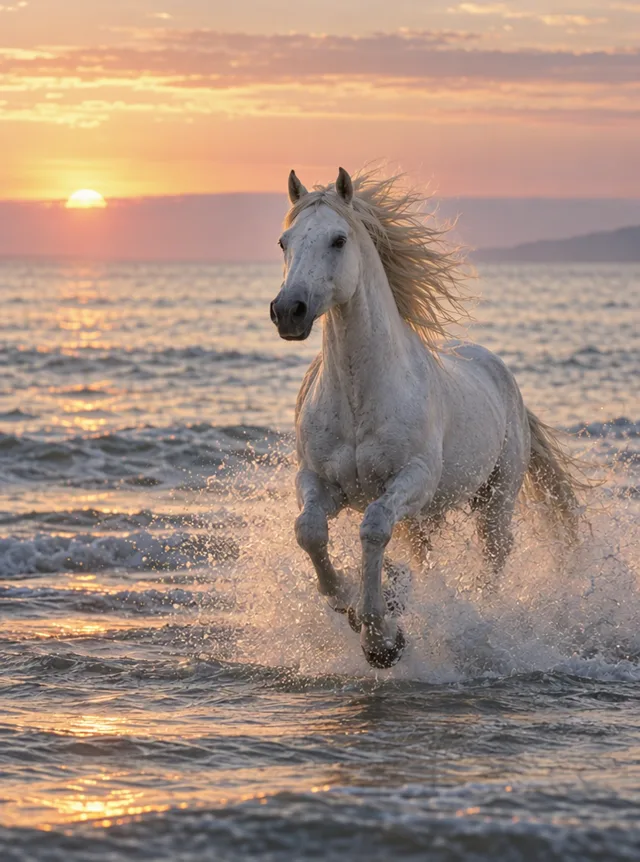 StillHorse at SunriseUse template
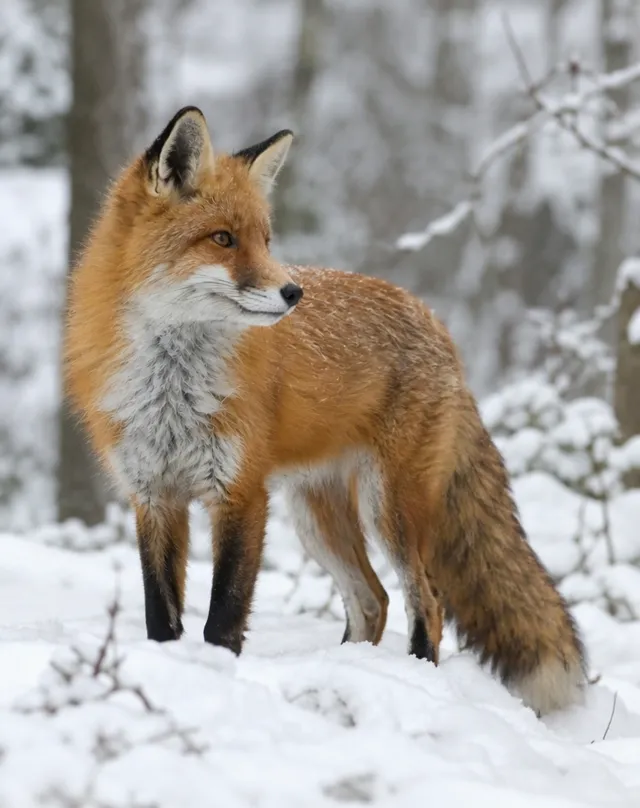 StillFox in the SnowUse template
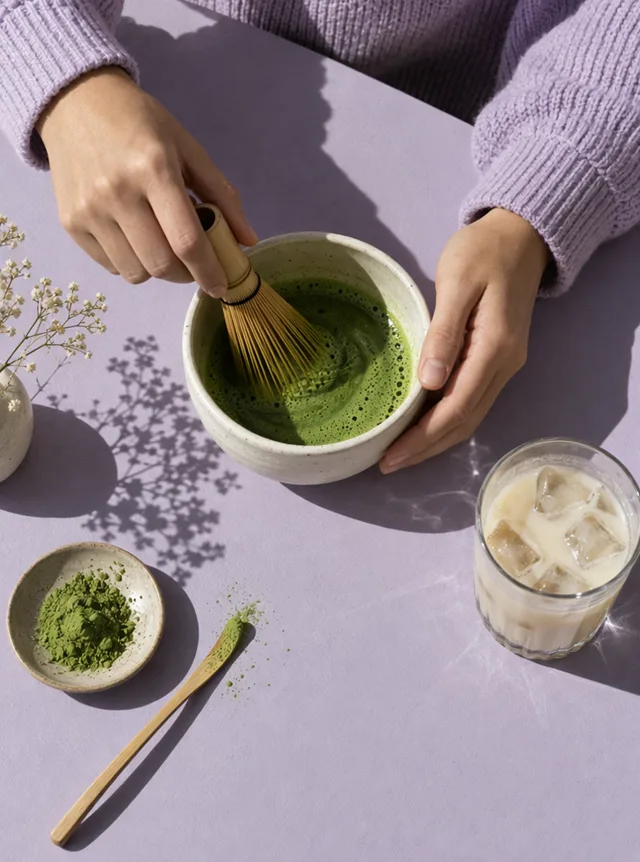 StillIced Matcha PourUse template
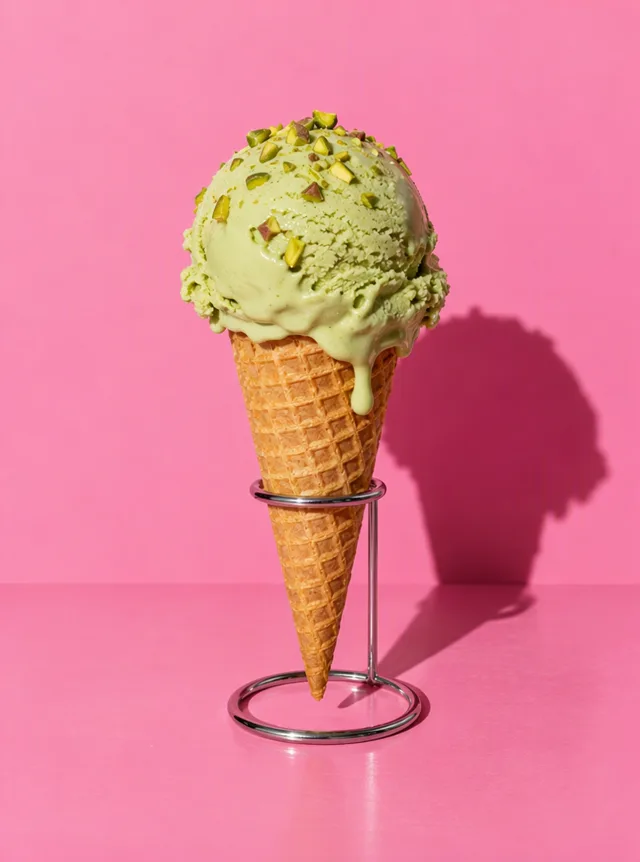 StillMelting GelatoUse template
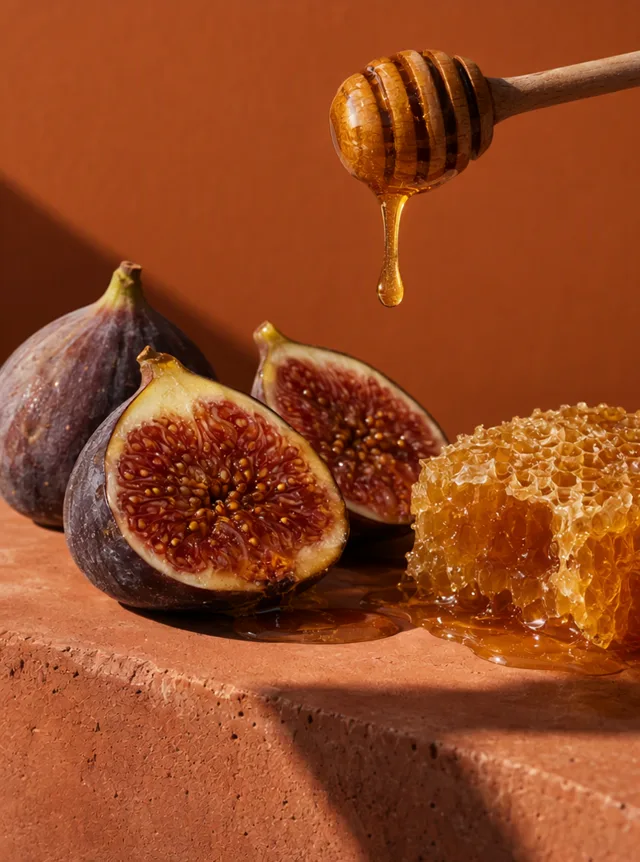 StillHoney on FigsUse template
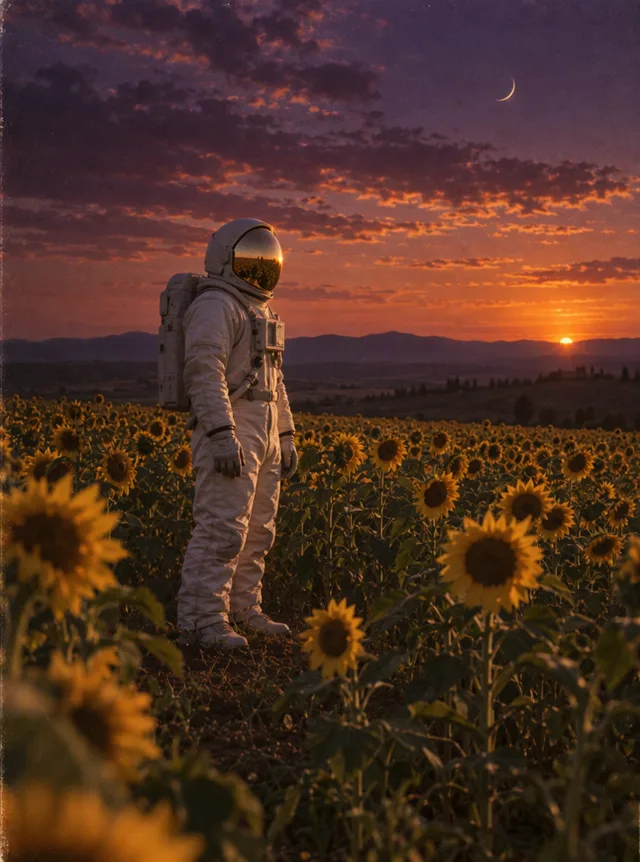 StillAstronaut in SunflowersUse template
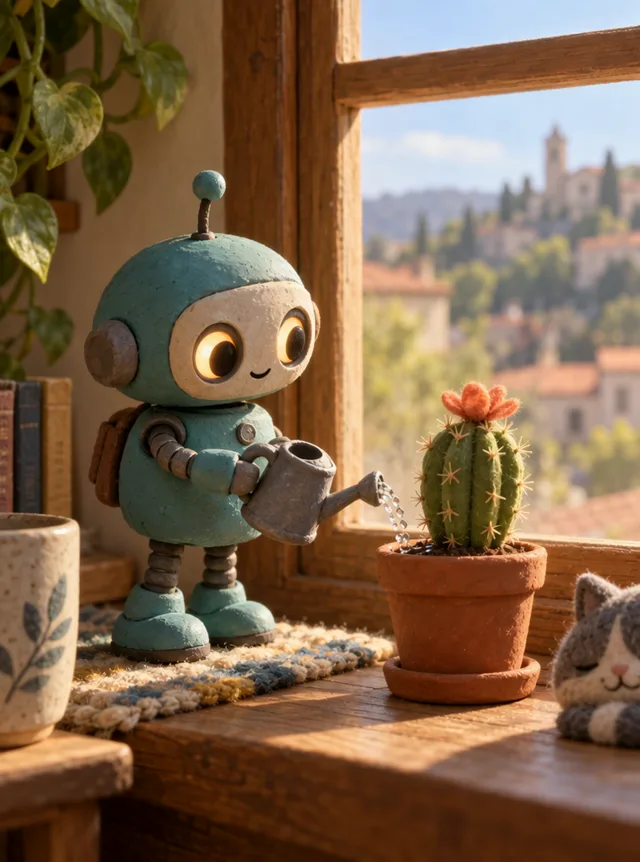 StillClay Robot GardenerUse template
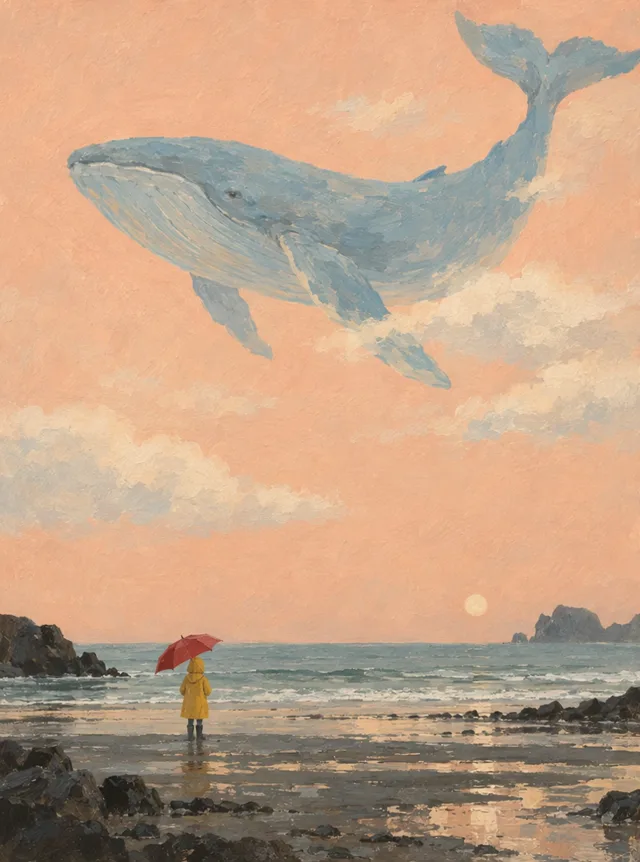 StillWhale in the SkyUse template
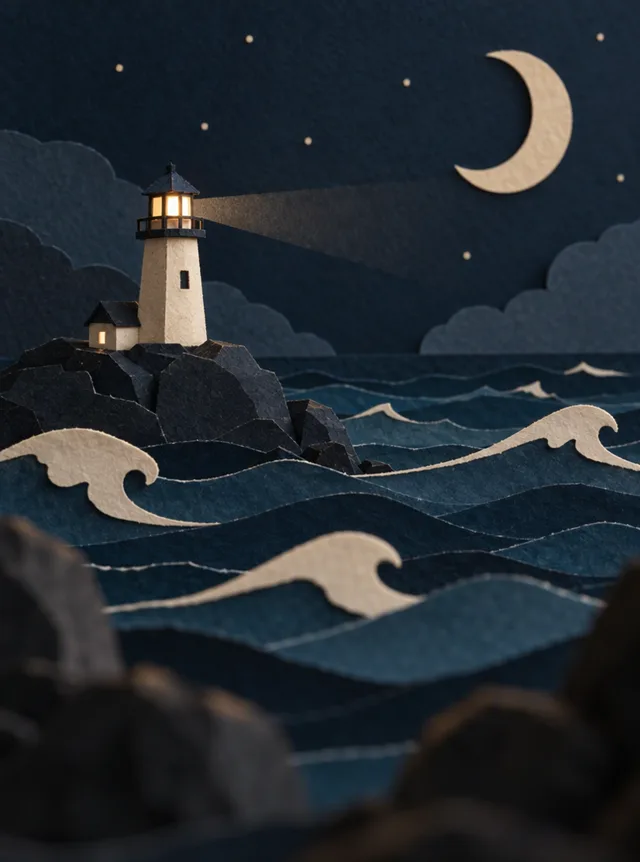 StillPaper-Cut LighthouseUse template
How an AI video template works
1. Pick a template
Every card plays the example it was made from. Press Use template and the panel at the top of the page switches to that template's settings. Nothing is generated yet, and nothing is charged.
2. Add your photo, or keep the words
Dance songs, effects and photo templates animate a picture you upload, so they need one photo. Text templates describe the whole scene, so they work without a photo. You can edit any prompt before you start, or leave it exactly as it is.
3. Check the price and generate
The button shows the credits before you press it. Text templates start with Wan 3.0, 480p, 5 seconds and sound; photo templates use MiniMax H3 in 480p; dance songs always run 10 seconds. A failed video refunds its credits automatically.
Which template to pick
| Template type | What you add | What you get |
|---|---|---|
| Dance songs | One full-body photo | You dancing the trend's moves, with its song |
| Effects | One photo of one person | A ghost, a demon, a zombie, an elf or Santa joining your photo |
| Animate a photo | One photo that fits the card | Your photo moving: an old picture, a pet, a portrait in the wind, a product on a turntable |
| Text scenes | Nothing | A short clip of the written scene, from a dancer to a clay robot |
Dance song templates
Each dance song template copies a real trend's choreography from a reference clip and keeps that song in your video, so the result is ready to post. Use a full-body photo of one person, from head to feet, with space around them. These run on AI Dance Move v2 for 10 seconds at 480p. The generic AI dance video page has an upbeat dance you can restyle instead.
Effect templates
Effects keep your face and add the rest: a ghost behind you, a demon you summon, a zombie transformation, an elf costume with a dance, or a visit from Santa. Each one has its own page with more examples, such as the AI Halloween video page.
Photo and text templates
Photo templates give a prompt that fits any picture of that kind, so an old family photo, your dog or a product shot gets a natural movement. Text templates were written from our example clips. Your video follows the same scene and camera move, but every run is a new video, so it won't copy the example frame for frame.
Make a template your own
A template is only a starting point. After you pick one, everything on the panel stays editable:
- Change the words. Swap the subject, the colours or the place in the prompt, and keep the camera move and sound that made the example work.
- Change the model. Prompt templates use cheap settings so you can try them first. Pick another model, a higher resolution or a longer clip, and the price updates before you generate.
- Remove an effect. An effect or dance song shows as a tag above your photo. Remove it to go back to a normal prompt.
For a fully custom clip, start from a blank prompt on the main generator.
AI video templates FAQ
Are these AI video templates free?
Picking a template costs nothing, and visitors get one free photo video a day, made with Seedance 1.0 Pro Fast in 480p. Text templates, effects and dance songs need a free account. Signing up gives 30 credits for 30 days plus 5 a day, which covers one text template at its starting settings or two photo templates.
Can I use a dance song template for TikTok?
Yes. The video copies the trend's moves and keeps its song, cut to the first 10 seconds of the dance, so it is ready to post as a short. Free videos carry a watermark; a plan or credit pack removes it. Stick to your own photos or ones your friends okayed, and check the platform's music rules before posting.
Will my video look exactly like the example?
No. The example shows what the template is built for, but each run is a new video. Photo templates follow your picture, so the subject and background come from you. Text templates follow the written scene; colours, faces and timing will differ a little every time.
Can I change the model or the length after picking a template?
Yes. Prompt templates set a model, a resolution, a length and sound, and you can change any of them before generating. Effects and dance songs start on their own settings; dance songs stay fixed at 10 seconds and 480p, because the moves come from the reference dance.
How often do you add templates?
New dance songs are added when a TikTok dance trend has search demand, and seasonal effects arrive before their holiday. Each new song also gets its own page under AI dance video, so you can find it again later.
Related tools
Image to Video AI
Turn any photo into a short AI video. Upload an image, describe the motion and pick a model, from Kling and Veo to Grok Imagine and Vidu. Start free with 30 credits.
Text to Video AI Generator
Type a prompt and get a short AI video. Describe the subject, motion, camera and style, pick a model and download the clip. Try text to video AI free.
Animate Photos with AI and Make Pictures Move
Animate a photo with AI: add natural motion, blinking, hair and camera movement to any picture, then download a short video. Free credits to try.
AI Dance Video Generator
Make a photo dance with AI. Upload one full-body picture of a person, set the scene if you like, and get an upbeat dance clip with sound for TikTok or Reels.
Start from a template
Pick a card, add a photo if it asks for one, and see the price before you generate.