
Text or photo · Square · Made for Discord
Discord PFP Maker: Create an Original Discord Profile Picture with AI
This Discord PFP maker turns a one-line idea, or a photo of you or your pet, into an original profile picture. Every result is square and drawn to stay readable in Discord's small circle.
Your photo · Optional
0/1
Optional: one photo of you or your pet · JPG, PNG or WebP · up to 10 MB
Model
Sign up free to create images, with 30 free credits · GPT Image 2.5 · 1K · 1:1
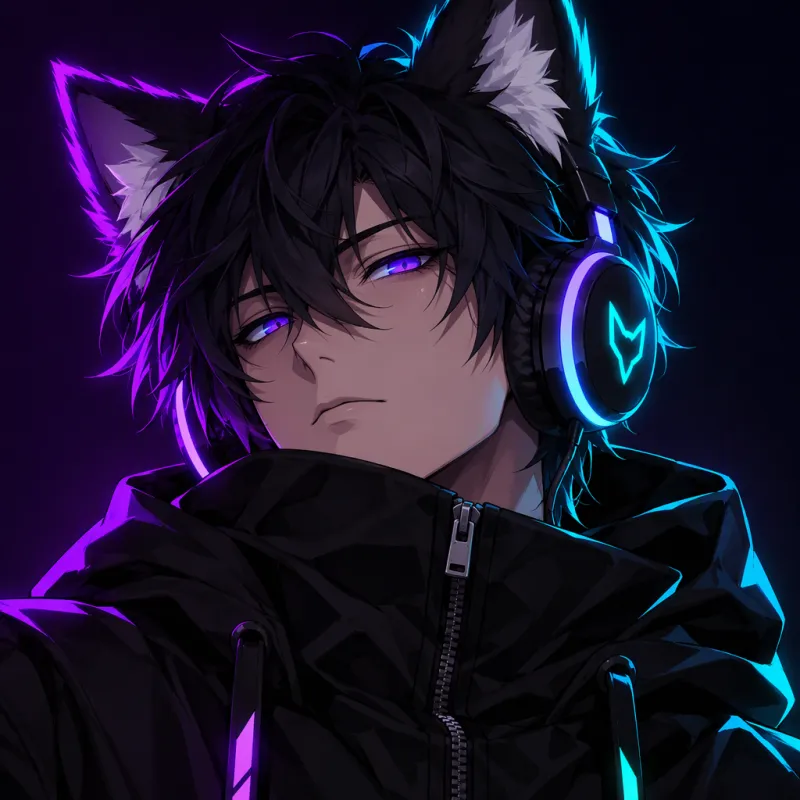
GPT Image 2.5
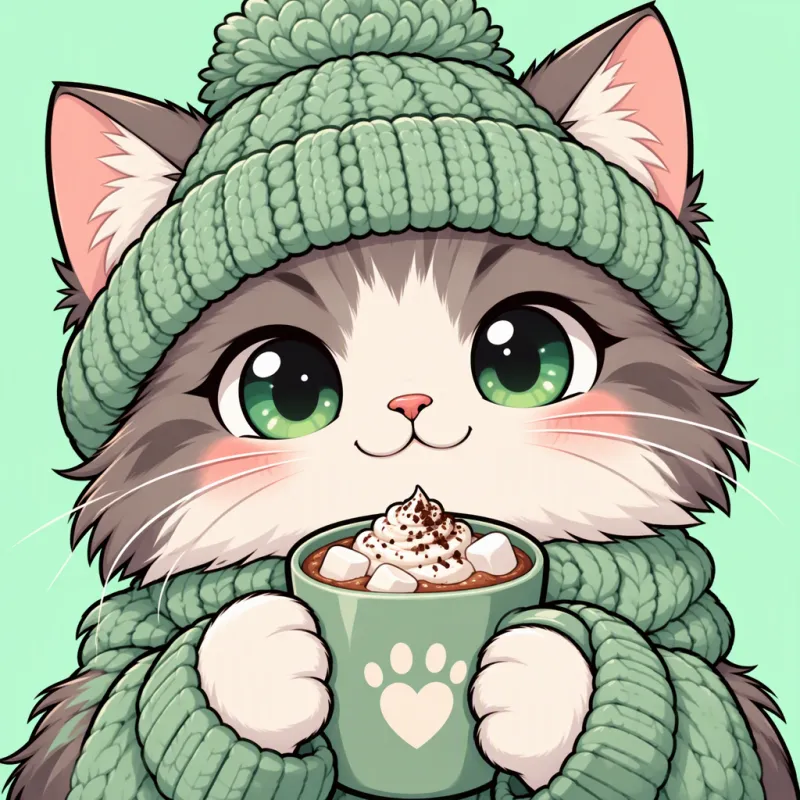
GPT Image 2.5
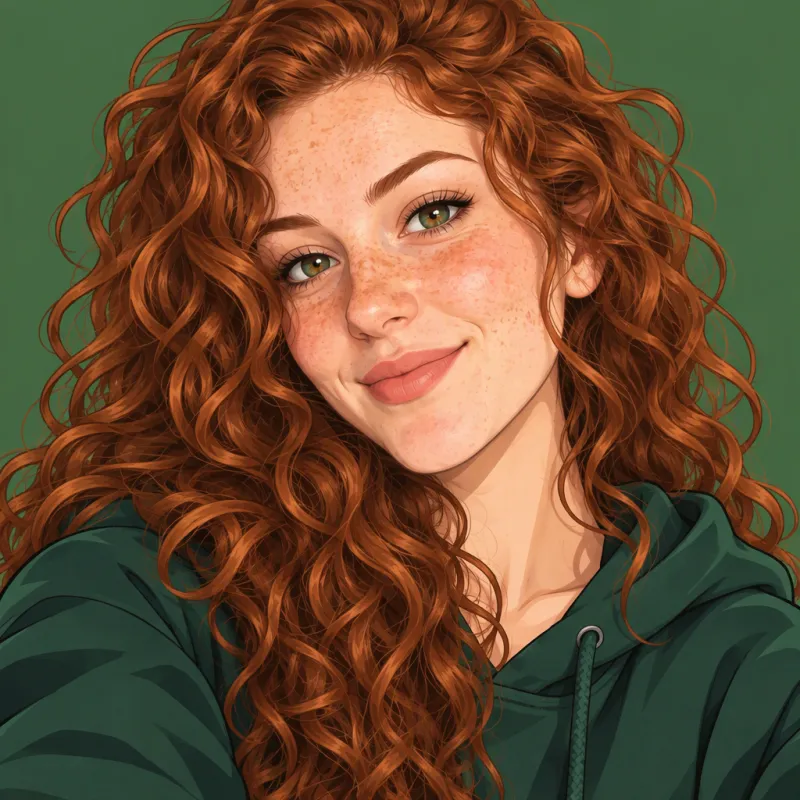
Input GPT Image 2.5
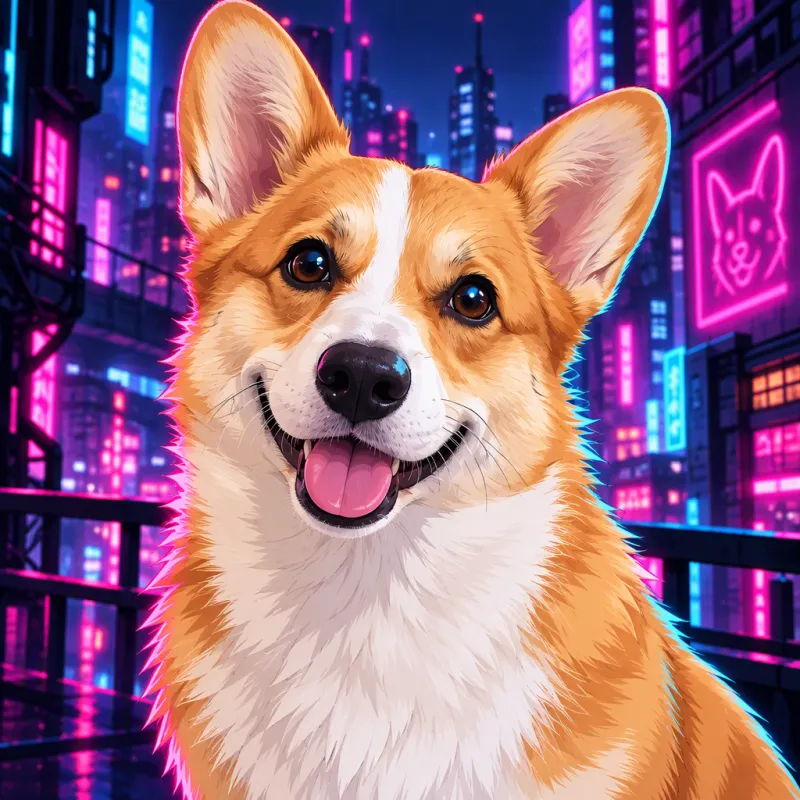
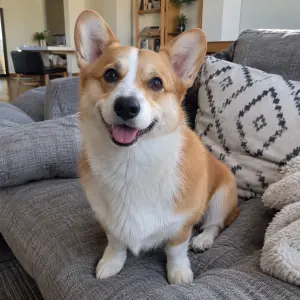
Input GPT Image 2.5
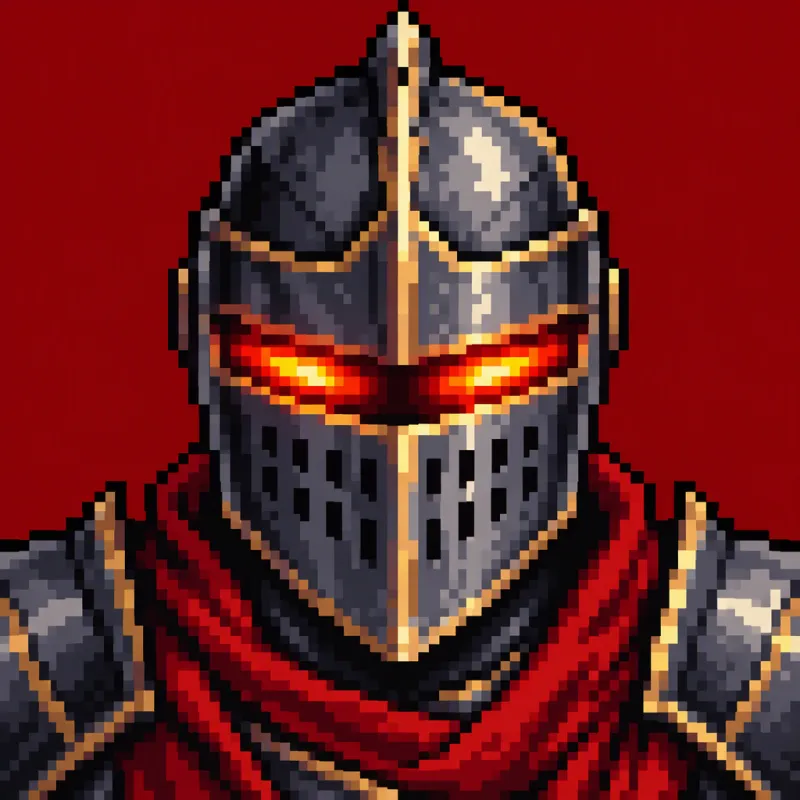
GPT Image 2.5
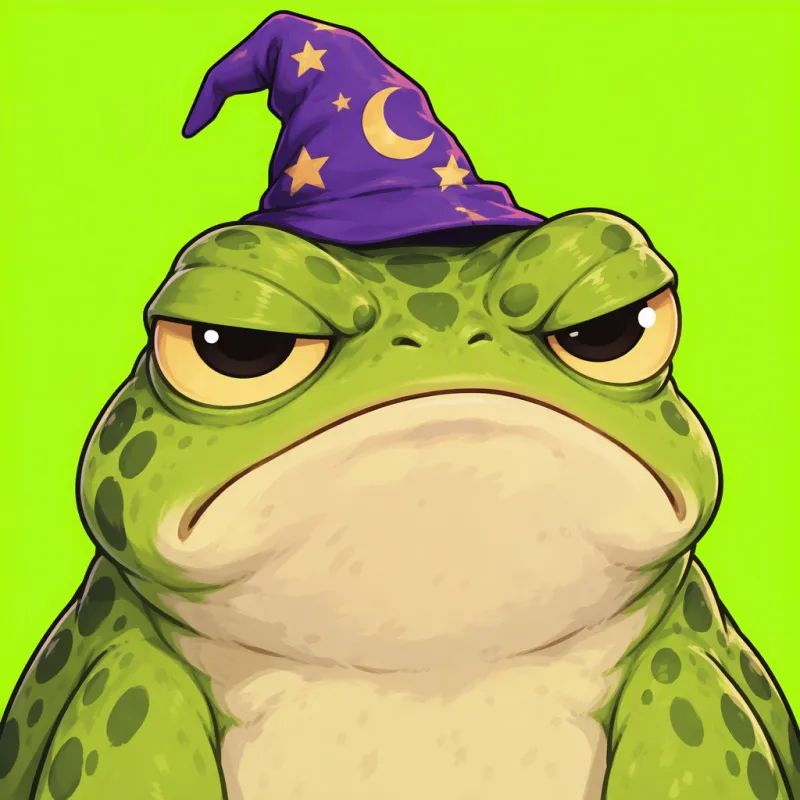
GPT Image 2.5
 GPT Image 2.5
How to make a Discord PFP in three steps
Describe your idea, or upload a photo
Write one short line about the character, the style and the colours, such as "a fox-eared gamer with neon headphones, anime style, purple glow". Or skip the writing and add one photo of you or your pet. With a photo and no description, you get a clean anime-style version of it; add a style like "pixel art" or "cyberpunk" to change the look.
Keep the square crop
The tool starts on GPT Image 2.5 at 1K with a 1:1 ratio, which comes back as a 1024 × 1024 PNG. That is the shape Discord expects for a profile picture, so there is nothing to crop. You can pick 2K for a sharper file or switch models if you want to compare looks.
Check the price, then generate
PFPs are made on a free account. New accounts receive 30 credits, valid for 30 days, and 5 more credits arrive every day. Before you press the button, the exact cost for your model and size sits right above it. On a free account, files top out at 2K and carry a watermark, which any paid plan or credit pack takes away. A run that fails refunds its credits automatically.
Discord PFP ideas you can make
The search for a good PFP for Discord usually ends in a saved image that a thousand other people also use. Making your own gives you a picture nobody else has, in the style your server knows you for.
Anime and gamer PFPs
Anime avatars are the most common look on Discord, from soft pastel portraits to dark characters lit by neon. Describe hair colour, eyes, outfit and one accessory, like headphones, a mask or animal ears, and the anime Discord PFP comes back as a finished illustration rather than a sketch.
Cute, funny and meme PFPs
A chibi cat in a beanie, a grumpy frog in a wizard hat or a duck with sunglasses: funny Discord PFP ideas work best with one character and one joke. Say "meme style" or "cute chibi" and name a single background colour so the face stays the centre of attention.
Pixel art, dark and aesthetic styles
Write "16-bit pixel art" for a retro game icon, "dark aesthetic" for black and deep red tones, or "pastel aesthetic" for soft colours. A cool Discord PFP is mostly a strong silhouette and a clear colour scheme, so keep the description to one subject and two or three colours.
Your face or your pet, as an avatar
Upload a selfie or a pet photo to get a drawn version that still looks like you or your pet: the same hair or fur colour, the same face shape, the same markings. It is a way to put yourself on your profile without posting a real photo. Use photos of yourself, of your own pet, or of people who agreed to it.
| What you want | What to write |
|---|---|
| Anime Discord PFP | anime style, the character, hair and eye colour, one accessory |
| Cute PFP | cute chibi, the animal, one item it holds, a pastel background |
| Funny PFP | meme style, one character, one joke, one bright background |
| Pixel art icon | 16-bit pixel art, the subject, a single background colour |
| Avatar from your photo | upload the photo, then add a style or leave it empty for anime |
Why these PFPs work in a small Discord circle
Discord shows your profile picture as a circle, and most people see it at the size of a chat message. A picture with lots of small details turns into a blur at that size. The built-in instruction behind this tool asks for one centred subject from the head and shoulders up, a bold silhouette, one strong background colour, and no text or border, so the result still reads when it shrinks.
The artwork fills the whole square edge to edge. When Discord crops it into a circle, the corners fall away and the face stays in the middle.
The same square works as a Discord server PFP: describe a mascot or an emblem for your community instead of a person. For any other kind of picture, from posters to wallpapers, use the AI image generator.
Why it starts on GPT Image 2.5
We ran the same Discord PFP prompts on GPT Image 2.5 and Seedream 5 Flash. GPT Image 2.5 filled the square edge to edge, while Seedream often drew its own circle with blank corners. It is also among the lowest-priced models at 1K, which is why the panel opens on it. Every other image model is one tap away when you want a different look.
A free Discord PFP to start, and a short video from it
The welcome credits on a new account are enough for several PFPs, so you can try a few ideas before spending money. When you want clean files, see the pricing page: paid access drops the watermark, and images you make while it is active come with a commercial license.
Want your character to move? Under every finished PFP sits an Animate this image button that opens the video tool with your avatar already loaded, ready to become a short clip made by image to video AI.
For a work profile you will want a real-looking portrait rather than a drawing; that is what the AI headshot generator is for.
Questions about the Discord PFP maker
Is this Discord PFP maker free?
Yes, to start. Create a free account and you get 30 credits for your first 30 days plus 5 a day, which is enough for several PFPs on the default model. Free PFPs are watermarked and capped at 2K; paying for a plan or a credit pack lifts both limits and opens 4K.
What size is a Discord profile picture from this tool?
On the default settings, a square 1024 × 1024 PNG: GPT Image 2.5 at 1K with a 1:1 ratio. That is large enough for Discord to scale down cleanly into the profile circle. Pick 2K if you want a sharper file to keep or to reuse elsewhere.
Can I turn my own photo into a Discord avatar?
Yes. Upload one photo of yourself or your pet. Leave the description empty for an anime-style avatar, or name a style such as "pixel art", "cyberpunk" or "cute chibi". The instruction asks the model to keep the face shape, hair or fur colour and distinctive features, but results vary, so generate again if one does not look right.
Do I have to write a prompt?
Only if you don't upload a photo. Without a photo, the description is the whole idea, so the tool asks for at least one line. With a photo, the description is optional. Short is fine: a character, a style and a colour or two is enough.
Can I make an animated or GIF Discord PFP here?
No. This tool makes still images, and animated avatars on Discord need Discord Nitro. You can bring a PFP to life as a short video with the Animate this image button, but that gives you a video file, not a GIF avatar.
Can I use it as a Discord server icon?
Yes. The square format suits server icons too. Describe a mascot, an animal or an emblem for your community, and keep it to one subject and a plain background so it stays readable in the server list.
Is my photo private?
Your photo goes to the model provider only to draw your PFP, and neither the photo nor the PFP is used to train any model. We keep free PFPs for a week and PFPs made with paid access for 180 days; delete any of them from your history whenever you like. For anything else, write to [email protected].
Related tools
AI Image Generator
Type a prompt and get a still. This AI image generator opens on Seedream 5 Flash. Text to image AI, optional reference photos, and a credit price shown first.
AI Headshot Generator
Turn one selfie into a professional headshot for LinkedIn, a resume or a team page. Free AI headshot generator to start: sign up for 30 credits, pay per photo.
Animate Photos with AI and Make Pictures Move
Animate a photo with AI: add natural motion, blinking, hair and camera movement to any picture, then download a short video. Free credits to try.
Image to Video AI
Turn any photo into a short AI video. Upload an image, describe the motion and pick a model, from Kling and Veo to Grok Imagine and Vidu. Start free with 30 credits.
Make your Discord PFP now
Type an idea or add a photo of you or your pet, keep the square crop, and see the cost before you start. Only upload photos of yourself, your own pets or people who said yes, and keep it safe for work: explicit content can't be made here.