
One image · No prompt · 2K or 4K
AI Image Upscaler: Upscale Images to 2K or 4K with Real Detail
This AI image upscaler turns a small or low-resolution picture into a 2K or 4K PNG. Upload one image, choose the size, and the AI adds fine detail instead of just stretching pixels. You see the credit cost before you start.
The image to upscale
0/1
One image · JPG, PNG or WebP · up to 10 MB
Sign up free to create images, with 30 free credits · Image Upscaler · 2K
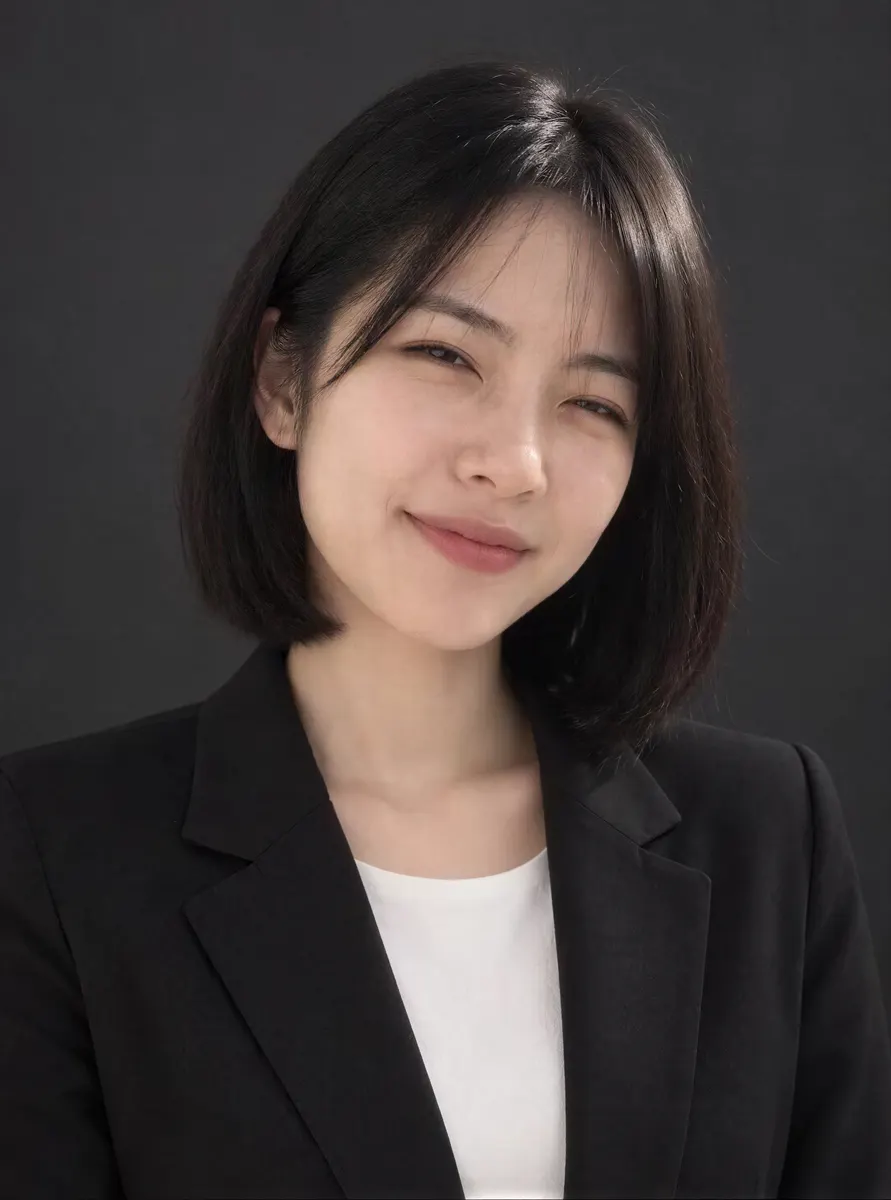
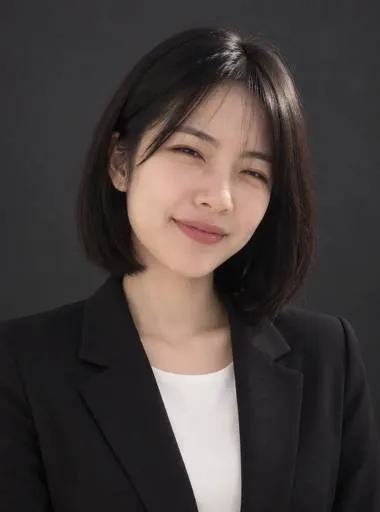
Input 4K
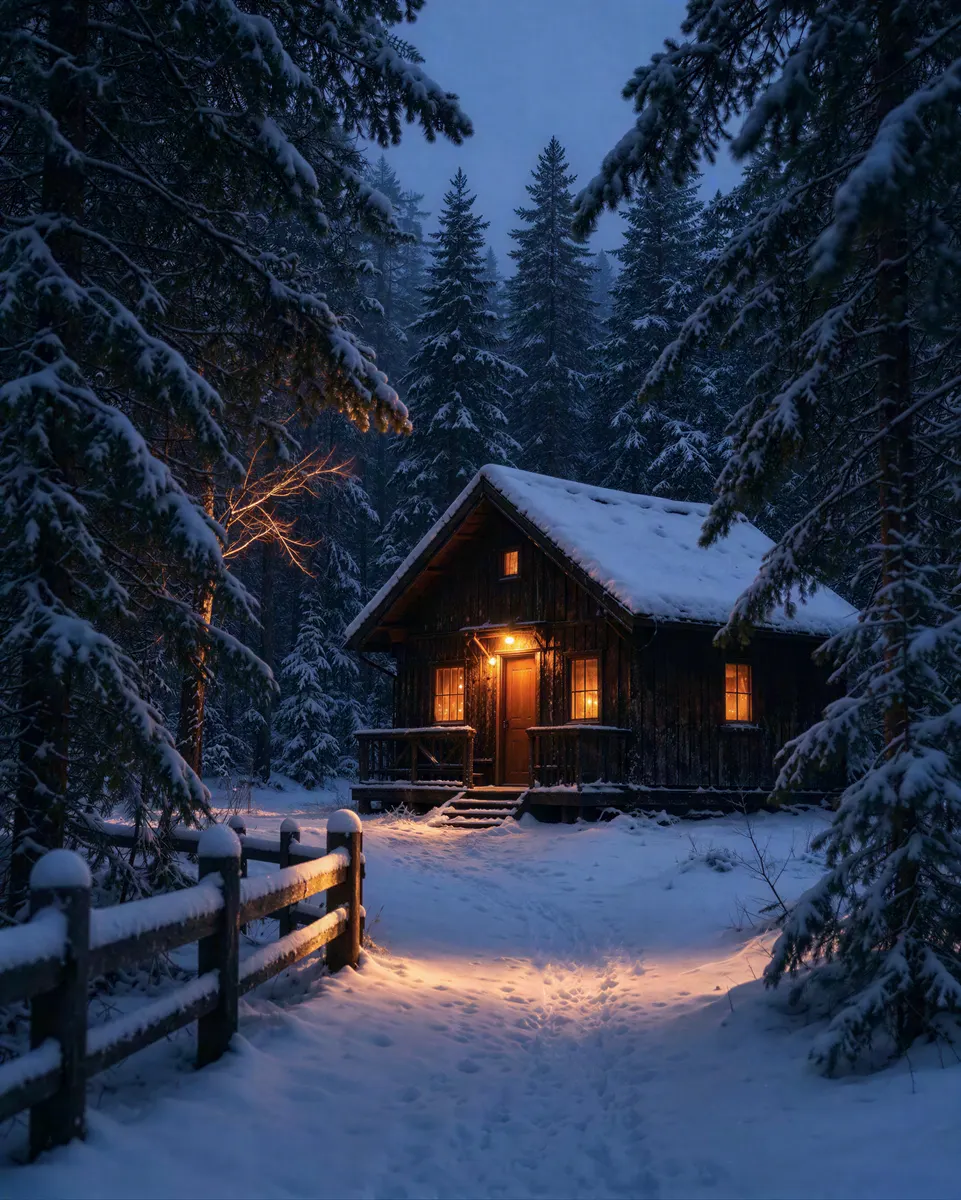
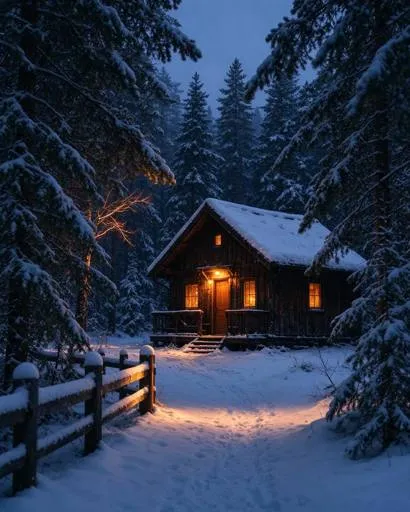
Input 4K
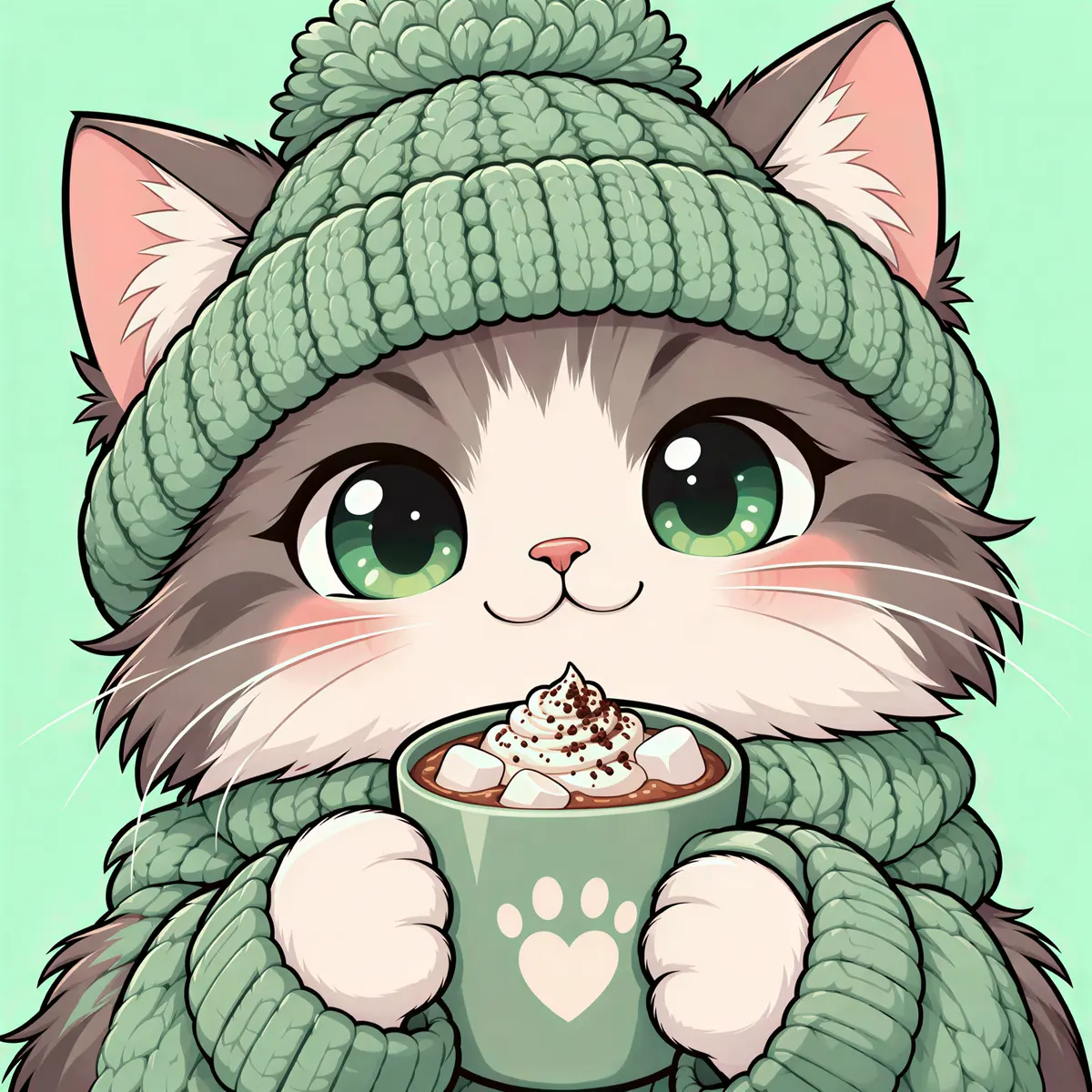
Input 2K
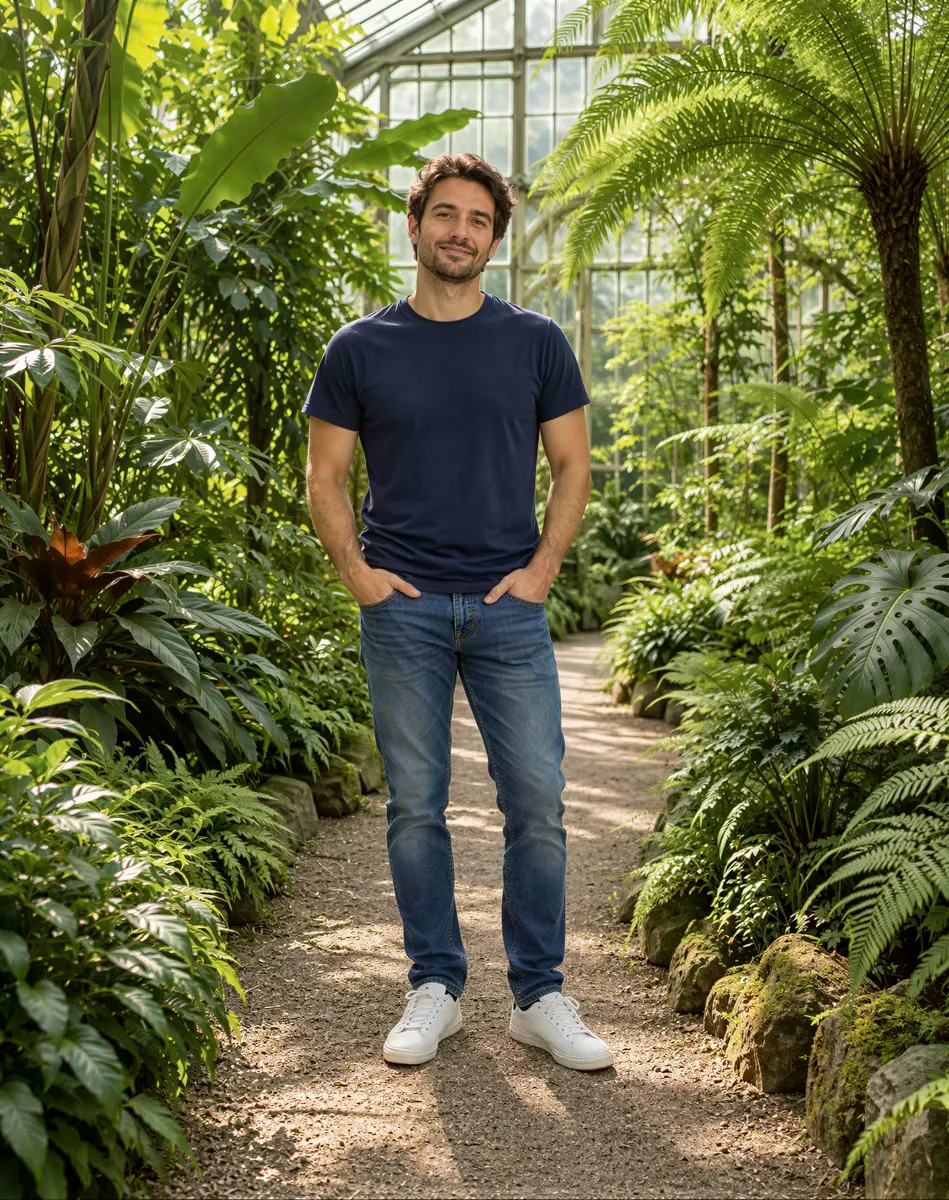
Input 2K
How to upscale an image in three steps
There are no sliders and nothing to describe. You give the image upscaler one picture and one target size, and it returns a bigger version that keeps the same framing and proportions.
Upload one image
Drop in one JPG, PNG or WebP up to 10 MB. Photos, illustrations, anime art, AI-generated pictures and product shots all work. Use the original file when you have it: a screenshot or a copy sent through a chat app has been compressed again and gives the AI less to work with.
Pick 2K or 4K
2K is selected by default. A 2K result has a short side of 1,440 pixels and a 4K result has a short side of 2,160 pixels; the long side follows your image's own shape, so a portrait stays a portrait and a wide shot stays wide. Pick 4K for prints, big screens and close crops.
Check the price, then start
You need a free account to upscale images. Sign-up gives you 30 credits that last 30 days, plus 5 more each day, and both sizes work on a free account. The price appears above the button before anything is charged. If a run fails, the credits come back.
Increase image resolution without the blur
Stretching a small image in an editor only makes the pixels bigger, so edges turn soft and blocky. To increase image resolution properly, the missing detail has to be filled in. The upscaler looks at what is in the picture, such as hair, fabric, wood grain, leaves or line art, and draws the fine texture a larger file needs.
Photos and portraits
Old phone pictures, small profile photos and images saved from social media come back larger with crisper hair, eyes and fabric. Faces keep their shape and expression, so the person still looks like themselves.
Art, anime and AI images
Illustrations and anime art keep clean outlines and flat colors instead of picking up photo-style noise. It is also a quick way to upscale image results from other AI tools, which often come out at around 1,000 pixels, before you print them or use them as a wallpaper.
Product shots and designs
Small product photos, logos with a background and screenshots of designs get the size they need for a store listing, a slide or a poster.
| Size | Short side of the result | Good for |
|---|---|---|
| 2K (default) | 1,440 pixels | Web pages, social posts, store listings |
| 4K | 2,160 pixels | Prints, large screens, cropping in close |
Prices depend on the size, so they are shown above the button rather than in this table.
What a 4K image upscaler can and can't do
A 4K image upscaler works best on images that are small but otherwise clean. It is honest to say where it stops:
- The new detail is generated. Look closely at small text, logos and fine patterns before you rely on them.
- A heavily blurred or shaken photo gets bigger, but the blur stays. Fix it first on the unblur image page, then upscale the result.
- The size you pick sets the short side. If your image is already larger than that, the result comes back at the chosen size, which can be smaller than the original, so this tool is for images below 2K or 4K.
- The tool does not change the content. For a new background, a different style or an edited outfit, use the image to image page.
Upscale images free to start
Every new account gets sign-up credits, so you can upscale a few images and judge the results before paying anything. Free results carry a watermark and are for personal use. A paid plan or credit pack removes the watermark and adds a commercial license for images made while it is active. Compare the options on the pricing page.
A finished image has an Animate this image button. It sends the upscaled picture to the video tool as the first frame, so you can turn it into a short clip with image to video AI.
Questions about the AI image upscaler
How do I upscale an image online?
Upload the picture, keep 2K or switch to 4K, check the price and start. You get a larger PNG back with the same framing as your original. There is no prompt to write and nothing to tune. For the best result, start from the original file rather than a screenshot or a copy that went through a messaging app.
Is this AI image upscaler free?
You can start for free. Upscaling needs a free account, and sign-up gives you 30 credits that last 30 days, plus 5 credits each day. Both 2K and 4K work on a free account. Free results carry a watermark and are for personal use; a paid plan or credit pack removes the watermark and adds a commercial license.
How big will my image be after upscaling?
A 2K result has a short side of 1,440 pixels and a 4K result has a short side of 2,160 pixels. The long side follows your image's proportions, so a 3:4 portrait upscaled to 4K comes back at about 2,160 by 2,880 pixels. The result is always a PNG.
Does upscaling change the person's face?
Faces keep their shape, expression and features, and gain sharper hair, eyes and skin texture. Because the fine detail is generated, very small faces in a group photo can change slightly. Compare the result with your original when likeness matters, and run it again if needed; each run is charged separately.
Can I upscale an image beyond 4K?
No. The largest size here is 4K, with a short side of 2,160 pixels, which covers most prints and screens. If your image is already larger than 4K, it does not need this tool, and running it would return a smaller file.
What is the difference between upscaling and unblurring?
Upscaling makes a small but clean image larger and adds fine detail. Unblurring fixes a photo that is soft, out of focus or has a blurry face, usually at the same size. If your photo is both small and blurry, unblur it first and then upscale the sharper version.
What happens to my image?
Your upload is used only to make your result and is sent to the model provider for that purpose. Uploads and results are not used for training. Free results are kept for 7 days and results made with paid access for 180 days, and you can delete them from your history at any time. Questions can go to [email protected].
Related tools
Unblur Image
Unblur an image online: upload one blurry photo, pick Sharpen, Face fix or 4× Upscale and get a sharper PNG. Start free with 30 sign-up credits.
Image to Image AI
Upload a photo and describe the change. This image to image AI restyles, swaps a background, or combines reference pictures. The credit price shows before you start.
Animate Photos with AI and Make Pictures Move
Animate a photo with AI: add natural motion, blinking, hair and camera movement to any picture, then download a short video. Free credits to try.
Image to Video AI
Turn any photo into a short AI video. Upload an image, describe the motion and pick a model, from Kling and Veo to Grok Imagine and Vidu. Start free with 30 credits.
Upscale your image now
Upload one image, keep 2K or pick 4K, and check the price before you start. Use only images you have the right to edit.