
One photo · Your moves · 5 or 10 s
Motion Mimic: Make a Person or Character Copy Any Move
Upload a clear photo of a person or a character and describe the moves you want them to copy: a dance groove, a walk cycle, a pose change or a wave to the camera. The AI animates the subject so the moves follow a steady beat in natural timing, while the face, outfit and scene stay as they are in your photo. Want them to follow a real reference dance step by step? Pick one of the song templates right under the generator.
Use a photo of yourself, a character you own, or someone who agreed.
Free video, one a day without an account · Seedance 1.0 Pro Fast · 480p · 5s
1 left today
Or copy a trending TikTok dance
See all templates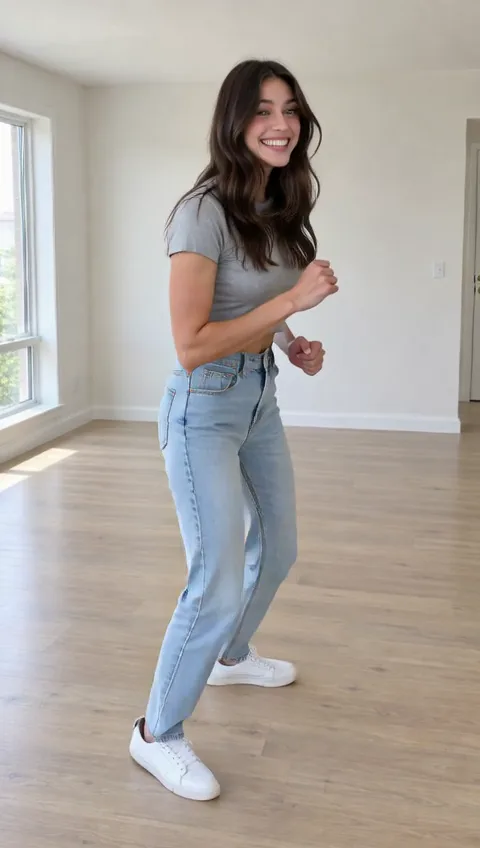 StillKing Nasir DanceUse template
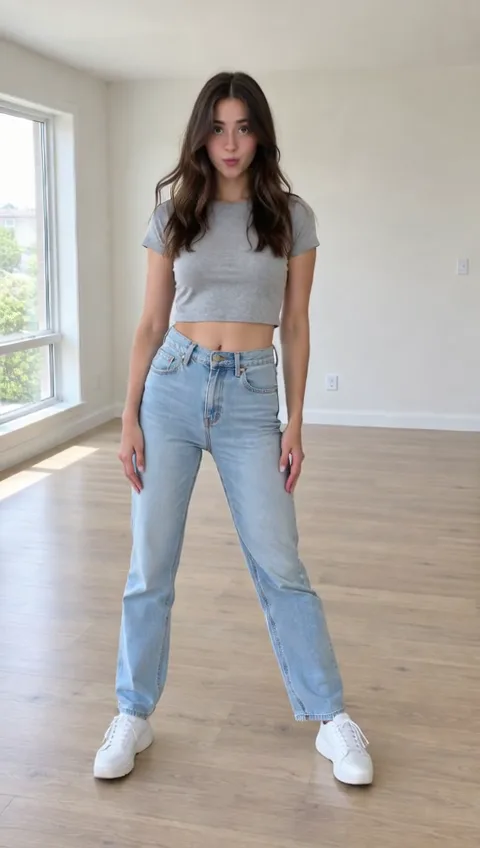 StillGnarly DanceUse template
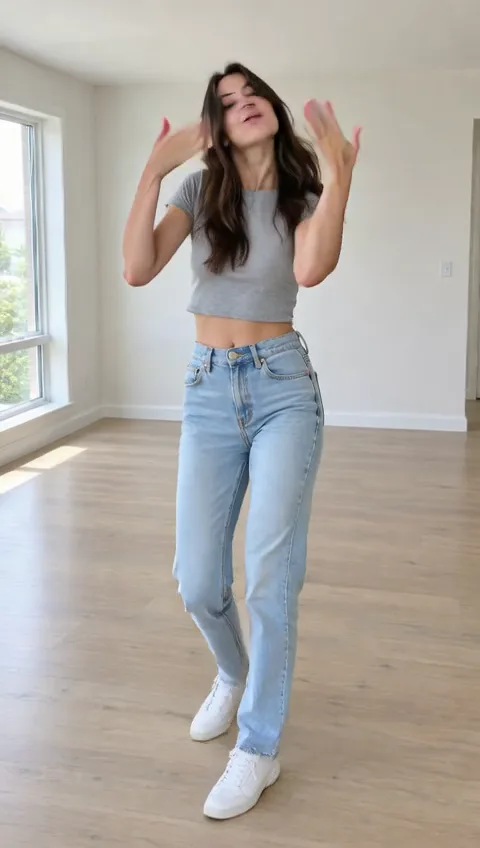 StillCoco Chanel DanceUse template
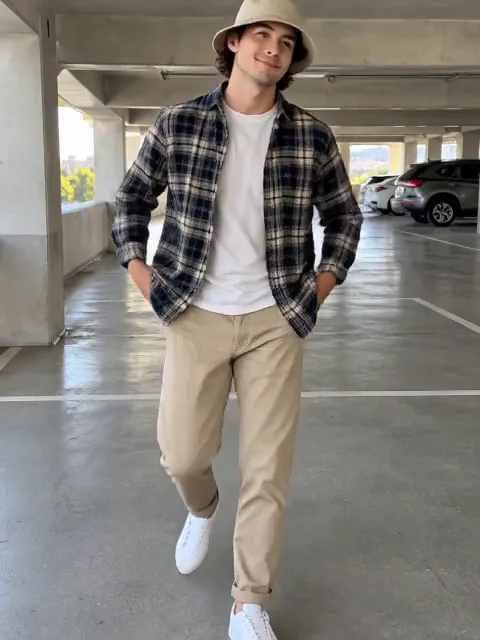 Still
MiniMax H315 credits
 Still
MiniMax H315 credits
 Still
MiniMax H315 credits
 Still
MiniMax H315 credits
 MiniMax H3
How to make a motion mimic video
Upload one clear photo of the subject
Use a sharp photo of one person or character, ideally full body or from the knees up, with arms and legs visible and nothing covering them. If you start from a video, pause on a clean frame and save a screenshot. Drawn and 3D characters work too and keep their art style.
Describe the motion to copy
Write the moves in the order you want them: "two side steps, a spin, then a pose to the camera", "a relaxed runway walk", "wave hello and give a thumbs up". Short, concrete moves come out cleaner than a long routine. Leave it empty and the subject does a natural dance groove on the beat. To copy an actual reference dance instead, choose a song template (King Nasir, Gnarly or Coco Chanel) from the row below the generator.
Generate, preview and export
MiniMax H3 renders a 480p take of 5 seconds for 15 credits or 10 seconds for 30. The button shows the exact credits before you start, and a failed render refunds them. Watch the preview, check the face, hands and timing, then download the MP4. For a sharper file, pick another model or a higher resolution in the menu.
What Motion Mimic asks the model for
Copying a move is only half the job; the clip should still look like your person in your scene. The built-in instructions ask for both.
| What we ask for | Why it matters |
|---|---|
| Every step and pose follows a steady beat, in order | The moves read as one routine, not random wiggling |
| Start from the pose in the photo, no jumps between moves | Smooth, natural timing from the first frame |
| Same face, hairstyle, body shape, outfit and art style | It is still your person or character |
| Same background and lighting, camera locked | The scene stays put while the subject moves |
| Natural arms, hands and legs, no talking | Fewer warped limbs and no random lip movement |
What it does not do: copy a video you upload. The generator works from one photo and your written description, so the moves are the model's take on what you describe, not a frame-by-frame copy. For a frame-by-frame copy of a real dance, the song templates under the generator use a reference dance video and run 10 seconds for 40 credits. Big moves such as flips, floor work or fast spins are the hardest to keep clean; simple steps, walks, waves and poses work best.
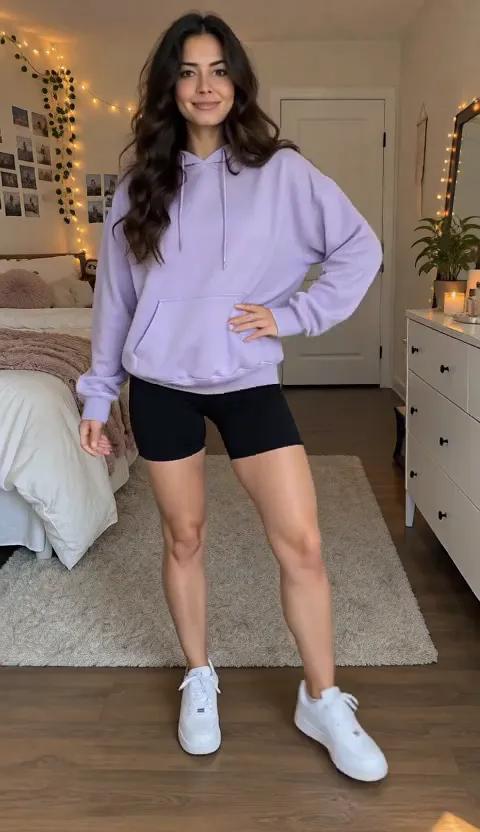
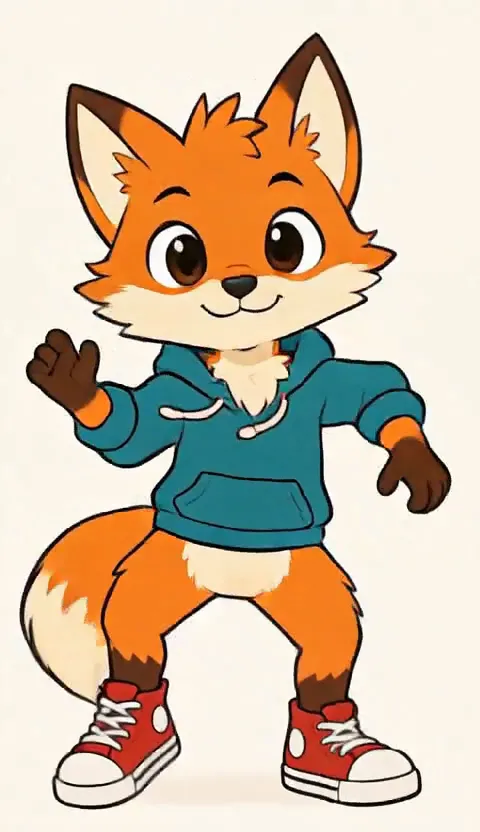
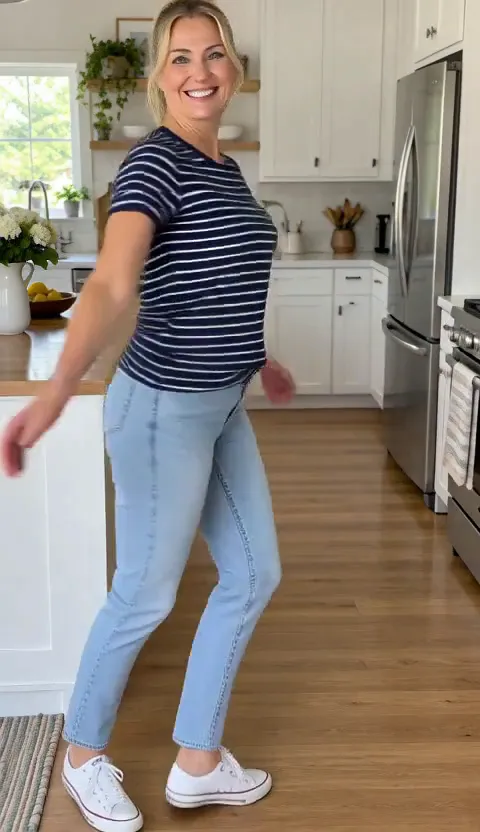
We ran four of our own subjects through it: a man walking in a parking garage, a woman waving in her kitchen, a runway pose in a bedroom and a cartoon fox doing a hip-hop groove. The walk came out as asked: he strides away, turns and walks back. The pose sequence and the fox's side steps, spin and final pose also followed the description in order, and all four kept the face, outfit, art style and room. The wave did the wave and thumbs up but added a spin and a hair flip first that we never asked for, so expect the model to take some liberties with short gestures and preview before you export.
What people use Motion Mimic for
- Dance clips. Put a friend, a mascot or yourself into a groove, a hip-hop step or a trend move. For trend songs, try AI TikTok Dance.
- Walk cycles. Turn a character design into a walk, a runway strut or a jog for a pitch, a storyboard or a game mood board.
- Pose changes. Have a model or a product shot move from one pose to the next for a lookbook or an ad mock-up.
- Social gestures. A wave, a thumbs up, a heart with the hands or a little bow for a reply video, a greeting or a reaction.
- Characters and avatars. Give a drawn OC, a 3D avatar or a brand mascot a short motion test without rigging it.
Just want a photo to move freely, with any kind of motion? Use Animate Photo.
Price, free tries and fair use
You can try it free once a day: without logging in you get one daily clip from the starter model, mute and stamped with our mark. Signing up hands you 30 credits for the first month, which is two 5-second clips, and drips in 5 more credits daily. Buy a plan or credit pack for clean files without the mark.
Only animate photos of yourself, characters you own, or people who agreed. Don't use it to make someone appear to do something they didn't, and don't upload minors.
Motion Mimic FAQ
Can I upload a reference video for the motion?
Not in this generator: it takes one photo plus your description of the moves. To follow a real reference dance step by step, use the song templates under the generator, which animate your photo to a built-in reference dance. If your subject is in a video, pause on a clear frame and upload the screenshot.
Which photo works best?
One person or character, sharp, well lit, full body or from the knees up, arms and legs visible and not crossed or hidden. Plain backgrounds and simple outfits come out cleaner than crowds, flowing capes or busy patterns.
Will the person keep their face and outfit?
The built-in instructions tell the model to keep the face, hairstyle, body shape, outfit, art style and background the same. Fast or large moves can still soften details at 480p; if a take drifts, generate again, and remember each run is charged.
How do I describe the moves?
Name a few concrete moves in order and keep it to what fits in 5 or 10 seconds: "step left, step right, clap, spin" works better than "a full dance routine". Words for rhythm help too, such as "slow", "bouncy" or "on the beat".
More ways to animate a photo
King Nasir Dance AI
Make anyone do the King Nasir dance with AI. Upload one full-body photo and get a 10-second clip with the trend's moves and original audio, ready for TikTok.
AI TikTok Dance
Turn one full-body photo into a TikTok dance video: beat-synced moves, a vertical clip that loops, your face, outfit and background kept. Or copy a trending dance. Try it free.
Animate Photos with AI and Make Pictures Move
Animate a photo with AI: add natural motion, blinking, hair and camera movement to any picture, then download a short video. Free credits to try.
Image to Video AI
Turn any photo into a short AI video. Upload an image, describe the motion and pick a model, from Kling and Veo to Grok Imagine and Vidu. Start free with 30 credits.
Make them move your way
Upload one photo, describe the moves, and watch your person or character copy them.