
One AI image · Same subject, real-photo look
Make AI Photo Realistic: Turn AI Images into Real-Looking Photos
AI images often give themselves away with plastic skin, a glowing halo and colors that are too bright. Upload one picture and this tool makes it look like it came out of a real camera, while the subject, the layout and the main details stay as you designed them.
Your AI image
0/1
A portrait, product shot, room, illustration or 3D render · JPG, PNG or WebP · up to 10 MB
Model
Sign up free to create images, with 30 free credits · GPT Image 2.5 · 1K · Auto
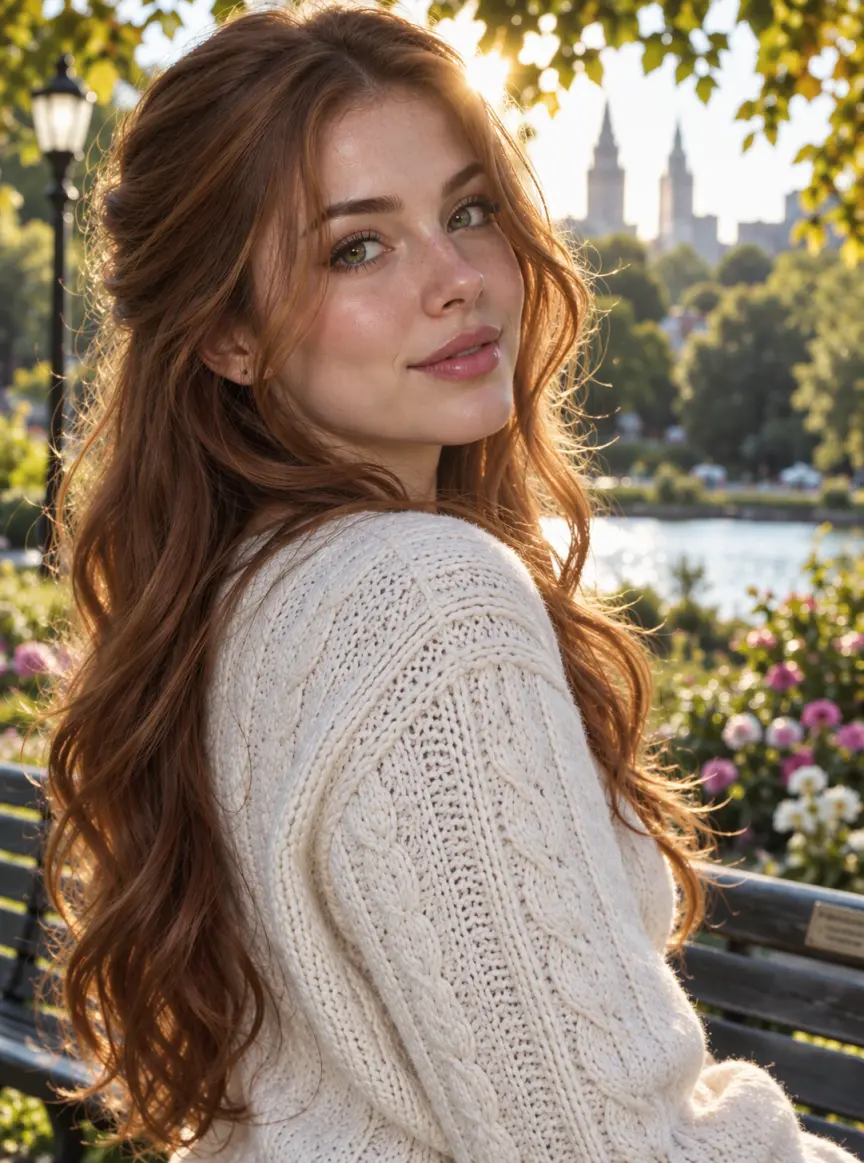
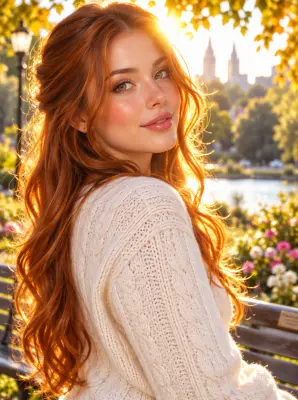
Input GPT Image 2.5
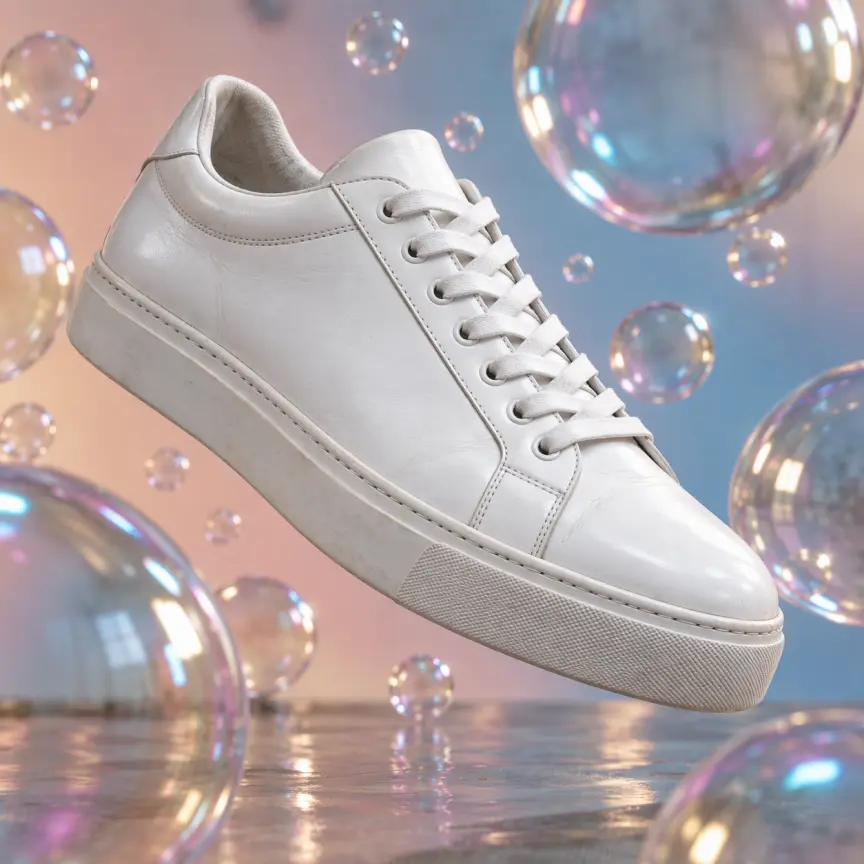
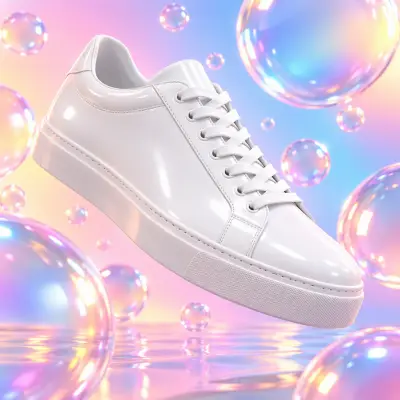
Input GPT Image 2.5
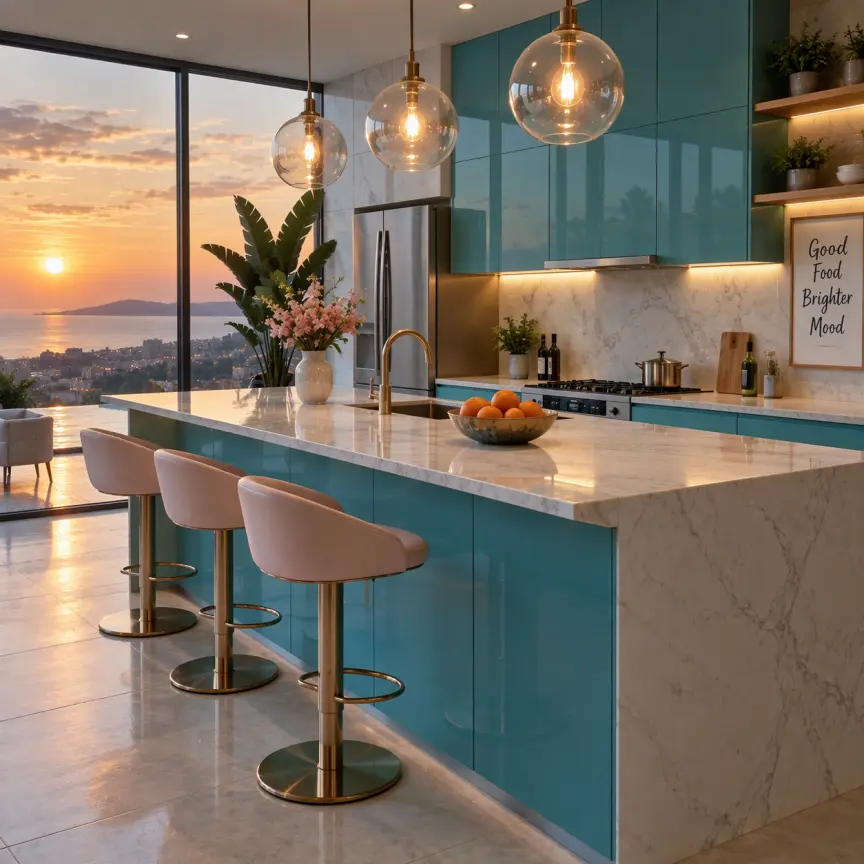
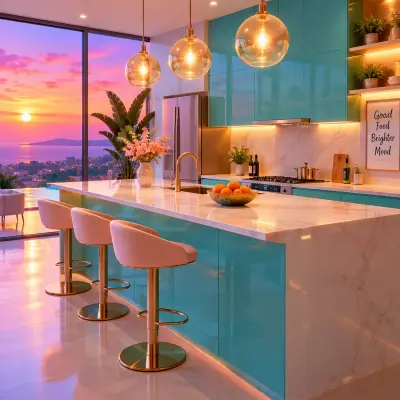
Input GPT Image 2.5
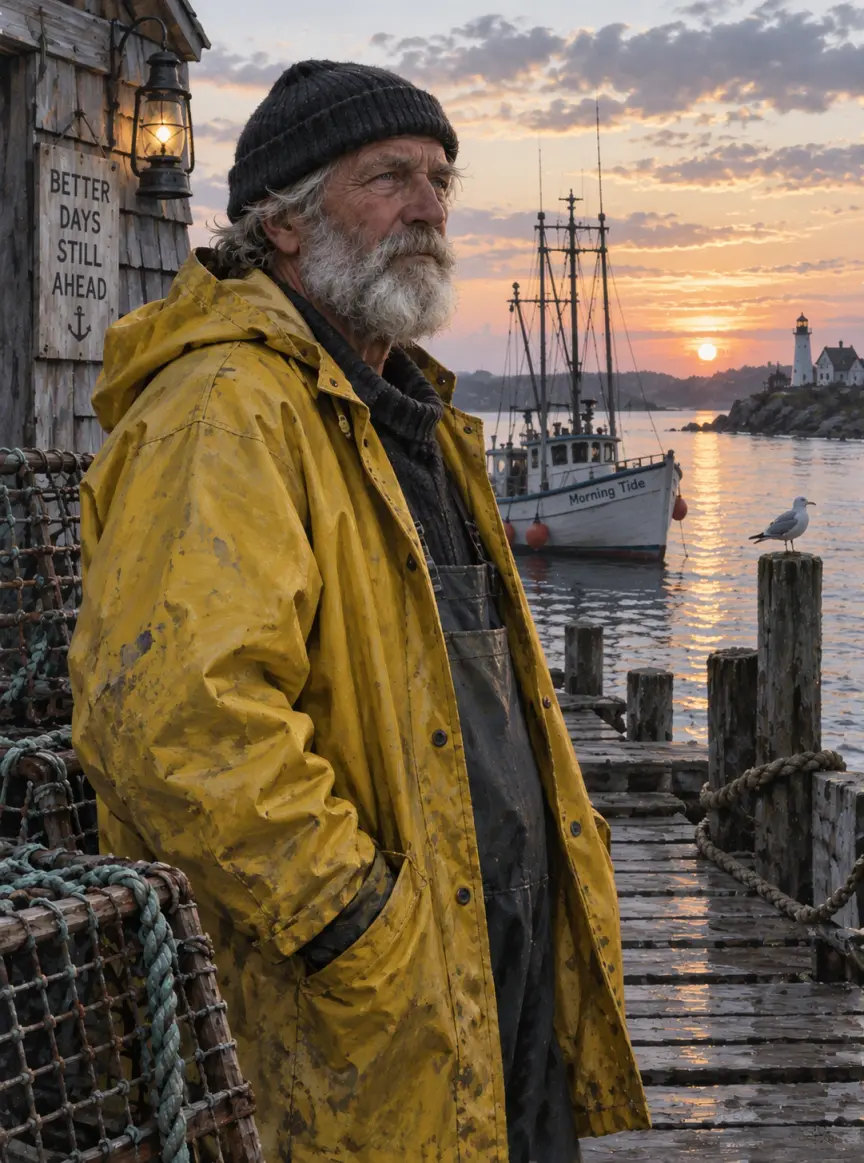
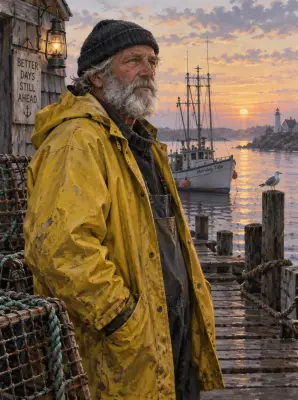
Input GPT Image 2.5
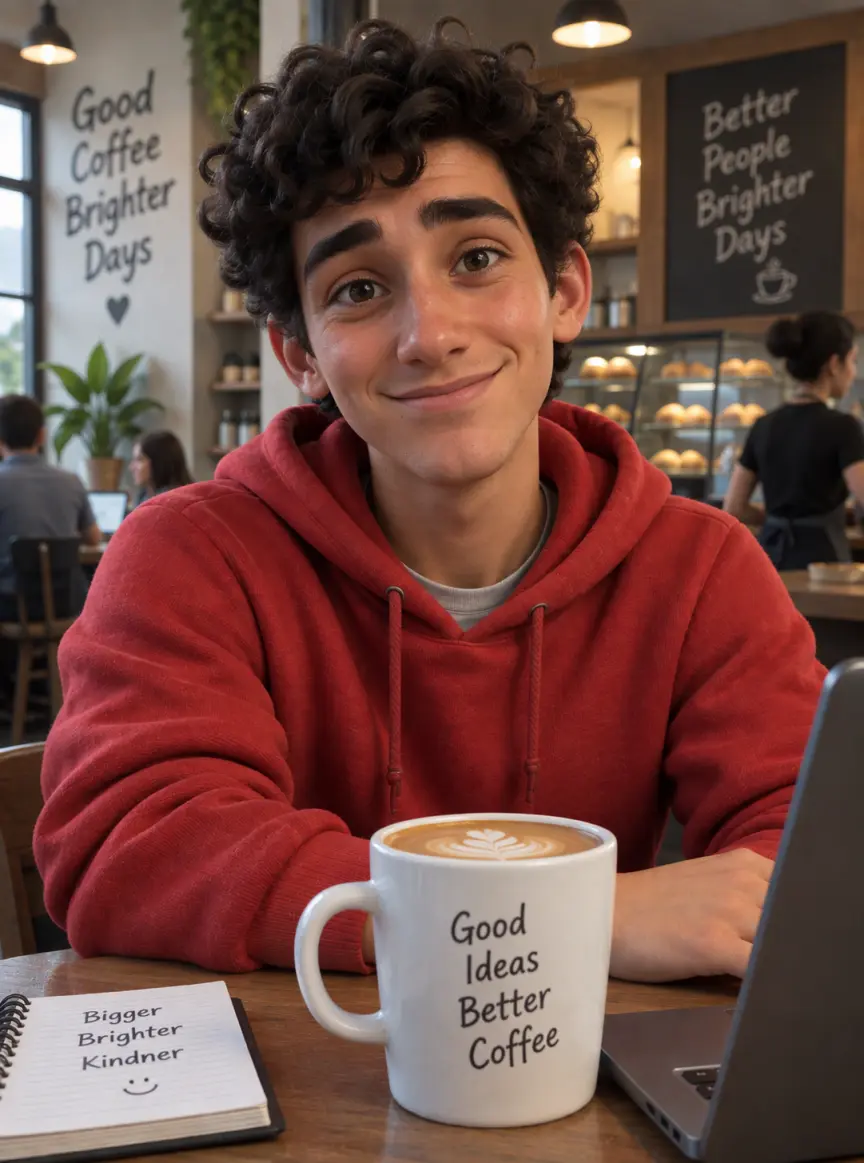
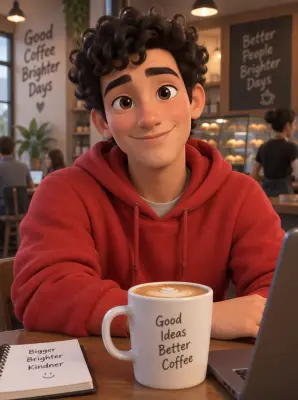
Input GPT Image 2.5
 GPT Image 2.5
How to make an AI photo more realistic
Upload the AI image
Any picture from any generator works: a portrait, an avatar, a product render, a room, a painted illustration or a 3D character. JPG, PNG and WebP are accepted. One image per run keeps the result close to the original.
Leave the box empty, or add a note
Empty is the default and gives a natural, unedited photo look. If you want a certain feel, add one short line or tap a chip, such as "harsher everyday light", "shot on 35mm film" or "overcast daylight". If a result still looks a little polished, run it again with "more ordinary light".
Check the price, then generate
You need a free account: registering brings 30 starter credits for a month, topped up by 5 every day. The figure above the button is what this image will cost on the chosen model and size; free pictures go up to 2K and carry a watermark, and an unsuccessful run is refunded.
What changes, and what stays the same
The AI look is removed
The built-in instruction targets the usual signs: glossy or airbrushed skin, waxy surfaces, glowing rim light and halos, a dreamy haze, oversaturated colors and perfect symmetry. In their place it adds real skin with pores and small flaws, separate hair strands, fabric weave and creases, natural light with soft shadows, muted colors and a little fine grain.
Your design stays the same
The subject, face, pose, expression, clothes, objects, background, composition, framing and camera angle are all kept. Text and signs in the picture are kept too, so a poster, a product label or a café board still reads the same. The goal is the same image, not a new one with a realism prompt.
Illustrations and 3D renders become photos
A painted portrait, a concept illustration or a cartoon-style 3D character is turned into a real photo of the same subject and scene, with real people and real materials. Large style jumps, such as flat anime, change more than a polished render does, so compare the result with your original before you use it.
Which model makes AI images look most real
The tool opens on OpenAI's GPT Image 2.5 at 1K, which costs very little per picture. On our test images, including a glossy portrait, a CGI sneaker, a glowing kitchen, a painted fisherman and a 3D character, it removed the AI look and kept the layout and the sign text in every case. Nano Banana 2 gave close results but left more of the glow, at a higher price per image.
| Model | Sizes | For realism |
|---|---|---|
| GPT Image 2.5 (default) | 1K / 2K / 4K | Keeps layout and text; natural texture |
| Nano Banana 2 | 0.5K up to 4K | Close results; keeps more glow |
| Nano Banana 2.1 | 1K up to 4K | The newer Nano |
| MiniMax H3 Image | 2K / 4K | Larger pictures only |
| Seedream 5 Lite, Seedream 5 Flash | 2K | One size each |
| Qwen Image 2.1 | 1K / 2K | Two sizes |
Choose the model and size; the cost for that pairing shows up right above the button. If you need a new picture rather than a cleaner version of one you have, start in the AI image generator instead.
Free to start, and a short clip from the new photo
Starter credits from signing up are enough for several images before you spend money. If you want clean files, compare monthly plans and one-off packs on our pricing page: buying either drops the watermark and covers commercial use of pictures created while it lasts.
Under each result sits an Animate this image button; press it to open the picture in our image to video AI tool and turn the realistic photo into a short clip.
Make AI photo realistic FAQ
How do I make an AI photo more realistic?
Upload the image and press Make It Realistic. The tool removes the glossy skin, glow and oversaturated color, adds natural texture and light, and keeps the subject and layout. You can add a short note, such as "harsher everyday light", to push it further.
Is this an AI image humanizer?
In the sense of making a picture look less AI-generated, yes. It does not change file metadata, remove invisible AI watermarks or labels, or promise to pass AI image detectors, so be open about AI images wherever that is expected.
Will it change the face or the design?
The instruction keeps the same face, pose, clothes, objects, text and composition, and on our test images the people and layouts stayed the same. Results still vary between runs. If something changed that you wanted kept, run it once more or try another model; every attempt is billed on its own.
Can it turn an illustration or 3D render into a real photo?
Yes. Painted illustrations and 3D characters are turned into a real photo of the same subject and scene. It works best when the original already has realistic proportions; flat anime or very stylized art changes more, so check the result.
Is it free?
It costs nothing to begin. Register for free and you receive 30 credits to spend within 30 days, plus a daily 5, which covers several images at the default setting. Free pictures are watermarked with a 2K ceiling, while any plan or pack lifts the watermark and opens 4K.
Where does my image go?
We send the image to the model provider purely to create the result, and neither the upload nor the result trains any model. History keeps free pictures a week and paid ones about six months, with a delete button for anything earlier. Don't use realistic results to misrepresent a real person or a real event.
Related tools
AI Image Upscaler
Upscale an image online with AI: upload one small photo or picture, pick 2K or 4K and get a larger, sharper PNG. No prompt to write. Start free with 30 sign-up credits.
Unblur Image
Unblur an image online: upload one blurry photo, pick Sharpen, Face fix or 4× Upscale and get a sharper PNG. Start free with 30 sign-up credits.
Anime to Real Life
Upload an anime or original character illustration and get a short cinematic clip of the same character as a real person, with hair, outfit and colors kept.
Animate Photos with AI and Make Pictures Move
Animate a photo with AI: add natural motion, blinking, hair and camera movement to any picture, then download a short video. Free credits to try.
Take the AI look out of your image
Upload one AI image, leave the box empty or add a short note, and check the price before you generate. Put the result next to the original and keep the one that looks most like a real photo.