
Text or photo · Outfit, makeup, colours, background · One dark aesthetic
AI Goth Generator: Create Gothic Avatars and Outfits from Text or a Photo
This AI goth generator turns a short description into a dark, gothic portrait or a full outfit image. Choose the clothes, the makeup, the colours and the background, or upload a photo and keep the same face while the whole look turns goth.
Photo · Optional
0/1
Optional: a photo or character to give a goth look (the face is kept) · JPG, PNG or WebP · up to 10 MB
Model
Sign up free to create images, with 30 free credits · GPT Image 2.5 · 1K · 3:4
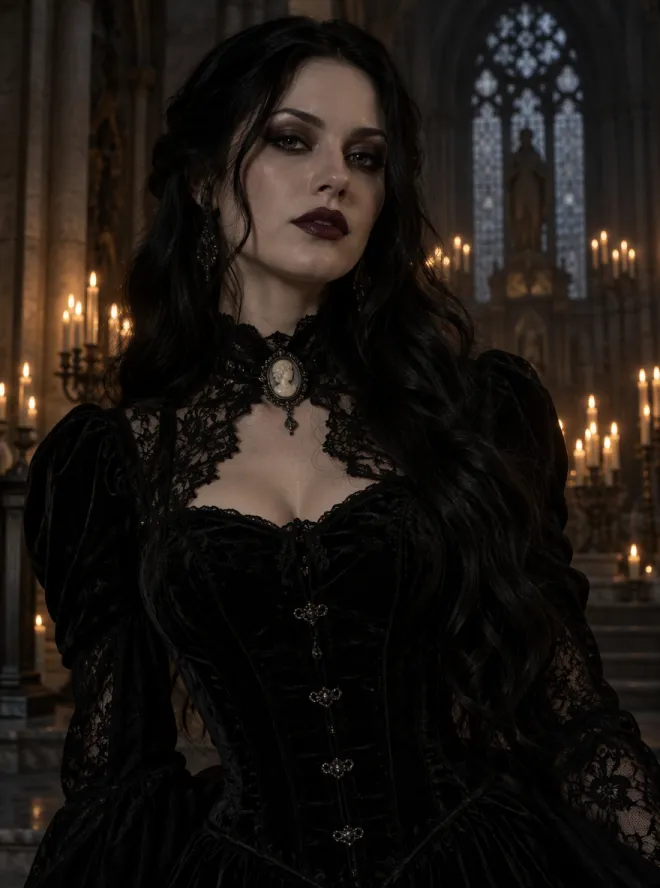
GPT Image 2.5
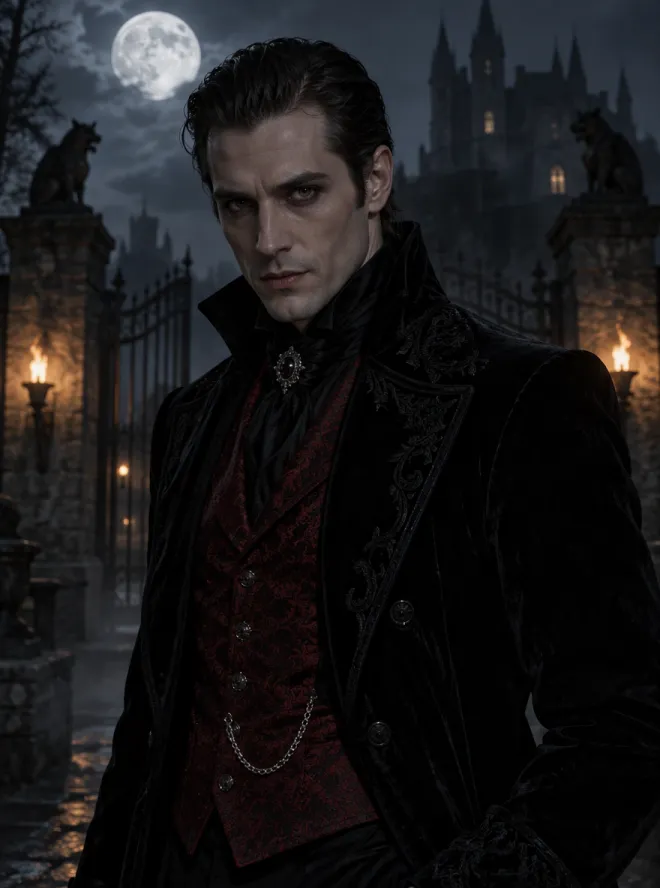
GPT Image 2.5
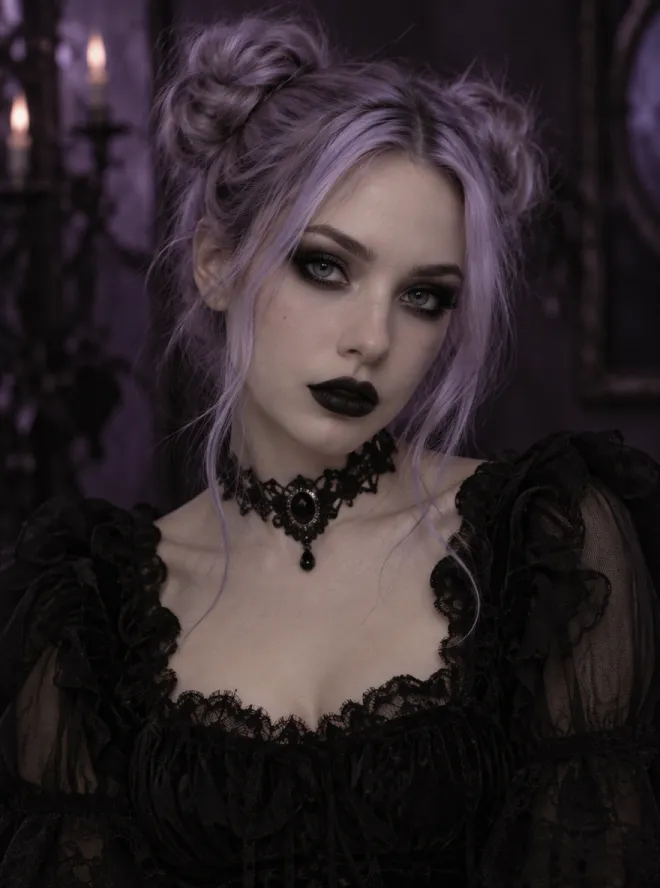
GPT Image 2.5
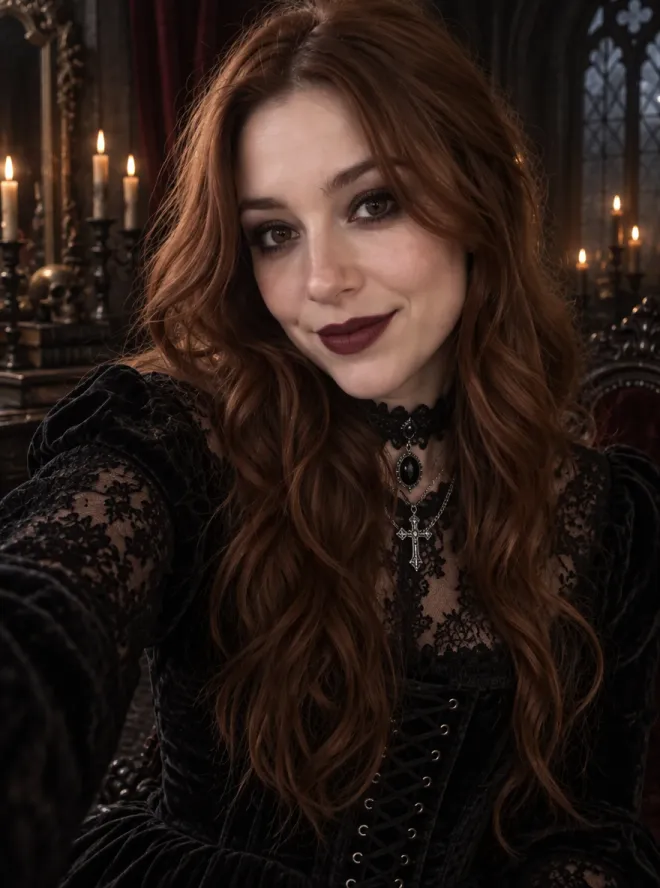
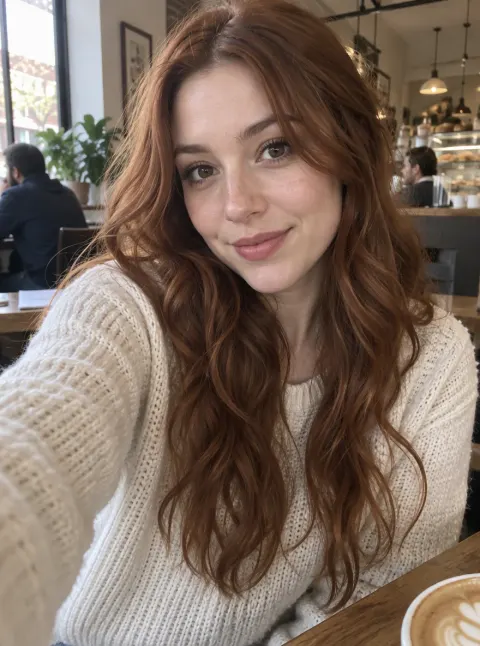
Input GPT Image 2.5
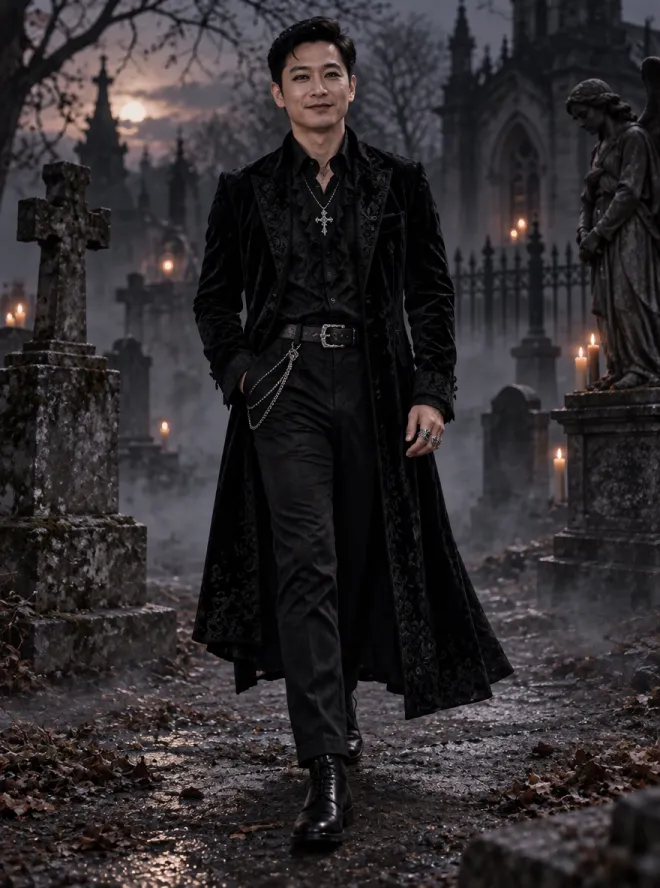
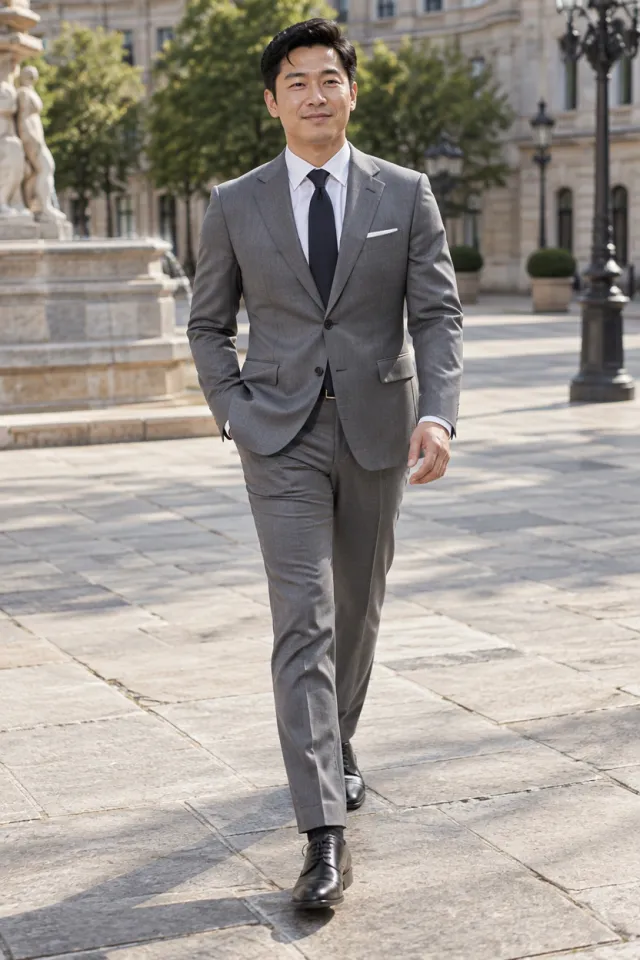
Input GPT Image 2.5
 GPT Image 2.5
How to create a goth look in three steps
Describe the look, or add a photo
Write one or two lines about the person and the style: hair, outfit, makeup and where they are. For example, "long black hair, a black velvet corset dress with a lace high collar, dark smoky eyes and plum lipstick, in a candlelit cathedral". To restyle yourself or a character you already have, upload one picture and write only what should change, or leave the description empty for the default goth makeover.
Pick an avatar or a full outfit
The tool starts on GPT Image 2.5 at 1K with a 3:4 ratio: a tall portrait from the waist up that works as a profile picture. Write "close-up" for an avatar that shows the makeup, or "full body from head to toe" to see the whole outfit and the boots. Switch to 1:1 for a square avatar, pick 2K for a sharper file, or try another model to compare.
Check the price, then generate
Goth images are made on a free account. New accounts receive 30 credits, valid for 30 days, and 5 more credits arrive every day. The exact cost for your model and size sits right above the button before you press it. On a free account, files top out at 2K and carry a watermark, which any paid plan or credit pack takes away. A run that fails refunds its credits automatically.
Customise every part of your gothic look
The built-in instruction behind this tool already asks for one consistent dark aesthetic: black lace, velvet and leather, dramatic makeup, low-key light and a moody setting. So your description can stay about the details. Everything you name is used; whatever you leave out falls back to a waist-up portrait in a black lace and velvet outfit.
Clothes and accessories
Name the pieces in plain words: a corset dress, a high lace collar, a long velvet coat, a leather jacket with silver studs, a gothic lolita dress, fishnet sleeves or platform boots. Add one or two accessories, such as a choker, a cross pendant, silver rings or a black veil, so the look is easy to read.
Makeup
Goth makeup is most of the look. Say how dark you want it: smoky black eyes, a sharp winged liner, pale skin, dark brows, and lips in deep plum, black or blood red. For a softer version, ask for "light goth makeup with a berry lip".
Colour palette
Classic goth is black on black, but two or three accent colours change the mood: "black and deep red" for a vampire feel, "black and lilac" for pastel goth, "black, silver and emerald" for a Victorian portrait. The rest of the picture follows the palette you name.
Background and light
Finish with a place and a light: a candlelit gothic cathedral, a misty graveyard at dusk, a moonlit castle, a dark library with stained glass or a rainy city alley lit by neon. Low, moody light keeps the whole set dark and consistent.
| What you want | What to write |
|---|---|
| Victorian gothic portrait | a velvet corset dress, a lace high collar, a cameo choker, a candlelit cathedral |
| Vampire look | pale skin, blood-red lips, a high-collared black cape, a full moon over a castle |
| Pastel goth avatar | lilac or pink hair, black lipstick, a choker, a soft purple background, close-up |
| Punk goth outfit | a studded leather jacket, ripped fishnets, platform boots, full body, a city alley |
| Your own goth makeover | upload your photo, then write the outfit, makeup or place you want |
Keep the same face in a goth makeover
Upload one photo or character image and the tool asks the model to keep the face, the identity, the skin tone, the eye colour and the features that make the person recognisable, while it changes the outfit, the makeup, the colours and the background. The hair keeps its shape unless you ask for a new style or colour. A photo stays photorealistic; a drawing or anime character keeps its own art style.
That makes it easy to try a look before you commit to it, make a matching set of avatars, or show your own character in a dark fantasy version. Results vary from run to run, so if a detail drifts, generate again or name the detail that should stay.
Only upload photos of yourself or of people who agreed to it.
Or start from text only
No photo? Describe the person and the look, and the tool creates an original, fictional adult in goth style: an avatar, a half-body portrait or a full outfit. Add a style such as "anime", "oil painting" or "dark fantasy illustration" if you don't want a photo look.
Why it starts on GPT Image 2.5
GPT Image 2.5 follows long outfit and makeup descriptions closely and is among the lowest-priced models at 1K, which is why the panel opens on it. Every other image model is one tap away when you want a different look. For an anime character from scratch, there is also the AI waifu generator.
Use your goth look as an avatar, or bring it to life
Switch the ratio to 1:1 and your goth portrait becomes a square profile picture. For a picture made to stay readable in Discord's small circle, there is also the Discord PFP maker.
Want it to move? Under every finished picture sits an Animate this image button that opens the video tool with your image already loaded, ready to become a short clip made by image to video AI.
For any other kind of picture, from posters to landscapes, use the AI image generator. When you want clean files, see the pricing page: paid access drops the watermark, and images you make while it is active come with a commercial license.
Questions about the AI goth generator
Is this AI goth generator free?
Yes, to start. Create a free account and you get 30 credits for your first 30 days plus 5 a day, which is enough for several goth images on the default model. Free images are watermarked and capped at 2K; paying for a plan or a credit pack lifts both limits and opens 4K.
Can I turn my own photo goth?
Yes. Upload one clear photo and leave the description empty for a full goth makeover, or name the outfit, makeup and place you want. The tool asks the model to keep your face and features; generate again if something drifts. Only use photos of yourself or of people who agreed to it.
What should I write in the description?
The outfit, one or two accessories, the makeup, a colour palette and a background. Add "close-up" for an avatar or "full body" for the whole outfit. One or two lines is enough.
Which goth styles can I make?
Any you can describe: Victorian gothic, vampire, romantic goth, pastel goth, punk goth, gothic lolita, dark academia or a dark fantasy character. Name the style along with the clothes and colours, and the rest of the picture follows the same dark aesthetic.
Does it work on anime or drawn characters?
Yes. Upload the character and it keeps the face and art style while the outfit and setting turn goth. For a new anime character, write "anime style" in the description.
What content is allowed?
People are always adults and fully clothed, and the tool is safe for work: explicit, sexualised or gory content can't be made here.
Can I use the images commercially?
Images you make while paid access is active come with a commercial license and no watermark. Free images carry a watermark.
Is my upload private?
Your photo goes to the model provider only to make your picture, and neither the upload nor the result is used to train any model. We keep free images for a week and images made with paid access for 180 days; delete any of them from your history whenever you like. For anything else, write to [email protected].
Related tools
AI Waifu Generator
Describe your dream anime girl and get an original waifu portrait: choose her hair, outfit, colours, expression and background, or keep one character across new scenes. Start free with 30 credits.
AI Kawaii Generator
Describe a cute idea or upload a photo and get a bright, pastel kawaii character: pick the character, colours, expression, decorations and background. Made for avatars and social posts. Start free with 30 credits.
AI Image Generator
Type a prompt and get a still. This AI image generator opens on Seedream 5 Flash. Text to image AI, optional reference photos, and a credit price shown first.
Animate Photos with AI and Make Pictures Move
Animate a photo with AI: add natural motion, blinking, hair and camera movement to any picture, then download a short video. Free credits to try.
Create your goth look now
Describe the outfit, makeup, colours and background, or upload a photo to keep the same face, and see the cost before you start. Keep it original and safe for work.