
Your photo · Optional outfit photo · Same face
AI Clothes Changer: Try On Any Outfit in Your Photo
This AI clothes changer puts you in a different outfit without a fitting room. Upload one photo of yourself, then describe the clothes or add a picture of the piece you want to try, and get a new photo where only your outfit has changed.
Your photo, plus an optional outfit photo
0/2
Photo 1: one person, clothes visible · Photo 2 (optional): the outfit to try on · JPG, PNG or WebP · up to 10 MB each
Model
Sign up free to create images, with 30 free credits · GPT Image 2.5 · 1K · Auto
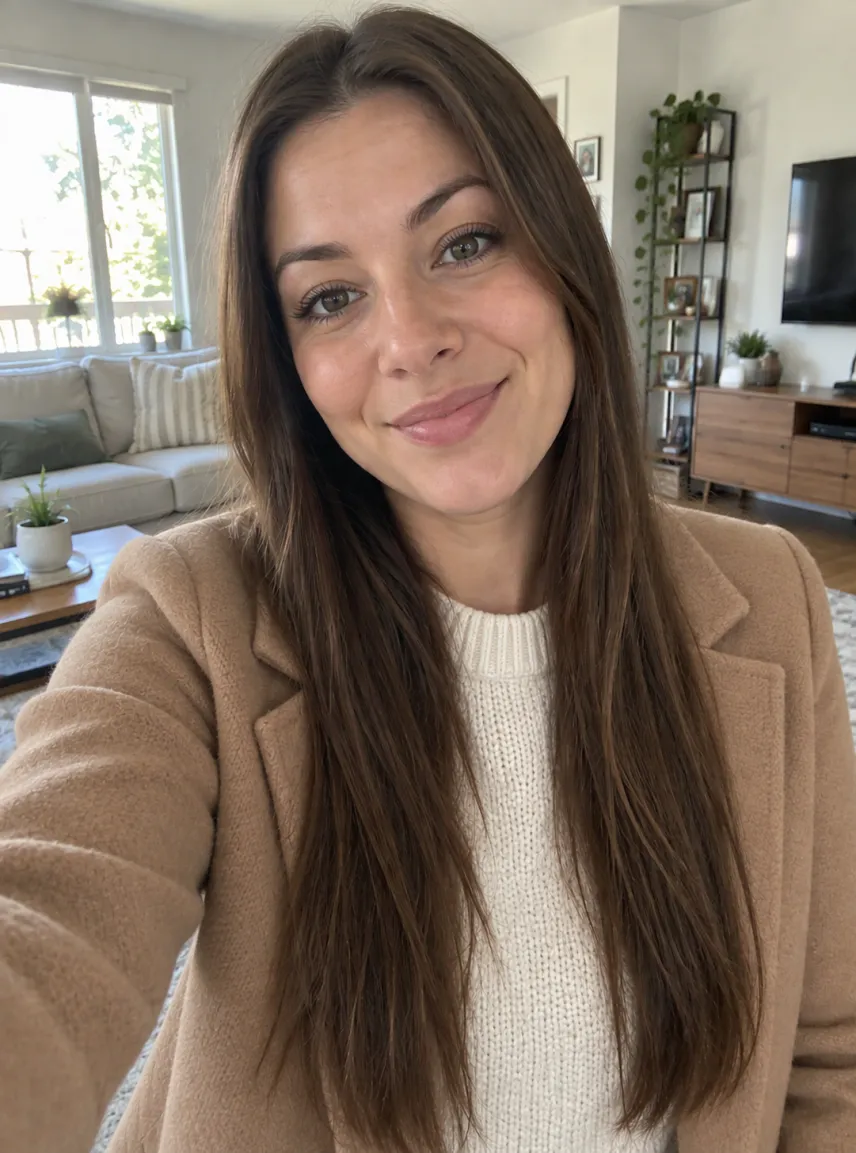
Input GPT Image 2.5
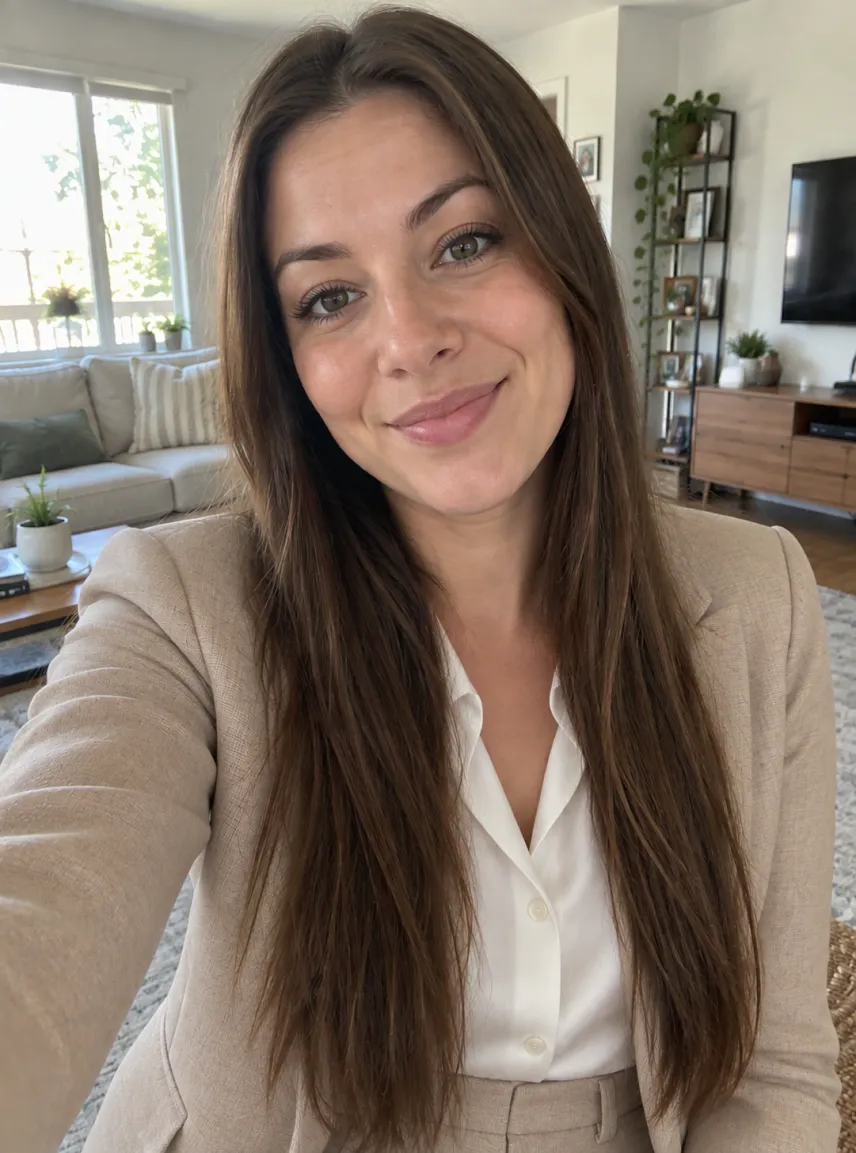
Input GPT Image 2.5
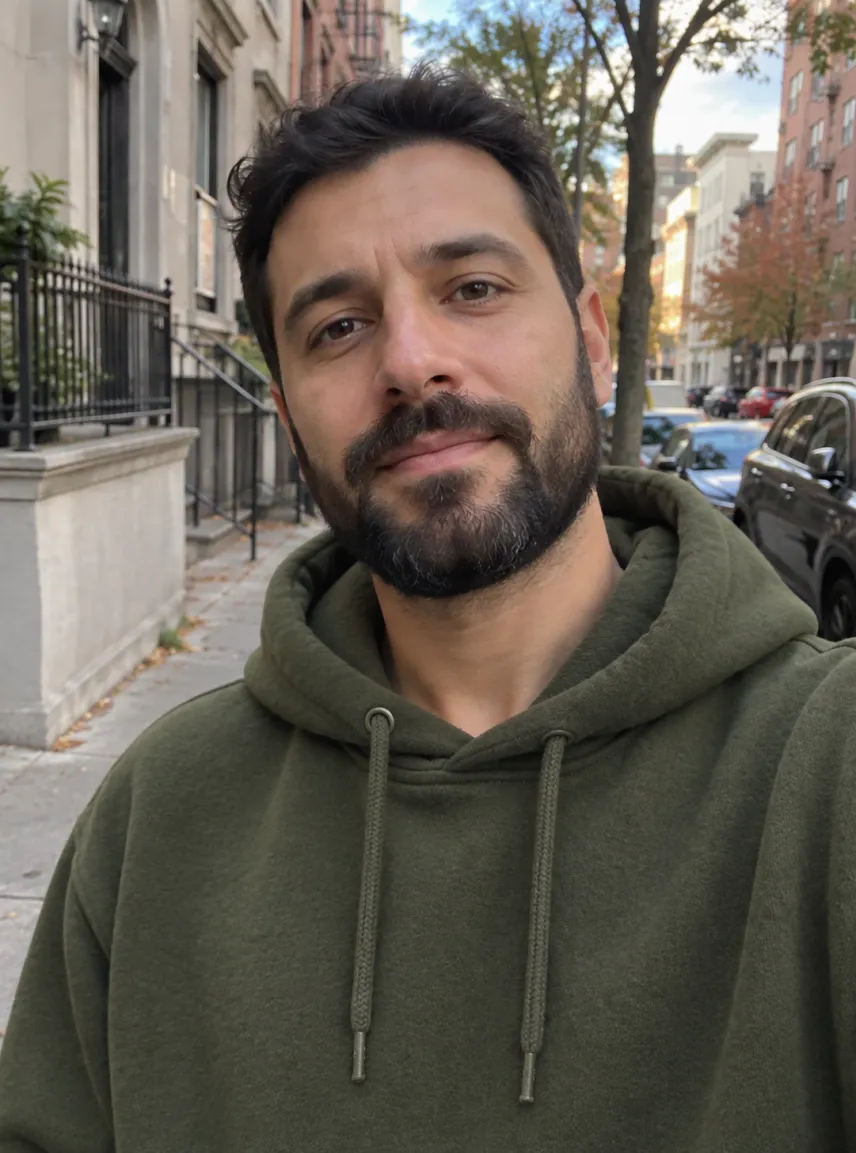
Input GPT Image 2.5
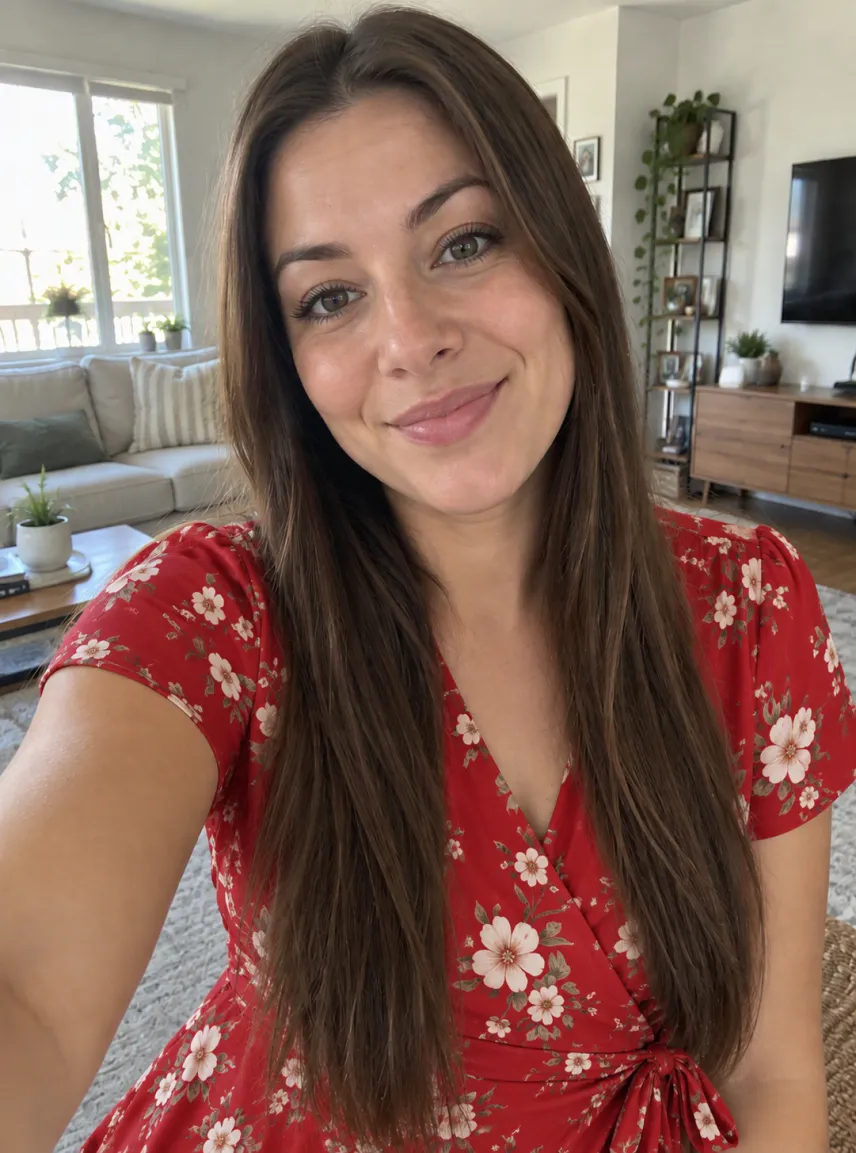
Input 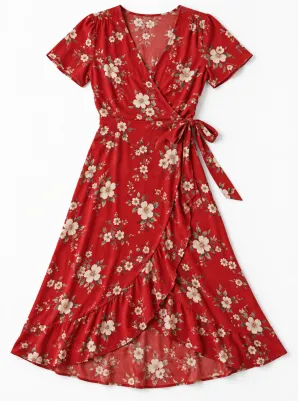
Input GPT Image 2.5
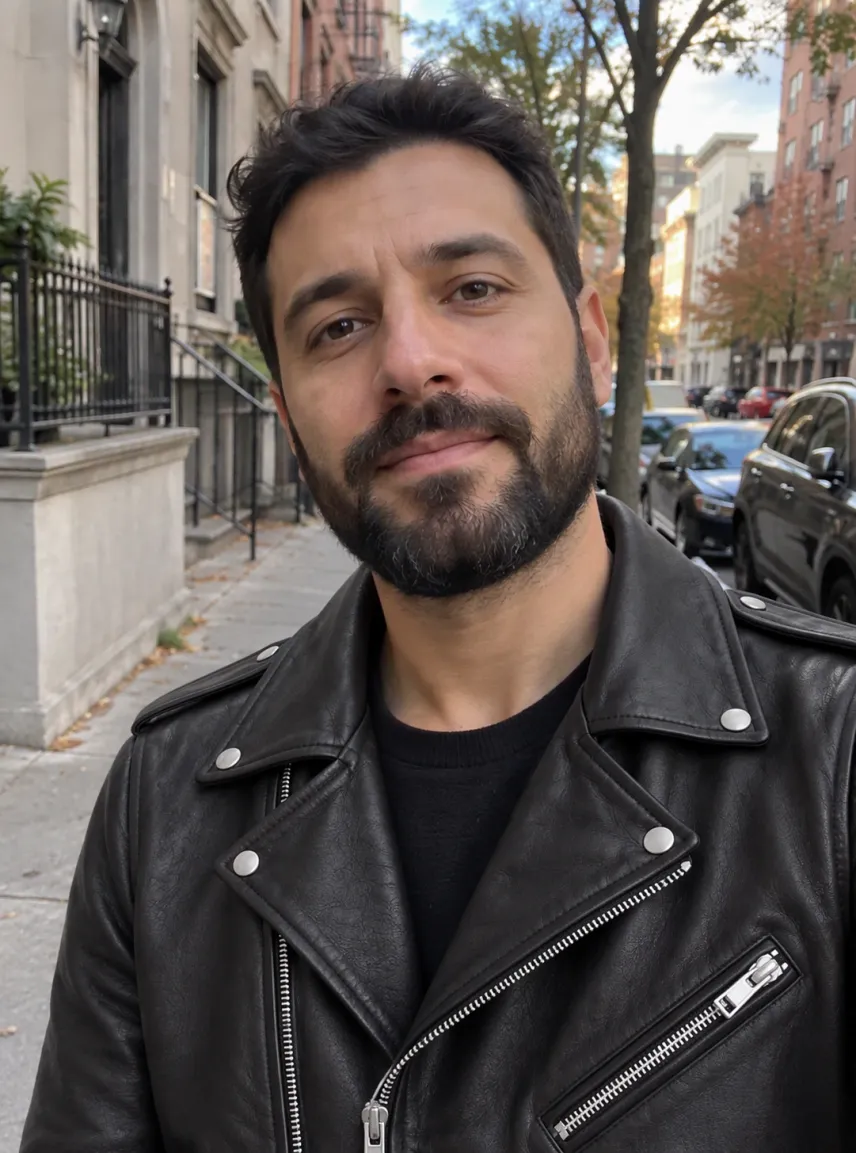
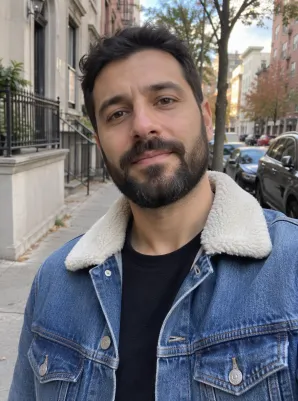
Input 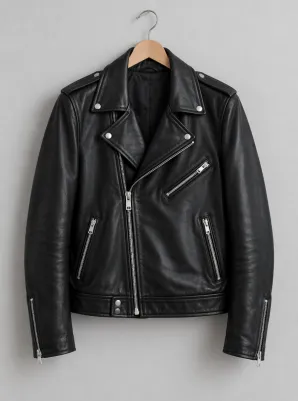
Input GPT Image 2.5
 GPT Image 2.5
How to change clothes in a photo with AI
Upload a photo of yourself
A clear photo of one person works best, with the clothes you want replaced fully in frame: a full-length shot for a dress or a suit, waist-up for a jacket or a top. Even light and a simple pose help the new fabric sit naturally. In a group photo the tool can't tell whose outfit you mean.
Describe the outfit, or add a photo of it
Leave the box empty and you get a camel wool coat over a cream sweater. Otherwise tap a chip or write one short line with the garment, color and fit, such as "navy double-breasted suit" or "oversized olive hoodie". To swap in a specific piece, add its photo as the second image: a product shot, a flat lay or a picture of it on a hanger all work.
Check the price, then generate
Outfits are made from a free account: registering brings 30 starter credits for a month, topped up by 5 every day. The figure above the button is what this outfit will cost on the chosen model and size; free pictures go up to 2K and carry a watermark, and an unsuccessful run is refunded.
What changes, and what stays the same
Only the clothes are replaced
The built-in instruction tells the model to keep your face, hair, skin tone, body shape, pose, hands, background and lighting exactly as they were, and to fit the new clothes to your body with realistic folds, texture and shadows. You see yourself in a new outfit, not a stranger in a catalogue.
An AI clothes swap from a photo of the outfit
Seen a jacket or a dress online? Save the product photo and add it as image 2. The model copies the cut, color, pattern and details onto you and ignores any model, mannequin or background in that picture. It is the quickest way to see a piece on your own body before you order it.
Outfits only, always fully dressed
This is a clothing preview tool. It changes outerwear, everyday clothes, suits, dresses and costumes, and nothing else. Descriptions asking for underwear, swimwear, see-through fabric, more revealing clothes or less clothing are refused before anything runs, and no credits are used.
Which model to use for an outfit change
Outfit edits open on OpenAI's GPT Image 2.5 at 1K, which costs very little per picture. On our fictional sample photos it kept faces, poses and backgrounds intact, followed written outfits closely and copied garments from a second photo with their color and pattern. Nano Banana 2 is the alternative when a detailed piece needs another attempt, at a higher price per image.
| Model | Sizes | For outfits |
|---|---|---|
| GPT Image 2.5 (default) | 1K / 2K / 4K | Steady faces and poses; follows written outfits well |
| Nano Banana 2 | 0.5K up to 4K | A second opinion on detailed garments |
| Nano Banana 2.1 | 1K up to 4K | The newer Nano |
| Seedream 5 Lite, Seedream 5 Flash | 2K | One size each |
| Qwen Image 2.1 | 1K / 2K | Two sizes |
Choose the model and size; the cost for that pairing shows up right above the button. To try a new haircut on the same photo, use the AI hairstyle changer.
Free to start, and a short clip in your new outfit
Starter credits from signing up are enough for several outfits before you spend money. If you want clean files, compare monthly plans and one-off packs on our pricing page: buying either drops the watermark and covers commercial use of pictures created while it lasts.
Under each result sits an Animate this image button; press it to open the picture in our image to video AI tool and see the outfit move.
AI clothes changer FAQ
Is this AI clothes changer free?
It costs nothing to begin. Register for free and you receive 30 credits to spend within 30 days, plus a daily 5, which covers several outfit changes at the default setting. Those free pictures are watermarked with a 2K ceiling, while any plan or pack lifts the watermark and opens 4K.
How do I swap clothes from one photo onto another?
Upload your own photo first, then the photo of the clothes as the second image, and leave the box empty or add a short note such as "tuck the shirt in". The tool takes the garment from image 2 and dresses the person in image 1 in it, keeping your face, pose and background.
Can I change just the color of my dress or shirt?
Yes. Write the new color and add "same style", for example "same dress, emerald green" or "same shirt, navy blue". Without that, the model may also change the cut. It works as a quick dress change AI for trying a different shade before you buy.
Will the result still look like me?
The instruction keeps your face, hair, body shape and pose, and on our sample photos the default model left them unchanged. Results still vary between runs, especially when the new outfit has a very different shape, such as a long gown over trousers. If a result looks off, run it once more or try Nano Banana 2; every attempt is billed on its own.
What can't I ask for?
Underwear, lingerie, swimwear, see-through or revealing clothes, and anything about removing clothes. Those descriptions are refused before the image runs, with no credits used, and every upload and result goes through our content checks. Only change clothes on your own photo, or on a photo whose subject agreed.
Where does my photo go?
We send the photos to the model provider purely to render your new outfit, and neither the uploads nor the result train any model. History keeps free pictures a week and paid ones about six months, with a delete button for anything earlier.
Related tools
AI Hairstyle Changer
Try a new haircut or hair color on your own photo: buzz cut, bob, curls, blonde or bald. Your face stays the same. Free account to start, price shown first.
Virtual Clothes Try-On
Virtual clothes try-on with AI: upload your photo and a photo of the clothes to preview them on you. Face, pose and scene stay the same, with natural fit and light. Free account to start.
AI Jersey Generator
Describe the colours, pattern, team name, number and collar and get a jersey mockup with the front and back side by side and readable lettering. Add your logo if you like. Start free with 30 credits.
Image to Video AI
Turn any photo into a short AI video. Upload an image, describe the motion and pick a model, from Kling and Veo to Grok Imagine and Vidu. Start free with 30 credits.
See yourself in a new outfit
Upload one clear photo, describe the clothes or add a photo of them, and check the price before you generate. Try a few looks and keep the one you would actually wear.